
Account Contatti
Il tuo carrello
Spedizione DPD & FedEx
Serve aiuto? Chiedi all'AI

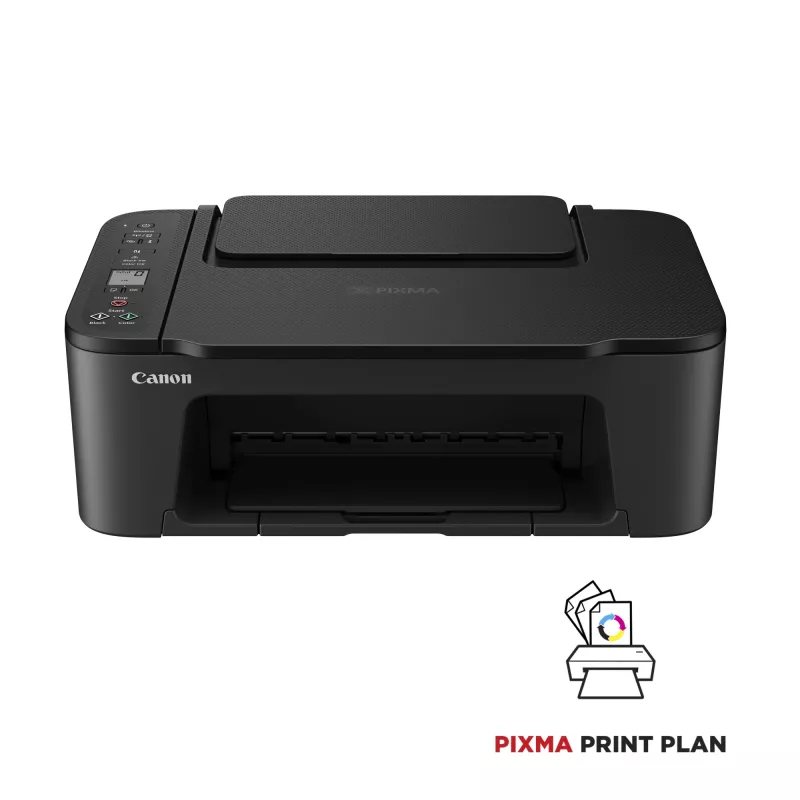
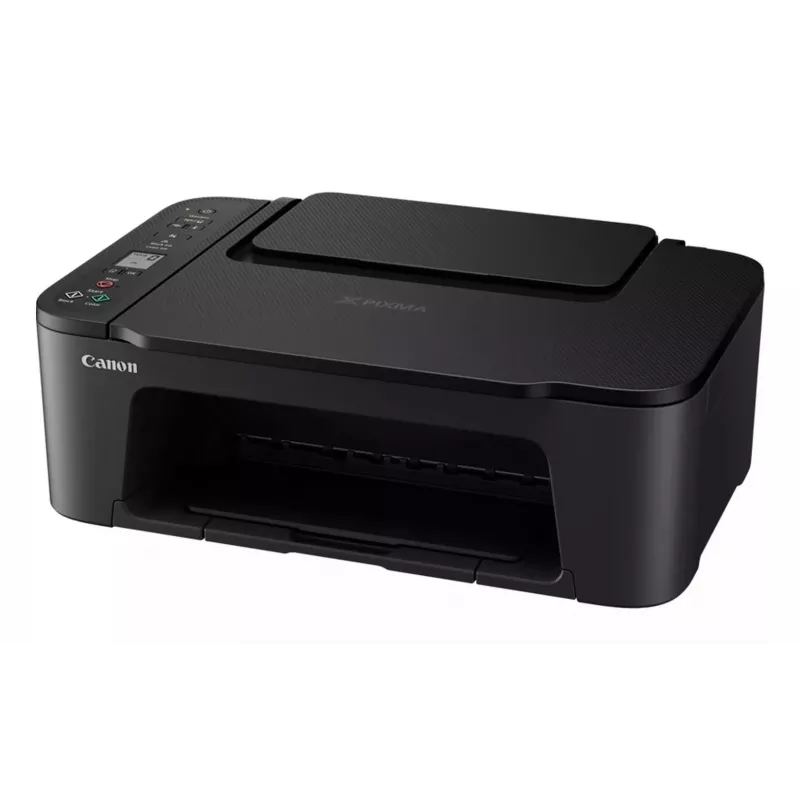
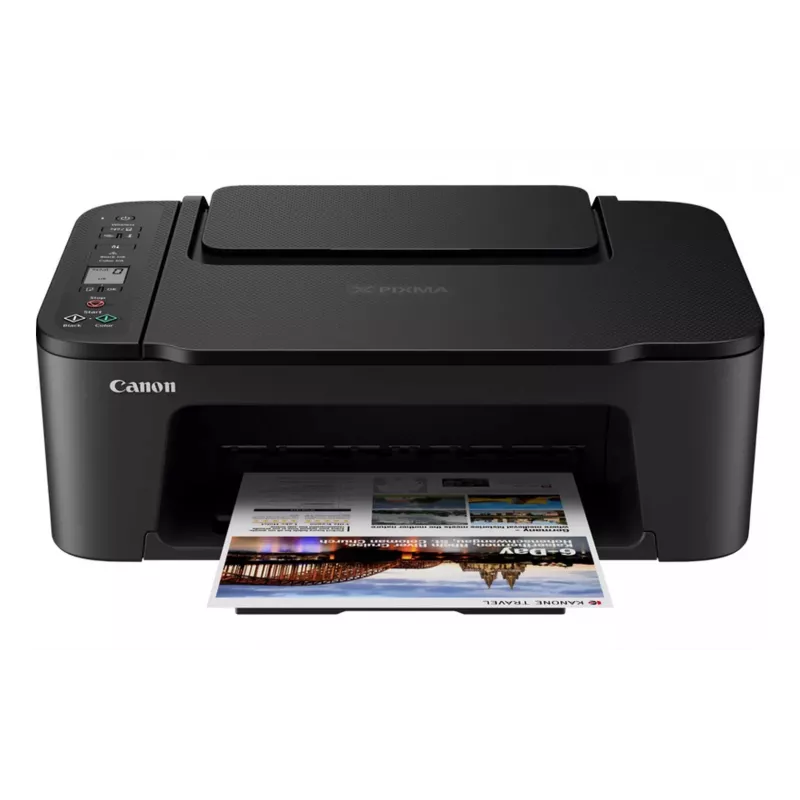
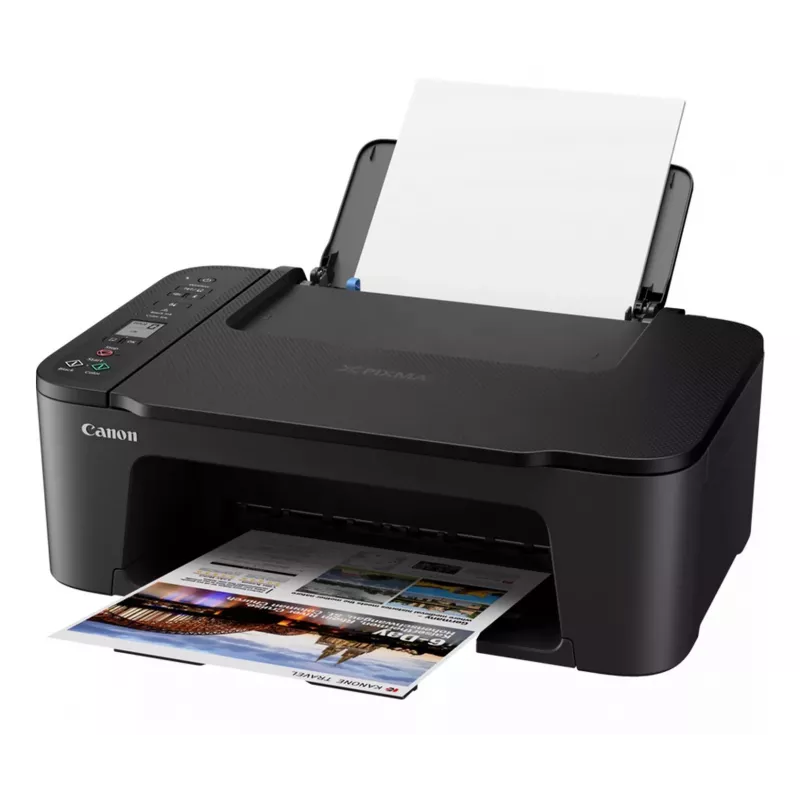
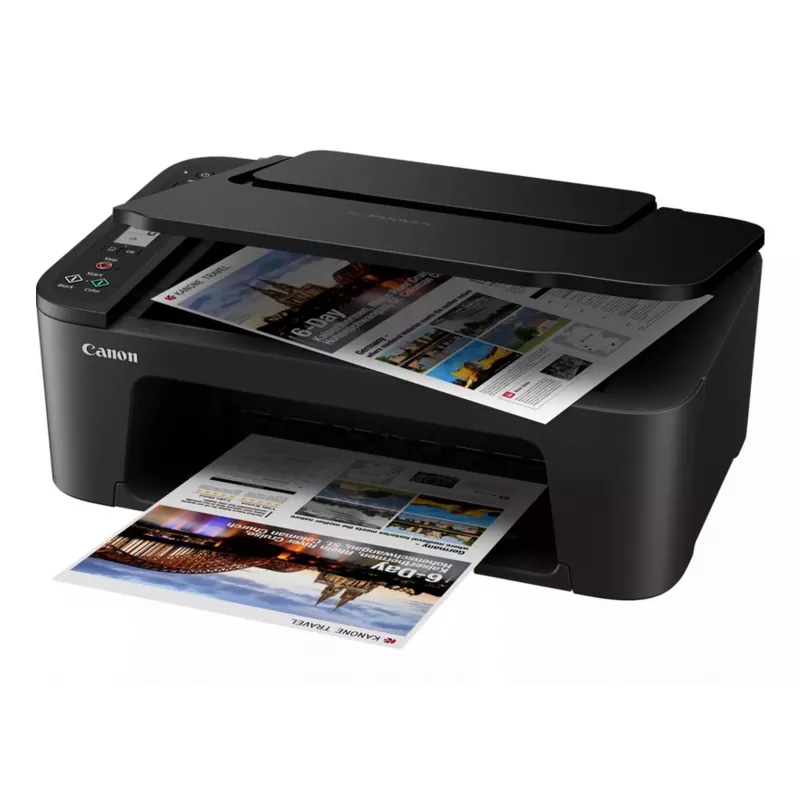
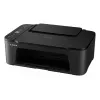
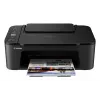
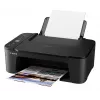
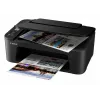
Canon PIXMA TS3550i Inkjet A4 4800 x 1200 DPI Wi-Fi

Canon PIXMA TS3550i Inkjet A4 4800 x 1200 DPI Wi-Fi
89,07 €
The Canon PIXMA TS3550i is a compact 3-in-1 inkjet multifunction device that provides colour printing, scanning and copying for home and small office use. It delivers a maximum print resolution of 4800 x 1200 dpi and an optical scan resolution of 600 x 1200 dpi. The printer supports A4 paper, duplex... Leggi di più
Stock EsauritoNon disponibile Codice 343302 Marca Canon Modello 4977C006 Garanzia 2 anni

Spedizioni e resi

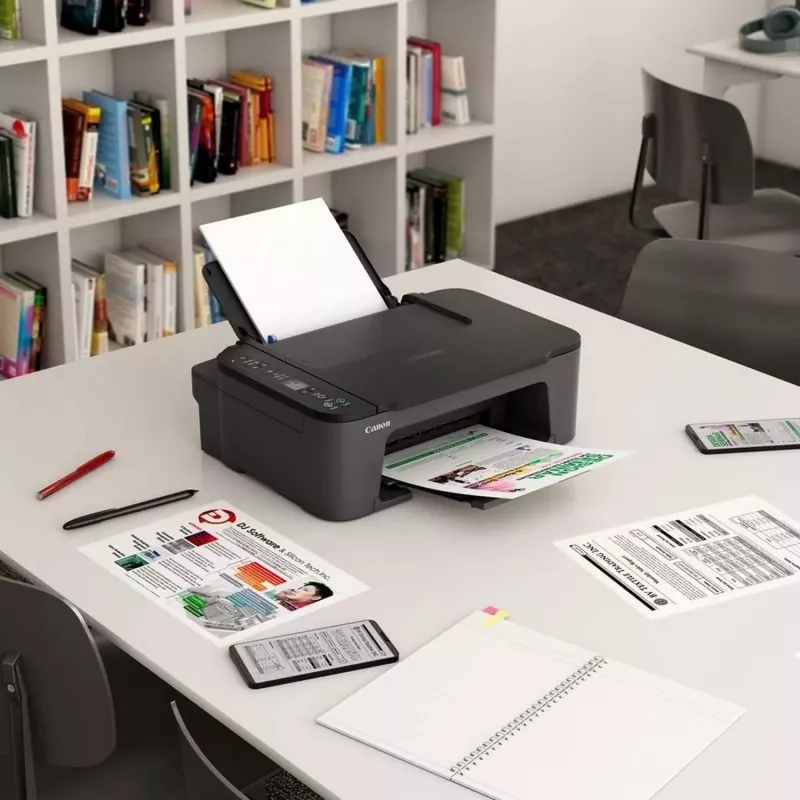
The Canon PIXMA TS3550i is a compact 3-in-1 inkjet multifunction device that provides colour printing, scanning and copying for home and small office use. It delivers a maximum print resolution of 4800 x 1200 dpi and an optical scan resolution of 600 x 1200 dpi. The printer supports A4 paper, duplex printing and built-in Wi‑Fi for easy wireless connection, and is compatible with the PIXMA Print Plan subscription for ink.

Advantages

The PIXMA TS3550i is easy to set up and use, featuring one-touch wireless connections and support for Canon PRINT, AirPrint (iOS) and Mopria (Android). Access Point Mode enables direct device-to-printer connection without a router. It uses FINE ink cartridges for clear text and bright images, and works with Easy-PhotoPrint Editor and Canon Creative Park for simple photo and creative printing. The unit is compact, lightweight (approximately 4 kg) and has a black finish suited to most workspaces.

Suitable for

  • Home users needing an affordable first printer
  • Small offices requiring basic colour printing, scanning and copying
  • Mobile printing from smartphones and tablets
  • Users who want duplex printing on A4 documents

Key specifications

  • Print technology: Inkjet
  • Printing: Colour printing; maximum resolution 4800 x 1200 dpi
  • Copying: Colour copying
  • Scanning: Colour scanning; optical resolution 600 x 1200 dpi
  • Maximum paper size: A4
  • Duplex functions: Print (automatic duplex)
  • Connectivity: Wi‑Fi (built-in); no Ethernet LAN
  • Weight: 4 kg
  • Colour: Black

How to use

Unpack the PIXMA TS3550i and follow the quick start guide to install FINE cartridges and load A4 paper. Connect the printer to your network via the one-touch wireless setup or activate Access Point Mode to connect a device directly. Install the Canon PRINT app on your smartphone or tablet to print, scan and copy remotely, or use AirPrint and Mopria for app-free printing. Use the device control panel or the app to select duplex printing and scan settings; save scanned files to your device or a cloud service as supported.

Recommendations

For best results, use genuine Canon FINE cartridges, keep paper stored flat and dry, and update the printer firmware via Canon support when updates are available. Choose the Canon PRINT app for more printing and scanning options from mobile devices.

Punti salienti
  • Compatible with the PIXMA Print Plan, a monthly subscription to get inks delivered automatically to your door before you run out, with different tariffs available to suit your usage
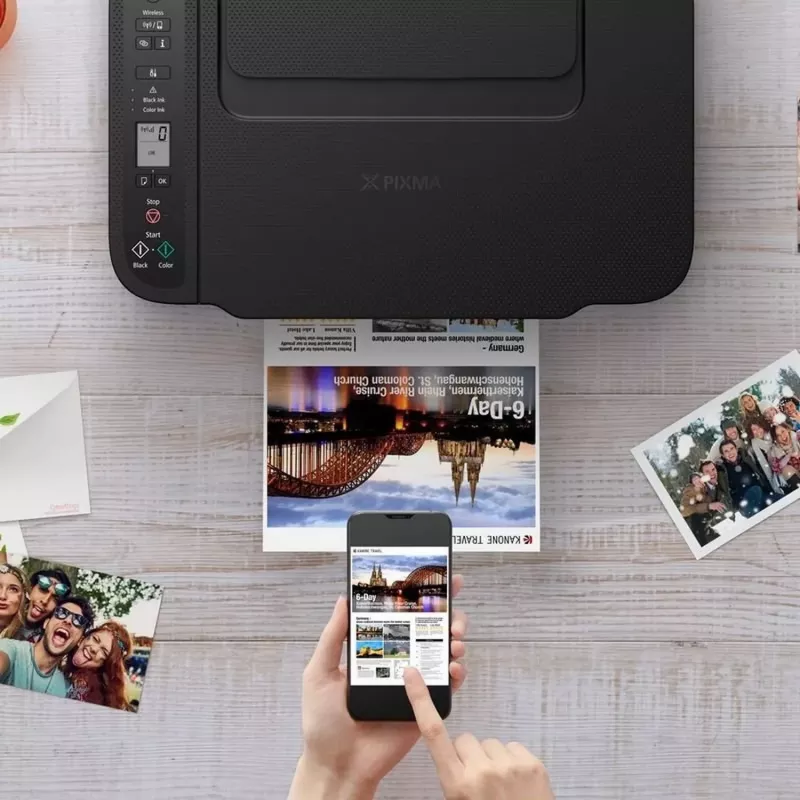
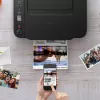
  • Print, copy or scan from your tablet or smartphone using the Canon PRINT app, with wireless compatibility and a clean, simple interface, or print without needing an app using AirPrint (iOS) or Mopria (Android)
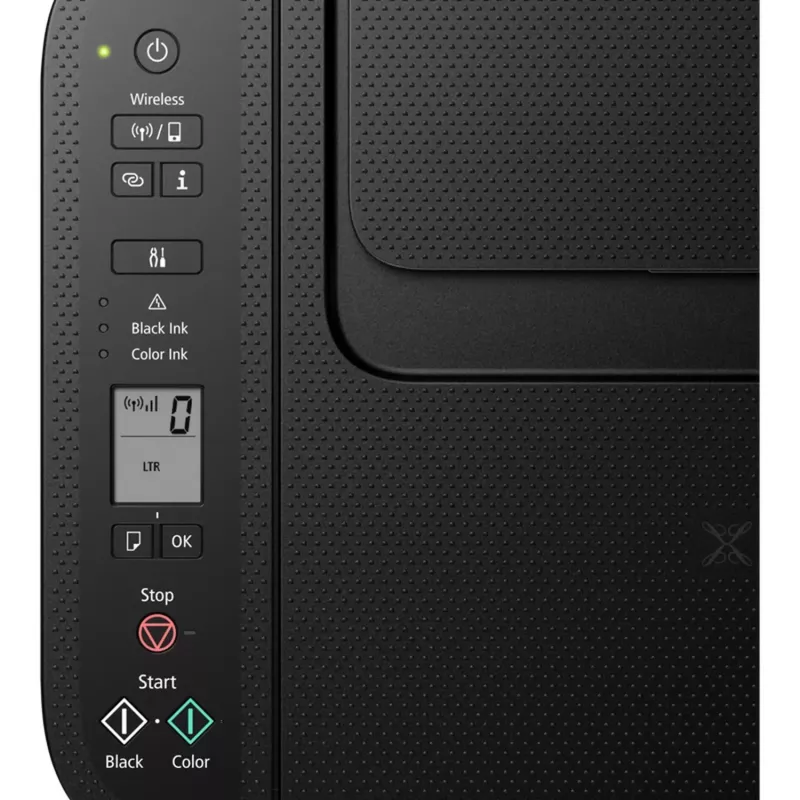
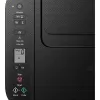
  • Status updates are clearly shown on the 3.8 cm mono segment LCD screen
  • Connect directly to your camera with Wi-Fi PictBridge technology
  • Compatible with Windows, Chrome OS and Mac OS
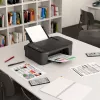
  • With a compact, modern design and excellent value, you can print, scan and copy effortlessly
  • Get up and running in less time than ever with a Wireless Connect button to link to external devices, and an easier setup procedure
  • Versatile rear tray can be loaded with restickable photo paper, magnetic photo paper, square media and various kinds of photo paper for creative projects
  • Print borderless photos up 13 x 18 cm in size; a 10 x 15 cm photo prints in just 65 seconds
  • Home & office Inkjet Colour printing
  • 4800 x 1200 DPI
  • Printing colours: Black, Cyan, Magenta, Yellow
  • A4
  • Colour copying Colour scanning
  • Apple AirPrint, Canon Easy-PhotoPrint, Mopria Print Service, PIXMA Cloud Link
  • USB port Wi-Fi
  • 4 kg
Specifiche
Algoritmi di sicurezza
WEP, WPA-PSK, WPA2-PSK
Altezza
145 mm
Area di scansione massima
216 x 297 mm
Capacità totale di ingresso
60 sheets
Colore del prodotto
Black
Colori di stampa
Black, Cyan, Magenta, Yellow
Consumo energetico (copia)
9 W
Consumo energetico (spento)
0.3 W
Copia
Colour copying
Display
LCD
Display integrato
Yes
Ethernet LAN
No
Formati carta fotografica
10x15,13x18,13x13
Formati carta non ISO
Legal, Letter
Formati serie A ISO (A0...A9)
A4, A5
Formati serie ISO B (B0...B9)
B5
Formati supportati per stampa senza bordi
10x15, 13x18, 13x13
Formato carta massimo serie A ISO
A4
Frequenza di ingresso CA
50 - 60 Hz
Funzione fax
No
Funzioni fronte/retro
Print
Larghezza
435 mm
Larghezza supporto personalizzato
89 - 215.9 mm
Lunghezza supporto personalizzato
127 - 676 mm
Modalità di stampa fronte/retro
Manual
Numero massimo di copie
20 copies
Numero totale di vassoi di ingresso
1
Peso
4 kg
Porta USB
Yes
Porta USB
USB Type-B
Posizionamento sul mercato
Home & office
Profondità
327 mm
Profondità colore in ingresso
16 bit
Profondità colore in uscita
8 bit
Profondità scala di grigi in ingresso
16 bit
Profondità scala di grigi in uscita
8 bit
Ridimensionamento copia
25 - 400%
Risoluzione di scansione ottica
600 x 1200 DPI
Risoluzione massima
4800 x 1200 DPI
Scansione
Colour scanning
Sistemi operativi Mac supportati
Mac OS X 10.13 High Sierra, Mac OS X 10.14 Mojave, Mac OS X 10.15 Catalina, Mac OS X 10.15.3 Catalina, Mac OS X 10.2 Jaguar, Mac OS X 10.3 Panther, Mac OS X 10.4 Tiger, Mac OS X 10.5 Leopard, Mac OS X 10.6 Snow Leopard, Mac OS X 10.7 Lion, Mac OS X 10.7.5 Lion, Mac OS X 10.8 Mountain Lion, Mac OS X 10.9 Mavericks, Mac OS X 11.0 Big Sur, Mac OS X 12.0 Monterey, Mac OS X 13.0 Ventura
Sistemi operativi mobili supportati
Android, iOS
Sistemi operativi Windows supportati
Windows 10, Windows 11, Windows 8.1
Stampa
Colour printing
Stampa fronte/retro
Yes
Stampa senza bordi
Yes
Standard Wi-Fi
802.11b, 802.11g, Wi-Fi 4 (802.11n)
Tecnologia di scansione
CIS
Tecnologia di stampa
Inkjet
Tecnologie di stampa mobile
Apple AirPrint, Canon Easy-PhotoPrint, Mopria Print Service, PIXMA Cloud Link
Temperatura di esercizio (T-T)
15 - 30 °C
Tensione di ingresso CA
100 - 240 V
Tipi di supporto vassoio carta
Photo paper, Plain paper
Tipo di scanner
Flatbed scanner
Umidità relativa di esercizio (H-H)
10 - 80%
Velocità di stampa (ISO/IEC 24734) a colori
4 ipm
Velocità di stampa (ISO/IEC 24734) monocromatica
7.7 ipm
Wi-Fi
Yes

Manuale

Apri documento

Brochure

Apri documento
Lo storico prezzi non è ancora disponibile
Stiamo ancora raccogliendo dati giornalieri sufficienti sui prezzi per questo prodotto.

Prodotti più popolari in questa categoria

Venditore: UAB KUR LT · Laisvės pr. 125A, LT-06118 Vilnius, Lituania · Codice società 303192950 · Partita IVA UE LT100008198612 · Spedizione dall'UE (Lituania)
Ciao, sono l'assistente AI di DistriNode. Posso aiutarti a trovare prodotti, confrontare le opzioni, creare preventivi in PDF o aprire richieste di assistenza.