
Account Contatti
Il tuo carrello
Spedizione DPD & FedEx
Serve aiuto? Chiedi all'AI

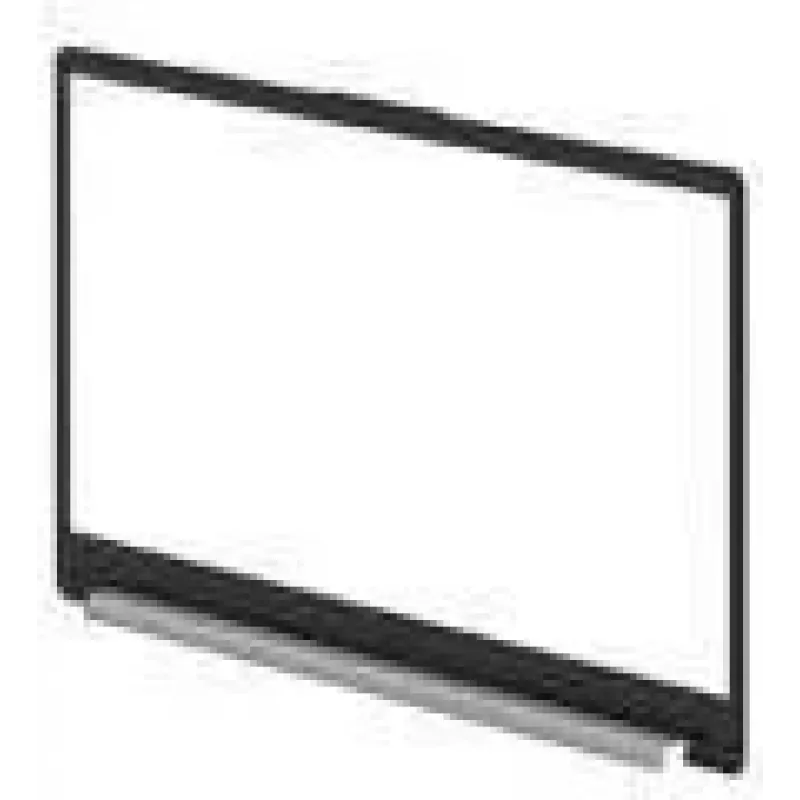
HP N36078-001 ricambio per laptop mascherina

HP N36078-001 ricambio per laptop mascherina
124,94 €
The HP N36078-001 bezel is a replacement display bezel designed specifically for the HP 15-fc0000 laptop model. Finished in silver, this bezel restores the original frame around the screen, protects the display edges from dust and impact, and improves the overall appearance of the device. Made to ma... Leggi di più
Stock EsauritoNon disponibile Codice 1531390 Marca HP Modello N36078-001 Garanzia 2 anni

Spedizioni e resi

The HP N36078-001 bezel is a replacement display bezel designed specifically for the HP 15-fc0000 laptop model. Finished in silver, this bezel restores the original frame around the screen, protects the display edges from dust and impact, and improves the overall appearance of the device. Made to match the shape and mounting points of the 15-fc0000, it offers a direct-fit option for repair or refurbishment projects.

Advantages

This silver bezel provides a precise fit for the HP 15-fc0000, maintaining correct alignment with the screen and hinge mounts while preserving access to any integrated camera opening. Constructed from durable material, it helps protect the LCD panel edges and contributes to a neat, factory-like finish after replacement. The consistent colour and contours are intended to blend with the laptop chassis for a uniform look.

Suitable for

  • Repairing cosmetic damage around the screen area on HP 15-fc0000 laptops
  • Replacing cracked or warped display frames to restore structural stability
  • Refurbishment projects where matching exterior appearance is required
  • Maintenance tasks that require removal and reinstallation of the screen assembly

Key specifications

  • Compatibility: HP 15-fc0000 laptop model
  • Colour: Silver
  • Part type: Display bezel (front frame for laptop screen)
  • Material: Rigid plastic (designed for durability and lightweight protection)
  • Fit: Direct replacement with matching mounting points and cutouts for camera/hinges

How to use

Power off the laptop, disconnect power and any batteries where applicable, then open the lid to access the existing bezel. Carefully remove the damaged bezel by releasing the retained clips or screws according to the laptop’s disassembly procedure, taking care to avoid damage to the LCD and cables. Align the HP N36078-001 bezel with the screen and hinge mounts, ensuring all clips and screw holes match, then secure it in place by reinstalling screws or pressing clips until fully seated. Reconnect power and verify that the display and any integrated camera function correctly after installation.

Recommendations

Use appropriate ESD precautions and the correct tools for laptop disassembly. Follow manufacturer or service manual instructions for the HP 15-fc0000 to avoid voiding warranties or damaging internal components. If unsure about the replacement process, consider professional installation to ensure proper fit and function.

Punti salienti
  • Repairing cosmetic damage around the screen area on HP 15-fc0000 laptops
  • Replacing cracked or warped display frames to restore structural stability
  • Refurbishment projects where matching exterior appearance is required
  • Maintenance tasks that require removal and reinstallation of the screen assembly
  • Compatibility: HP 15-fc0000 laptop model
  • Colour: Silver
  • Part type: Display bezel (front frame for laptop screen)
  • Material: Rigid plastic (designed for durability and lightweight protection)
  • Fit: Direct replacement with matching mounting points and cutouts for camera/hinges
Specifiche
Colore del prodotto
Silver
Compatibilità
15-fc0000
Marche compatibili
HP
Quantità per confezione
1 pc(s)
Tipo
Bezel

Brochure

Apri documento
Lo storico prezzi non è ancora disponibile
Stiamo ancora raccogliendo dati giornalieri sufficienti sui prezzi per questo prodotto.
Ciao, sono l'assistente AI di DistriNode. Posso aiutarti a trovare prodotti, confrontare le opzioni, creare preventivi in PDF o aprire richieste di assistenza.