
Account Contatti
Il tuo carrello
Spedizione DPD & FedEx
Serve aiuto? Chiedi all'AI

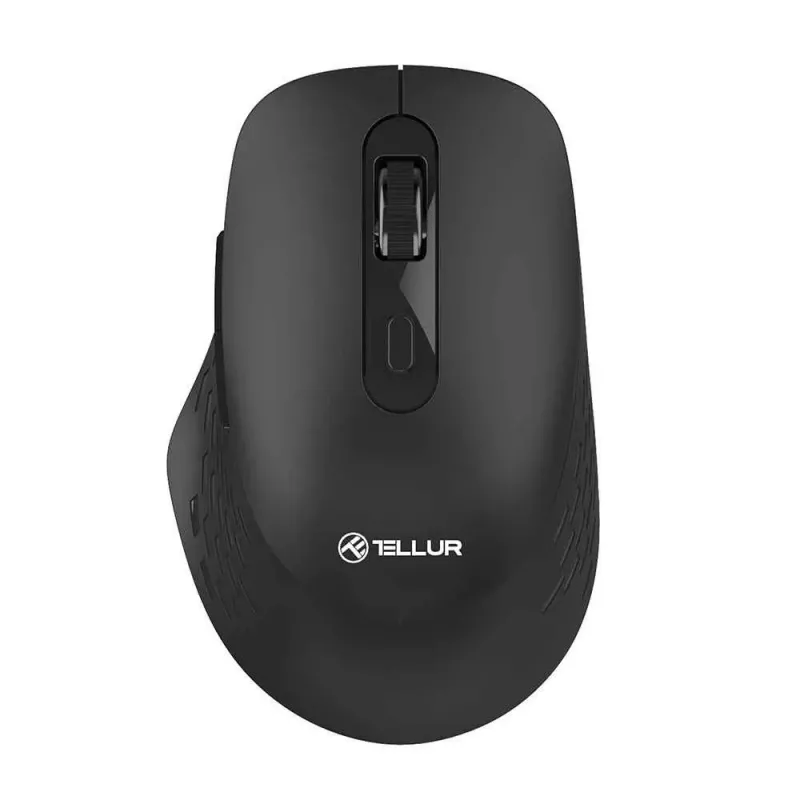
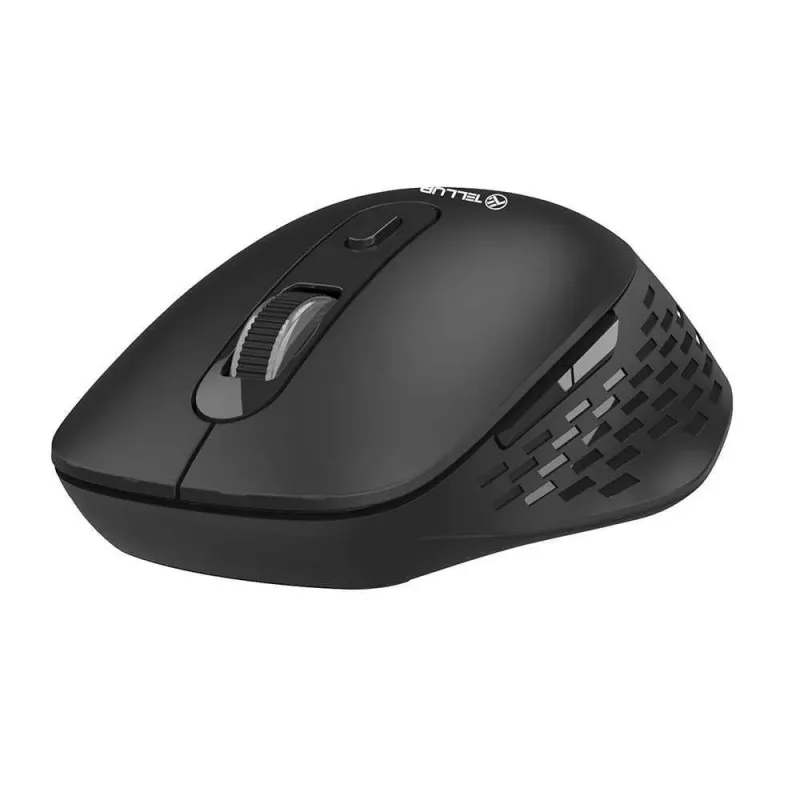
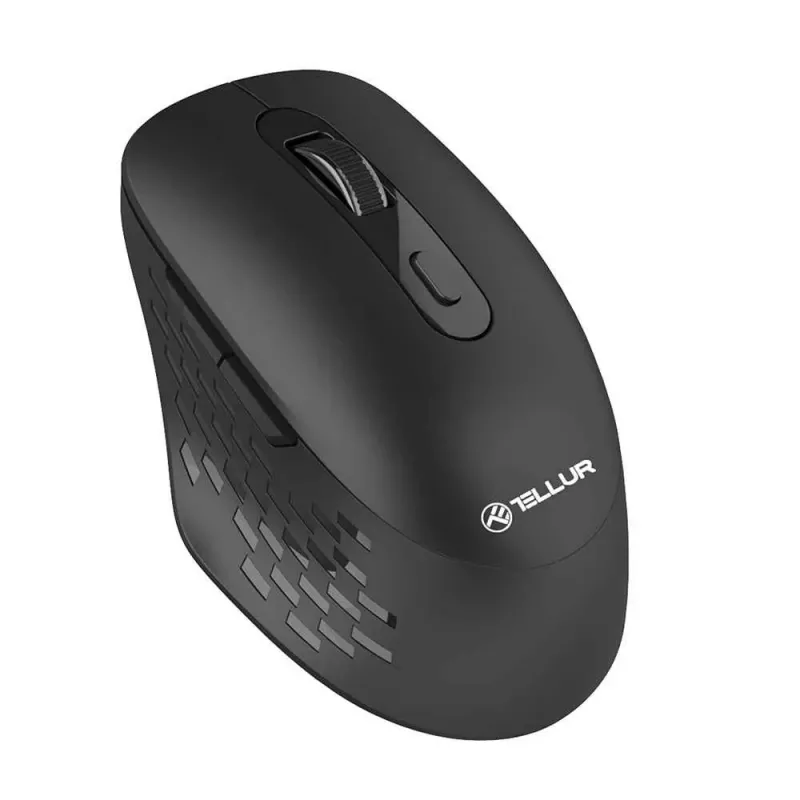
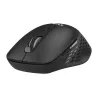
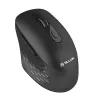
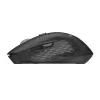
Mouse wireless Tellur Glider TLL491371 USB

Mouse wireless Tellur Glider TLL491371 USB
12,58 €
PDF
PDF
Stock EsauritoNon disponibile Codice 1197598 Modello TLL491371 Garanzia 2 anni

Spedizioni e resi

Fai una domanda – l'assistente AI risponde subito.

Descrizione

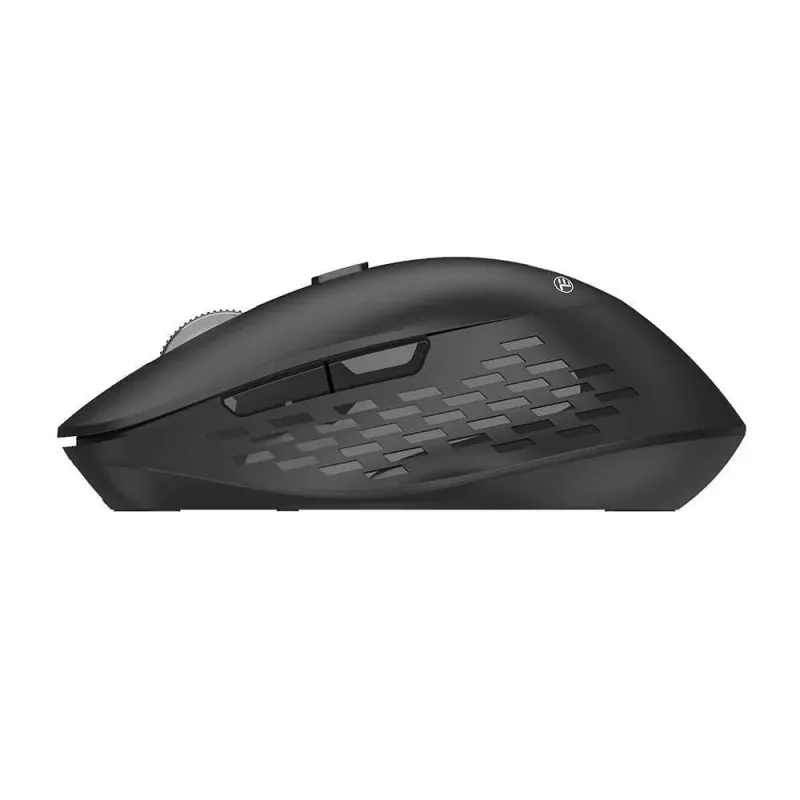
The Tellur Glider TLL491371 is a compact wireless office mouse designed for right-handed use. It combines an ergonomic shape with dual-mode wireless connectivity (Bluetooth 5.0 and 2.4 GHz RF via USB receiver) for stable pairing across laptops, desktops and tablets. The mouse offers silent clicks, forward and back navigation buttons and three-step DPI selection (800 / 1200 / 1600 DPI) for precise pointer control during extended use.

Advantages

The mouse provides a comfortable grip that reduces strain during long work sessions and supports both Bluetooth and a 2.4 GHz USB receiver for versatile device compatibility. Silent click switches reduce noise in quiet environments, and dedicated forward/back buttons speed up document and web navigation. Lightweight construction and battery operation on two AAA cells make it portable and easy to replace power when needed.

Suitable for

  • Office productivity tasks (documents, spreadsheets, email)
  • Web browsing and navigation
  • Portable setups with laptops or tablets

Key specifications

  • Type: Office
  • Buttons: 6 (includes forward and back)
  • Sensor resolution: 800 / 1200 / 1600 DPI
  • Programmable buttons: No
  • Wireless connection: RF 2.4 GHz (USB receiver) and Bluetooth 5.0
  • Power supply: 2x AAA batteries
  • Lighting: No
  • Weight adjustment: No
  • Handedness: Right
  • Dimensions: 10.8 x 6.9 x 4 cm
  • Weight: 60 g
  • Color: Black

How to use

Insert two AAA batteries into the mouse, switch it on and select the preferred connection mode. For RF 2.4 GHz connection, plug the included USB receiver into your computer and the mouse should pair automatically. For Bluetooth, enable Bluetooth on your device, put the mouse into pairing mode and select it from the device list. Use the DPI button to cycle through 800, 1200 and 1600 DPI settings. Use the forward and back buttons for easy web and document navigation.

Recommendations

For best battery life, turn the mouse off when not in use and remove the USB receiver from the computer only when necessary. Keep the sensor area clean and use on a flat surface for optimal tracking.
Punti salienti
  • Office productivity tasks (documents, spreadsheets, email)
  • Web browsing and navigation
  • Portable setups with laptops or tablets
  • Type: Office
  • Buttons: 6 (includes forward and back)
  • Sensor resolution: 800 / 1200 / 1600 DPI
  • Programmable buttons: No
  • Wireless connection: RF 2.4 GHz (USB receiver) and Bluetooth 5.0
  • Power supply: 2x AAA batteries
  • Lighting: No
  • Weight adjustment: No
  • Handedness: Right
  • Dimensions: 10.8 x 6.9 x 4 cm
  • Weight: 60 g
  • Color: Black
Storico prezzi degli ultimi 6 mesi
Mouse wireless Tellur Glider TLL491371 USB
Attuale
12,58 €
Minimo 7 gg
12,58 €
Massimo 7 gg
12,58 €
Variazione 24 h
0,00 €   0%
Variazione 7 gg
-0,00 €   0%
Variazione 30 gg
-0,00 €   0%

Scrivi una recensione

Valutazione *
Il tuo nome sarà mostrato pubblicamente – puoi usare un nickname. Invitiamo gli acquirenti a scrivere recensioni; le controlliamo prima della pubblicazione e pubblichiamo anche quelle critiche.

Altri prodotti TELLUR in questa categoria

12

Prodotti più popolari in questa categoria

8
Venditore: UAB KUR LT · Gariūnų g. 57-14, LT-02300 Vilnius, Lituania · Codice società 303192950 · Partita IVA UE LT100008198612 · Spedizione dall'UE (Lituania)
WhatsApp
Messenger
Ciao, sono l'assistente AI di DistriNode. Posso aiutarti a trovare prodotti, confrontare le opzioni, creare preventivi in PDF o aprire richieste di assistenza.
Tutte le categorie