
Account Contatti
Il tuo carrello
Spedizione DPD & FedEx
Serve aiuto? Chiedi all'AI

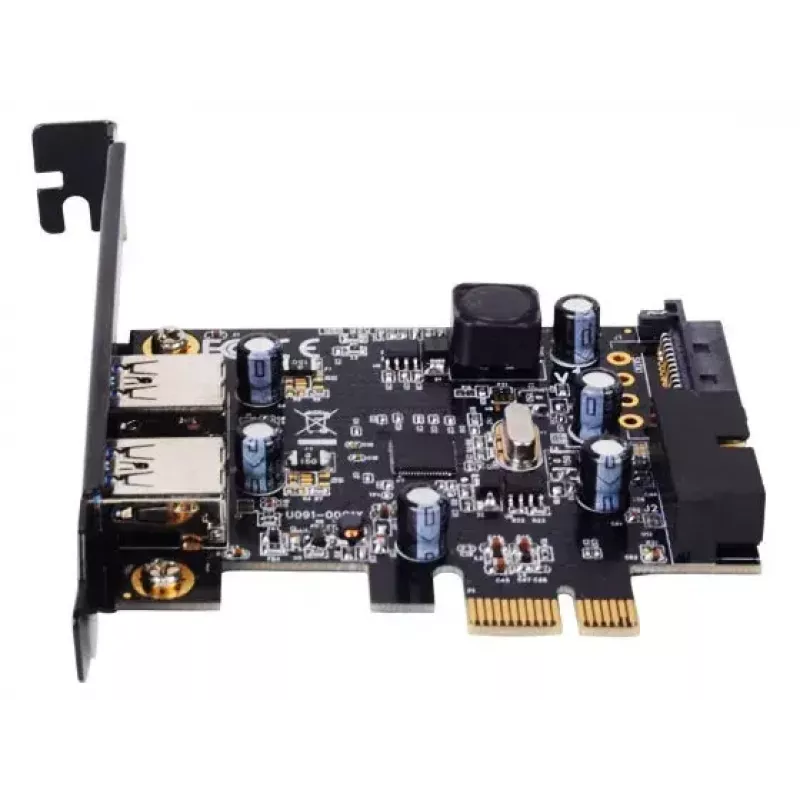
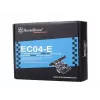
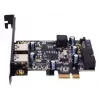
Scheda interfaccia Silverstone EC04-E USB 3.2 Gen 1 interno

Scheda interfaccia Silverstone EC04-E USB 3.2 Gen 1 interno
35,88 €
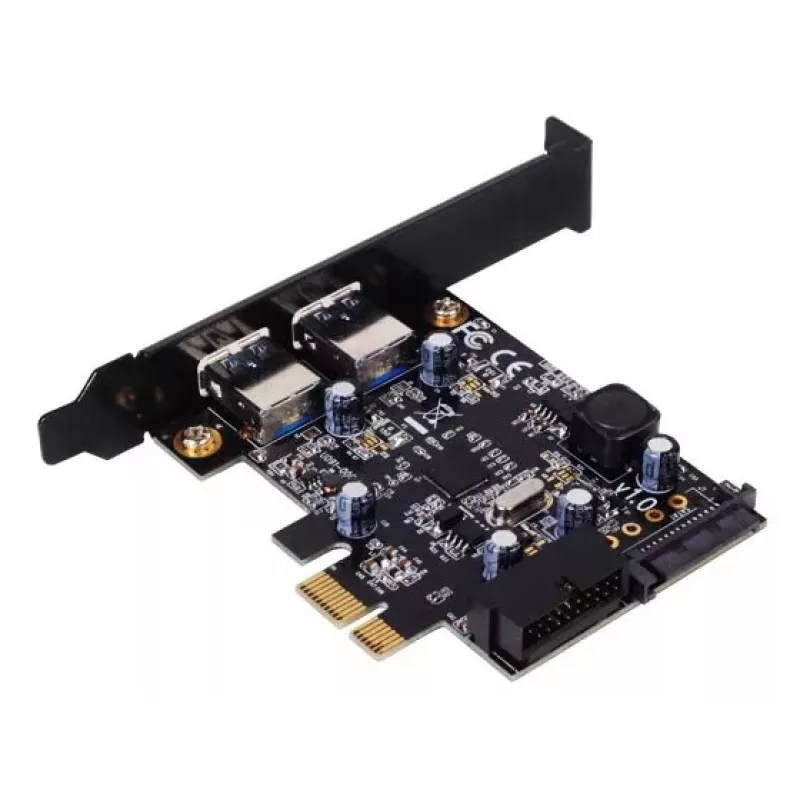
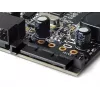
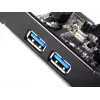
The SilverStone EC04-E is an internal interface card that expands a desktop system with USB 3.2 Gen 1 connectivity via a PCI Express x1 slot. The card provides two external Type-A USB 3.0 ports and one dual-port internal USB 3.0 connector, delivering up to 5 Gbit/s throughput and compatibility with ... Leggi di più
Stock 2 Codice 308333 Marca SilverStone Modello SST-EC04-E Garanzia 2 anni

Spedizioni e resi

Consegna stimata Venerdì, Ottobre 16
Ti terremo aggiornato tramite il nostro sistema di tracciamento dettagliato
Opzioni di pagamento
Carta di credito/debitoVisaMastercardPayPalApple PayGoogle PayBonifico bancario

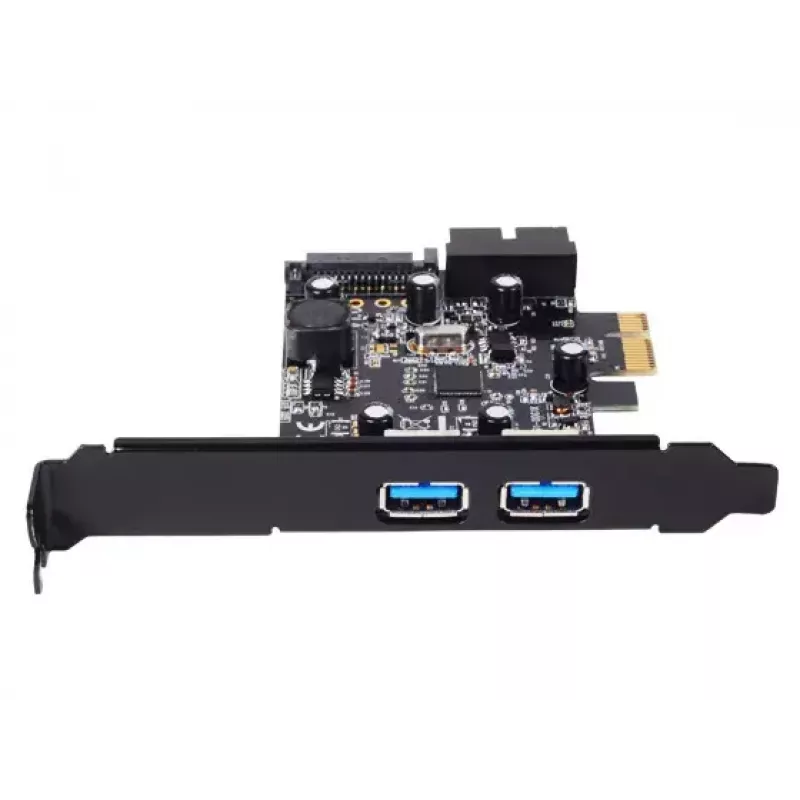
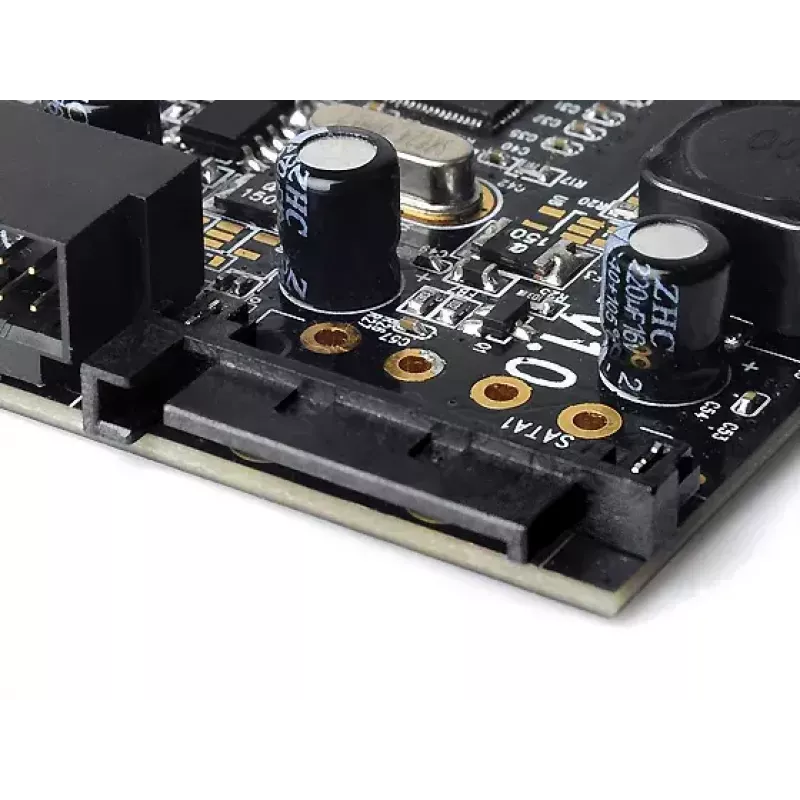
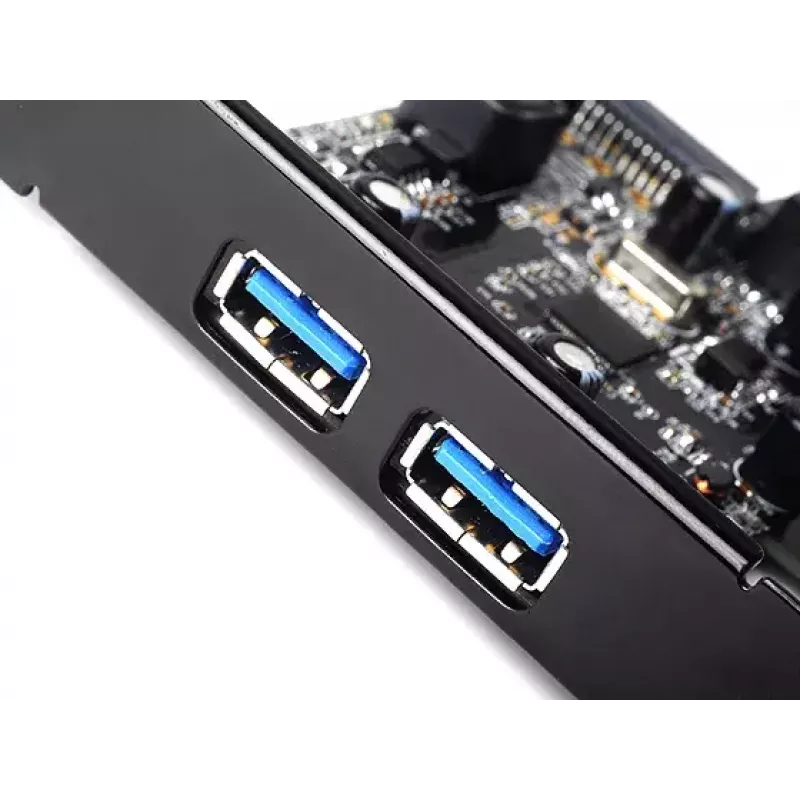
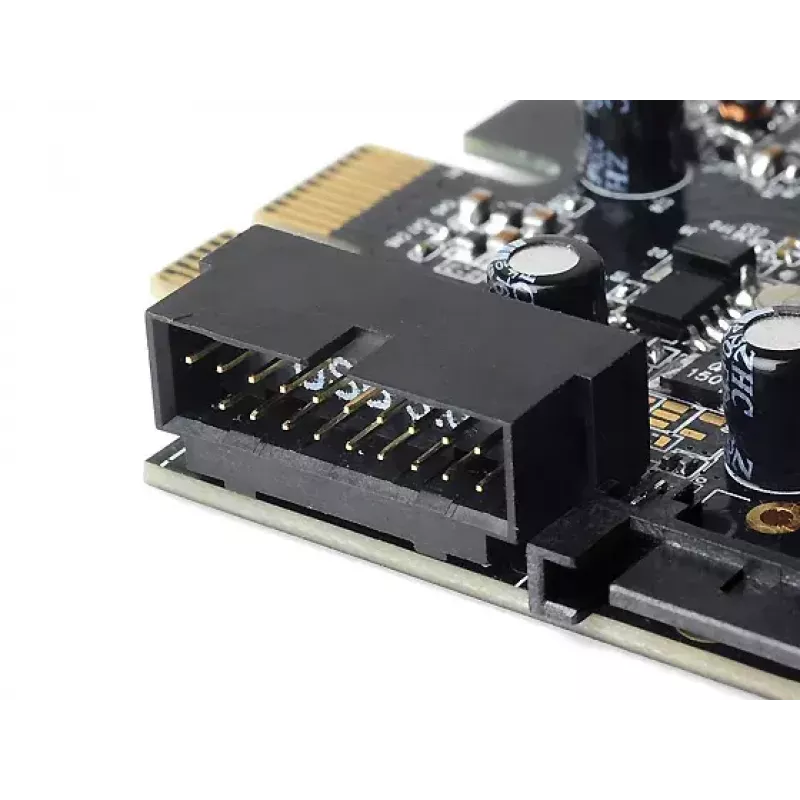
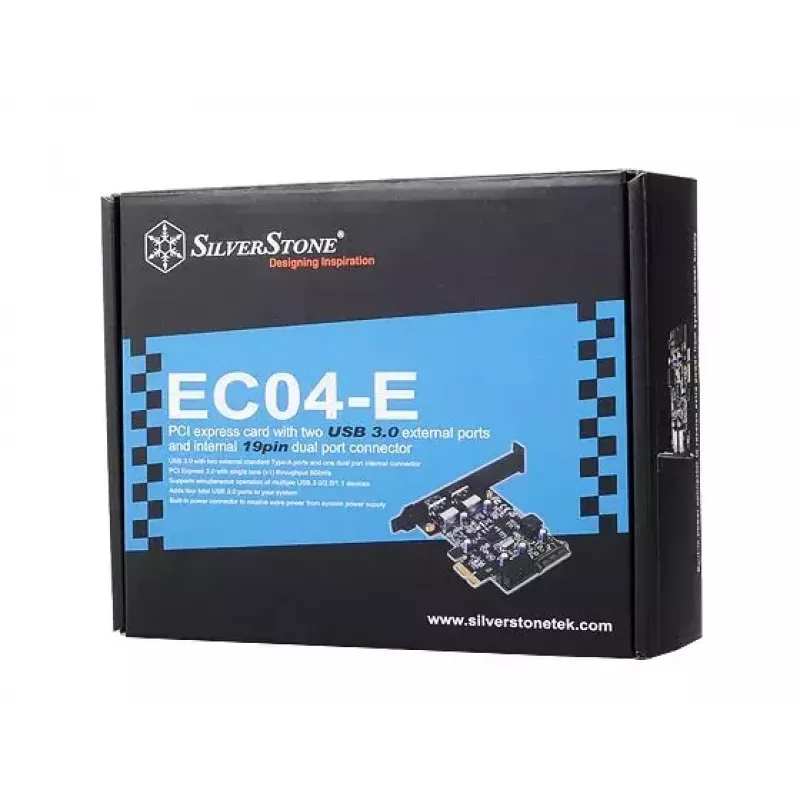
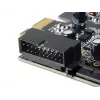
The SilverStone EC04-E is an internal interface card that expands a desktop system with USB 3.2 Gen 1 connectivity via a PCI Express x1 slot. The card provides two external Type-A USB 3.0 ports and one dual-port internal USB 3.0 connector, delivering up to 5 Gbit/s throughput and compatibility with USB 3.0/2.0/1.1 devices. It is designed for use with standard ATX systems and can receive additional power from the system power supply when required.

Advantages

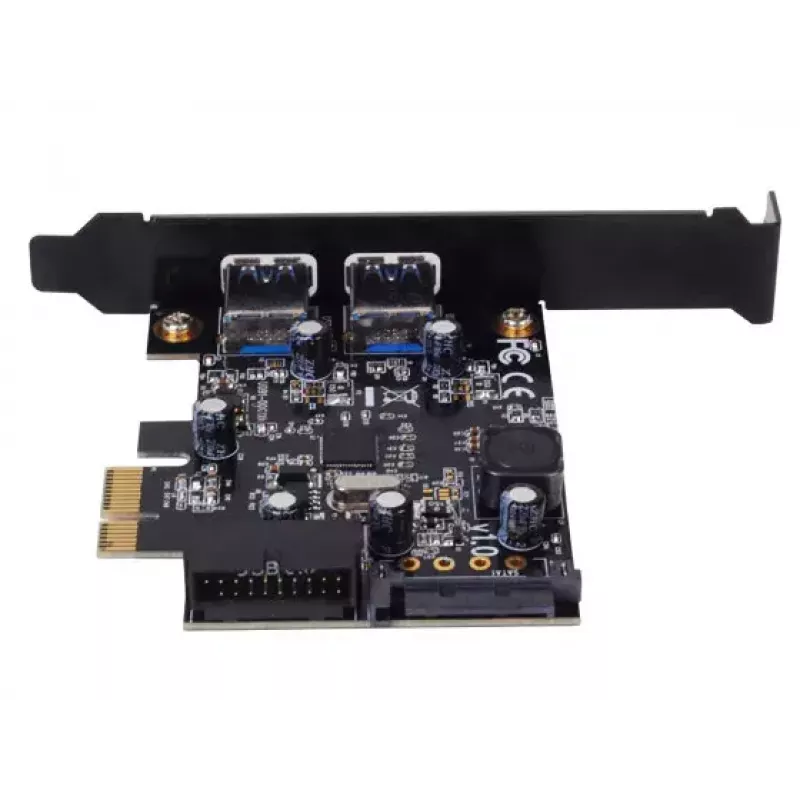
The card adds four USB 3.0 ports to a system — two external and two via the internal dual-port connector — using a PCIe 2.0 x1 interface with up to 5 Gbit/s bandwidth. It supports simultaneous operation of multiple USB devices and features a compact black design that fits most desktop motherboards. A built-in power connector allows the EC04-E to draw extra power from the power supply for reliable performance with power-hungry peripherals.

Suitable for

  • Adding external USB 3.0 ports to desktop PCs
  • Connecting multiple USB 3.0/2.0/1.1 devices simultaneously
  • Using with external USB 3.0 enclosures and docking solutions

Key specifications

  • Host interface: PCIe (PCI Express 2.0, x1)
  • Output interface: USB 3.2 Gen 1 (USB 3.0), Type-A ports
  • External ports: 2 × Type-A USB 3.0
  • Internal connector: 1 × dual-port internal USB 3.0 header
  • Maximum throughput: 5 Gbit/s (per PCIe x1 2.0 lane)
  • Product colour: Black
  • Model / MPN: SST-EC04-E
  • EAN: 4710007220573

How to use

Shut down the computer and disconnect power before installation. Insert the EC04-E into an available PCIe x1 slot on the motherboard and secure it to the case. If connecting internal devices that require front-panel or enclosure USB headers, plug the internal dual-port USB 3.0 cable to the corresponding header on supported enclosures. Connect the optional power cable from the system power supply to the card when additional power is needed. After reassembling the system, power on and install any required drivers for your operating system if they are not automatically provided.

Recommendations

Install the card in a PCIe x1 slot; if only longer PCIe slots are available, the card is compatible but ensure it is properly seated. Use the built-in power connector when connecting multiple high-power USB devices or 3.5" USB-powered enclosures to ensure stable operation.
Punti salienti
  • Adding external USB 3.0 ports to desktop PCs
  • Connecting multiple USB 3.0/2.0/1.1 devices simultaneously
  • Using with external USB 3.0 enclosures and docking solutions
  • Host interface: PCIe (PCI Express 2.0, x1)
  • Output interface: USB 3.2 Gen 1 (USB 3.0), Type-A ports
  • External ports: 2 × Type-A USB 3.0
  • Internal connector: 1 × dual-port internal USB 3.0 header
  • Maximum throughput: 5 Gbit/s (per PCIe x1 2.0 lane)
  • Product colour: Black
  • Model / MPN: SST-EC04-E
  • EAN: 4710007220573
Specifiche
Codice Sistema Armonizzato (HS)
84733020
Colore del prodotto
Black
Interfaccia di uscita
USB 3.2 Gen 1 (3.1 Gen 1)
Interfaccia host
PCIe
Interno
Yes
Numero di porte USB 3.2 Gen 1 (3.1 Gen 1) interne
1
Numero di porte USB 3.2 Gen 1 (3.1 Gen 1) Type-A
2
Sistemi operativi Windows supportati
Windows 8 Pro, Windows XP Professional x64, Windows 8 x64, Windows Vista Business, Windows Vista Business x64, Windows Vista Enterprise, Windows Vista Enterprise x64, Windows Vista Home Basic, Windows Vista Home Basic x64, Windows Vista Home Premium, Windows Vista Home Premium x64, Windows Vista Ultimate, Windows Vista Ultimate x64, Windows XP Home, Windows XP Home x64, Windows XP Professional, Windows 8 Enterprise x64, Windows 7 Home Basic, Windows 7 Home Basic x64, Windows 7 Home Premium, Windows 7 Home Premium x64, Windows 7 Professional, Windows 7 Professional x64, Windows 7 Starter, Windows 7 Starter x64, Windows 7 Ultimate, Windows 7 Ultimate x64, Windows 8, Windows 8 Enterprise, Windows 8 Pro x64
Velocità di trasferimento dati (max.)
5 Gbit/s
Storico prezzi degli ultimi 6 mesi
Scheda interfaccia Silverstone EC04-E USB 3.2 Gen 1 interno
Attuale
35,88 €
Minimo
35,20 €
Massimo
37,50 €
Variazione 24 h
+0,47 €   +1%
Settimana
+0,54 €   +2%
Mese
+0,60 €   +2%

Prodotti più popolari in questa categoria

Ciao, sono l'assistente AI di DistriNode. Posso aiutarti a trovare prodotti, confrontare le opzioni, creare preventivi in PDF o aprire richieste di assistenza.