
Account Contatti
Il tuo carrello
Spedizione DPD & FedEx
Serve aiuto? Chiedi all'AI

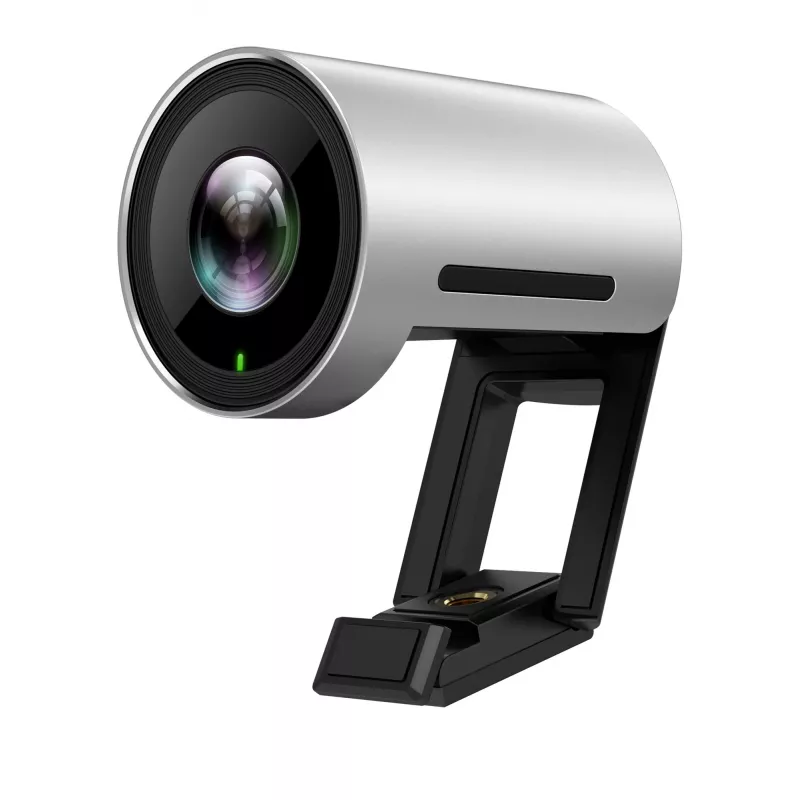
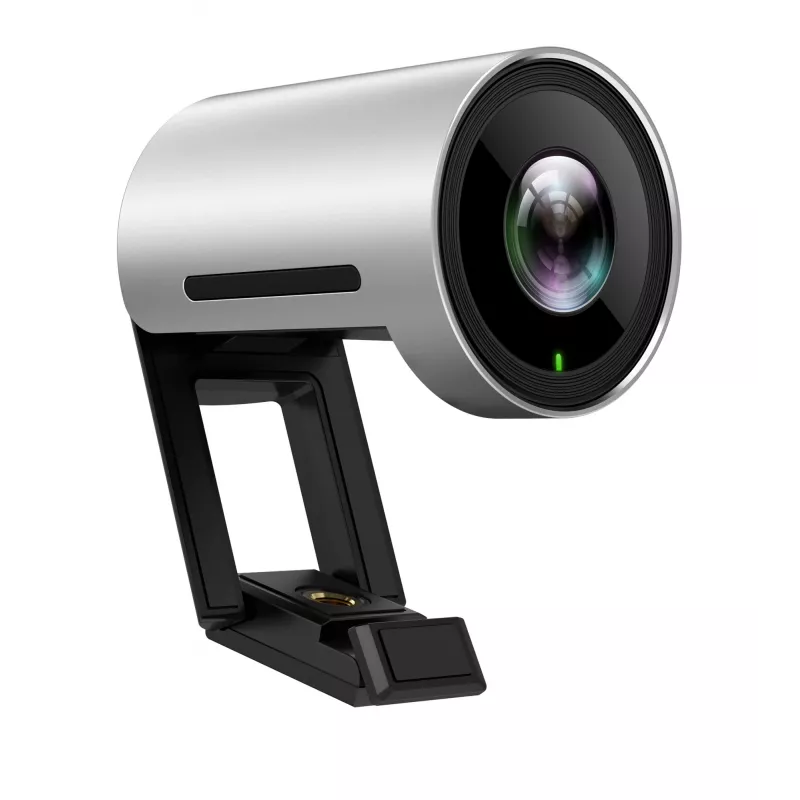
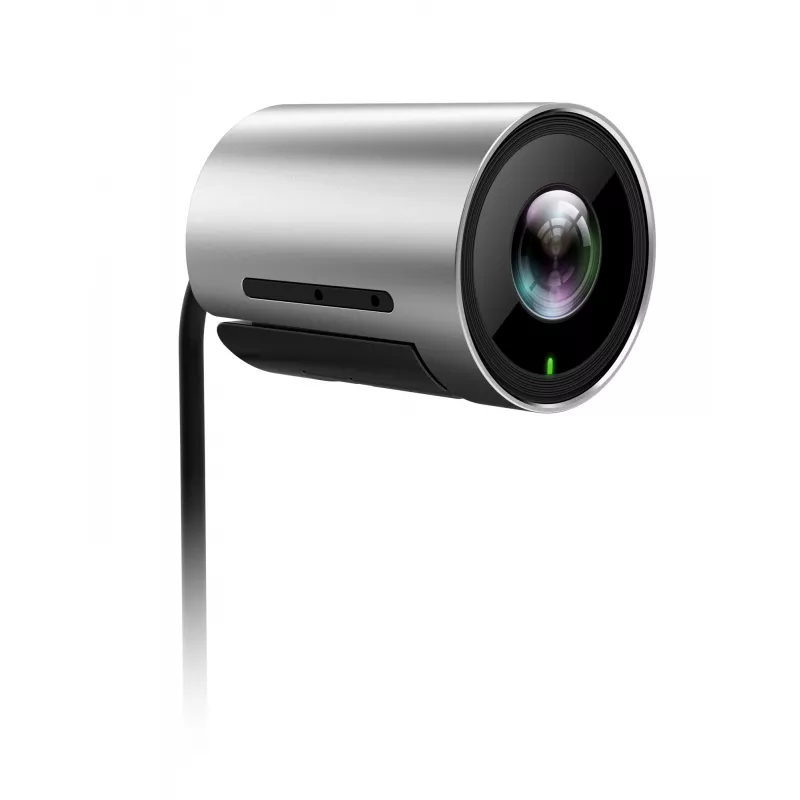
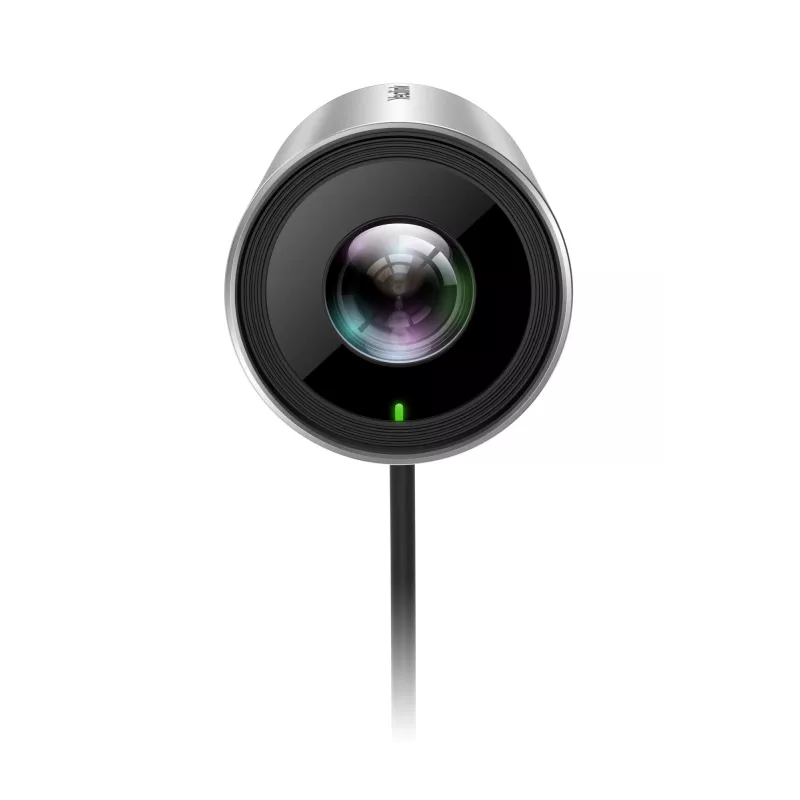
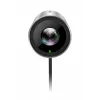
Webcam Yealink UVC30 8.51 MP USB 3.2 Gen 1 nero argento

Webcam Yealink UVC30 8.51 MP USB 3.2 Gen 1 nero argento
326,63 €
Smart Framing 4K USB Camera for Meeting RoomsYealink UVC30 Room is a premium USB camera designed for small and huddle meeting rooms. Offering sharp images and accurate color reproduction, it provides a vivid face-to-face and remarkable video meeting experience in ultra HD 4K resolution and high fram... Leggi di più
Stock EsauritoNon disponibile Codice 2407208 Marca Yealink Modello 1306003 Garanzia 2 anni

Spedizioni e resi

Smart Framing 4K USB Camera for Meeting Rooms
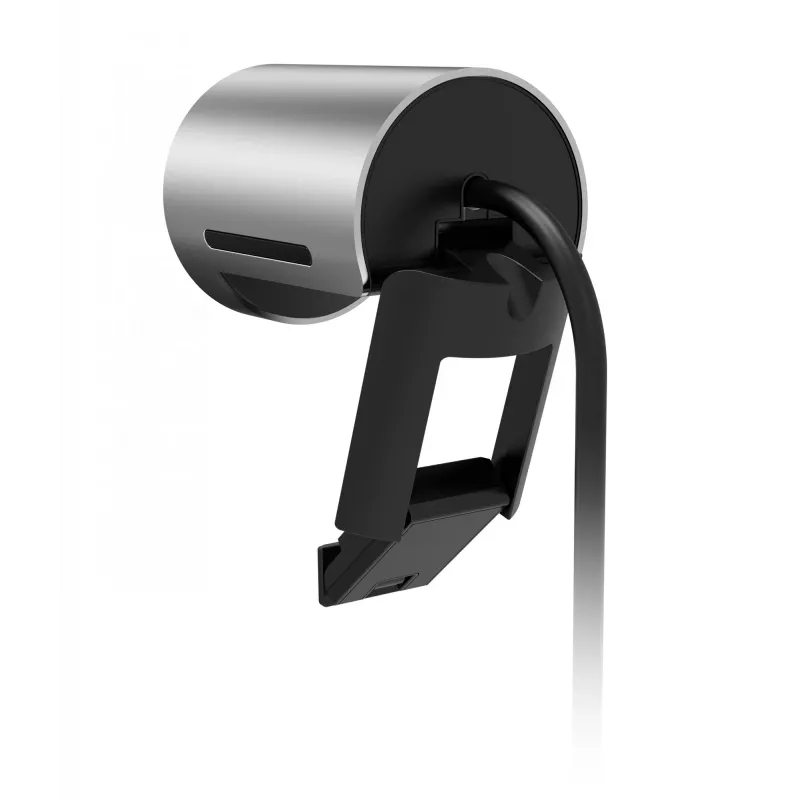
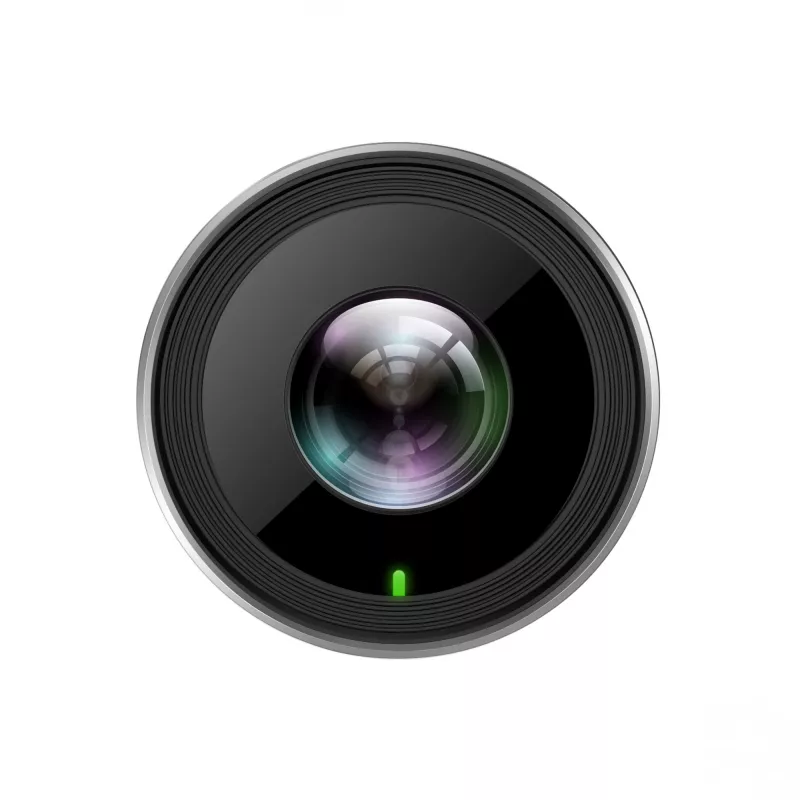
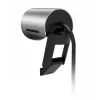
Yealink UVC30 Room is a premium USB camera designed for small and huddle meeting rooms. Offering sharp images and accurate color reproduction, it provides a vivid face-to-face and remarkable video meeting experience in ultra HD 4K resolution and high frame rates. A wide FOV ensures everyone sitting around the table is visible during a meeting that perfectly suits small and huddle meeting rooms. Based on facial detection, it supports an auto framing feature to accomplish a much more intelligent meeting experience. With a flexible clip, UVC30 Room supports multiple mounting options.

Superb image quality
UVC30 Room delivers a best-class image quality with natural color reproduction, smooth video and detail, endeavoring to optimize the meeting experience for users. UVC30 Room also supports multiple resolutions, including 4K/30FPS, 1080P/30FPS, 720P/30FPS adapt to different displays and applications.

Smooth and correct auto-framing, API for data analysis
Based on face detection, UVC30 Room is capable of an auto-framing feature to frame people in the room smoothly and correctly, bringing a more intelligent meeting experience for users. With API developed, statistic data of people in the meeting room is accessible for further analyzing.

Ultra expansive field of view
With a 120° field of view, everyone sitting in the room can be seen without any position adjustment, perfectly suited for focus and a small meeting room.

Easier and smooth PTZ control
Certified by Microsoft & Zoom, UVC30 Room can achieve an easier and smooth PTZ control on the touch console via Yealink RoomConnect and Zoom Rooms Camera Control. It can perfectly work with all Microsoft Teams Rooms systems and Zoom Rooms systems as a USB camera.

Multiple mounting options
With a retractable clip, you can mount UVC30 wherever it works best, whether on the top of the monitor, under the monitor or on the wall.

Yealink UVC30 Room. Megapixel (approx.): 8.51 MP, Sensor type: CMOS. Maximum video resolution: 3840 x 2160 pixels, Supported video modes: 720p, 1080p, 2160p, Maximum frame rate: 30 fps. Digital zoom: 3x. Mounting type: Clip, Product colour: Black, Silver

How to use

Mount the UVC30-Room on top of your monitor, under the monitor or on a wall using the retractable clip, and connect it to a host computer via the USB 3.2 Gen 1 port. Select the camera in your conferencing application settings. The camera will automatically provide the best-supported resolution; adjust application settings if you need a specific frame rate or resolution. Use the room console or supported software (Yealink RoomConnect, Zoom Rooms) for PTZ control and enable auto-framing if required.

Recommendations

For optimal results position the camera centrally above or in front of the meeting area, keep the lens clean and ensure adequate lighting. Use the API only in accordance with privacy and local data-protection rules when collecting occupancy statistics.

Punti salienti
  • Small meeting rooms and huddle spaces
  • Video conferencing with Microsoft Teams Rooms and Zoom Rooms
  • Hybrid meetings requiring wide coverage and automatic framing
  • Resolution: up to 4K (3840×2160) at 30 FPS; 1080P at 60 FPS; 720P at 60 FPS
  • Sensor: 8.51 MP effective (product listing)
  • Interface: USB 3.2 Gen 1
  • Field of view: 120°
  • Mounting: retractable clip for monitor top, under-monitor or wall mount
  • Compatibility: Certified for Microsoft Teams Rooms and Zoom Rooms; works as USB camera with compatible systems
  • Colour: Silver and Black
Specifiche
Bilanciamento del bianco
Manual, Auto, ATW
Campo visivo diagonale
120 °
Certificazione
Windows Hello Certification (ongoing)
Colore del prodotto
Silver, Black
Controllo PTZ
Yes
Dimensione del sensore ottico
1/2.5
Frame rate massimo
60 fps
Full HD
Yes
Funzione zoom
Yes
Guida di installazione rapida
Yes
Guida utente
Yes
Illuminazione minima
0.1 lx
Interfaccia
USB 3.2 Gen 1 (3.1 Gen 1)
Intervallo di lunghezza focale
2.22 - 2.22
Lunghezza del cavo
1.6 m
Manuale
Yes
Megapixel (circa)
8.51 MP
Microfono integrato
Yes
Modalità notturna
Yes
Modalità video supportate
1080p, 720p
Numero di microfoni
1
Profondità
59 mm
Quantità
1
Rapporto segnale-rumore (SNR)
63 dB
Sistemi operativi Mac supportati
Mac OS X 10.15 Catalina, Mac OS X 10.14 Mojave, Mac OS X 10.13 High Sierra, Mac OS X 10.12 Sierra, Mac OS X 10.11 El Capitan, Mac OS X 10.10 Yosemite
Sistemi operativi Windows supportati
Windows 7, Windows 10
Tempo di otturazione della telecamera
1/60 ~ 1/10000
Tipo di montaggio
Clip
Tipo di sensore
CMOS
Zoom digitale
3 x

Brochure

Apri documento
Lo storico prezzi non è ancora disponibile
Stiamo ancora raccogliendo dati giornalieri sufficienti sui prezzi per questo prodotto.

Prodotti più popolari in questa categoria

Ciao, sono l'assistente AI di DistriNode. Posso aiutarti a trovare prodotti, confrontare le opzioni, creare preventivi in PDF o aprire richieste di assistenza.