
Account Contatti
Il tuo carrello
Spedizione DPD & FedEx
Serve aiuto? Chiedi all'AI

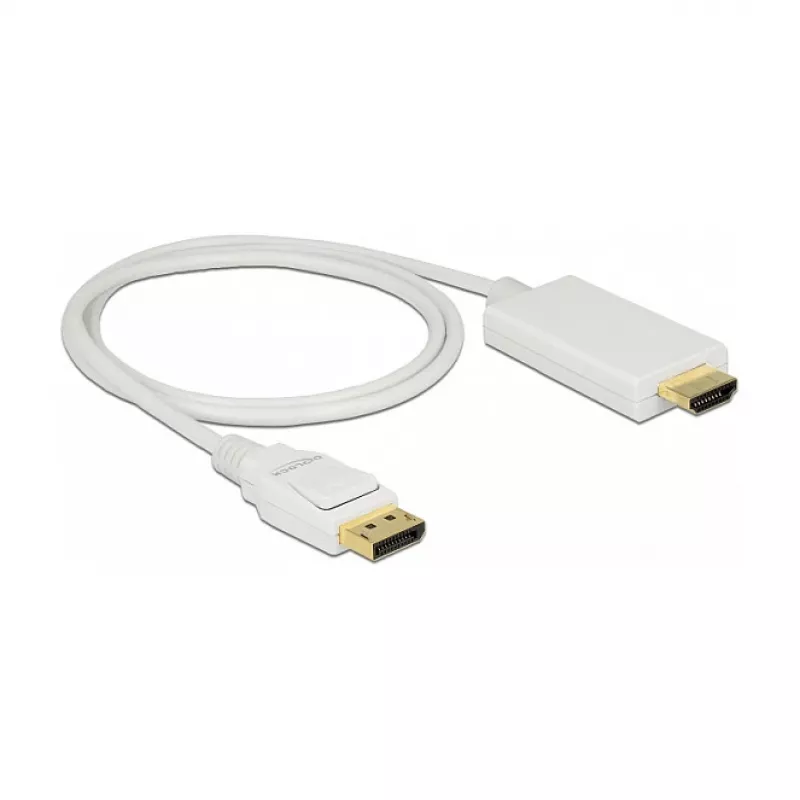
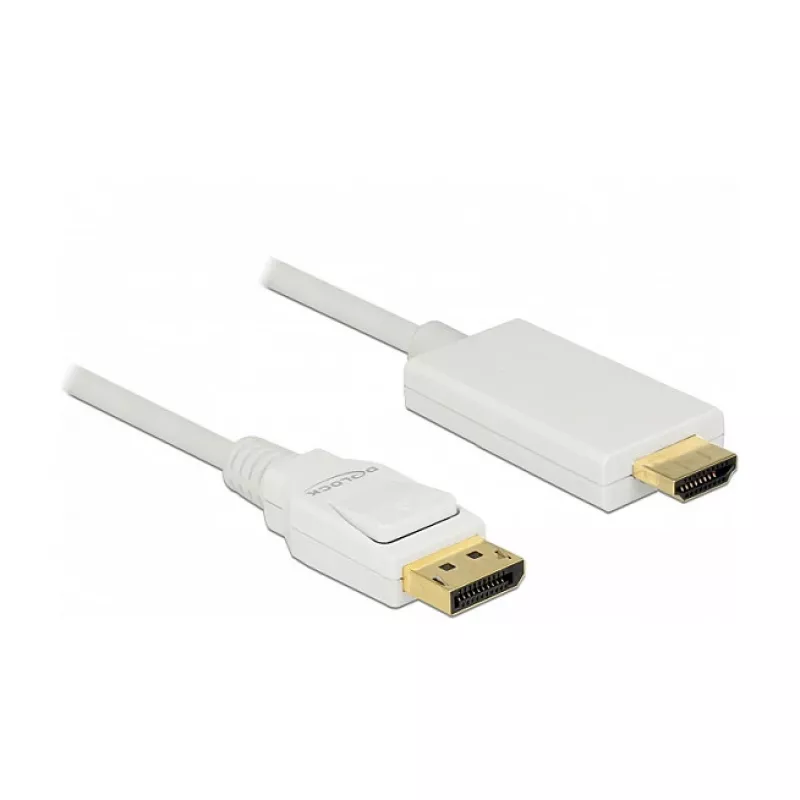
Adattatore per cavo video DeLOCK 83817 1 m DisplayPort HDMI bianco

Adattatore per cavo video DeLOCK 83817 1 m DisplayPort HDMI bianco
30,34 €
The DeLOCK 83817 video cable adapter enables a connection between a device with a DisplayPort output and an HDMI display or monitor. The cable is 1 m long, 6 mm in diameter and comes in white colour with a polybag for storage and transport. It transmits both video and audio signals where the source ... Leggi di più
Stock 100 Codice 1720926 Marca DELOCK Modello 83817 Garanzia 2 anni

Spedizioni e resi

Consegna stimata Martedì, Ottobre 20
Ti terremo aggiornato tramite il nostro sistema di tracciamento dettagliato
Opzioni di pagamento
Carta di credito/debitoVisaMastercardPayPalApple PayGoogle PayBonifico bancario

The DeLOCK 83817 video cable adapter enables a connection between a device with a DisplayPort output and an HDMI display or monitor. The cable is 1 m long, 6 mm in diameter and comes in white colour with a polybag for storage and transport. It transmits both video and audio signals where the source and display support the respective standards.

Advantages

The adapter provides a simple, single-cable connection from DisplayPort to HDMI and supports transmission of high-quality video and audio. Its 1 m length offers flexibility for typical desktop and laptop setups. The compact white cable with 6 mm diameter is easy to route and the polybag packaging simplifies storage and transport.

Suitable for

  • Connecting laptops with DisplayPort to HDMI monitors or TVs
  • Connecting desktop PCs with DisplayPort to HDMI displays
  • Use in office or home environments for screen output and presentations

Key specifications

  • Cable length: 1 m
  • Connector 1: DisplayPort
  • Connector 2: HDMI
  • Product colour: White
  • Cable diameter: 6 mm
  • Packaging: Polybag

How to use

Connect the DisplayPort end to the source device (for example a laptop or desktop with DisplayPort output) and the HDMI end to the display (monitor or TV). Ensure both devices are powered on and set the display input to the corresponding HDMI port. Configure resolution and audio output in the source device settings if necessary.

Recommendations

For optimal performance, use the cable for typical home and office setups within its 1 m length. Avoid sharp bends and excessive mechanical stress on the connectors. If video or audio is not detected, check source device output settings and try a different HDMI input on the display.

Punti salienti
  • Connecting laptops with DisplayPort to HDMI monitors or TVs
  • Connecting desktop PCs with DisplayPort to HDMI displays
  • Use in office or home environments for screen output and presentations
  • Cable length: 1 m
  • Connector 1: DisplayPort
  • Connector 2: HDMI
  • Product colour: White
  • Cable diameter: 6 mm
  • Packaging: Polybag
Specifiche
Colore del prodotto
White
Connettore 1
DisplayPort
Connettore 1 maschio/femmina
Male
Connettore 2
HDMI
Connettore 2 maschio/femmina
Male
Diametro del cavo
6 mm
Formato connettore 1
Straight
Formato connettore 2
Straight
Lunghezza del cavo
1 m
Modalità video supportate
2160p
Placcatura dei contatti del connettore
Gold
Risoluzione massima
3840 x 2160
Risoluzioni grafiche supportate
3840 x 2160
Sezione del conduttore (AWG)
30
Tipo di convertitore
Passive video converter
Tipo di imballaggio
Polybag
Velocità di trasferimento dati
10.2 Gbit/s
Versione DisplayPort
1.2a
Storico prezzi degli ultimi 6 mesi
Adattatore per cavo video DeLOCK 83817 1 m DisplayPort HDMI bianco
Attuale
30,34 €
Minimo
29,52 €
Massimo
31,16 €
Variazione 24 h
+0,60 €   +2%
Settimana
+0,54 €   +2%
Mese
+0,67 €   +2%

Prodotti più popolari in questa categoria

Ciao, sono l'assistente AI di DistriNode. Posso aiutarti a trovare prodotti, confrontare le opzioni, creare preventivi in PDF o aprire richieste di assistenza.