
Account Contatti
Il tuo carrello
Spedizione DPD & FedEx
Serve aiuto? Chiedi all'AI

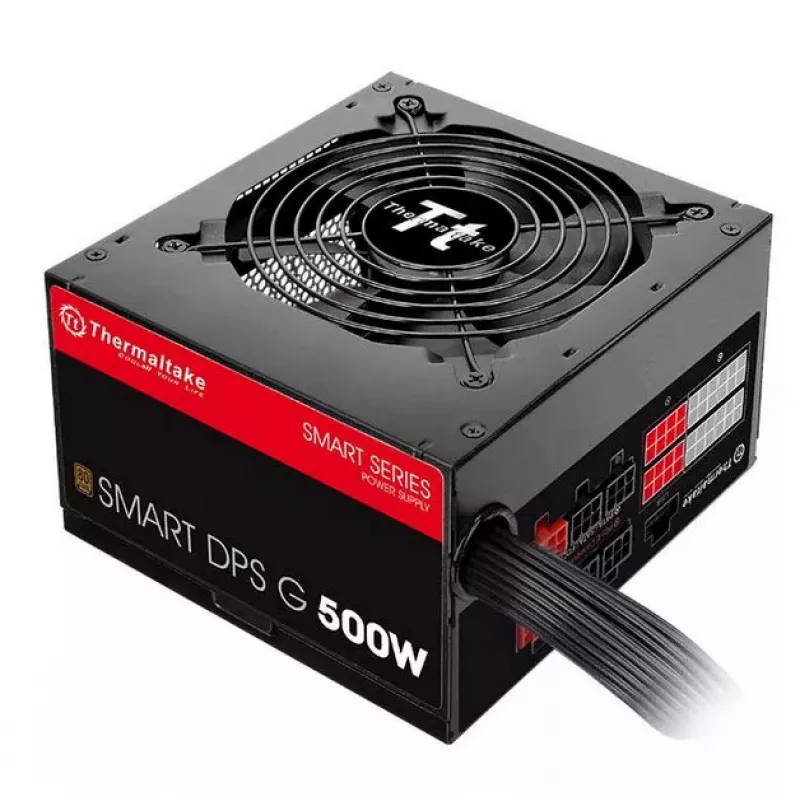
Alimentatore Thermaltake Smart DPS G 500 W

Alimentatore Thermaltake Smart DPS G 500 W
86,70 €
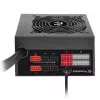
The Thermaltake Smart DPS G 500 W is a semi-modular power supply unit designed for mainstream PC builds. It delivers 500 W continuous power (600 W peak), features 80 PLUS Bronze efficiency, a 24-pin ATX motherboard connector, and a 120 mm cooling fan. The unit supports 100–240 V AC input and include... Leggi di più
Stock 80 Codice 2466869 Marca Thermaltake Modello PS-SPG-0500DPCBEU-B Garanzia 2 anni

Spedizioni e resi

Consegna stimata Giovedì, Ottobre 15
Ti terremo aggiornato tramite il nostro sistema di tracciamento dettagliato
Opzioni di pagamento
Carta di credito/debitoVisaMastercardPayPalApple PayGoogle PayBonifico bancario

The Thermaltake Smart DPS G 500 W is a semi-modular power supply unit designed for mainstream PC builds. It delivers 500 W continuous power (600 W peak), features 80 PLUS Bronze efficiency, a 24-pin ATX motherboard connector, and a 120 mm cooling fan. The unit supports 100–240 V AC input and includes monitoring and management via Thermaltake’s DPS G platforms (PC App, Cloud SPM, and Mobile App) for real-time data, energy tracking and remote control functions.

Advantages

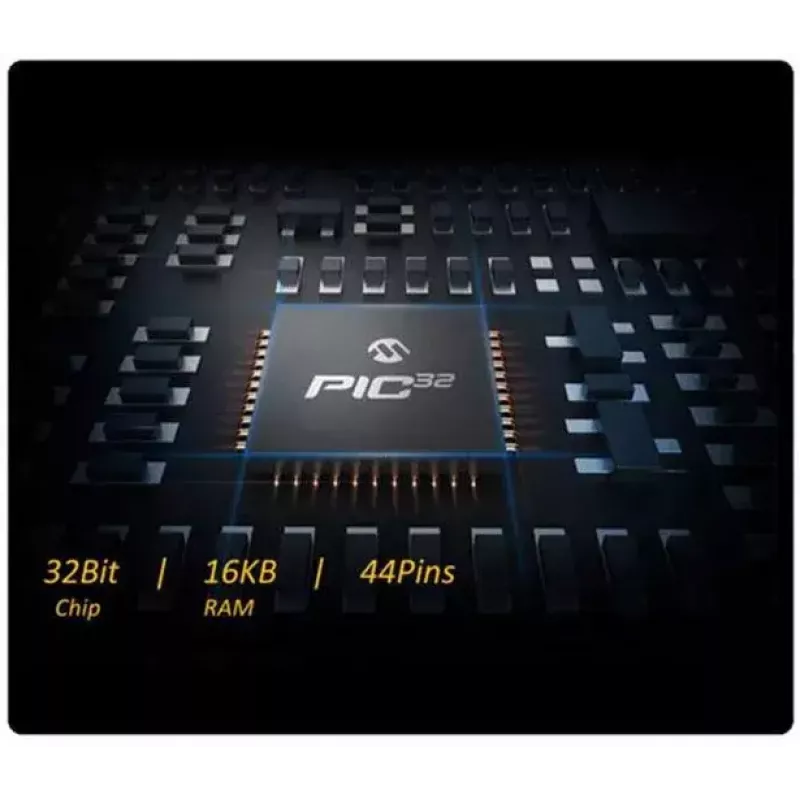
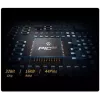
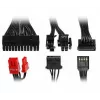
The Smart DPS G 500 W combines 80 PLUS Bronze efficiency with Japanese main capacitors and a high-current single +12V rail for stable output and improved longevity. Semi-modular flat cables improve airflow and cable routing. Integrated Smart Power Management (SPM) provides cloud-based monitoring, scheduled shutdown and remote power-off alerts via mobile app. A 32-bit MCU enables precise digital control, while the DPS G PC App offers a Zero Fan mode to reduce audible noise under light loads.

Suitable for

  • Mainstream desktop gaming and multimedia systems
  • Home and office PCs requiring efficient, monitored power delivery
  • Systems where cable management and improved airflow are desired
  • Users who want remote monitoring and scheduled shutdown capabilities

Key specifications

  • Total power: 500 W (600 W peak)
  • Efficiency: up to 86% (80 PLUS Bronze)
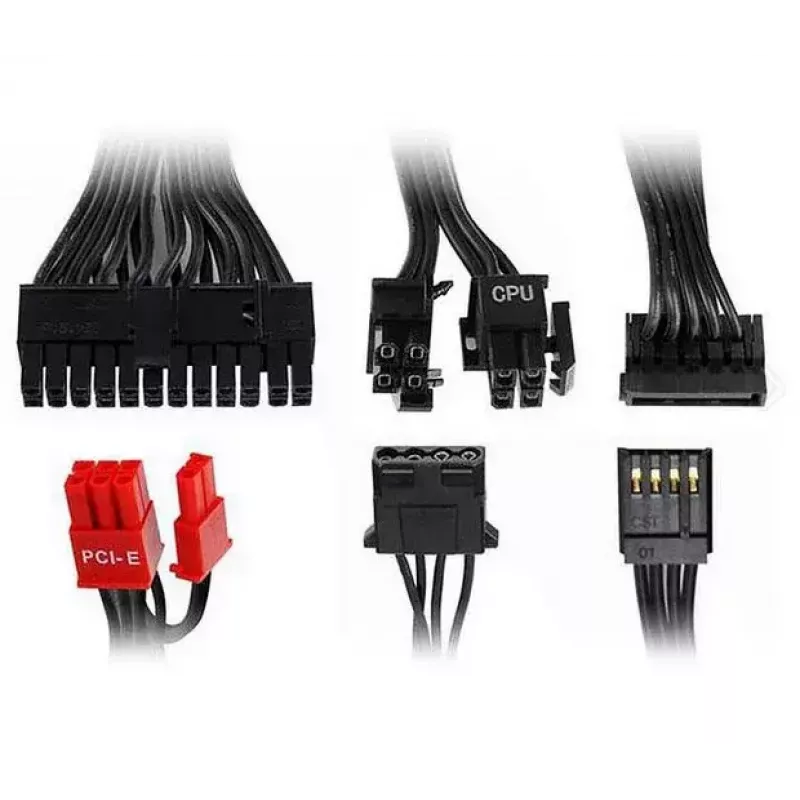
  • Motherboard connector: 24-pin ATX
  • Fan diameter: 120 mm
  • Input voltage: 100–240 V AC
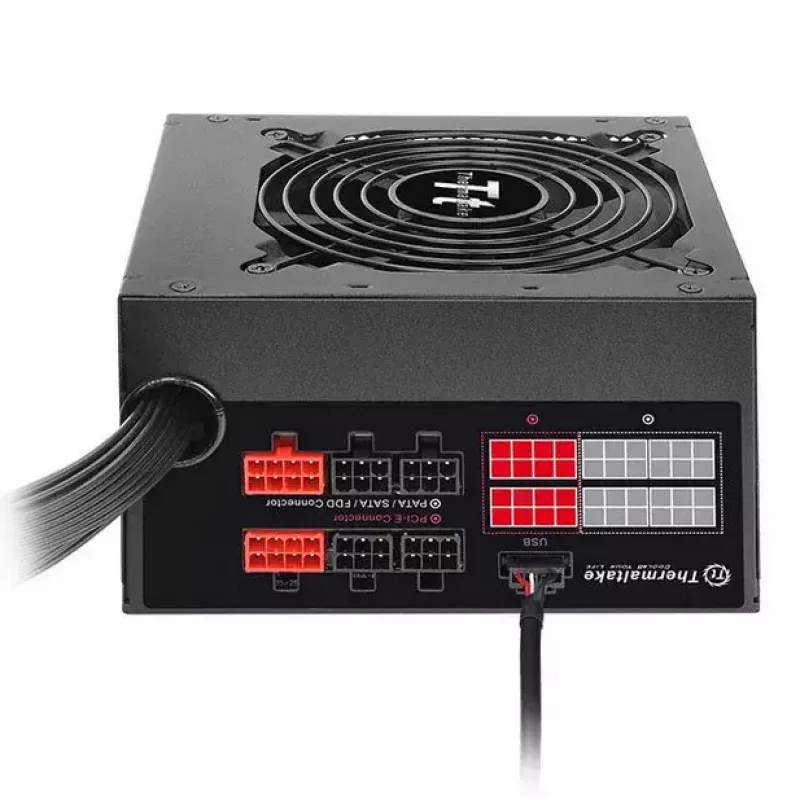
  • Cabling: semi-modular with flat modular cables
  • Rail configuration: single +12V high-current rail
  • Main capacitors: Japanese
  • Cooling modes: Zero Fan / Silent / Performance via DPS G PC App

How to use

Install the Smart DPS G 500 W into a compatible ATX case and connect the 24-pin ATX cable along with any required modular power leads for CPU, GPU and drives. Ensure the PSU is set to the correct mains voltage if applicable and connect to AC power. Install the DPS G PC App or Mobile App and register the unit to the SPM Cloud to enable real-time monitoring, alerts and remote control features. Configure fan and power-management modes through the PC application or mobile interface as needed.

Recommendations

For stable operation, keep the PSU and case interior free of dust, route flat modular cables to maintain airflow, and use the scheduled shutdown and alert features of the DPS G Smart Power Management to reduce idle power consumption and protect components from abnormal conditions.
Punti salienti
  • Mainstream desktop gaming and multimedia systems
  • Home and office PCs requiring efficient, monitored power delivery
  • Systems where cable management and improved airflow are desired
  • Users who want remote monitoring and scheduled shutdown capabilities
  • Total power: 500 W (600 W peak)
  • Efficiency: up to 86% (80 PLUS Bronze)
  • Motherboard connector: 24-pin ATX
  • Fan diameter: 120 mm
  • Input voltage: 100–240 V AC
  • Cabling: semi-modular with flat modular cables
  • Rail configuration: single +12V high-current rail
  • Main capacitors: Japanese
  • Cooling modes: Zero Fan / Silent / Performance via DPS G PC App
Specifiche
Altezza
86 mm
Certificazione
CE/FCC/UL/TUV/CB/EAC/BSMI
Certificazione 80 PLUS
80 PLUS Bronze
Colore del prodotto
Black
Connettore di alimentazione CPU (4+4 pin)
Yes
Connettore di alimentazione per unità floppy
1
Connettore di alimentazione scheda madre
24-pin ATX
Connettore per unità floppy
Yes
Connettori di alimentazione PCI Express (6+2 pin)
2
Connettori di alimentazione periferiche (Molex) (4 pin)
3
Corrente in ingresso
8
Corrente massima in uscita (+12 V)
38 A
Corrente massima in uscita (+3,3 V)
18 A
Corrente massima in uscita (+5 V)
16 A
Corrente massima in uscita (+5 Vsb)
2.5 A
Corrente massima in uscita (-12 V)
0.3 A
Diametro ventola
120 mm
Efficienza
86 %
Formato alimentatore (PSU)
ATX
Frequenza di ingresso CA
47 - 63
Gestione della potenza
Yes
Intervallo di ritardo del segnale Power Good
100 - 500
Larghezza
150 mm
Numero di connettori di alimentazione SATA
6
Numero di ventole
1 fan(s)
Posizione della ventola
Top
Potenza combinata (+12 V)
456 W
Potenza combinata (+3,3 V)
110 W
Potenza combinata (+5 V)
110 W
Potenza combinata (+5 Vsb)
12.5 W
Potenza combinata (-12 V)
3.6 W
Potenza di picco
600 W
Potenza totale
500 W
Profondità
140 mm
Temperatura di esercizio (T-T)
0 - 40
Temperatura di stoccaggio (T-T)
-20 - 70
Tempo di mantenimento
10 ms
Tempo medio tra i guasti (MTBF)
120000 h
Tensione di ingresso CA
100 - 240
Tipo di cavo
Semi-Modular
Tipo di correzione del fattore di potenza (PFC)
Active
Tipo di imballaggio
Box
Umidità relativa di esercizio (H-H)
20 - 90
Umidità relativa di stoccaggio (H-H)
5 - 95
Utilizzo
PC
Versione ATX
2.31
Versione EPS
2.92
Storico prezzi degli ultimi 6 mesi
Alimentatore Thermaltake Smart DPS G 500 W
Attuale
86,70 €
Minimo
83,80 €
Massimo
99,75 €
Variazione 24 h
+2,38 €   +3%
Settimana
+2,55 €   +3%
Mese
+2,70 €   +3%

Prodotti più popolari in questa categoria

Ciao, sono l'assistente AI di DistriNode. Posso aiutarti a trovare prodotti, confrontare le opzioni, creare preventivi in PDF o aprire richieste di assistenza.