
Account Contatti
Il tuo carrello
Spedizione DPD & FedEx
Serve aiuto? Chiedi all'AI

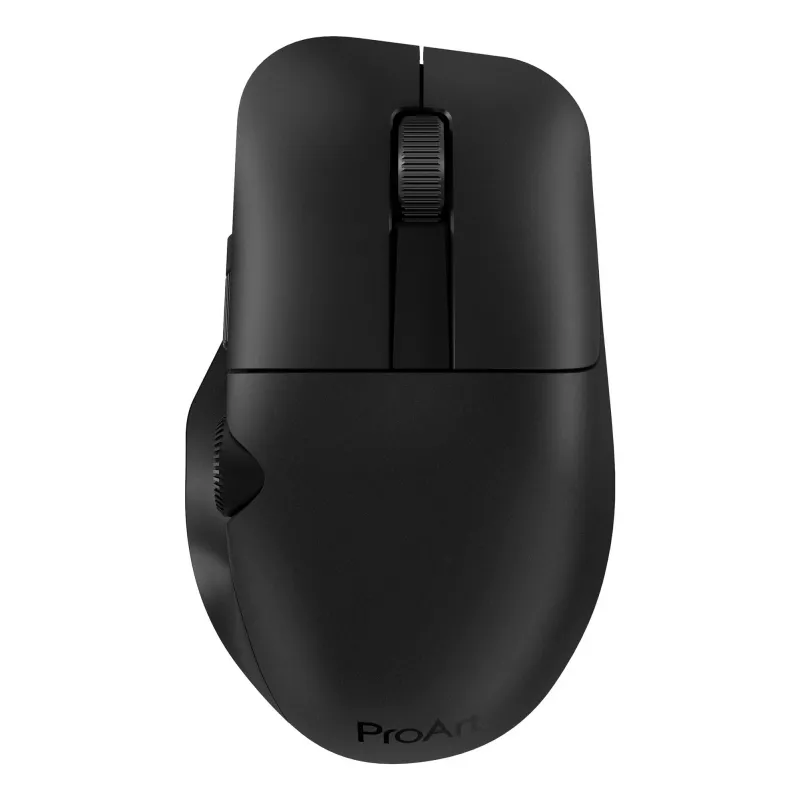
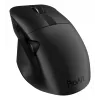
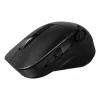
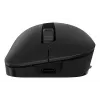
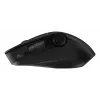
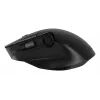
ASUS ProArt MD300 mouse office per destrimani RF wireless + Bluetooth ottico 4200 DPI

ASUS ProArt MD300 mouse office per destrimani RF wireless + Bluetooth ottico 4200 DPI
125,68 €
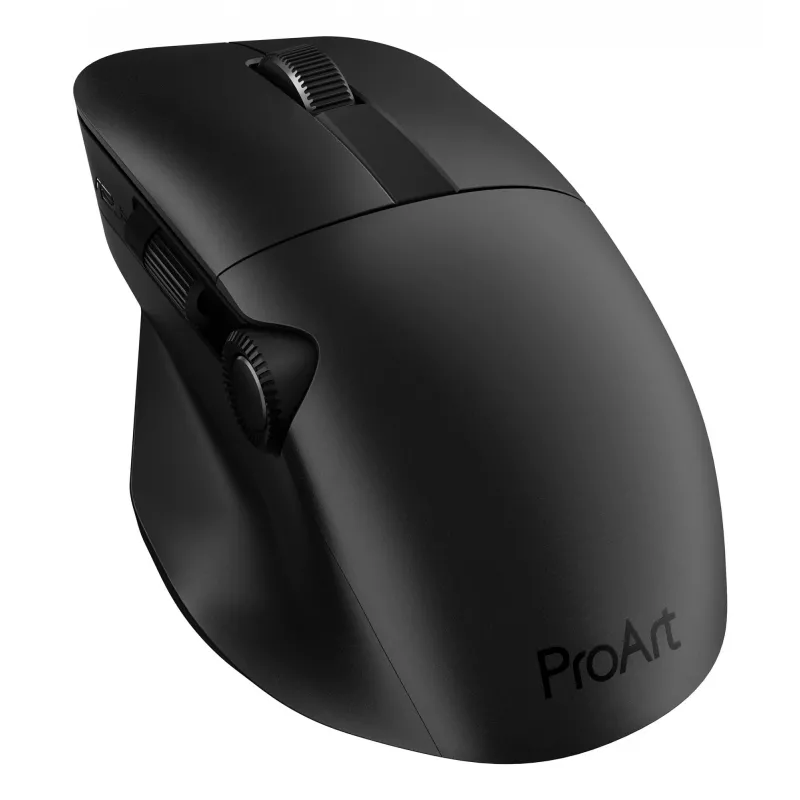
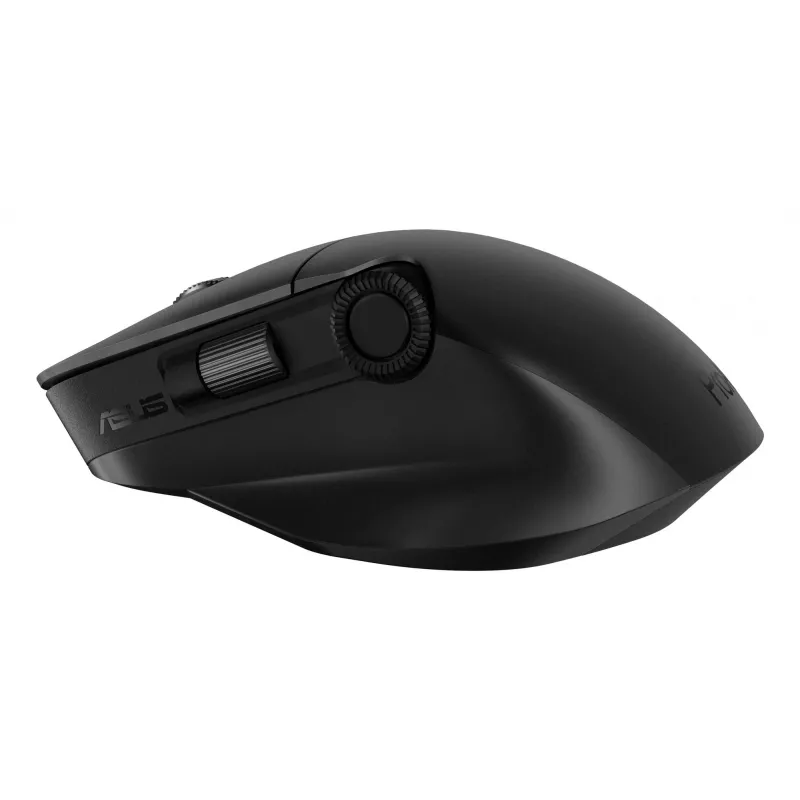
ProArt MouseCreativity, dialed upASUS ProArt Mouse MD300 is the first mouse that works with ASUS Dial, allowing creators to make quick and precise settings adjustments. This premium mouse also features a side scroll wheel and three buttons with professional-grade switches that provide tactile mouse ... Leggi di più
Stock 13 Codice 116417 Marca ASUS Modello 90XB04F0-BMU000 Garanzia 2 anni

Spedizioni e resi

Consegna stimata Martedì, Ottobre 27
Ti terremo aggiornato tramite il nostro sistema di tracciamento dettagliato
Opzioni di pagamento
Carta di credito/debitoVisaMastercardPayPalApple PayGoogle PayBonifico bancario
ProArt Mouse
Creativity, dialed up
ASUS ProArt Mouse MD300 is the first mouse that works with ASUS Dial, allowing creators to make quick and precise settings adjustments. This premium mouse also features a side scroll wheel and three buttons with professional-grade switches that provide tactile mouse clicks. ProArt Mouse MD300 has a high-performance laser sensor that tracks at up to 4200 dpi for unmatched precision, even when used on a glass surface.
Creativity, dialed up

Creativity, dialed up

ASUS ProArt Mouse MD300 is the first mouse that works with ASUS Dial, allowing creators to make quick and precise settings adjustments. This premium mouse also features a side scroll wheel and three buttons with professional-grade switches that provide tactile mouse clicks. ProArt Mouse MD300 has a high-performance laser sensor that tracks at up to 4200 dpi for unmatched precision, even when used on a glass surface.

Level up with ASUS Dial

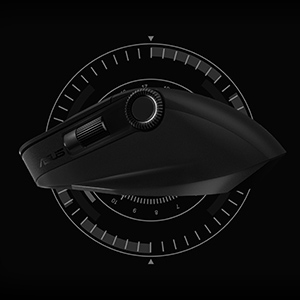
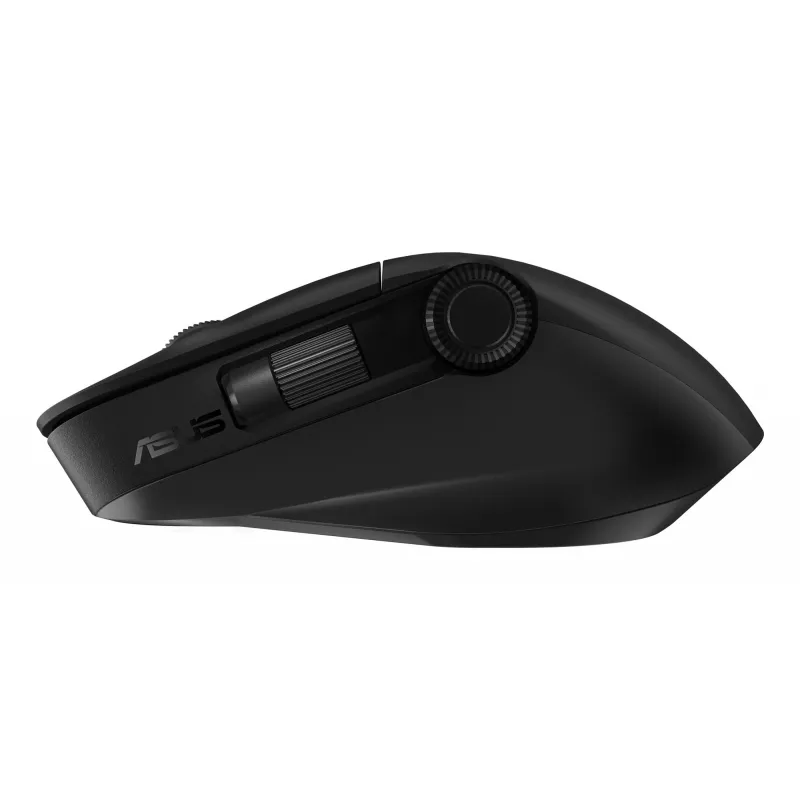
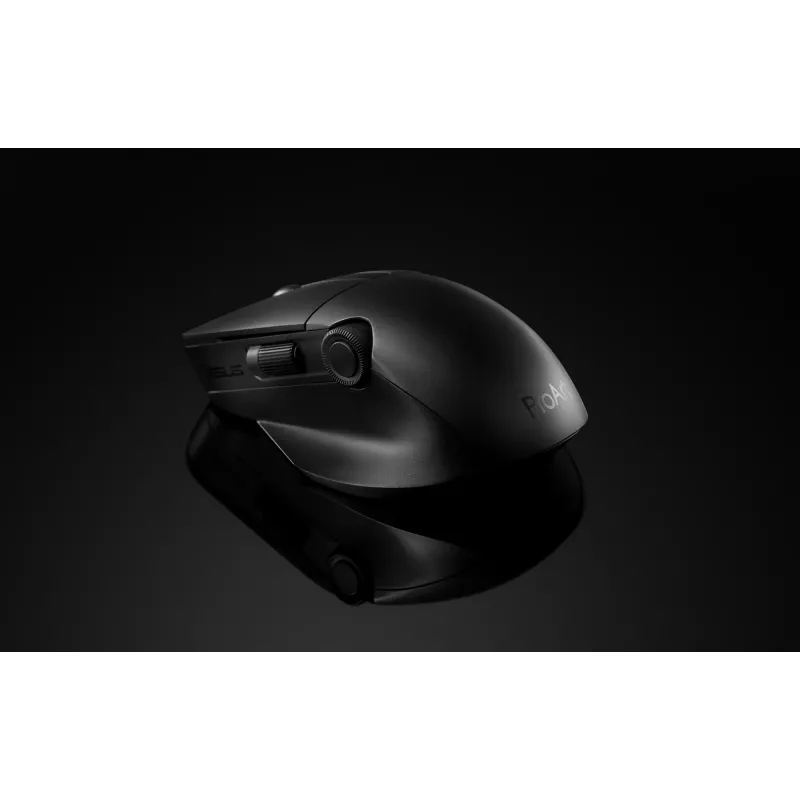
The new ASUS Dial feature makes working with creative apps as natural and intuitive as possible. The built-in side scroll wheel offers precise, seamless control with ASUS Dial, simply rotate and click to change brush size, saturation, and adjust layer opacity. It can also be used to rapidly undo previous actions for a smoother workflow. ASUS Dial scrolls through 100 lines per revolution and lasts 5X longer than traditional mouse scrolls.
Level up with ASUS Dial
Designed to last

Designed to last

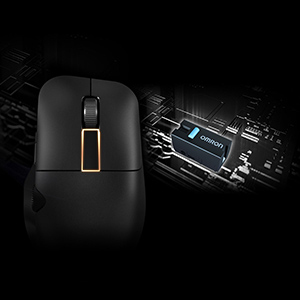
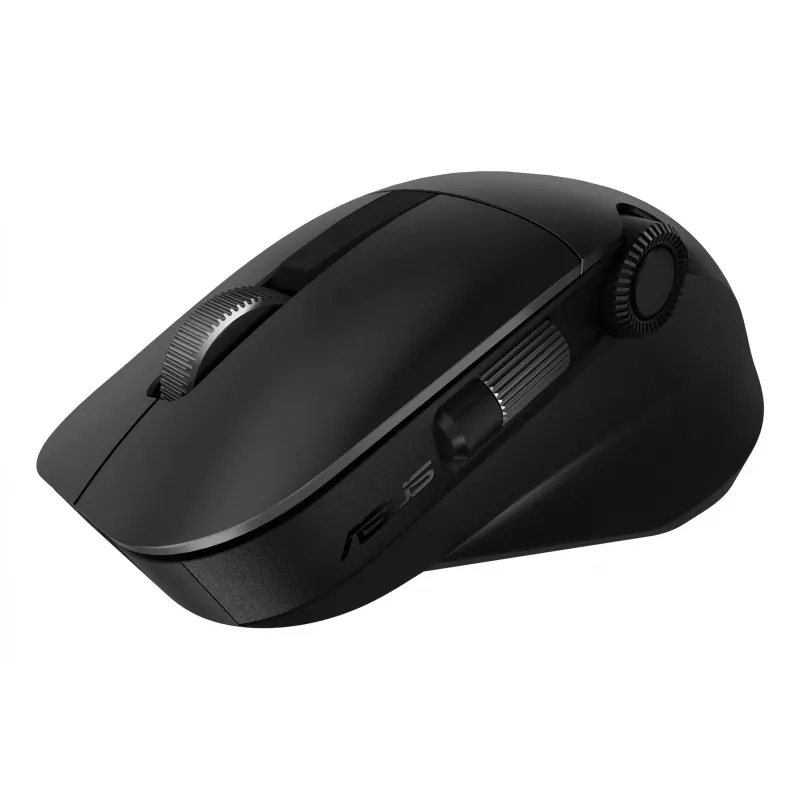
Aside from the left and right mouse buttons, a large middle button independent of the middle scroll wheel helps improve the creative workflow. Use it to control CAD software precisely or program it for other functions through the creator app. All three mouse buttons utilise pro-grade switches that are rated for up to a 50-million-click lifespan and provide satisfyingly tactile feedback with each click.

Power up in the blink of an eye

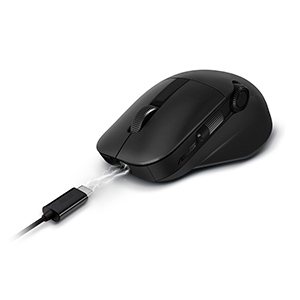
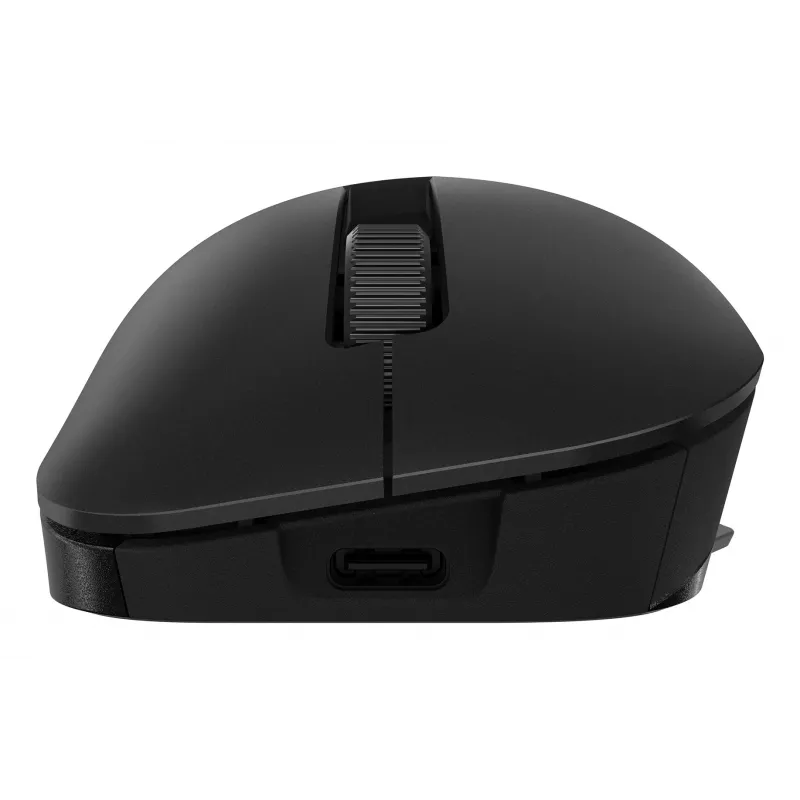
ProArt Mouse MD300 stays powered for up to 150 days on a full charge — and gets 3 hours heavy use or up to 8 hours of light use from a one-minute quick charge. Use the included USB-C® charging cable to top up the power.
Power up in the blink of an eye
Fast and accurate tracking on almost any surface

Fast and accurate tracking on almost any surface

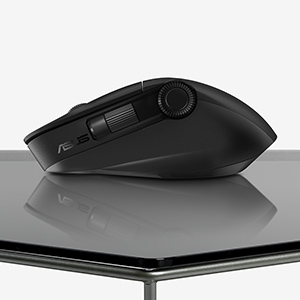
A high-end laser sensor tracks at up to 4200 dpi and works on a wide range of surfaces, including glass3 — delivering the accuracy and precision you need. With a polling rate of up to 1000 Hz, lag is kept to a minimum for smooth, accurate control. The pivoted buttons mechanism leaves no gap between the button and switch, so click response is instantaneous and consistent. In addition, low-friction PTFE mouse feet provide a smooth glide.

Perfect for creativity apps

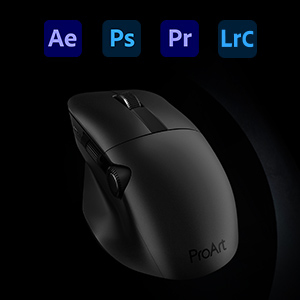
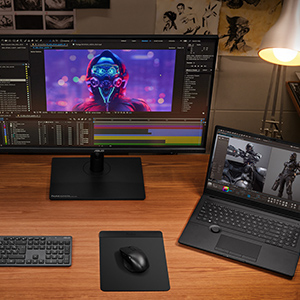
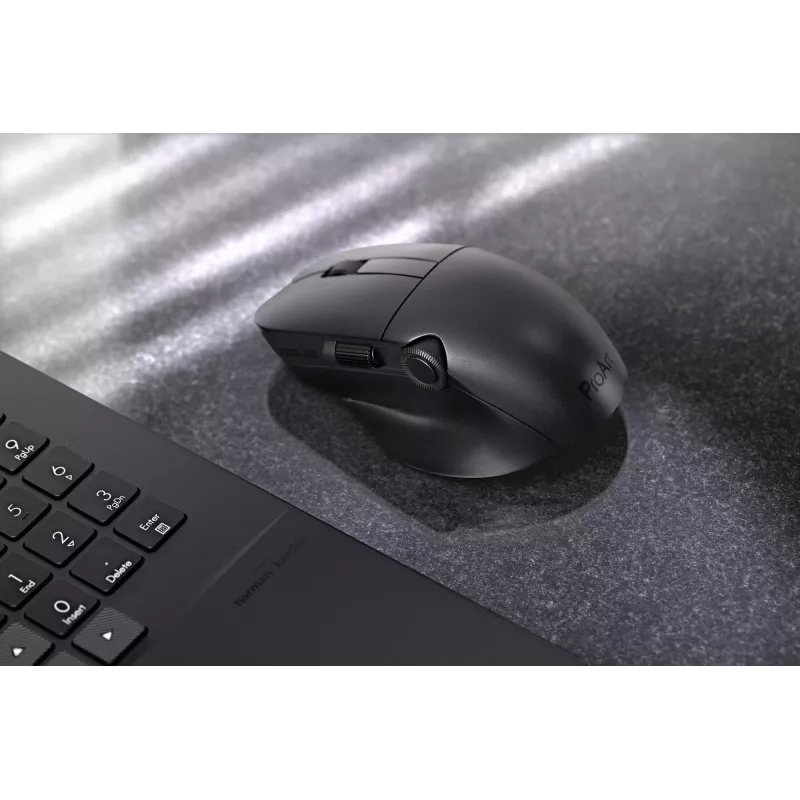
ProArt Mouse MD300 is perfect for creativity apps like Adobe After Effects, Photoshop, Premiere Pro, Lightroom Classic and more.
Perfect for creativity apps
Dual-mode connectivity

Dual-mode connectivity

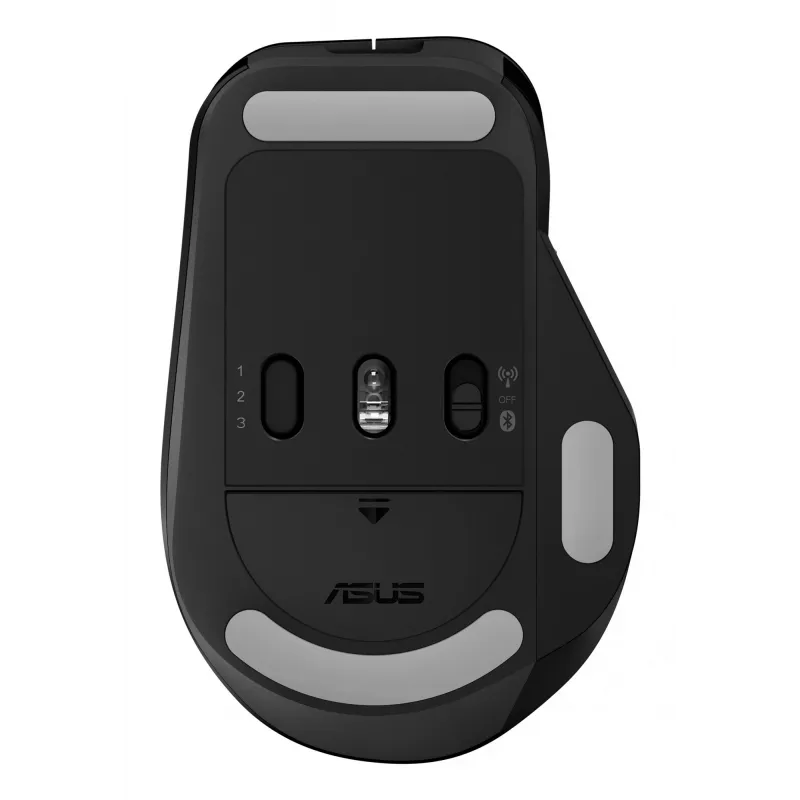
The RF 2.4 GHz wireless connection provides high data throughput to ensure accurate, lag-free input for a seamless creative workflow. You can also connect up to three devices via Bluetooth fast pairing technology and switch between them by pressing the pair button.

How to use

Connect the mouse via the included USB‑C cable for charging or use the RF USB receiver for low-latency operation; alternatively pair via Bluetooth with up to three devices and switch between them using the pair button. Install the ASUS creator software to customize ASUS Dial actions, program buttons and adjust performance settings such as dpi and polling rate. Use the large middle button and side scroll wheel for precise control in compatible creative apps.

Recommendations

For optimal tracking, use the ProArt Mouse MD300 on flat, stable surfaces; the high-end sensor also supports glass surfaces. Keep the firmware and ASUS creator app updated to access the latest customization options and compatibility improvements.

Punti salienti
  • Smart dial and side scroll
  • Independent middle button
  • Up to 4200 dpi, and the ability to track on glass*
  • Quick charge function
  • Minimum 4 mm glass thickness
  • Office Optical 4200 DPI Black
  • Right-hand RF Wireless + Bluetooth 10 m
  • Scroll type: Wheel Buttons quantity: 6
  • Power source: Batteries
  • Built-in battery Rechargeable Lithium-Ion (Li-Ion) 800 mAh
Specifiche
Alimentatore incluso
No
Alimentazione
Batteries
Altezza
42 mm
Batterie incluse
Yes
Capacità della batteria
800 mAh
Colorazione della superficie
Monochromatic
Colore del prodotto
Black
Formato
Right-hand
Frequenza di polling
1000 Hz
Guida utente
Yes
Interfaccia del dispositivo
RF Wireless + Bluetooth
Larghezza
118 mm
Numero di pulsanti
6
Numero di pulsanti programmabili
6
Peso
109 g
Porta di ricarica USB Type-C
Yes
Portata wireless
10 m
Profondità
72 mm
Pulsanti programmabili del mouse
Yes
Quantità per confezione
1 pc(s)
Ricaricabile
Yes
Ricevitore incluso
Yes
Risoluzione di movimento
4200 DPI
Risoluzione di movimento personalizzabile
Yes
Scheda di garanzia
Yes
Sistemi operativi Windows supportati
Windows 10, Windows 11
Tecnologia della batteria
Lithium-Ion (Li-Ion)
Tecnologia di connettività
Wireless
Tecnologia di rilevamento del movimento
Optical
Tipo di batteria
Built-in battery
Tipo di pulsanti
Pressed buttons
Tipo di scorrimento
Wheel
Utilizzo
Office

Manuale

Apri documento

Brochure

Apri documento
Storico prezzi degli ultimi 6 mesi
ASUS ProArt MD300 mouse office per destrimani RF wireless + Bluetooth ottico 4200 DPI
Attuale
125,68 €
Minimo
116,42 €
Massimo
128,37 €
Variazione 24 h
+1,26 €   +1%
Settimana
-0,47 €   0%
Mese
+1,59 €   +1%

Recensioni indipendenti della stampa specializzata

pcmag.comNathaniel
7/10

“Many companies are happy to adorn their high-end mice with more buttons than you might think possible. Asus takes a different tack with the creativity-focused ProArt Mouse MD300, equipping it with two scroll wheels—one on top and one on the side—as well…”

Leggi la recensione completa su pcmag.com →
hitechcentury.com
7.2/10

“When it comes to mouse design, most manufacturers in the market churn out a slew of offerings oriented towards gamers or desk jockeys but this latest offering from Asus is arguably the first time that anyone has created a mouse specifically oriented…”

Pro
  • Ergonomic design with comfy thumb rest
  • Highly customisable buttons
  • Offers ASUS Dial interactivity with non-ASUS ProArt laptops
Contro
  • Not compatible with many content creator apps
Leggi la recensione completa su hitechcentury.com →

Prodotti più popolari in questa categoria

Ciao, sono l'assistente AI di DistriNode. Posso aiutarti a trovare prodotti, confrontare le opzioni, creare preventivi in PDF o aprire richieste di assistenza.