
Account Contatti
Il tuo carrello
Spedizione DPD & FedEx
Serve aiuto? Chiedi all'AI

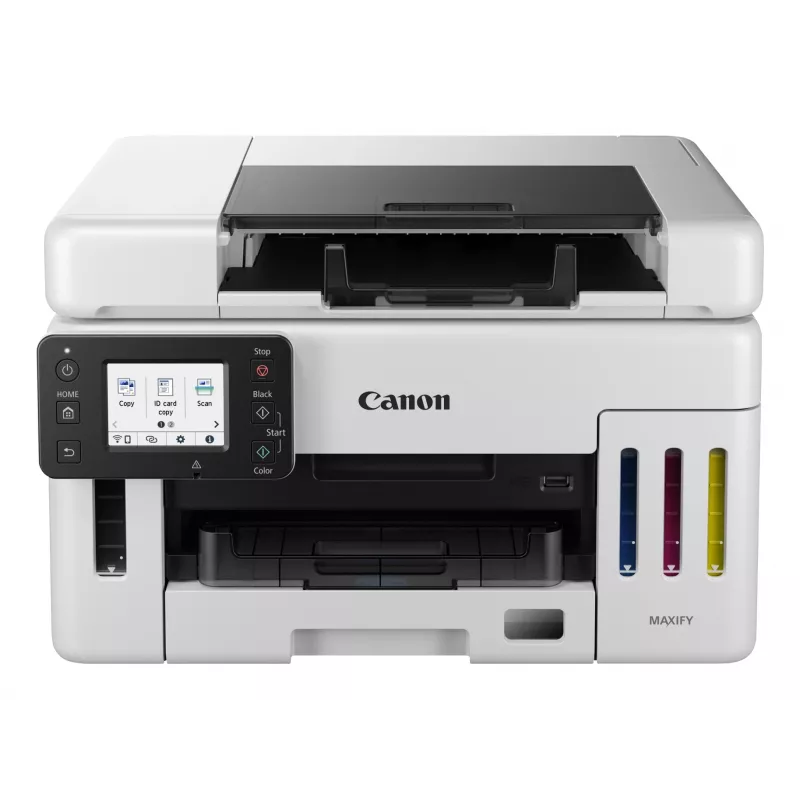
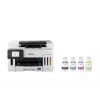
Canon MAXIFY GX6550 getto d'inchiostro A4 600 x 1200 DPI WLAN

Canon MAXIFY GX6550 getto d'inchiostro A4 600 x 1200 DPI WLAN
494,44 €
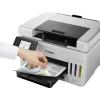
The Canon MAXIFY GX6550 Inkjet Colour Printing multifunction printer combines high-quality colour output, reliable scanning and copying, and flexible connectivity in a compact office-ready design. With a maximum print resolution of 600 x 1200 DPI and colour scanning at an optical resolution of 1200 ... Leggi di più
Stock 100 Codice 118901 Marca Canon Modello 6351C006 Garanzia 2 anni

Spedizioni e resi

Consegna stimata Martedì, Ottobre 20
Ti terremo aggiornato tramite il nostro sistema di tracciamento dettagliato
Opzioni di pagamento
Carta di credito/debitoVisaMastercardPayPalApple PayGoogle PayBonifico bancario

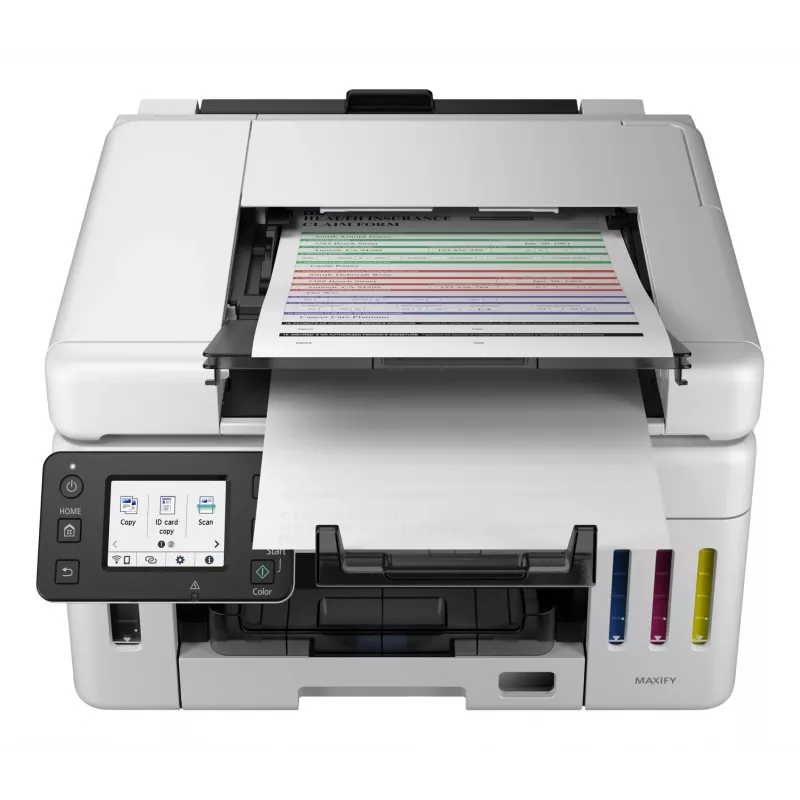
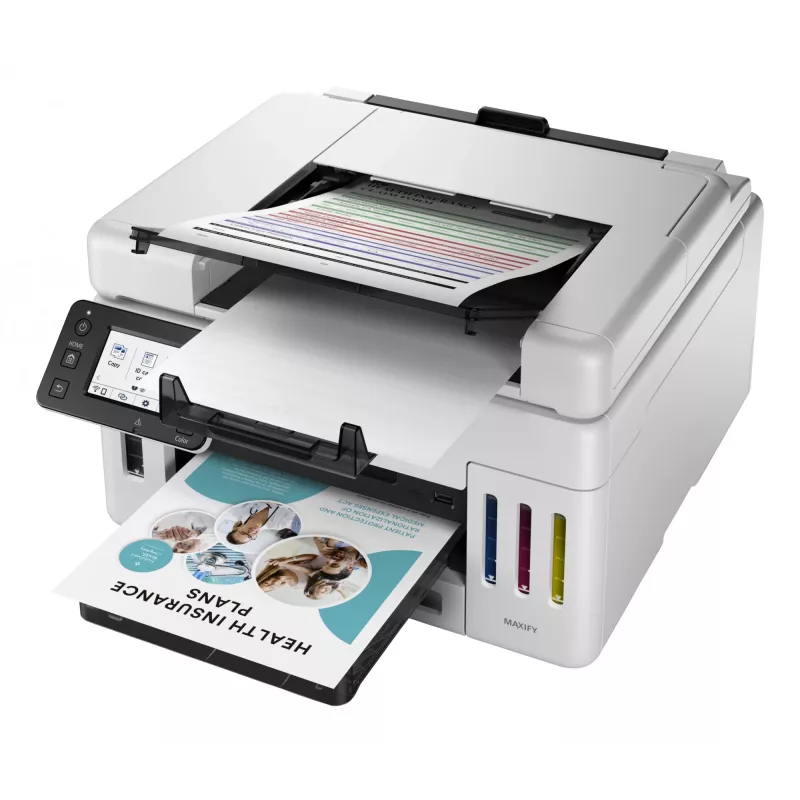
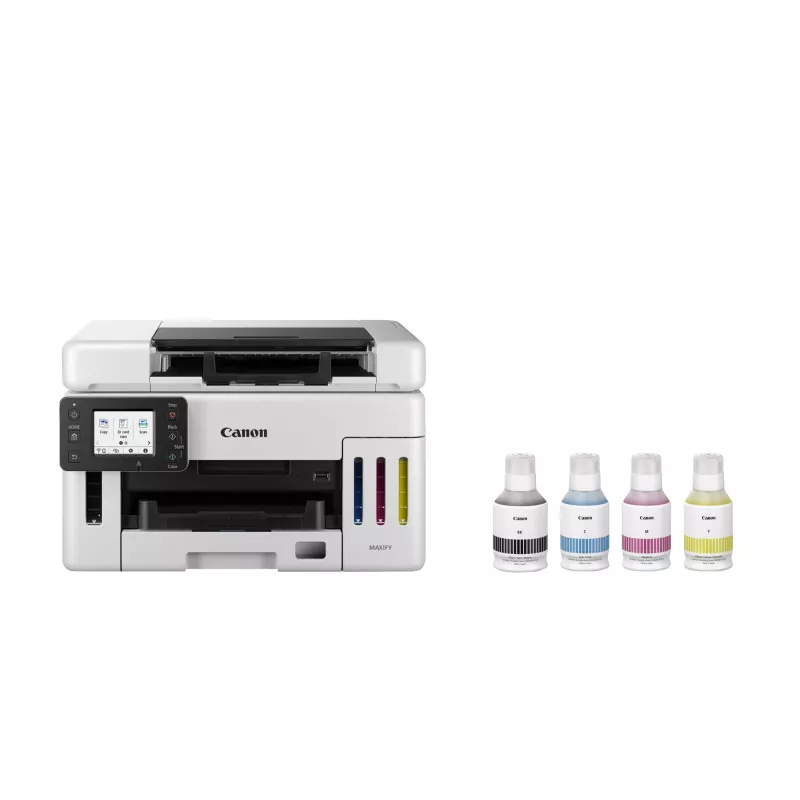
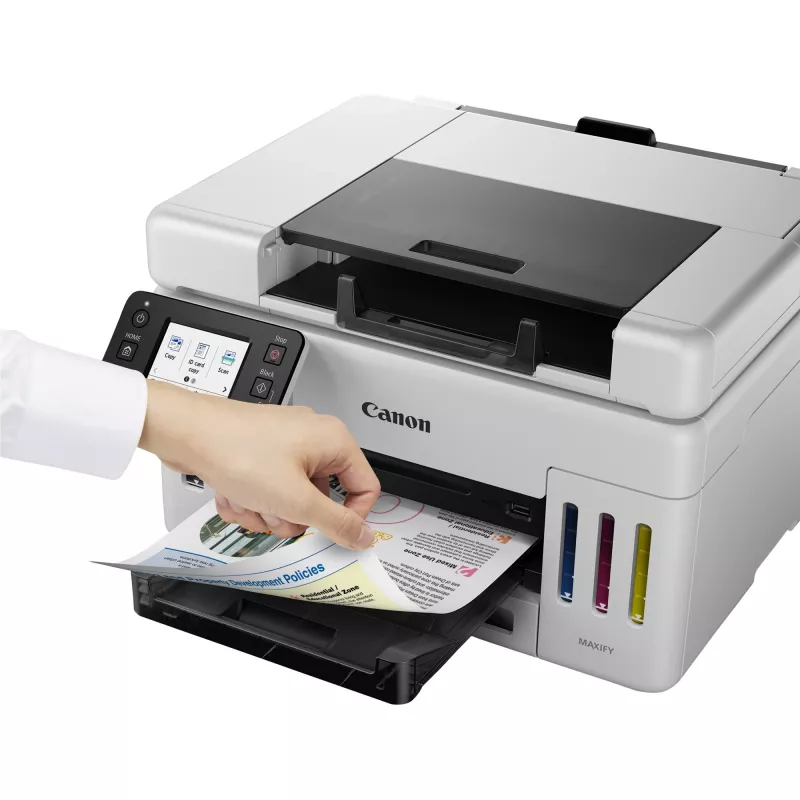
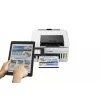
The Canon MAXIFY GX6550 Inkjet Colour Printing multifunction printer combines high-quality colour output, reliable scanning and copying, and flexible connectivity in a compact office-ready design. With a maximum print resolution of 600 x 1200 DPI and colour scanning at an optical resolution of 1200 x 1200 DPI, the device delivers sharp text and detailed images on A4 media. The unit supports duplex printing and copying and connects over Wi‑Fi and Ethernet LAN, enabling convenient networked and wireless workflows for small offices or workgroups.

Advantages

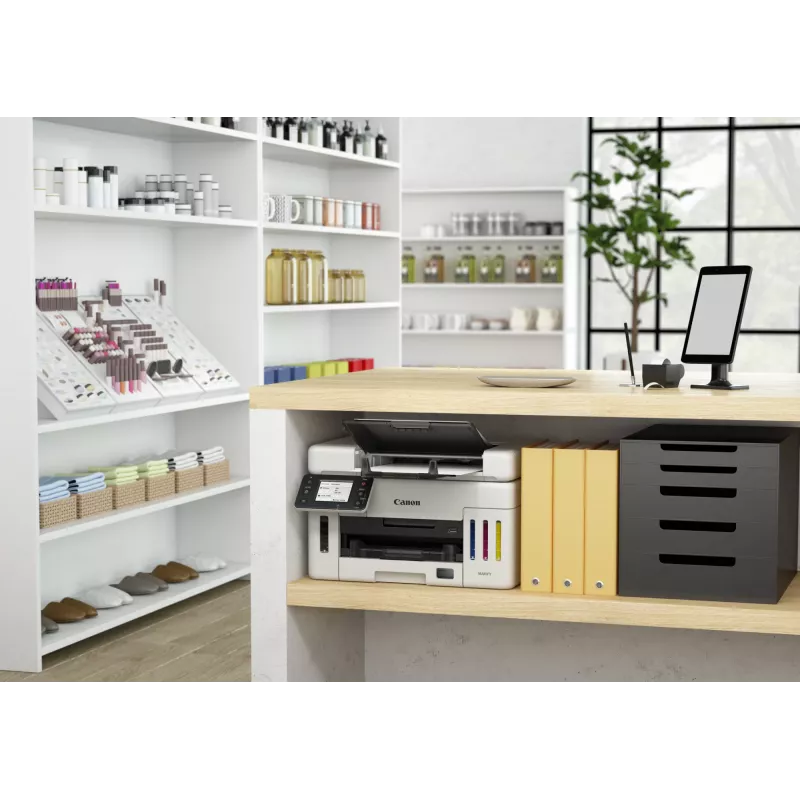
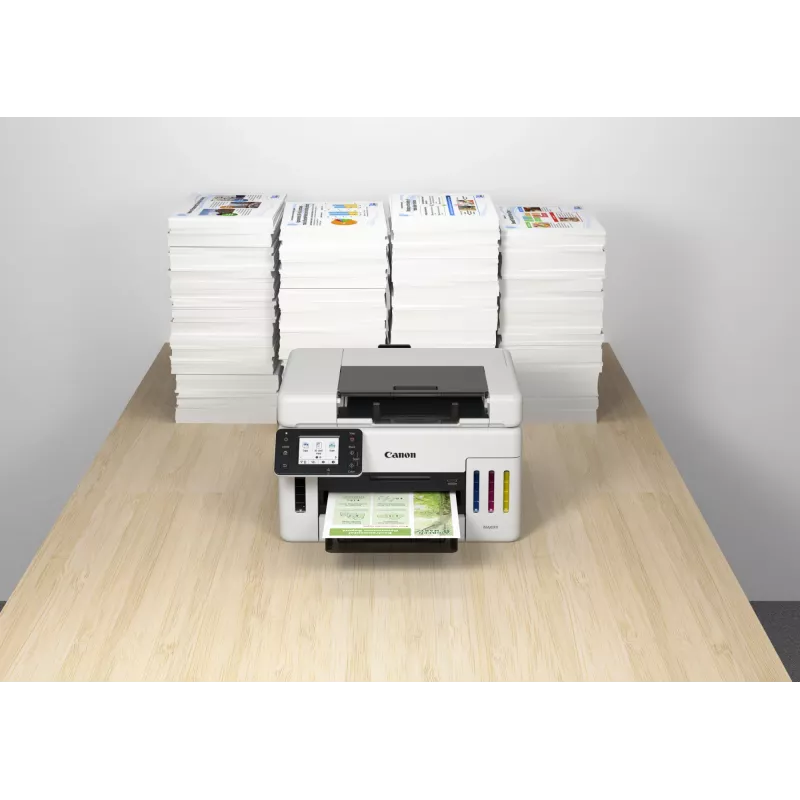
The MAXIFY GX6550 offers consistent colour reproduction and an extended monthly duty cycle suitable for moderate to heavy office use. Its integrated scanning and copying functions streamline document handling without the need for separate devices. Built-in Wi‑Fi and Ethernet LAN support allow printing from multiple devices and simple integration into existing networks. The printer’s dual-tone black and white housing provides a neutral appearance that fits most office interiors.

Suitable for

  • Small to medium offices requiring reliable colour prints and frequent scanning
  • Workgroups that need duplex printing and network connectivity
  • Users who handle A4 documents, reports and marketing materials

Key specifications

  • Print technology: Inkjet colour printing
  • Maximum print resolution: 600 x 1200 DPI
  • Copying: Colour copying with duplex support
  • Scanning: Colour scanning; optical resolution 1200 x 1200 DPI
  • Maximum paper size: A4
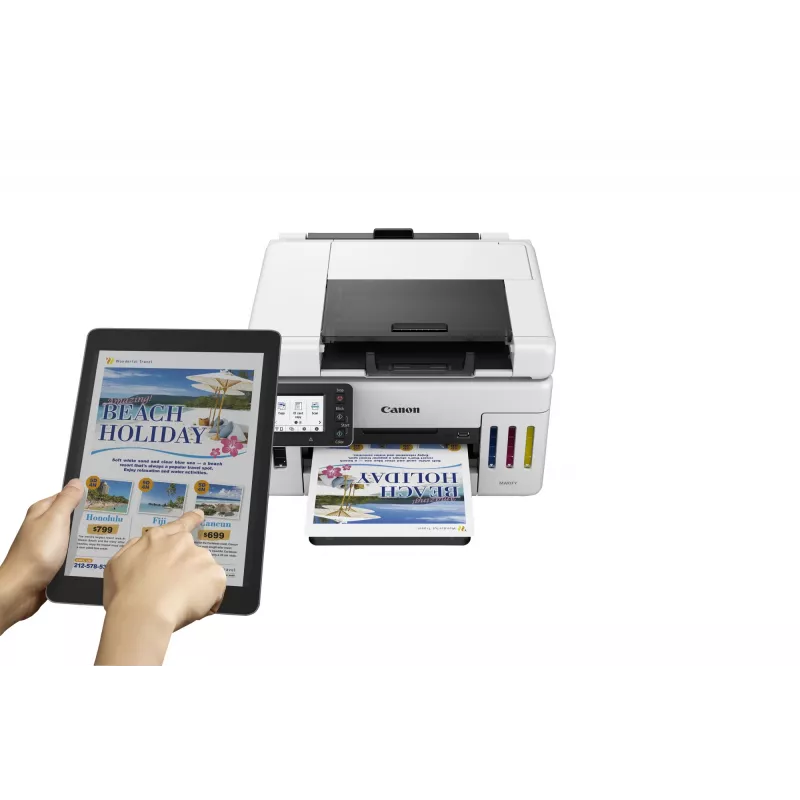
  • Connectivity: Wi‑Fi and Ethernet LAN
  • Duplex functions: Automatic duplex print and copy
  • Maximum monthly duty cycle: Up to 45,000 pages
  • Weight: Approximately 11.5 kg
  • Product colour: Black and white

How to use

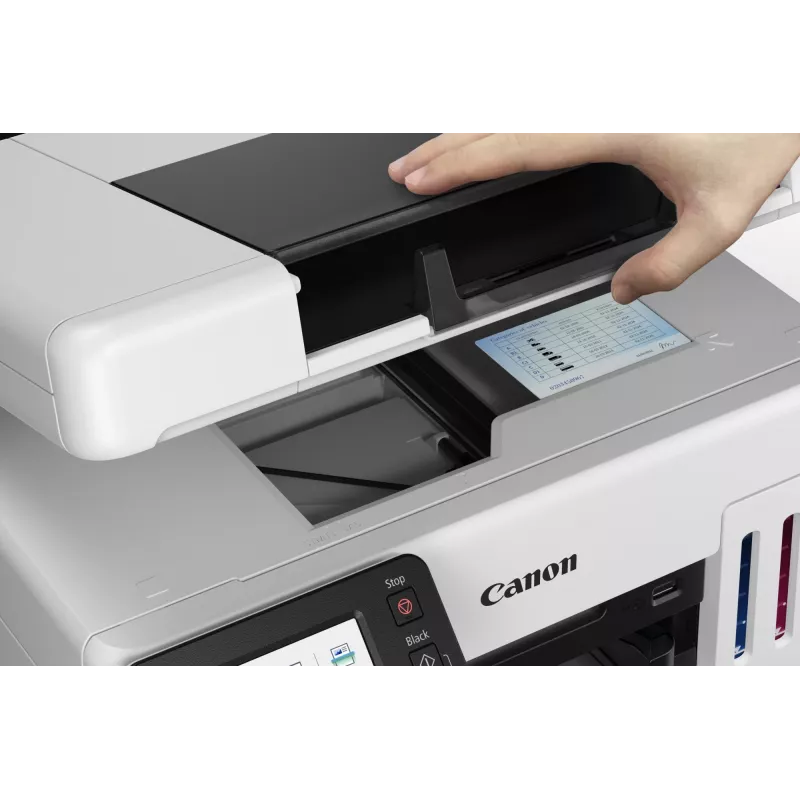
Unpack the printer and place it on a stable surface with adequate ventilation. Install ink tanks and load A4 paper into the main tray according to the user manual. Connect the device to power and configure network settings using the control panel or the provided setup software; choose Wi‑Fi for wireless printing or Ethernet for a wired network connection. Use the printer driver on your computer or the mobile printing options for direct print jobs. For scanning, place documents on the scanner glass or feeder and select the desired resolution and destination (computer, email or USB) through the scanning interface.

Recommendations

For consistent output, use papers recommended for inkjet colour printing and perform regular maintenance tasks such as printhead checks and cleaning cycles. When deploying the printer in a shared environment, configure secure network access and set appropriate duplex and draft settings to optimize ink usage and reduce media consumption.
Punti salienti
  • Small to medium offices requiring reliable colour prints and frequent scanning
  • Workgroups that need duplex printing and network connectivity
  • Users who handle A4 documents, reports and marketing materials
  • Print technology: Inkjet colour printing
  • Maximum print resolution: 600 x 1200 DPI
  • Copying: Colour copying with duplex support
  • Scanning: Colour scanning; optical resolution 1200 x 1200 DPI
  • Maximum paper size: A4
  • Connectivity: Wi‑Fi and Ethernet LAN
  • Duplex functions: Automatic duplex print and copy
  • Maximum monthly duty cycle: Up to 45,000 pages
  • Weight: Approximately 11.5 kg
  • Product colour: Black and white
Specifiche
Algoritmi di sicurezza
WPA-AES, WPA-EAP, WPA-PSK, WPA-TKIP, WPA2-AES, WPA2-PSK, WPA2-TKIP, WPA3-EAP, WPA3-SAE
Alimentatore automatico di documenti (ADF)
Yes
Altezza
327 mm
Altri sistemi operativi supportati
ChromeOS
Area di scansione massima
216 x 356 mm
Capacità cartuccia inclusa (CMY)
14000 pages
Capacità cartuccia inclusa (modalità risparmio, CMY)
21000 pages
Capacità cartuccia inclusa (modalità risparmio, nero)
9000 pages
Capacità cartuccia inclusa (nero)
6000 pages
Capacità di ingresso alimentatore automatico di documenti (ADF)
50 sheets
Capacità totale di ingresso
350 sheets
Cartucce incluse
Yes
Ciclo di lavoro massimo
45000 pages per month
Colore del prodotto
Black, White
Colori di stampa
Black, Cyan, Magenta, Yellow
Consumo elettrico tipico Energy Star (TEC)
0.15 kWh/week
Consumo energetico (copia)
24 W
Consumo energetico (spento)
0.1 W
Consumo energetico (standby)
1.4 W
Copia
Colour copying
Copia fronte/retro
Yes
Diagonale del display
6.86 cm (2.7")
Display
LCD
Display a colori
Yes
Display integrato
Yes
Ethernet LAN
Yes
Formati buste
C5, Com-10, DL, Monarch
Formati carta fotografica
10x15,13x18,18x25,20x25
Formati carta non ISO
Legal, Letter
Formati serie A ISO (A0...A9)
A4, A5, A6
Formati serie ISO B (B0...B9)
B5
Formato carta massimo serie A ISO
A4
Formato di stampa massimo
216 x 1200 mm
Frequenza di ingresso CA
50/60 Hz
Funzione di cancellazione bordi
Yes
Funzione di copia documento d'identità
Yes
Funzione di copia N-in-1
Yes
Funzione di copia N-in-1 (N=)
2, 4
Funzione fax
No
Funzioni fronte/retro
Copy, Print
Grammatura supporti vassoio carta
64 - 105 g/m²
Larghezza
399 mm
Numero di cartucce di stampa
4
Numero massimo di copie
99 copies
Numero totale di vassoi di ingresso
1
Peso
11.5 kg
Porta USB
Yes
Porta USB
USB Type-A / USB Type-B
Posizionamento sul mercato
Business
Profondità
645 mm
Profondità colore in ingresso
16 bit
Profondità colore in uscita
8 bit
Profondità scala di grigi in ingresso
16 bit
Profondità scala di grigi in uscita
8 bit
Ridimensionamento copia
25 - 400%
Risoluzione di scansione ottica
1200 x 1200 DPI
Risoluzione massima
600 x 1200 DPI
Scansione
Colour scanning
Sistemi operativi Mac supportati
Mac OS X 10.15 Catalina, Mac OS X 11.0 Big Sur, Mac OS X 12.0 Monterey, Mac OS X 13.0 Ventura
Sistemi operativi mobili supportati
Android, iOS, iPadOS
Sistemi operativi server supportati
Windows Server 2012 R2, Windows Server 2016, Windows Server 2019, Windows Server 2022
Sistemi operativi Windows supportati
Windows 10, Windows 11, Windows 8.1
Stampa
Colour printing
Stampa fronte/retro
Yes
Standard Wi-Fi
802.11a, 802.11b, 802.11g, Wi-Fi 4 (802.11n), Wi-Fi 5 (802.11ac)
Tecnologia di cablaggio
10/100Base-T(X)
Tecnologia di scansione
CIS
Tecnologia di stampa
Inkjet
Tecnologie di stampa mobile
Apple AirPrint, Canon PRINT Business, Canon iEasy-PhotoPrint, Mopria Print Service
Temperatura di esercizio (T-T)
5 - 35 °C
Tempo di uscita della prima pagina (a colori, normale)
8 s
Tempo di uscita della prima pagina (nero, normale)
7 s
Tensione di ingresso CA
100 - 240 V
Tipi di supporto vassoio carta
Card stock, Envelopes, Photo paper, Plain paper
Tipo di controllo
Touch
Tipo di scanner
Flatbed & ADF scanner
Umidità relativa di esercizio (H-H)
10 - 90%
Velocità di stampa (ISO/IEC 24734) a colori
15.5 ipm
Velocità di stampa (ISO/IEC 24734) monocromatica
24 ipm
Velocità di trasferimento Ethernet LAN
10,100 Mbit/s
Wi-Fi
Yes

Manuale

Apri documento

Brochure

Apri documento
Storico prezzi degli ultimi 6 mesi
Canon MAXIFY GX6550 getto d'inchiostro A4 600 x 1200 DPI WLAN
Attuale
494,44 €
Minimo
471,21 €
Massimo
494,44 €
Variazione 24 h
+20,73 €   +4%
Settimana
+16,69 €   +3%
Mese
+18,87 €   +4%

Recensioni indipendenti della stampa specializzata

trustedreviews.comSimon
7/10

Giudizio: Canon's whacky-looking MAXIFY GX6550 might be expensive to buy, but its ultra-low running costs make it good value to own over the long term. It's a great choice if you want a small office multifunction for a cramped space, but otherwise, its oddball scan...

Pro
  • Extremely low running costs
  • Unusually compact design
  • Reasonable quality and speed
Contro
  • Very expensive to buy
  • Unusual scanner layout isn't perfect
Leggi la recensione completa su trustedreviews.com →
itpro.comSimon
8/10

Giudizio: While $500 is a lot of money for a compact office inkjet, the GX6550's high asking price isn't a major concern. Provided you'll print enough to use up all or most of its bundled ink, you'll pay less overall than you would for a similar, but cartridge-base...

Pro
  • Innovative and compact packaging
  • Very low cost of ownership
Contro
  • Expensive to buy
  • Compromised scan platen
  • Underwhelming color print quality
Leggi la recensione completa su itpro.com →
techradar.com
9/10

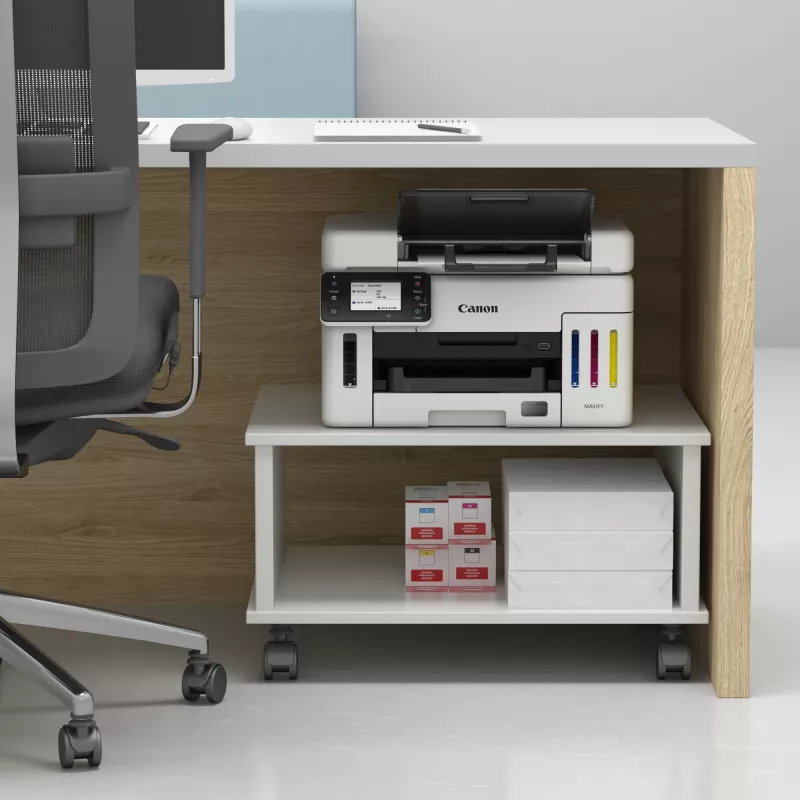
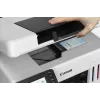
Giudizio: By moving the ADF opening from the top to the front, Canon's latest all-in-one inkjet printer can be installed on a shelf, or under the counter. It's an improvement on the already excellent design of Canon's MAXIFY GX models, but it's still not perfect. H...

Leggi la recensione completa su techradar.com →

Prodotti più popolari in questa categoria

Ciao, sono l'assistente AI di DistriNode. Posso aiutarti a trovare prodotti, confrontare le opzioni, creare preventivi in PDF o aprire richieste di assistenza.