
Account Contatti
Il tuo carrello
Spedizione DPD & FedEx
Serve aiuto? Chiedi all'AI

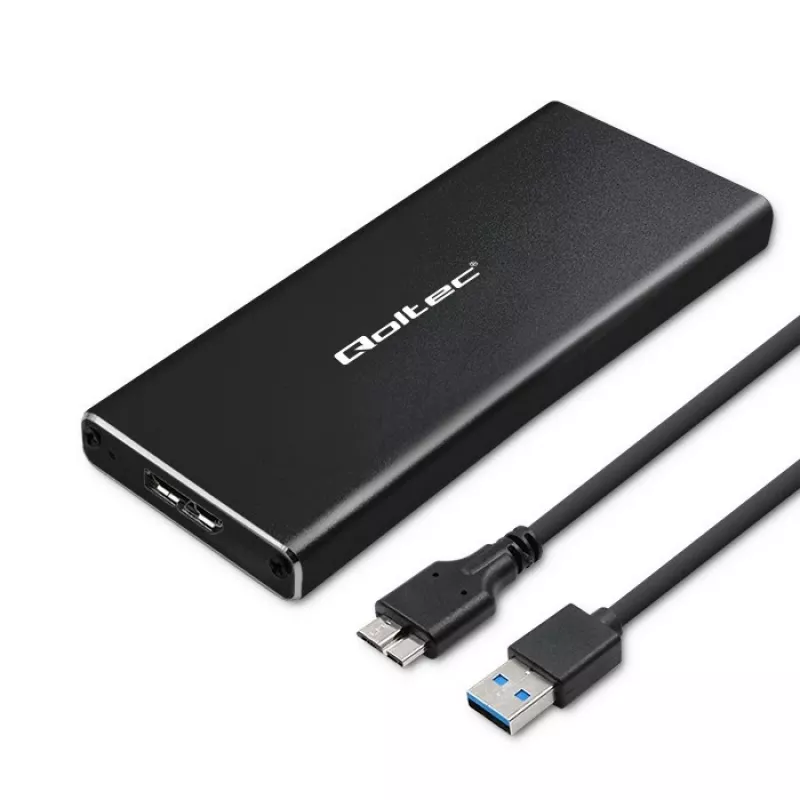
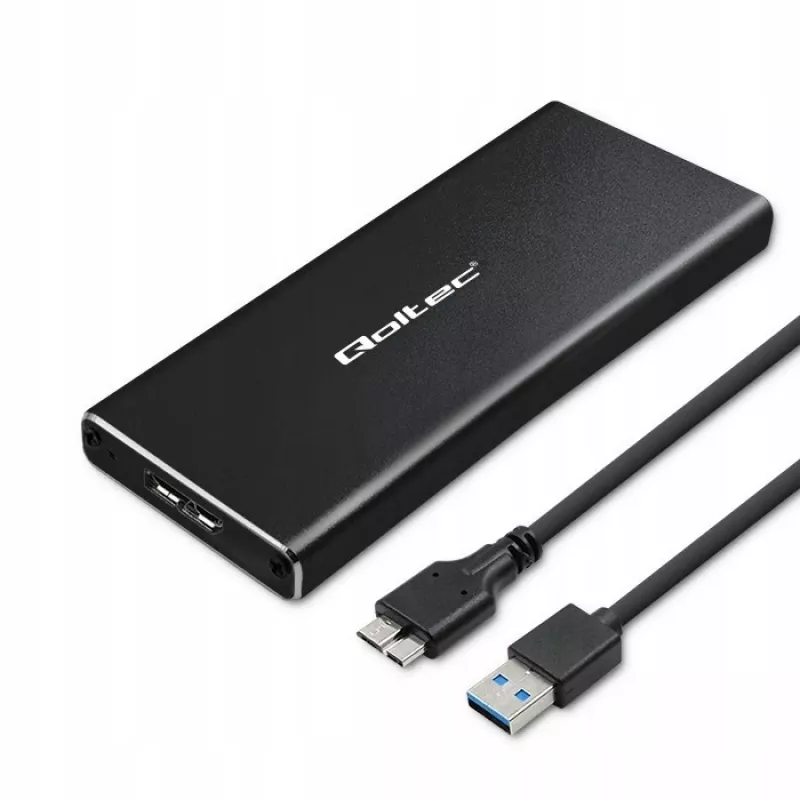
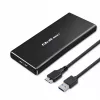
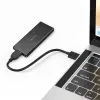
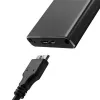
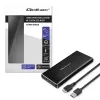
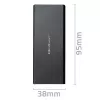
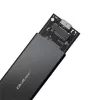
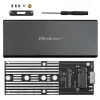
Case per SSD M.2 SATA QOLTEC 51854 USB 3.0 senza attrezzi

Case per SSD M.2 SATA QOLTEC 51854 USB 3.0 senza attrezzi
11,89 €
The QOLTEC M.2 SATA SSD Enclosure 51854 USB 3.0 tool-free is an external enclosure designed to house compatible M.2 SATA solid-state drives and provide fast, portable connectivity to computers via a USB 3.0 interface. It supports tool-free installation, allowing quick insertion and removal of M.2 SA... Leggi di più
Stock 4 Codice 99874 Marca QOLTEC Modello 51854 Garanzia 2 anni

Spedizioni e resi

Consegna stimata Mercoledì, Ottobre 14
Ti terremo aggiornato tramite il nostro sistema di tracciamento dettagliato
Opzioni di pagamento
Carta di credito/debitoVisaMastercardPayPalApple PayGoogle PayBonifico bancario

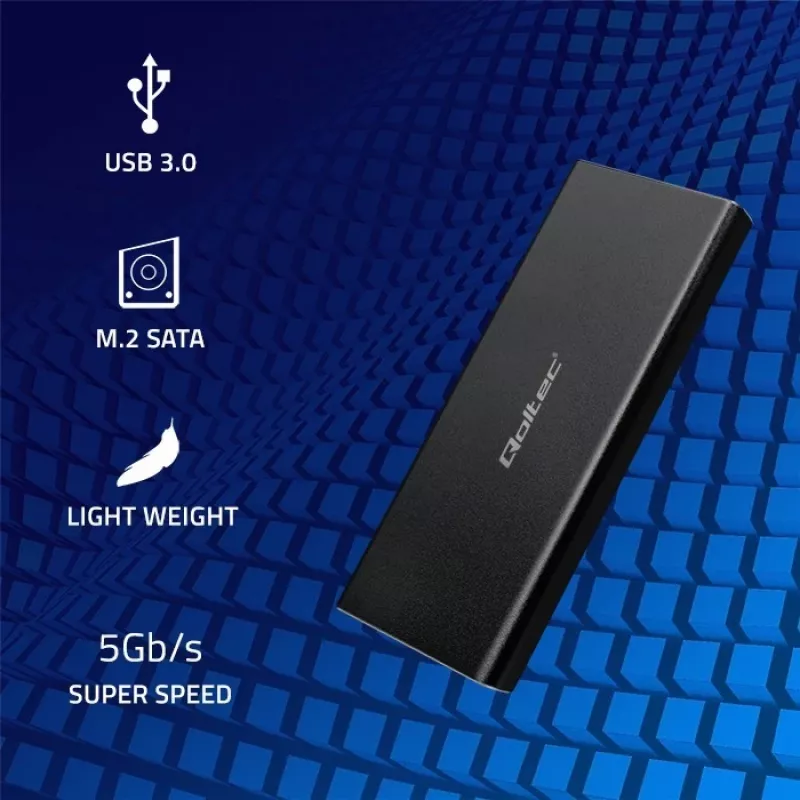
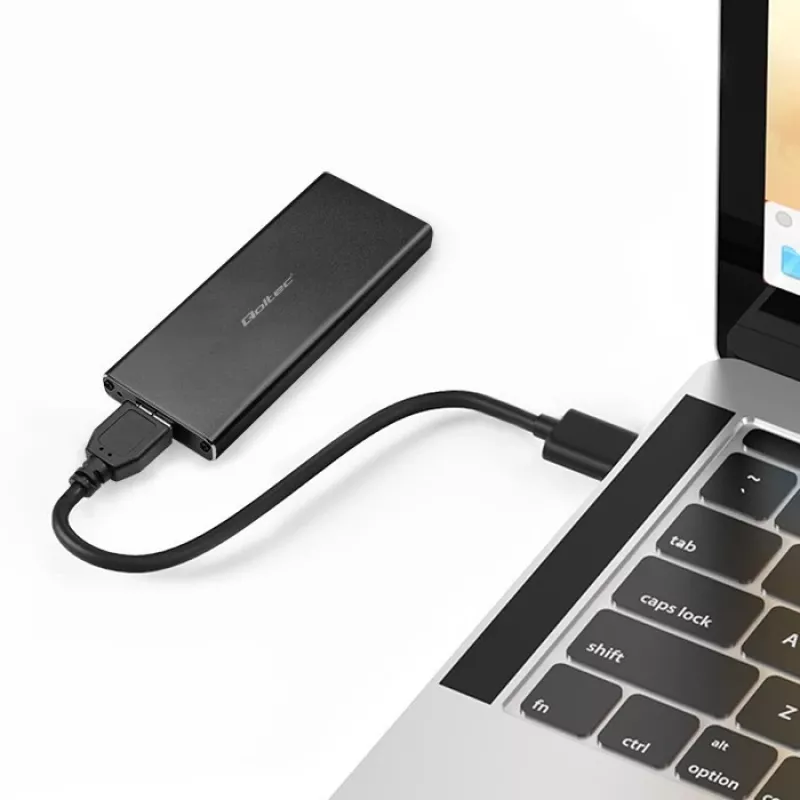
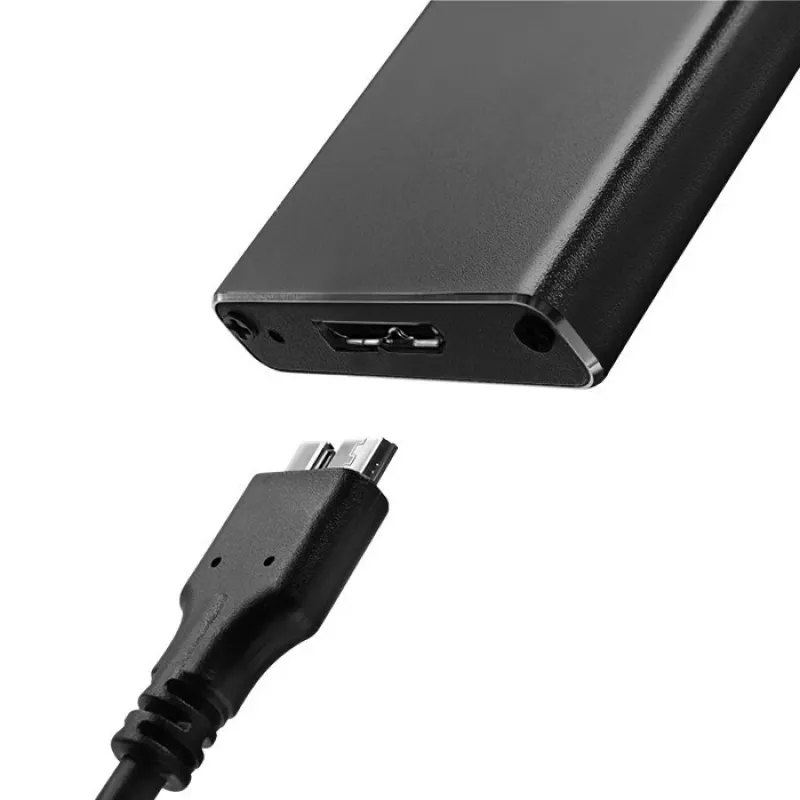
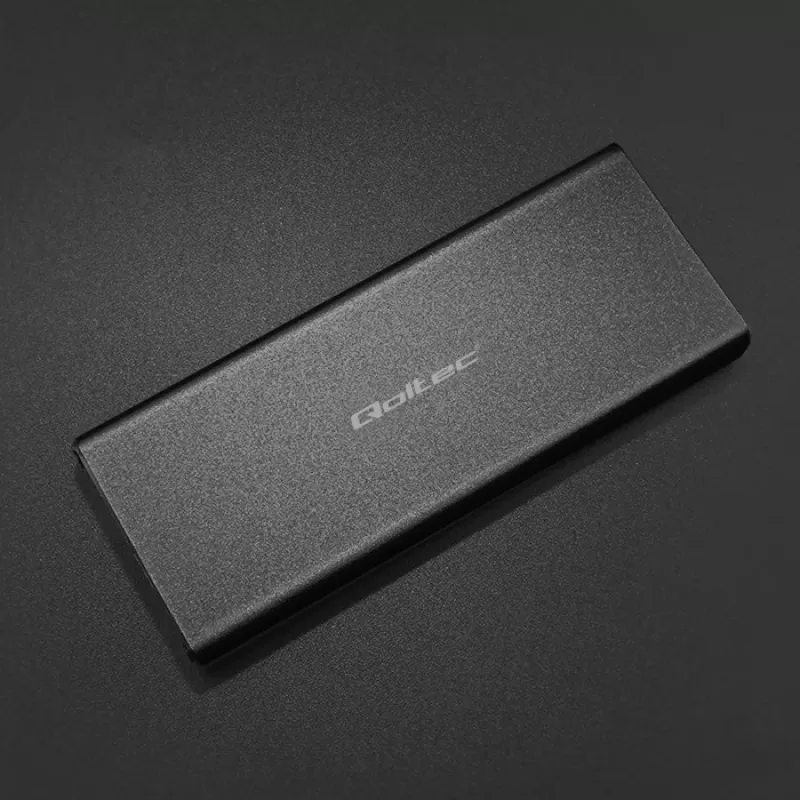
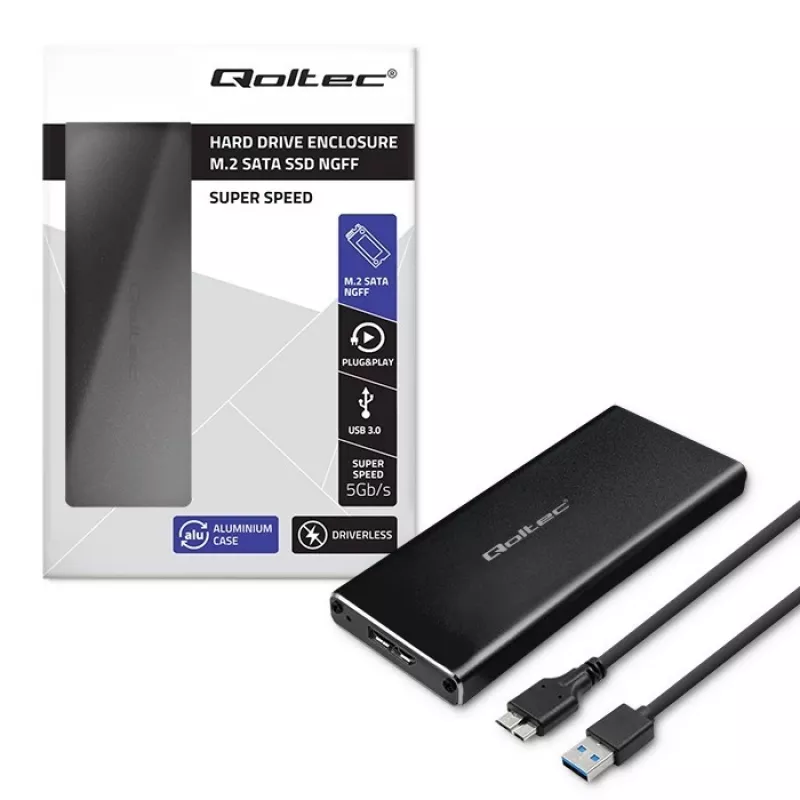
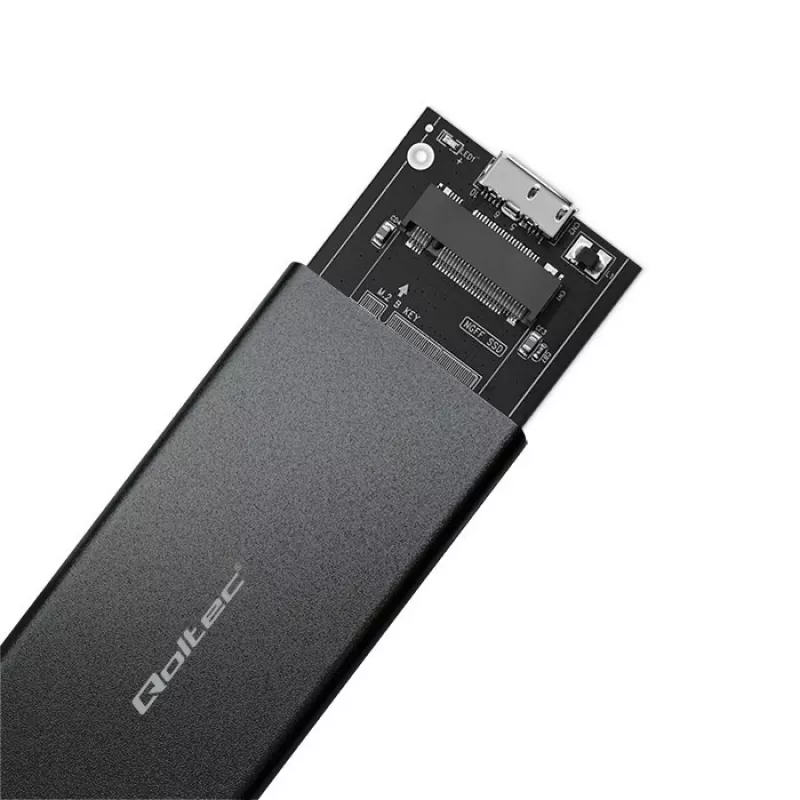
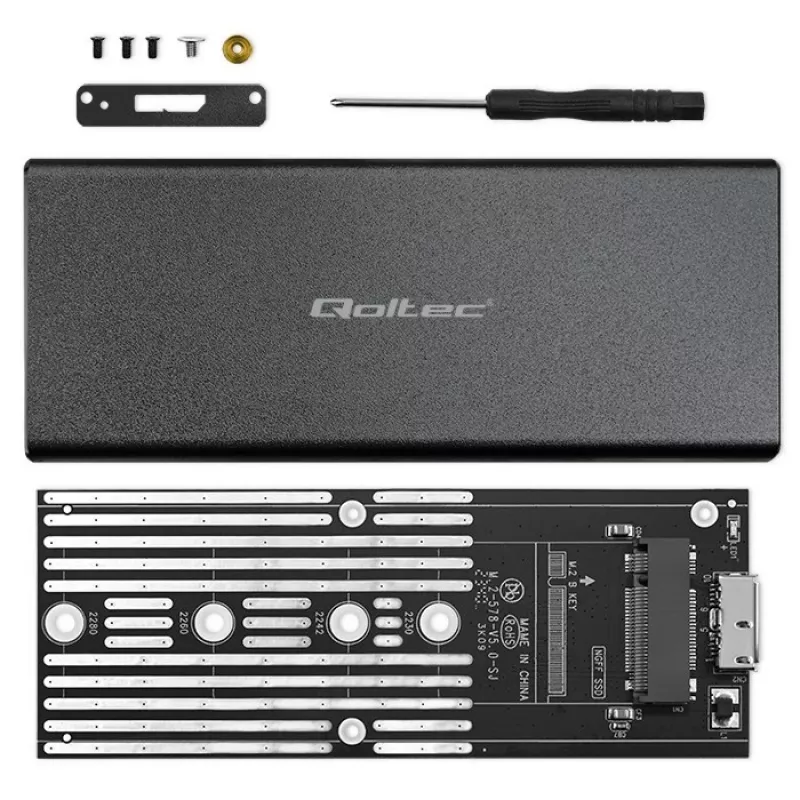
The QOLTEC M.2 SATA SSD Enclosure 51854 USB 3.0 tool-free is an external enclosure designed to house compatible M.2 SATA solid-state drives and provide fast, portable connectivity to computers via a USB 3.0 interface. It supports tool-free installation, allowing quick insertion and removal of M.2 SATA modules without screws or special tools. The enclosure enables plug-and-play access for file transfer, backup, cloning, and portable storage expansion, offering faster throughput than USB 2.0 when connected to a USB 3.0 port.

Advantages

The enclosure offers a compact and lightweight form factor suitable for carrying an M.2 SATA SSD safely while maintaining direct USB 3.0 connectivity for higher transfer speeds. Its tool-free design simplifies drive installation and replacement, reducing setup time and eliminating the need for additional tools. The device is compatible with standard M.2 SATA modules (B+M or B key, where supported by the drive) and provides straightforward plug-and-play operation with most modern laptops and desktops.

Suitable for

  • Expanding portable storage capacity with an existing M.2 SATA SSD
  • Transferring large files between computers quickly using USB 3.0
  • Creating backups or cloning drives for system migration
  • Accessing data from M.2 SATA drives removed from laptops or desktops
  • Temporary use of spare M.2 SATA modules for diagnostics or data recovery

Key specifications

  • Interface to host: USB 3.0 (backward compatible with USB 2.0)
  • Supported drive type: M.2 SATA SSD (single-sided/double-sided depending on drive dimensions)
  • Installation: tool-free mechanism for drive insertion and securing
  • Power: bus-powered via USB connection (no separate power adapter required)
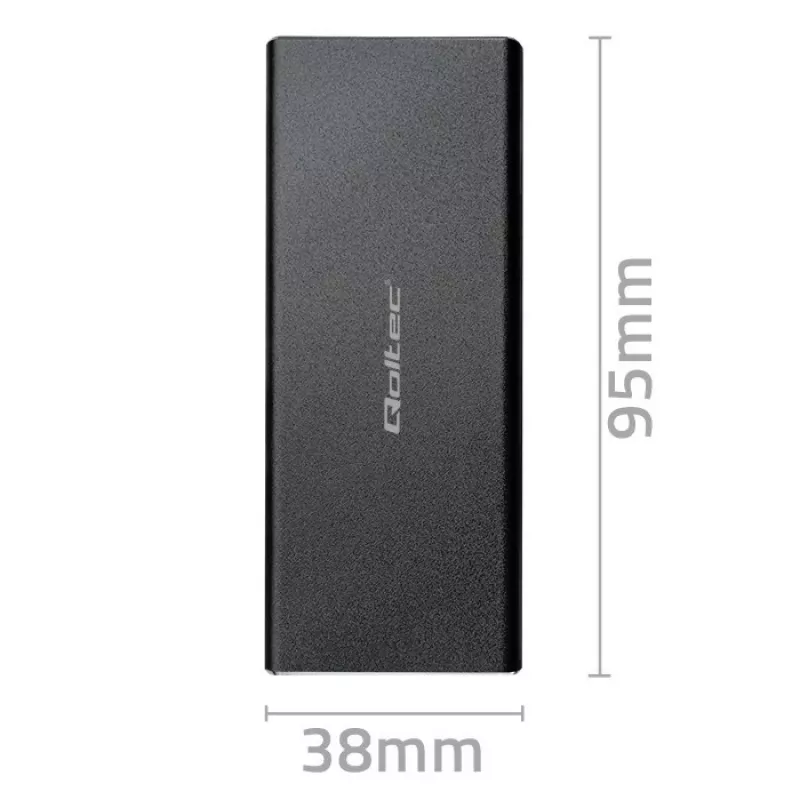
  • Form factor: compact, portable enclosure designed for single M.2 SATA module

How to use

Ensure the M.2 SATA SSD is compatible with M.2 SATA specifications and powered off before installation. Open the enclosure according to the tool-free mechanism, slide the M.2 SATA module into the connector at the correct angle, and secure it following the enclosure’s internal latch or clip. Close the enclosure and connect it to a computer using the supplied USB 3.0 cable. The drive should be recognized automatically by the operating system; if necessary, initialize, partition, or format the SSD using standard system tools. For safe removal, use the operating system’s eject function before disconnecting the USB cable.

Recommendations

Use a USB 3.0 port on the host computer to achieve optimal transfer speeds and ensure the enclosure is placed on a flat, stable surface during operation. Avoid exposing the enclosure to moisture, extreme temperatures, or strong magnetic fields. When handling the M.2 SATA SSD, observe electrostatic discharge precautions. Regularly back up important data stored on the drive and perform safe ejection procedures before disconnecting to prevent data loss.

Punti salienti
  • Expanding portable storage capacity with an existing M.2 SATA SSD
  • Transferring large files between computers quickly using USB 3.0
  • Creating backups or cloning drives for system migration
  • Accessing data from M.2 SATA drives removed from laptops or desktops
  • Temporary use of spare M.2 SATA modules for diagnostics or data recovery
  • Interface to host: USB 3.0 (backward compatible with USB 2.0)
  • Supported drive type: M.2 SATA SSD (single-sided/double-sided depending on drive dimensions)
  • Installation: tool-free mechanism for drive insertion and securing
  • Power: bus-powered via USB connection (no separate power adapter required)
  • Form factor: compact, portable enclosure designed for single M.2 SATA module
Storico prezzi degli ultimi 6 mesi
Case per SSD M.2 SATA QOLTEC 51854 USB 3.0 senza attrezzi
Attuale
11,89 €
Minimo
11,26 €
Massimo
12,10 €
Variazione 24 h
+0,60 €   +5%
Settimana
+0,59 €   +5%
Mese
+0,44 €   +4%

Prodotti più popolari in questa categoria

Ciao, sono l'assistente AI di DistriNode. Posso aiutarti a trovare prodotti, confrontare le opzioni, creare preventivi in PDF o aprire richieste di assistenza.