
Account Contatti
Il tuo carrello
Spedizione DPD & FedEx
Serve aiuto? Chiedi all'AI

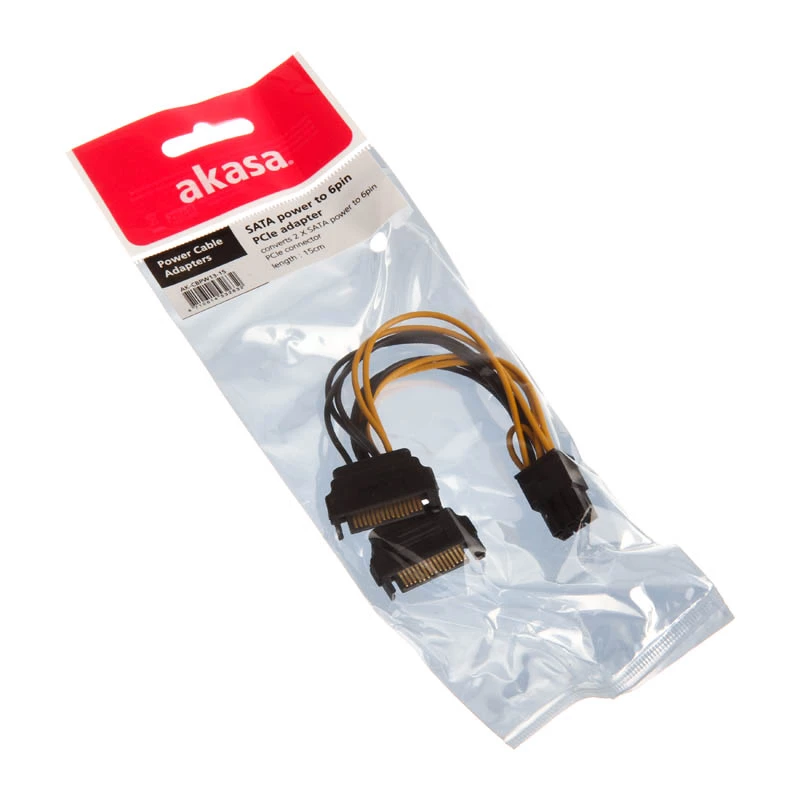
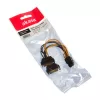
Cavo di alimentazione interno Akasa AK-CBPW13-15 0,15 m

Cavo di alimentazione interno Akasa AK-CBPW13-15 0,15 m
7,81 €
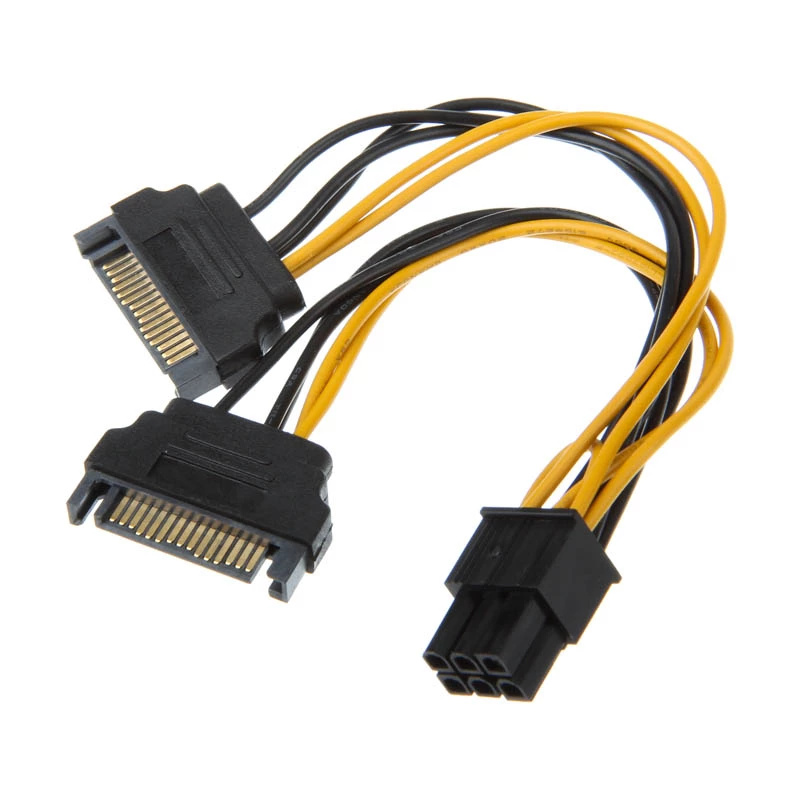
The Akasa AK-CBPW13-15 is a 0.15m internal power cable that converts two SATA power connectors into a single 6-pin PCIe connector. It provides PSU support for PCIe VGA cards by adapting available SATA power lines into the PCIe 6-pin plug, offering a compact solution for installations with limited ca... Leggi di più
Stock 4 Codice 1176570 Marca AKASA Modello AK-CBPW13-15 Garanzia 2 anni

Spedizioni e resi

Consegna stimata Martedì, Ottobre 20
Ti terremo aggiornato tramite il nostro sistema di tracciamento dettagliato
Opzioni di pagamento
Carta di credito/debitoVisaMastercardPayPalApple PayGoogle PayBonifico bancario

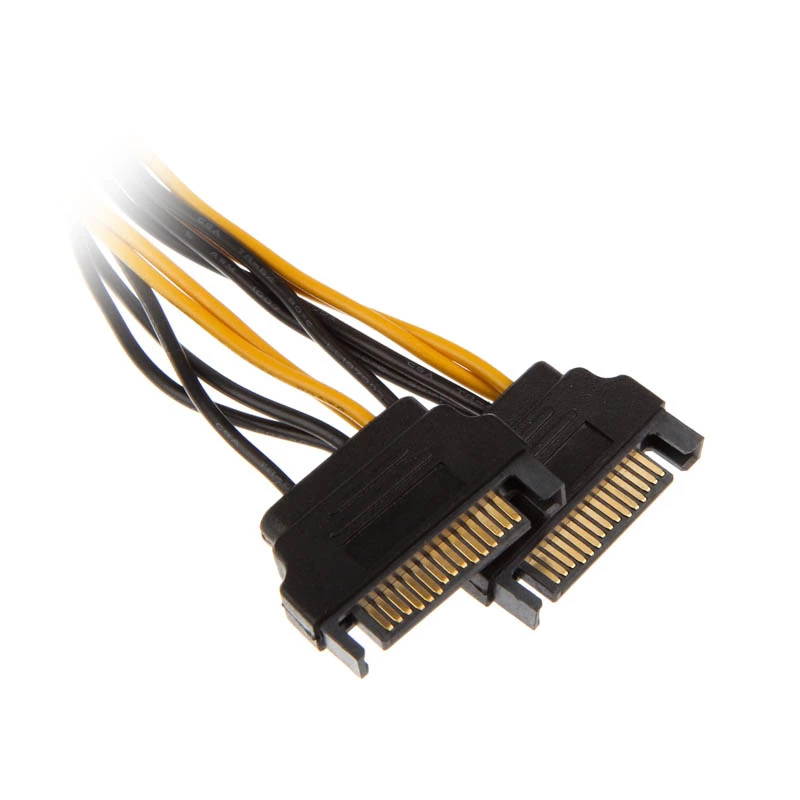
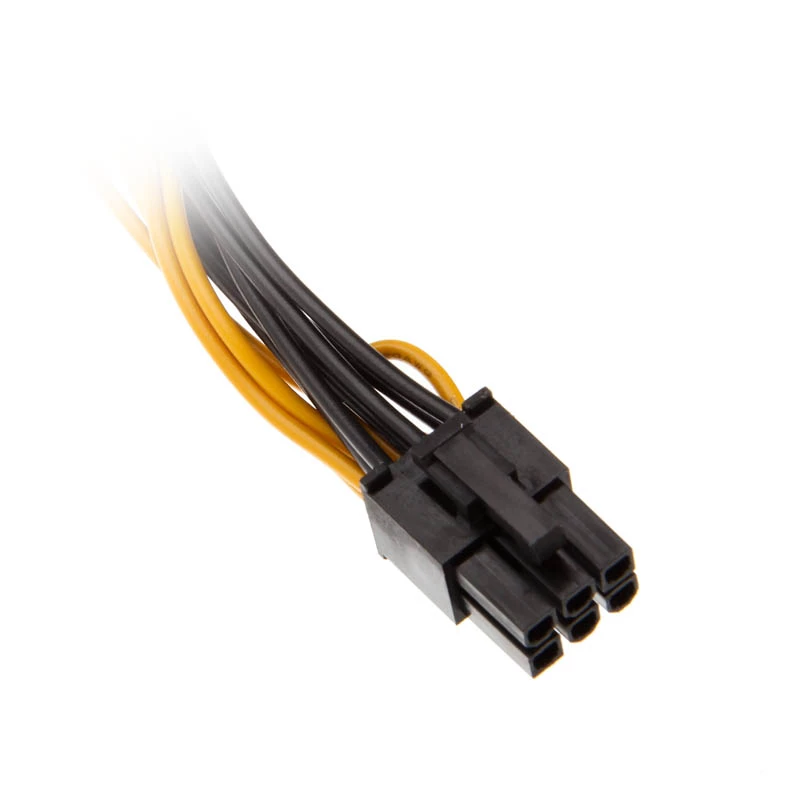
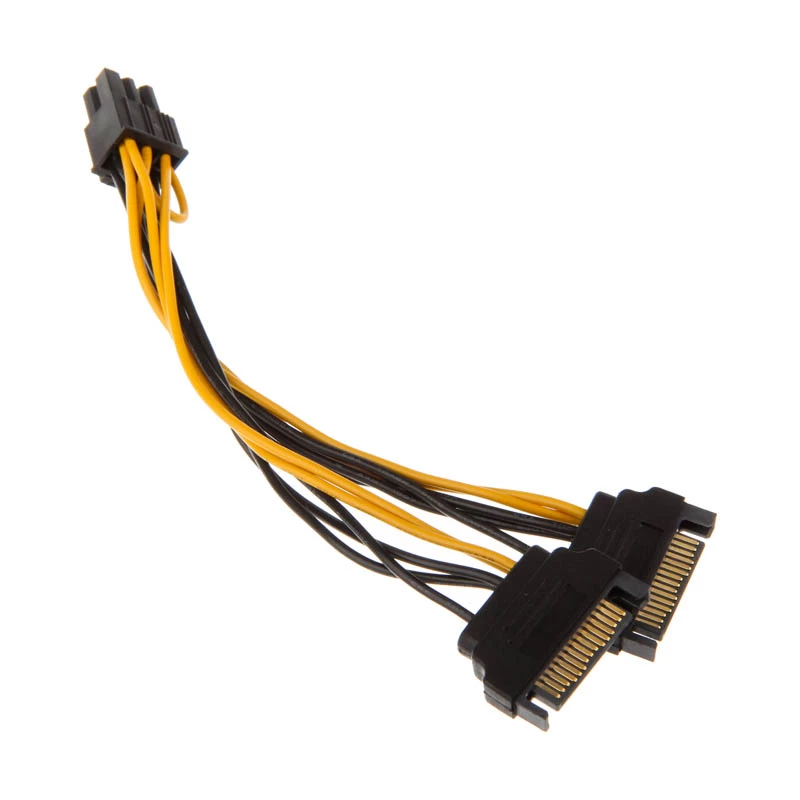
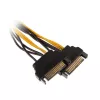
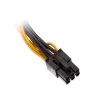
The Akasa AK-CBPW13-15 is a 0.15m internal power cable that converts two SATA power connectors into a single 6-pin PCIe connector. It provides PSU support for PCIe VGA cards by adapting available SATA power lines into the PCIe 6-pin plug, offering a compact solution for installations with limited cable length and tight internal space.

Advantages

This adapter cable updates PSU compatibility for PCIe VGA cards without requiring a new power supply. Its short 15 cm length helps reduce cable clutter inside the case and improves cable routing in compact builds. The cable is finished in black to blend with typical PC internals and supports straightforward connection between SATA power outputs and a PCIe 6-pin graphics connector.

Suitable for

  • Installing a PCIe graphics card when the PSU lacks free PCIe power connectors
  • Small form-factor or compact PC builds with limited cable space
  • Temporary or maintenance power connections for SATA-equipped PSUs

Key specifications

  • Cable length: 0.15 m
  • Connector 1: 2 x SATA 15-pin
  • Connector 2: PCI-E 6-pin
  • Colour: Black
  • Manufacturer: Akasa, MPN AK-CBPW13-15, EAN 4710614532632

How to use

Power off the PC and unplug it from mains before installing the cable. Connect the two SATA power plugs to available SATA power outputs from the PSU, then attach the 6-pin PCIe connector to the graphics card’s PCIe power socket. Ensure all connectors are fully seated and check for secure routing to avoid contact with fans or moving parts before powering the system back on.

Recommendations

Use this cable only with PSUs that provide sufficient amperage on SATA rails for the target graphics card; consult the graphics card and PSU specifications to confirm power requirements. Avoid using adapters as a permanent substitute for required native PCIe power connectors if the card’s power draw exceeds the PSU’s supported output.
Punti salienti
  • Installing a PCIe graphics card when the PSU lacks free PCIe power connectors
  • Small form-factor or compact PC builds with limited cable space
  • Temporary or maintenance power connections for SATA-equipped PSUs
  • Cable length: 0.15 m
  • Connector 1: 2 x SATA 15-pin
  • Connector 2: PCI-E 6-pin
  • Colour: Black
  • Manufacturer: Akasa, MPN AK-CBPW13-15, EAN 4710614532632
Specifiche
Colore del prodotto
Black
Connettore 1
2 x SATA 15-pin
Connettore 2
PCI-E (6-pin)
Lunghezza del cavo
0.15 m
Storico prezzi degli ultimi 6 mesi
Cavo di alimentazione interno Akasa AK-CBPW13-15 0,15 m
Attuale
7,81 €
Minimo
6,52 €
Massimo
48,42 €
Variazione 24 h
+0,51 €   +7%
Settimana
+0,45 €   +6%
Mese
+0,48 €   +7%

Prodotti più popolari in questa categoria

Ciao, sono l'assistente AI di DistriNode. Posso aiutarti a trovare prodotti, confrontare le opzioni, creare preventivi in PDF o aprire richieste di assistenza.