
Account Contatti
Il tuo carrello
Spedizione DPD & FedEx
Serve aiuto? Chiedi all'AI

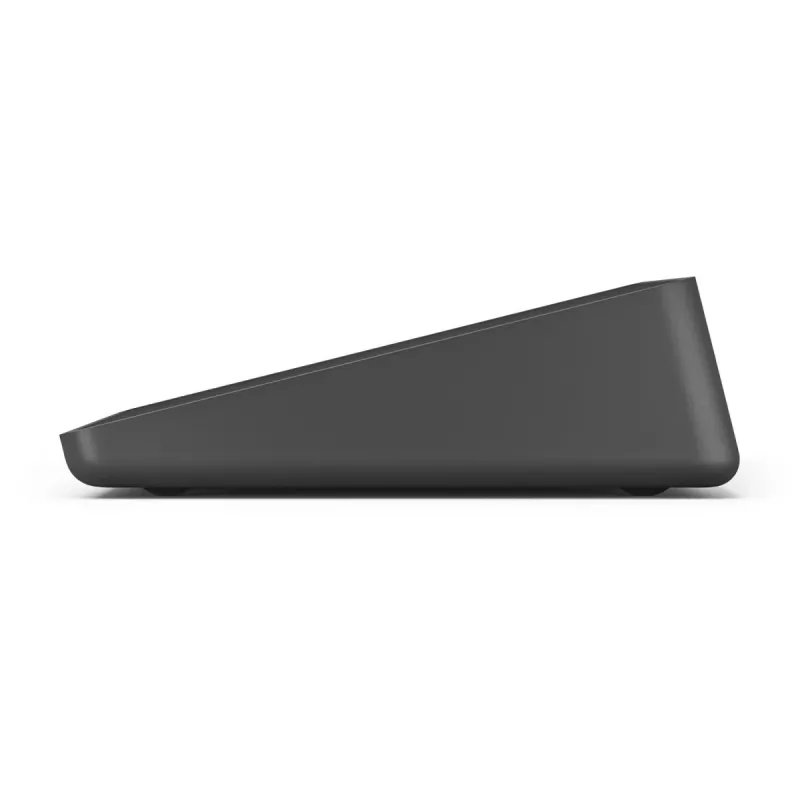
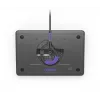
LOGITECH Tap IP - dispositivo per videoconferenze - graphite

LOGITECH Tap IP - dispositivo per videoconferenze - graphite
624,14 €
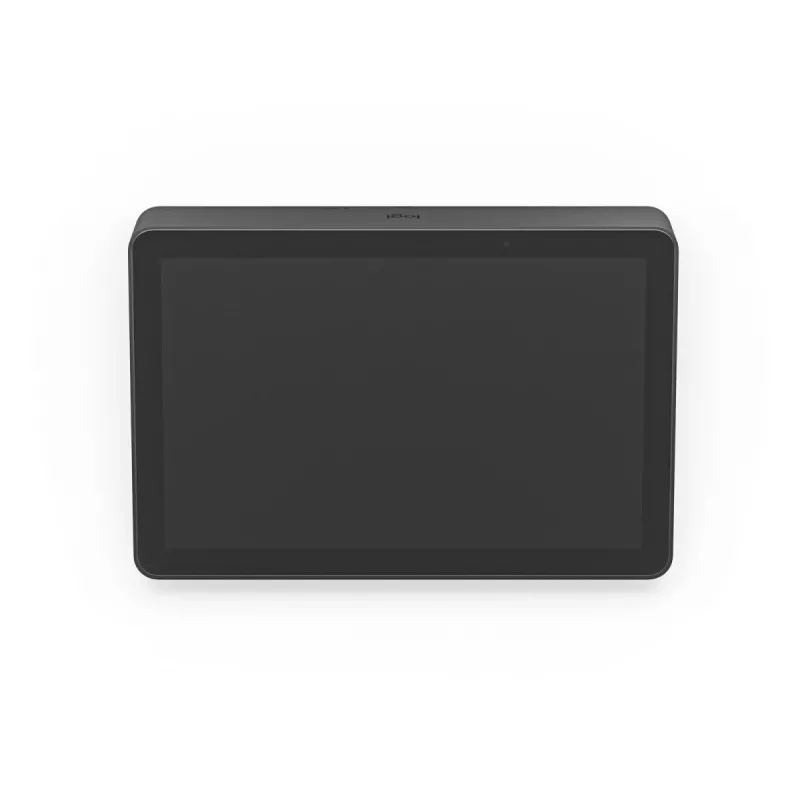
Logitech Tap IP is a network-connected 10.1" touch controller designed to simplify joining and managing video meetings. The compact touch display (1280 x 800, 400 cd/m²) provides one-touch join and easy content sharing when paired with compatible conferencing room solutions. PoE capability and a Ken... Leggi di più
Stock 87 Codice 118945 Marca LOGITECH Modello 952-000085 Garanzia 2 anni

Spedizioni e resi

Consegna stimata Giovedì, Ottobre 15
Ti terremo aggiornato tramite il nostro sistema di tracciamento dettagliato
Opzioni di pagamento
Carta di credito/debitoVisaMastercardPayPalApple PayGoogle PayBonifico bancario

Logitech Tap IP is a network-connected 10.1" touch controller designed to simplify joining and managing video meetings. The compact touch display (1280 x 800, 400 cd/m²) provides one-touch join and easy content sharing when paired with compatible conferencing room solutions. PoE capability and a Kensington lock slot help secure and streamline installation in meeting rooms.

Advantages

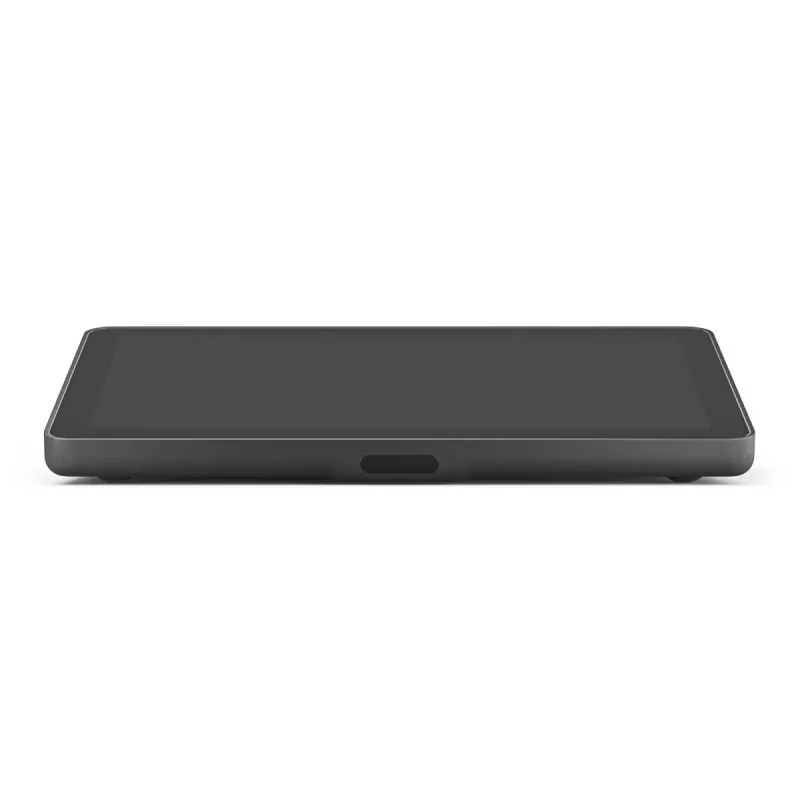
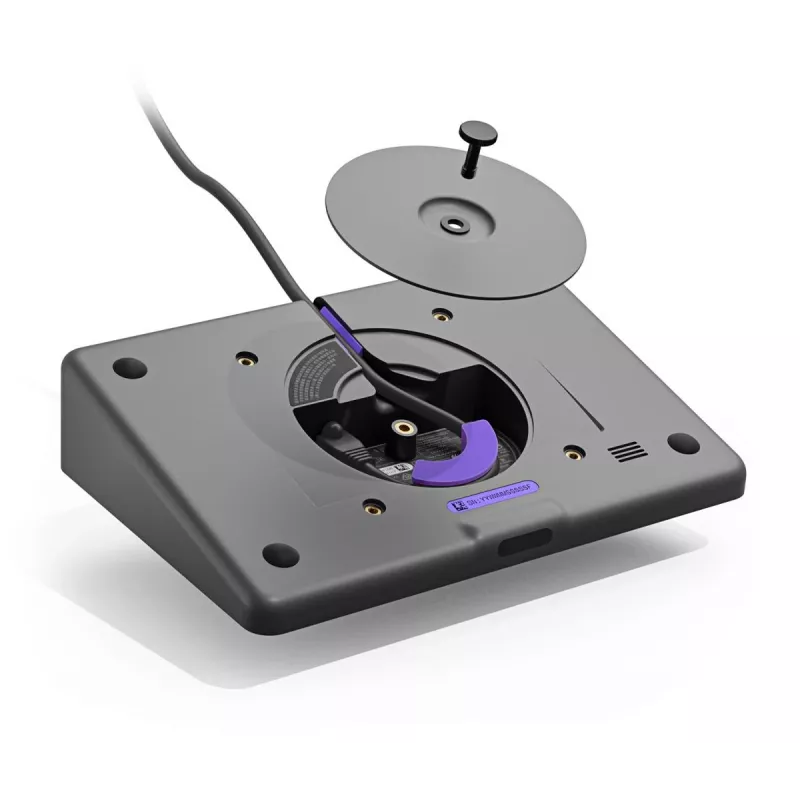
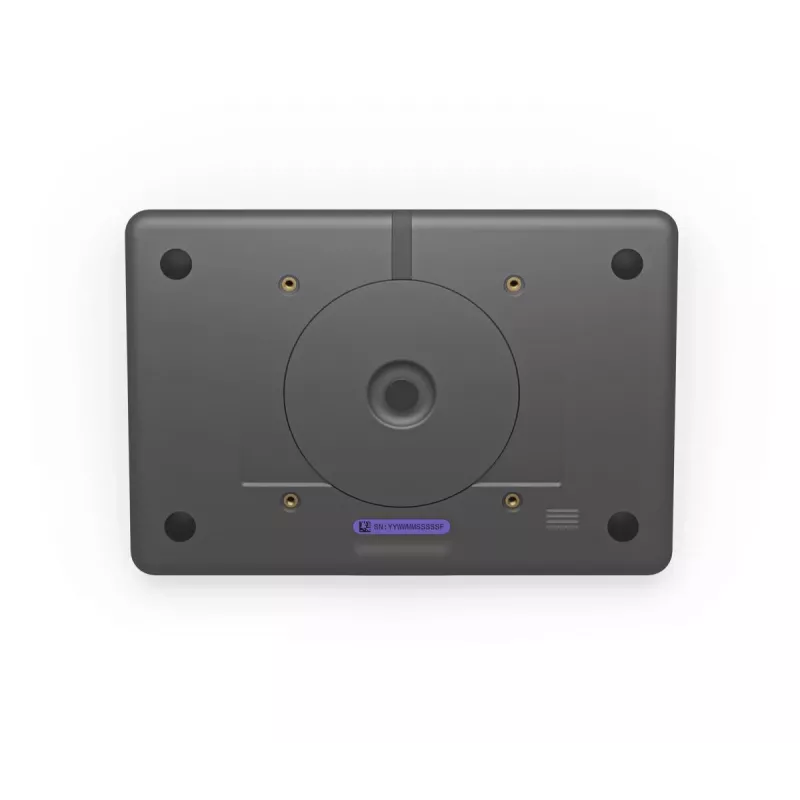
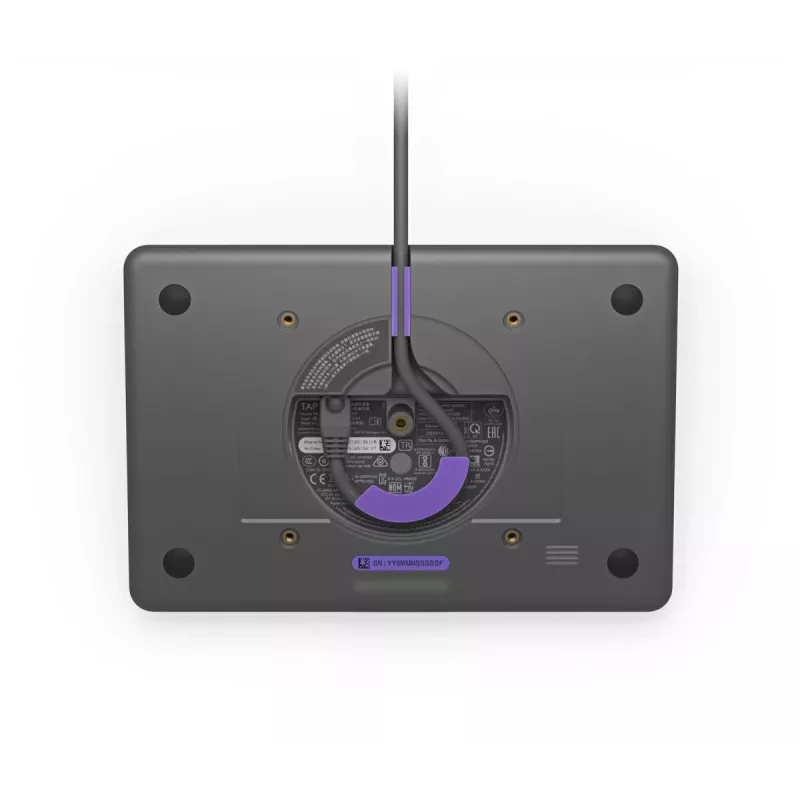
Tap IP offers a low-profile 10.1" display with a motion sensor for ready responsiveness and a single-cable Power over Ethernet connection for tidy, reliable deployment. Built-in cable retention and strain-relief simplify cabling, while multiple mounting options (table, riser, wall) allow flexible placement. Integration with Logitech Sync enables centralized monitoring and management, and optional Logitech Select service and extended warranty plans provide additional support and coverage.

Suitable for

  • Huddle rooms and small meeting rooms
  • Conference rooms that require one-touch meeting join
  • Workspaces needing a compact, mounted touch controller
  • Environments where PoE installation and cable security are preferred

Key specifications

  • Display: 10.1" (1280 x 800) LCD, 400 cd/m²
  • Connectivity: Ethernet with Power over Ethernet (PoE), Wi‑Fi support (including 802.11ac)
  • Security: Kensington cable lock slot
  • Mounting: Table, riser (180° rotation), and wall mount options
  • Dimensions: 246.2 mm (W) x 171.3 mm (D) x 56.1 mm (H)
  • Weight: 1 kg
  • Manufacturer part number (MPN): 952-000085; EAN: 0097855170002

How to use

Install Tap IP near meeting participants and connect it using a single Ethernet cable that provides both power and network (PoE). Route the cable through the rear or underside channel and secure it with the built-in strain relief. Mount the device on a table grommet or riser and rotate up to 180° for optimal visibility, or use the wall mount to save table space. Pair Tap IP with a supported video conferencing room solution and configure account settings for one-touch join and content sharing.

Recommendations

For reliable operation, use a PoE-capable switch or injector that meets the device power requirements, keep firmware updated via Logitech Sync, and consider Logitech Select service or extended warranty for prioritized support and onsite spares in high-usage rooms.

Punti salienti
  • Huddle rooms and small meeting rooms
  • Conference rooms that require one-touch meeting join
  • Workspaces needing a compact, mounted touch controller
  • Environments where PoE installation and cable security are preferred
  • Display: 10.1" (1280 x 800) LCD, 400 cd/m²
  • Connectivity: Ethernet with Power over Ethernet (PoE), Wi‑Fi support (including 802.11ac)
  • Security: Kensington cable lock slot
  • Mounting: Table, riser (180° rotation), and wall mount options
  • Dimensions: 246.2 mm (W) x 171.3 mm (D) x 56.1 mm (H)
  • Weight: 1 kg
  • Manufacturer part number (MPN): 952-000085; EAN: 0097855170002
Specifiche
Algoritmi di sicurezza
128-bit AES
Altezza
56.1 mm
Altezza cartone esterno
199 mm
Altezza confezione
93 mm
Altoparlanti integrati
Yes
Attacco VESA
Yes
Batterie incluse
No
Bluetooth
Yes
Colore del prodotto
Graphite
Contenuto della confezione
Tap IP Touch Controller Documentation
Diagonale del display
25.6 cm (10.1")
Ethernet LAN
Yes
Larghezza
246.2 mm
Larghezza cartone esterno
260 mm
Larghezza confezione
247 mm
Luminosità del display
400 cd/m²
Lunghezza cartone esterno
358 mm
Numero di altoparlanti
1
Peso
1 kg
Peso confezione
1.34 kg
Peso lordo cartone esterno
3.3 kg
Profondità
171.3 mm
Profondità confezione
346 mm
Requisiti minimi di sistema
Internet Connection: Wired through PoE or wireless Customer-Supplied Cabling: Power over Ethernet (PoE)cable, IEEE 802.3af Type 1, Class 3 device
Risoluzione del display
1280 x 800 pixels
Rivestimento oleofobico
Yes
Slot per cavo di sicurezza
Yes
Standard di rete
IEEE 802.3af
Standard Wi-Fi
802.11a, 802.11b, 802.11g, Wi-Fi 4 (802.11n), Wi-Fi 5 (802.11ac)
Temperatura di esercizio (T-T)
0 - 40 °C
Temperatura di stoccaggio (T-T)
-40 - 70 °C
Tipo di fonte di alimentazione
PoE
Tipo di slot per cavo di sicurezza
Kensington
Umidità relativa di esercizio (H-H)
10 - 95%
Velocità di trasferimento Ethernet LAN
10,100 Mbit/s
Versione Bluetooth
5.0
Wi-Fi
Yes

Brochure

Apri documento
Storico prezzi degli ultimi 6 mesi
LOGITECH Tap IP - dispositivo per videoconferenze - graphite
Attuale
624,14 €
Minimo
552,89 €
Massimo
679,30 €
Variazione 24 h
-4,67 €   -1%
Settimana
+31,76 €   +5%
Mese
+2,92 €   +0%
Ciao, sono l'assistente AI di DistriNode. Posso aiutarti a trovare prodotti, confrontare le opzioni, creare preventivi in PDF o aprire richieste di assistenza.