
Account Contatti
Il tuo carrello
Spedizione DPD & FedEx
Serve aiuto? Chiedi all'AI

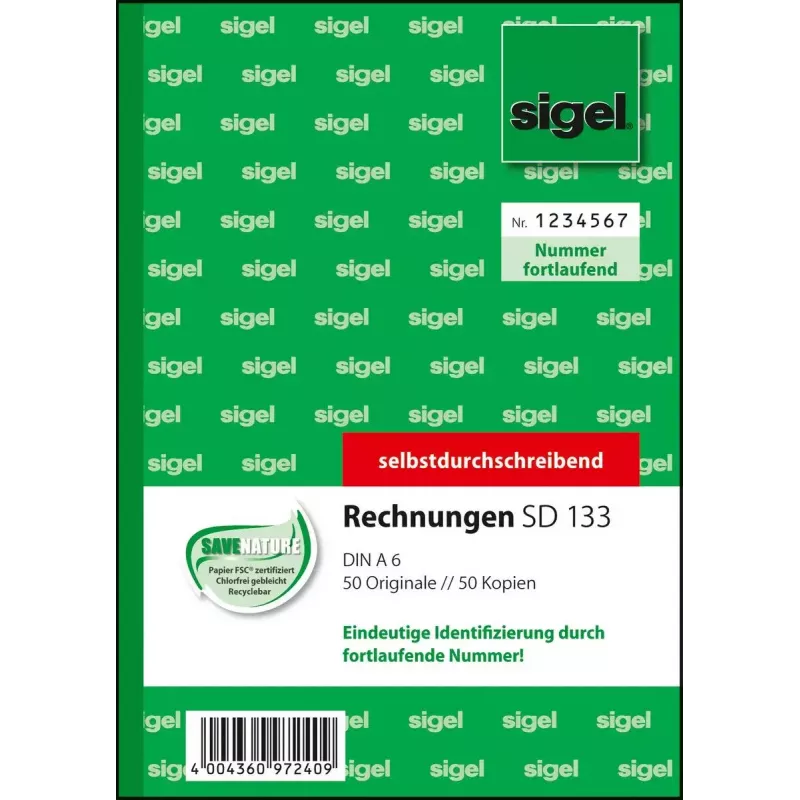
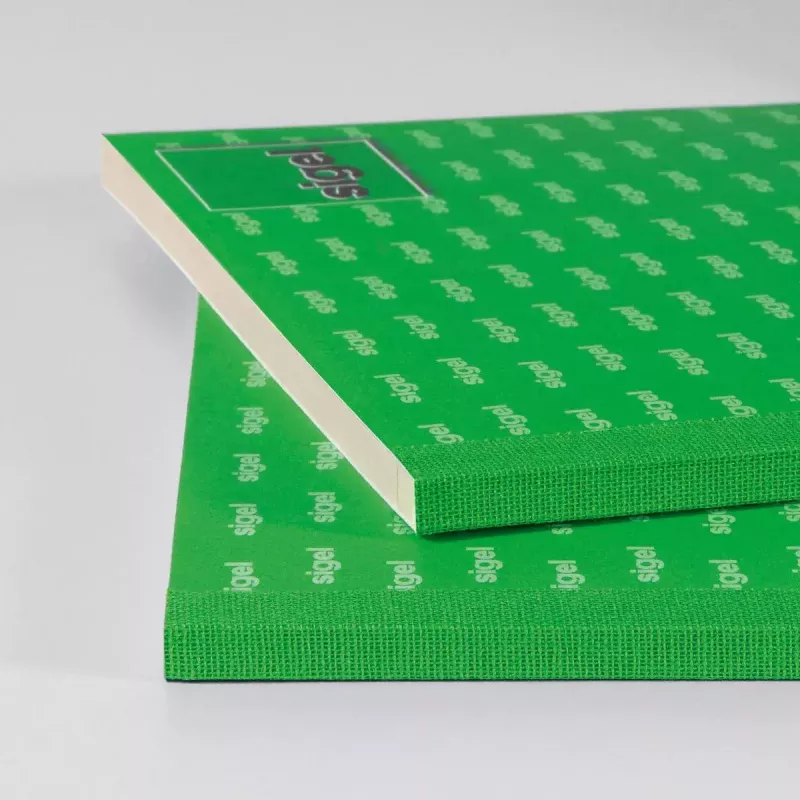
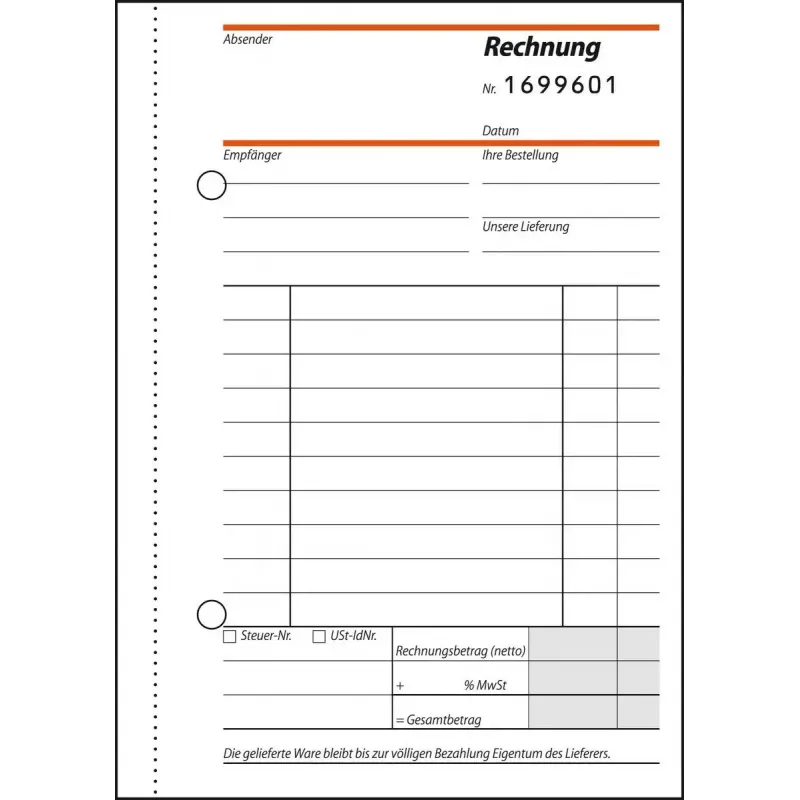
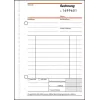
Modulo commerciale Sigel SD133

Modulo commerciale Sigel SD133
21,41 €
PDF
PDF
Stock 8 Codice 1511415 Modello SD133 Garanzia 2 anni

Spedizioni e resi

Consegna stimata mercoledì 9 dicembre
Ti terremo aggiornato tramite il nostro sistema di tracciamento dettagliato
Opzioni di pagamento
Carta di credito/debitoVisaMastercardPayPalApple PayGoogle PayBonifico bancario

Fai una domanda – l'assistente AI risponde subito.

Descrizione

The Sigel SD133 business form in A6 format offers a clean white sheet designed for professional correspondence and document creation. Packaged as a set of 100 sheets, this form provides uniform size and weight suitable for printing, handwriting, and manual filing. The smooth surface and consistent whiteness help produce clear, legible invoices, letters, notes, or short reports while maintaining a neat appearance across multiple documents.

Advantages

The paper's smooth finish supports both ink and toner printing with reduced feathering and clear text reproduction. A6 size saves space and is convenient for compact invoices, appointment cards, and short messages. The consistent whiteness and uniform cut ensure reliable handling in printers, copiers, and manual sorting systems. Supplied in a 100-sheet pack, the product balances economy with enough quantity for routine office use.

Suitable for

  • Printing small invoices and receipts
  • Handwritten notes, appointment cards, and delivery confirmations
  • Office correspondence and short letters
  • Use in small desktop printers and thermal or impact printers that accept A6 paper

Key specifications

  • Format: A6 (approx. 105 x 148 mm)
  • Sheet count: 100 sheets per pack
  • Color: white
  • Paper surface: smooth for writing and printing

How to use

Insert sheets into the paper tray or manual feed slot of compatible printers following the device manufacturer's guidance for A6 media. For handwriting, place the sheet on a stable surface and write with ballpoint, gel pens, or pencils; the smooth surface reduces ink bleed. When preparing invoices or letters for mailing, align content within a standard A6 layout to ensure correct trimming and folding. Store unused sheets flat in a dry environment to prevent curling or moisture absorption.

Recommendations

For best printing results, select the correct paper size in printer settings and allow sheets to acclimatize to room temperature before printing large batches. Avoid using heavy inks or wet media that can increase drying time and risk of smudging.

Punti salienti
  • Printing small invoices and receipts
  • Handwritten notes, appointment cards, and delivery confirmations
  • Office correspondence and short letters
  • Use in small desktop printers and thermal or impact printers that accept A6 paper
  • Format: A6 (approx. 105 x 148 mm)
  • Sheet count: 100 sheets per pack
  • Color: white
  • Paper surface: smooth for writing and printing

Specifiche

Specifiche
Colore del prodotto
Bianco
Fogli per confezione
100 fogli
Formato
A6
Peso
0.1 kg
Storico prezzi degli ultimi 6 mesi
Modulo commerciale Sigel SD133
Attuale
21,41 €
Minimo 7 gg
20,16 €
Massimo 7 gg
21,97 €
Variazione 24 h
+0,08 €   +0%
Variazione 7 gg
+1,25 €   +6%
Variazione 30 gg
+1,00 €   +5%

Scrivi una recensione

Valutazione *
Il tuo nome sarà mostrato pubblicamente – puoi usare un nickname. Invitiamo gli acquirenti a scrivere recensioni; le controlliamo prima della pubblicazione e pubblichiamo anche quelle critiche.

Altri prodotti SIGEL in questa categoria

12

Prodotti più popolari in questa categoria

1
Venditore: UAB KUR LT · Gariūnų g. 57-14, LT-02300 Vilnius, Lituania · Codice società 303192950 · Partita IVA UE LT100008198612 · Spedizione dall'UE (Lituania)
WhatsApp
Messenger
Ciao, sono l'assistente AI di DistriNode. Posso aiutarti a trovare prodotti, confrontare le opzioni, creare preventivi in PDF o aprire richieste di assistenza.
Tutte le categorie