



Fai una domanda su questo prodotto
Mouse wireless BakkerElkhuizen Oyster Mouse
Spedizioni e resi


38,71 €
IVA esclusa:31,73 €


39,04 €
IVA esclusa:32,00 €


12,21 €
IVA esclusa:10,01 €

144,39 €
IVA esclusa:118,36 €


3.043,99 €
IVA esclusa:2.495,08 €

-90x90h.webp "PC gaming configura da te — Ryzen 7 7700 + RTX 5070, 32GB DDR5 | DistriNode")
1.772,14 €
IVA esclusa:1.452,58 €

1.236,70 €
IVA esclusa:1.013,69 €
1.225,80 €
IVA esclusa:1.004,76 €
1.087,34 €
IVA esclusa:891,26 €


1.999,09 €
IVA esclusa:1.638,60 €
1.550,34 €
IVA esclusa:1.270,77 €


26,93 €
IVA esclusa:22,07 €

88,76 €
IVA esclusa:72,76 €

296,28 €
IVA esclusa:242,85 €


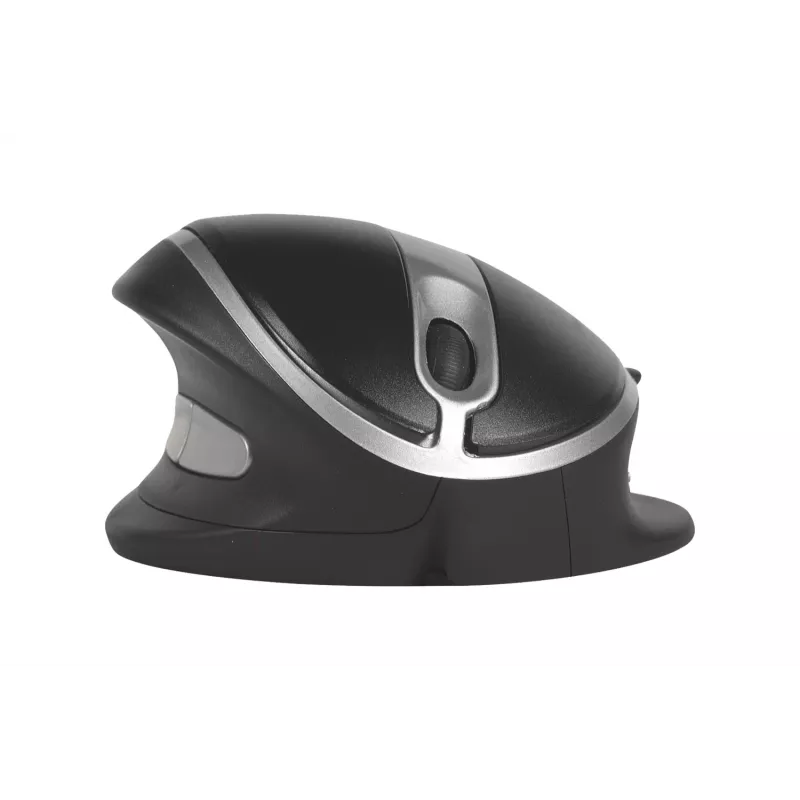
Oyster Mouse
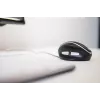
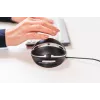
The only ergonomic mouse where you can adjust the vertical angle.
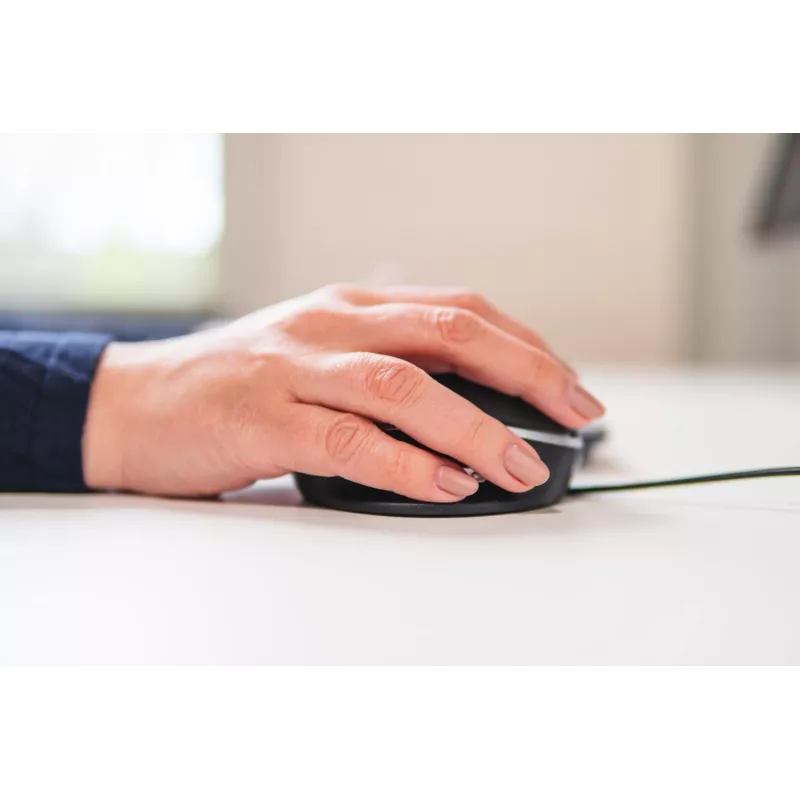
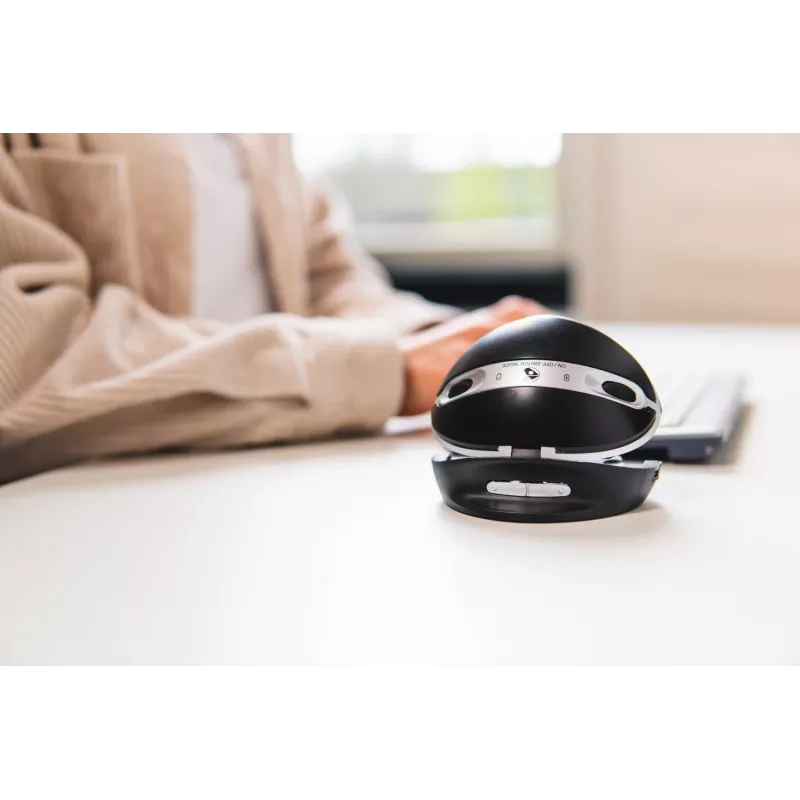
Simply set the tilt angle which best suits you individually by unfolding the mouse level by level, this way of adjustment guarantees that you don’t need time to get used to a vertical mouse.Bring your hand in a neutral position and start working comfortable and healthy. The Oyster Mouse has great features like an extra wide lip to prevent your little finger from rubbing on the desk, six buttons with a clickable scroll-wheel, it is available in two different sizes in wired and wireless, and it can be used alternating with the left and right hand. Whether you are a beginner or a professional in using a vertical mouse user, from now on you will be able to work in a comfortable, relaxed, and neutral hand and wrist position. The vertical grip of the Oyster Mouse prevents physical discomfort, it makes you more productive, and you improve your performance during computer work.
Unique. Adjust the inclination angle.
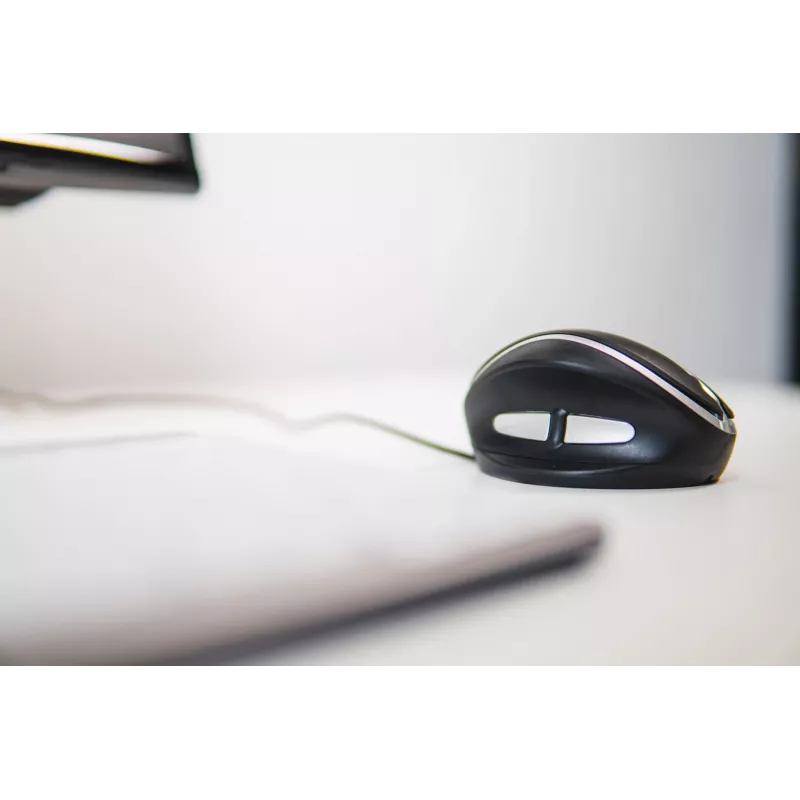
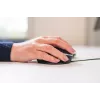
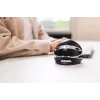
The Oyster Mouse is a vertical mouse that can be used by people who are already used to a vertical mouse grip, but also for people who never used a vertical mouse before. If you never worked with a vertical mouse before, you can start with a low angle and get used to a vertical grip. After a short time you can improve your hand and wrist posture gradually to a larger vertical angle. Your hand and wrist adapt more and more a neutral, vertical position, and this leads to an ergonomic way of working and physical discomfort can be prevented. If you are used to a vertical mouse grip, you can directly set this mouse on a larger inclination angle. The extra wide lip at the bottom edge prevents in your little finger from rubbing on the surface, which provides even more comfort during your mouse work.
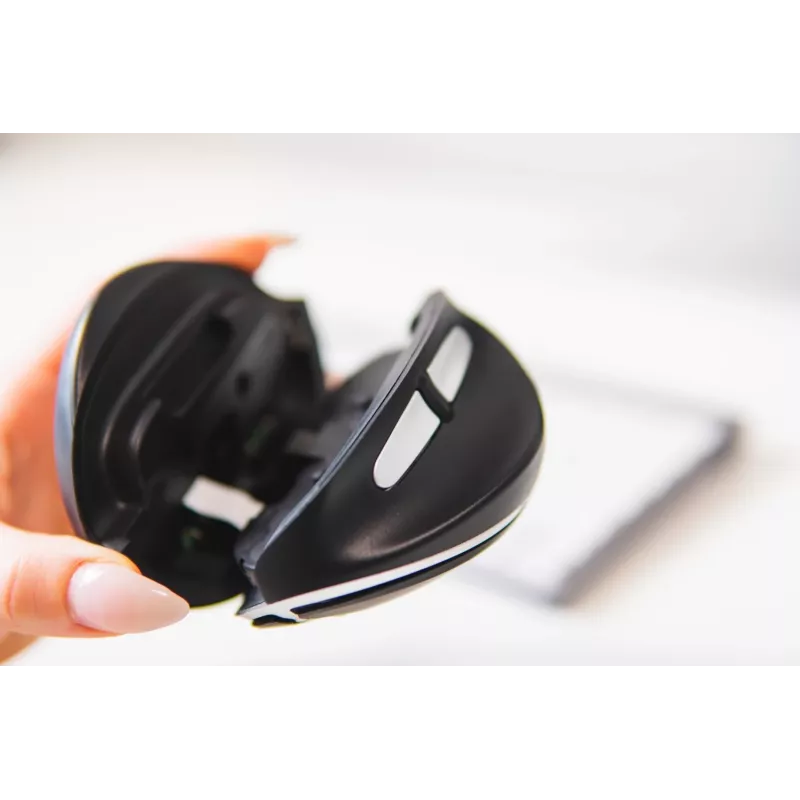
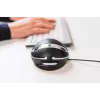
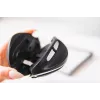
The special function of the Oyster Mouse is, that you can adjust the inclination angle of the mouse in five steps.
Six buttons.
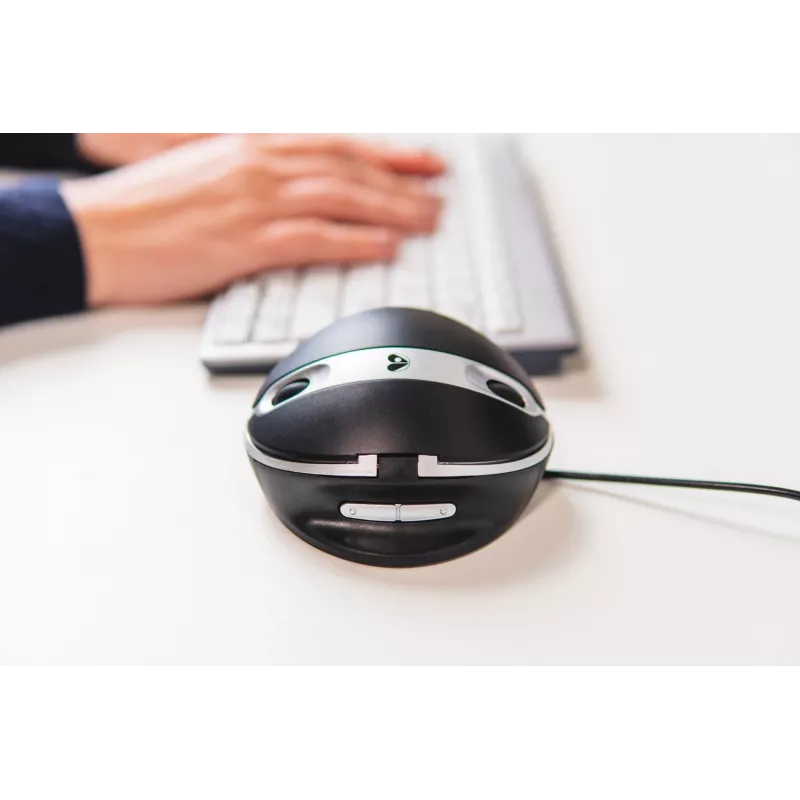
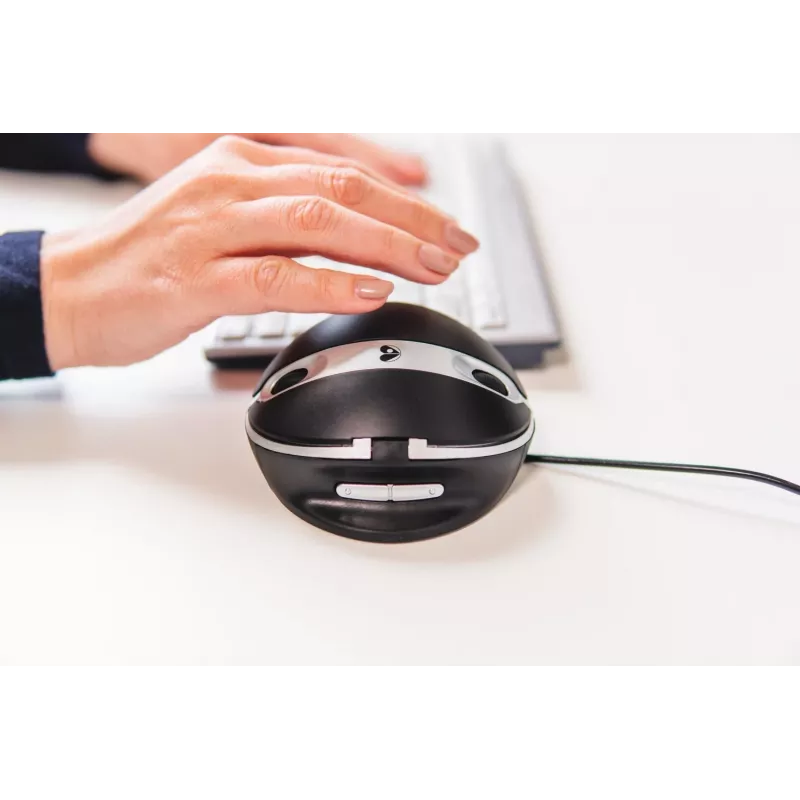
The Oyster Mouse has six buttons inclusive a clickable scroll-wheel. The advantage of a clickable scroll-wheel is, that you can scroll even faster over long pages. In addition to the left and right click buttons, the Oyster Mouse has easy-to-reach thumb buttons for left and right double click. Also, there are two extra buttons for copy and paste. With these smart buttons, you can work as conveniently as possible.
Two sizes, both in wireless and wired.
The Oyster Mouse is available in two different sizes: medium and large. Each size is available in a wired or wireless version. The combination of the correct mouse size for your hand and the ergonomic shape, ensure a relaxed grip and a short time to get used to it.


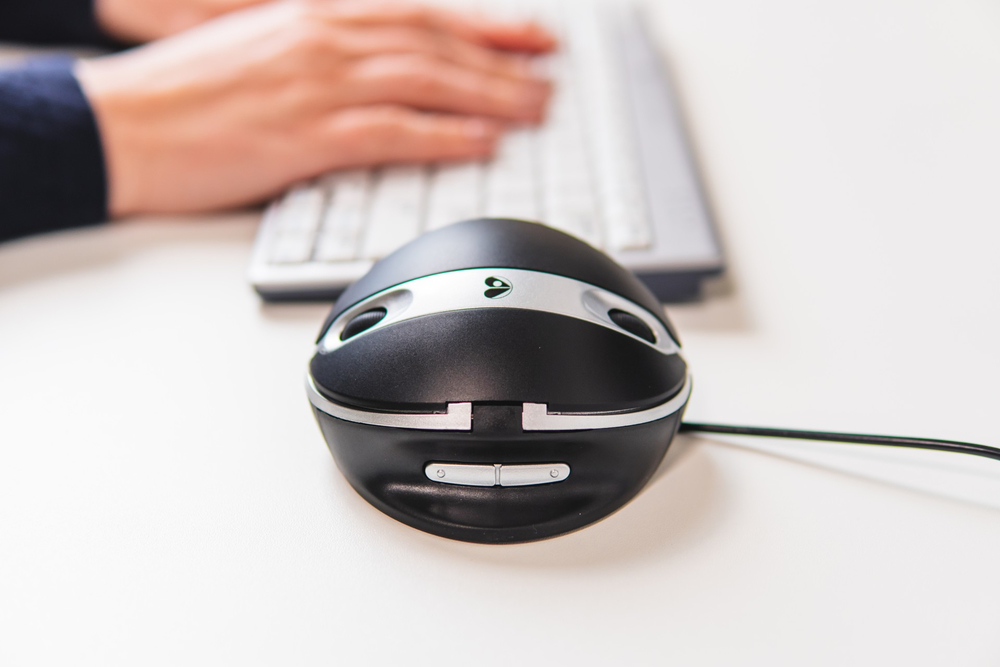
The only ergonomic mouse where you can adjust the vertical angle.
Simply set the tilt angle which best suits you individually by unfolding the mouse level by level, this way of adjustment guarantees that you don’t need time to get used to a vertical mouse.Bring your hand in a neutral position and start working comfortable and healthy. The Oyster Mouse has great features like an extra wide lip to prevent your little finger from rubbing on the desk, six buttons with a clickable scroll-wheel, it is available in two different sizes in wired and wireless, and it can be used alternating with the left and right hand. Whether you are a beginner or a professional in using a vertical mouse user, from now on you will be able to work in a comfortable, relaxed, and neutral hand and wrist position. The vertical grip of the Oyster Mouse prevents physical discomfort, it makes you more productive, and you improve your performance during computer work.
Unique. Adjust the inclination angle.
The Oyster Mouse is a vertical mouse that can be used by people who are already used to a vertical mouse grip, but also for people who never used a vertical mouse before. If you never worked with a vertical mouse before, you can start with a low angle and get used to a vertical grip. After a short time you can improve your hand and wrist posture gradually to a larger vertical angle. Your hand and wrist adapt more and more a neutral, vertical position, and this leads to an ergonomic way of working and physical discomfort can be prevented. If you are used to a vertical mouse grip, you can directly set this mouse on a larger inclination angle. The extra wide lip at the bottom edge prevents in your little finger from rubbing on the surface, which provides even more comfort during your mouse work.
The special function of the Oyster Mouse is, that you can adjust the inclination angle of the mouse in five steps.
Six buttons.
The Oyster Mouse has six buttons inclusive a clickable scroll-wheel. The advantage of a clickable scroll-wheel is, that you can scroll even faster over long pages. In addition to the left and right click buttons, the Oyster Mouse has easy-to-reach thumb buttons for left and right double click. Also, there are two extra buttons for copy and paste. With these smart buttons, you can work as conveniently as possible.
Two sizes, both in wireless and wired.
The Oyster Mouse is available in two different sizes: medium and large. Each size is available in a wired or wireless version. The combination of the correct mouse size for your hand and the ergonomic shape, ensure a relaxed grip and a short time to get used to it.
Ergonomic background
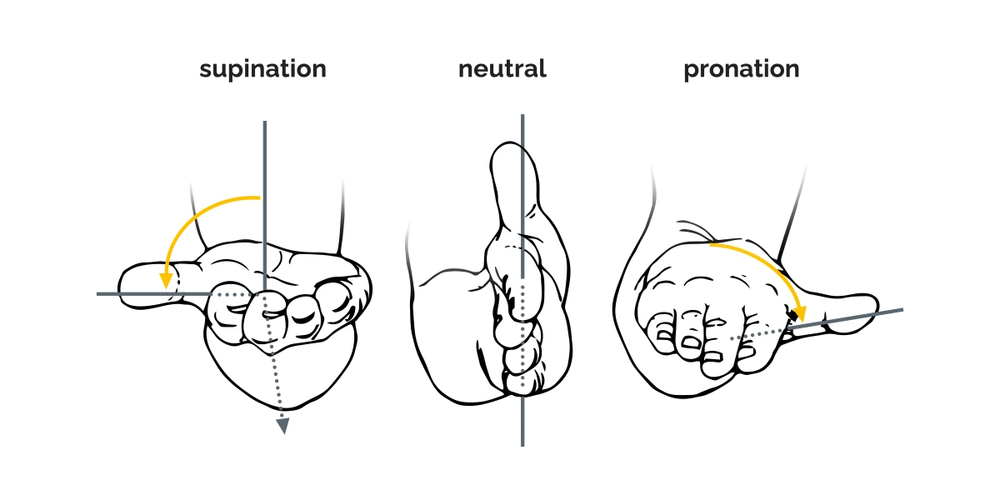
Prolonged use of a regular mouse can lead to pain and discomfort in the shoulders, forearms, and hands (Chang et al., 2007 & Andersen et al., 2008). The handshake position of vertical mice keeps the wrist from bending as much to the side while the forearm also turns inward to a lesser degree (Schmid, et al., 2015). This means that muscle activity in the forearm is less than it would be when using a conventional mouse (Quemelo & Vieira, 2013). Research has shown that the use of a vertical joystick mouse ensures a faster recovery from forearm, wrist and hand complaints (Aarås, et al., 2001). And therefore, vertical mice compared to standard mice lead to a healthier and more comfortable way of working.
Left and right-hand mouse.
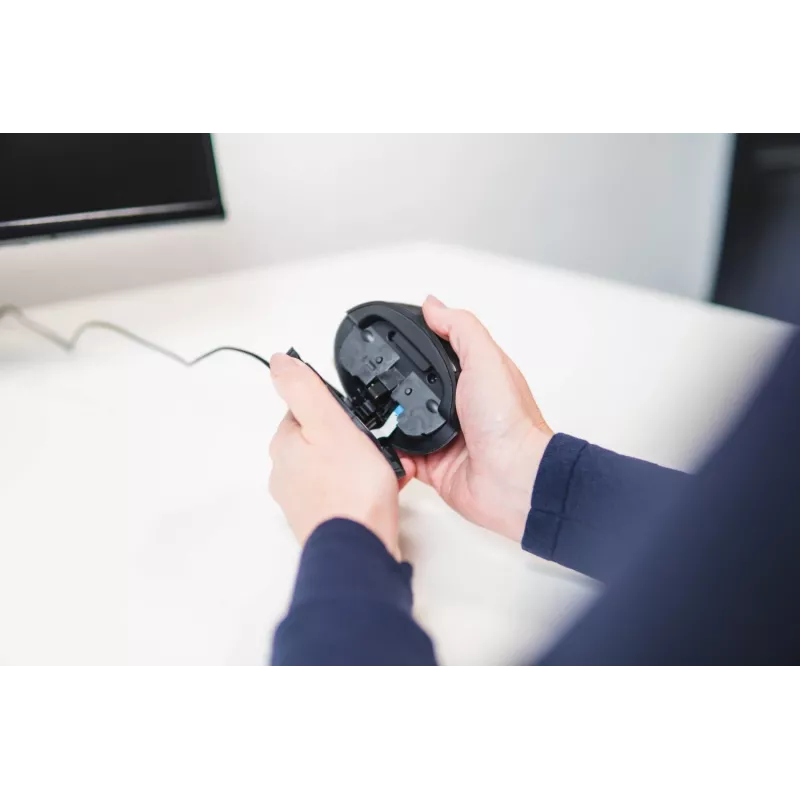
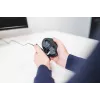
The Oyster Mouse is a vertical mouse which you can use as a left or a righthander at the same time. Easily turn the mouse 180 degrees and switch the button on the bottom between left and right. You can divide the mouse work between your left and right hand, this leads to more physical relief during the working day.
The features.
The Oyster Mouse can be used while its being charged. Easy charge it with the supplied USB cable. A red LED shows when the battery is low and the green light signals that the battery is fully charged. The fixed pointer speed value of 1200 DPI is just right to control the Oyster Mouse properly and conveniently.
Nice design.
The Oyster Mouse not only guarantees a healthy, ergonomic way of working, it also is made of durable material. The black colour with the silver highlights gives it a nice look.
How to use
Place the Oyster Mouse on a flat surface and select the inclination angle by unfolding the housing into one of the five available tilt positions. Connect the mouse via its wireless receiver or cable depending on the model. Position your hand so it rests naturally on the mouse, with the thumb over the thumb buttons and fingers on the left and right buttons or scroll wheel. If you are new to a vertical grip, begin at a lower tilt and increase the angle gradually as comfort improves.
Recommendations
Start using the Oyster Mouse at a low inclination and increase the tilt step by step over days or weeks to allow your hand and wrist to adapt gradually; pair the correct mouse size (medium or large) with your hand for optimal comfort.
Prodotti più popolari in questa categoria
- Esperanza EM123K Mouse per destrimani Bluetooth 2400 DPI
- Lenovo 4X30M56887 mouse Office ambidestro RF Wireless ottico 1200 DPI
- LOGITECH MX Master 3S for Business – mouse Bluetooth senza fili – grafite
- Mouse Logitech M350S nero USB ottico wireless
- Logitech M330 SILENT PLUS — mouse wireless, per destrimani, 1000 DPI, 3 tasti, rotella di scorrimento, nero, a batteria
- LOGITECH B100 mouse ottico bianco
- Mouse LOGITECH M90
- LOGITECH M190 mouse wireless full-size Charcoal