
Account Contatti
Il tuo carrello
Spedizione DPD & FedEx
Serve aiuto? Chiedi all'AI

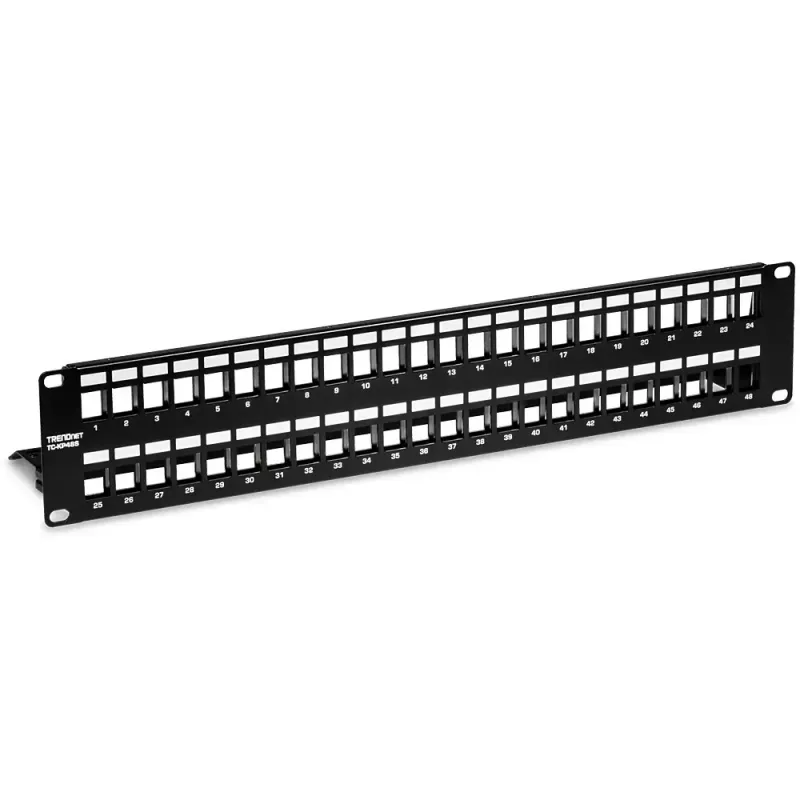
Patch panel 2U Trendnet TC-KP48S

Patch panel 2U Trendnet TC-KP48S
49,69 €
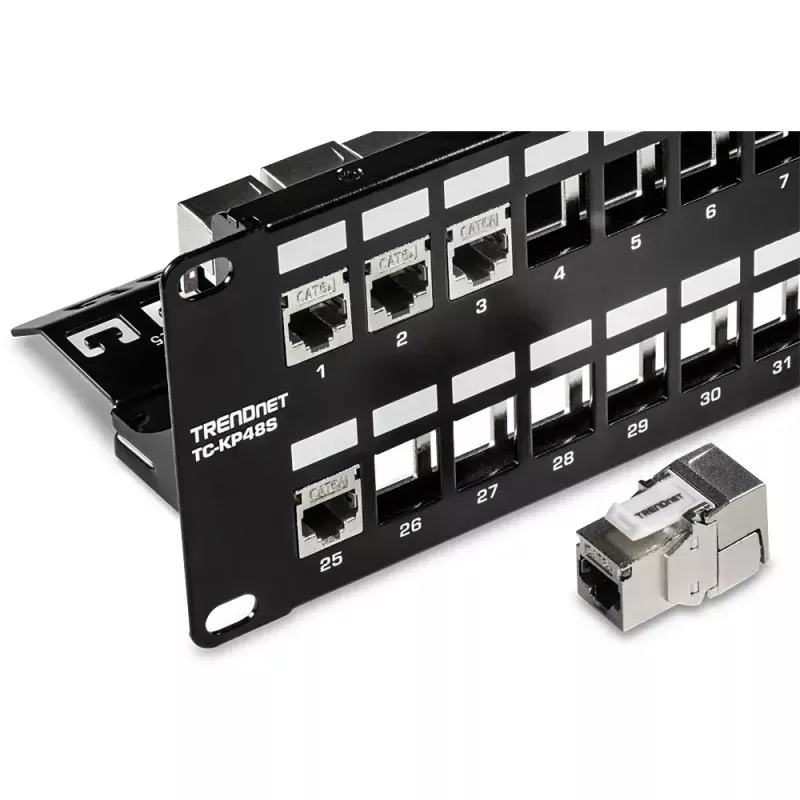
The Trendnet TC-KP48S is a 2U rack-mounted patch panel engineered to provide organized cable management for network installations. Finished in black, it accommodates up to 48 ports in a compact 2U form factor, allowing structured termination of Ethernet cables and clear routing within racks. The pan... Leggi di più
Stock 2 Codice 1485560 Marca TRENDNET Modello TC-KP48S Garanzia 2 anni

Spedizioni e resi

Consegna stimata Martedì, Ottobre 20
Ti terremo aggiornato tramite il nostro sistema di tracciamento dettagliato
Opzioni di pagamento
Carta di credito/debitoVisaMastercardPayPalApple PayGoogle PayBonifico bancario

The Trendnet TC-KP48S is a 2U rack-mounted patch panel engineered to provide organized cable management for network installations. Finished in black, it accommodates up to 48 ports in a compact 2U form factor, allowing structured termination of Ethernet cables and clear routing within racks. The panel is intended for use in data centers, server rooms and network closets where port density, accessibility and a clean rack appearance are important.

Advantages

This 2U patch panel offers a high port density while preserving rack space, enabling orderly termination of multiple copper network connections. The metal construction provides physical durability for repeated cable moves and terminations. The black finish helps maintain a consistent professional appearance inside equipment racks and supports improved airflow compared with ad hoc cabling. The design simplifies labeling and identification of individual ports for easier maintenance.

Suitable for

  • Enterprise and small business network racks
  • Data centers and server rooms
  • Telecommunications closets and wiring cabinets
  • Structured cabling installations and network upgrades

Key specifications

  • Rack height: 2U
  • Port capacity: up to 48 ports
  • Mounting: standard 19-inch rack compatible
  • Finish color: black
  • Material: metal chassis for durability

How to use

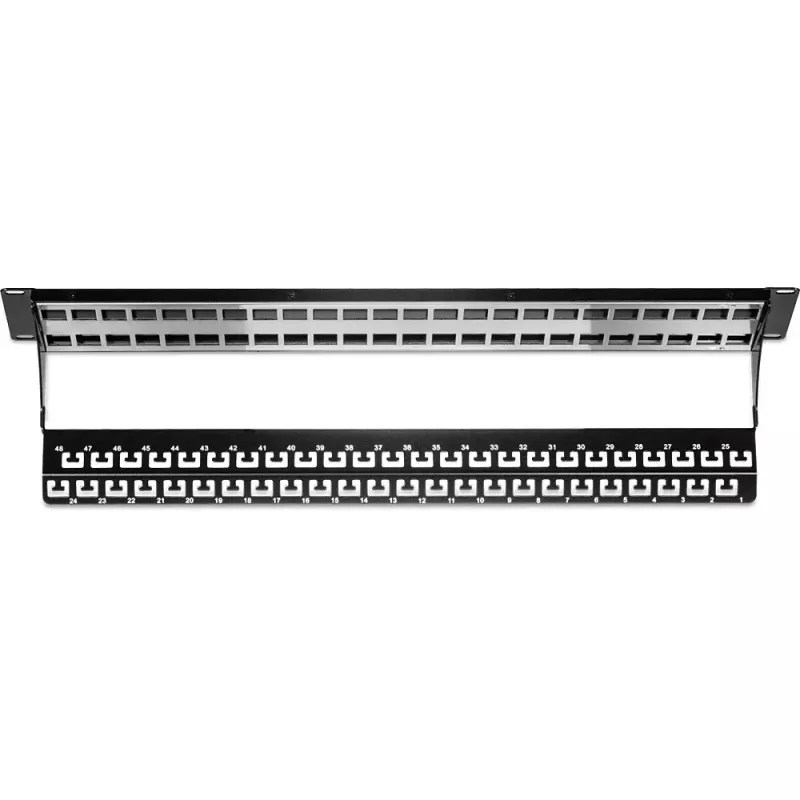
Install the patch panel into a standard 19-inch rack occupying 2U of vertical space and secure it with appropriate rack screws. Terminate Ethernet cables to the rear punch-down or IDC termination points (follow the color code and wiring standard used in your installation). Label each port according to your network documentation to ensure clear identification. Route patch cables from network equipment to the front ports to connect devices, switches and patch panels as required.

Recommendations

Ensure correct punch-down technique and use a consistent wiring standard (such as T568A or T568B) across the installation. Maintain proper cable management with horizontal and vertical organizers to preserve airflow and ease of maintenance. Verify that the rack depth and available space accommodate a 2U unit before installation.

Punti salienti
  • Enterprise and small business network racks
  • Data centers and server rooms
  • Telecommunications closets and wiring cabinets
  • Structured cabling installations and network upgrades
  • Rack height: 2U
  • Port capacity: up to 48 ports
  • Mounting: standard 19-inch rack compatible
  • Finish color: black
  • Material: metal chassis for durability
Specifiche
Capacità rack
2U
Colore del prodotto
Black
Montaggio
Rack mounting
Numero di porte
48
Storico prezzi degli ultimi 6 mesi
Patch panel 2U Trendnet TC-KP48S
Attuale
49,69 €
Minimo
45,64 €
Massimo
62,98 €
Variazione 24 h
+0,97 €   +2%
Settimana
+4,05 €   +9%
Mese
-10,47 €   -17%

Prodotti più popolari in questa categoria

Ciao, sono l'assistente AI di DistriNode. Posso aiutarti a trovare prodotti, confrontare le opzioni, creare preventivi in PDF o aprire richieste di assistenza.