
Account Contatti
Il tuo carrello
Spedizione DPD & FedEx
Serve aiuto? Chiedi all'AI

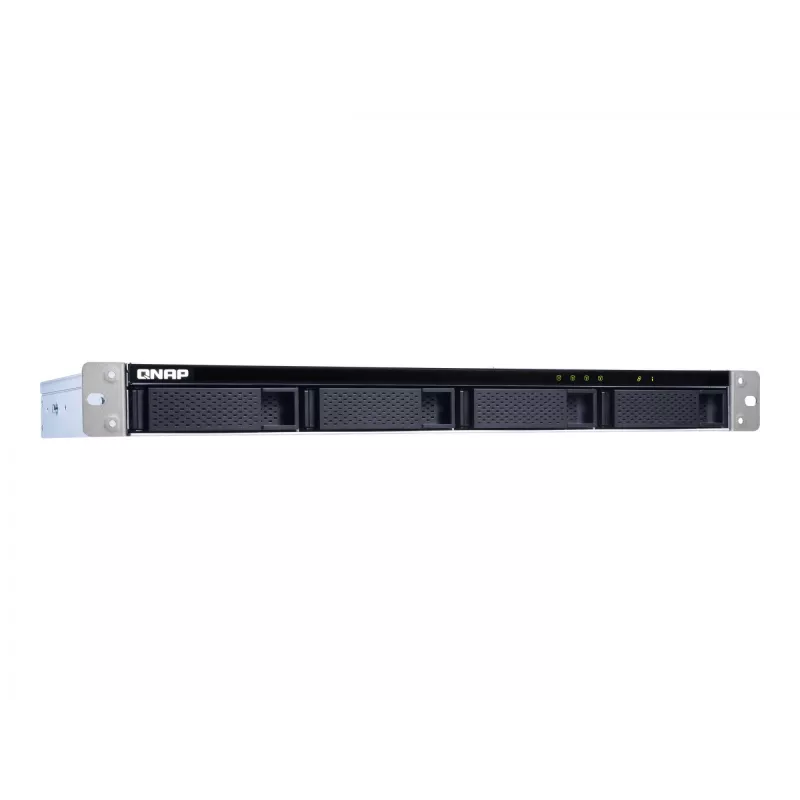
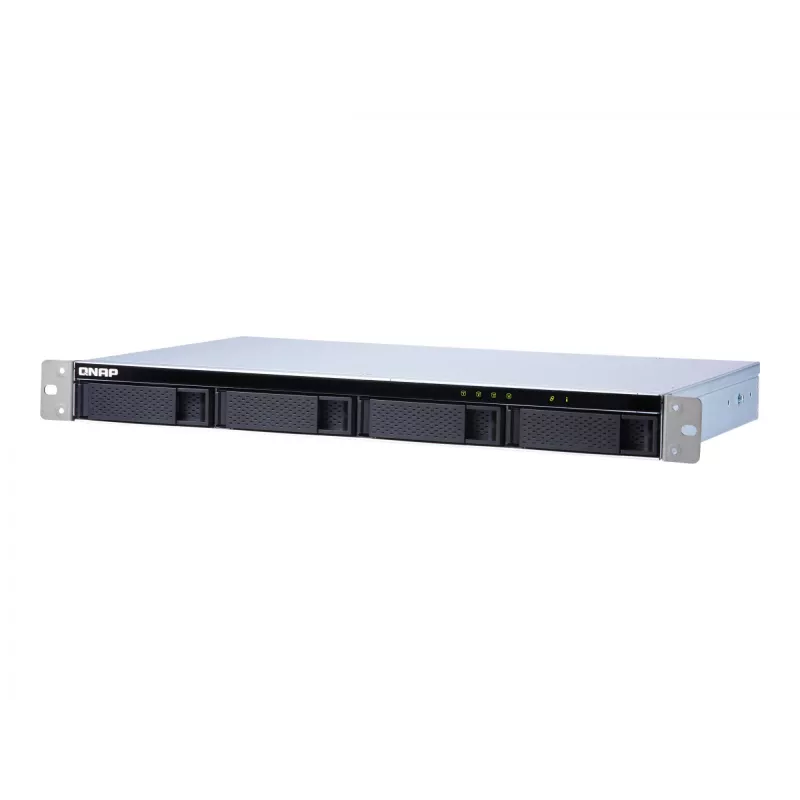
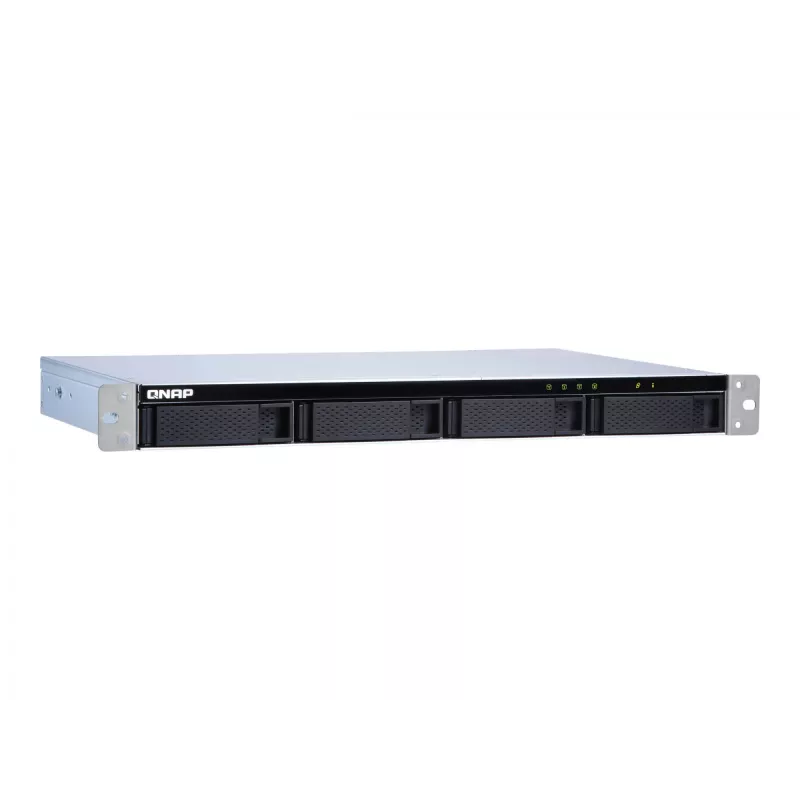
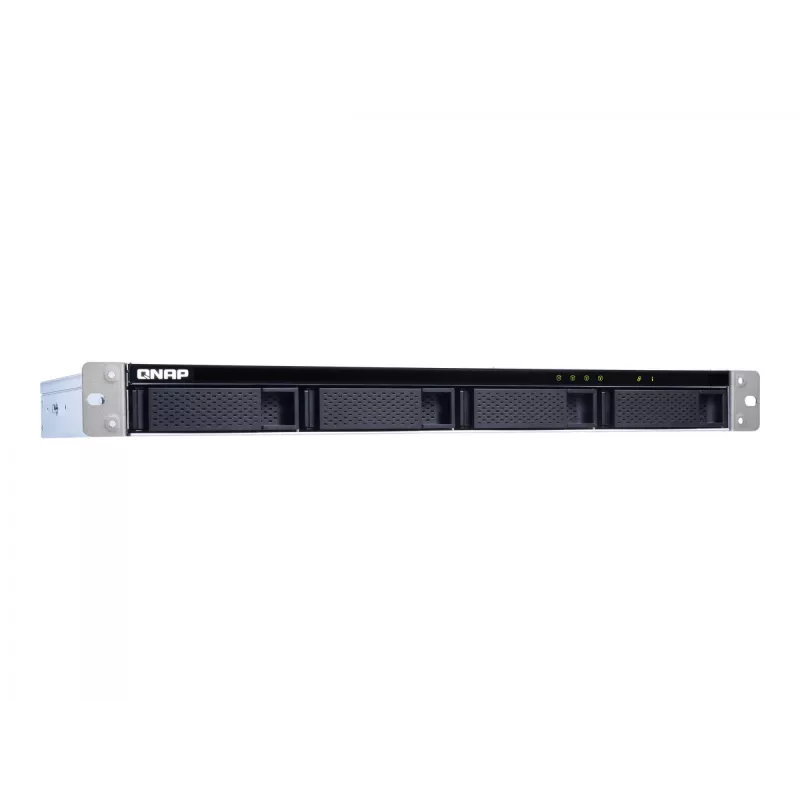
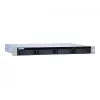
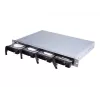
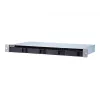
QNAP TL-R400S - array di dischi - 4 vani (SATA-600) - SATA 6Gb/s (esterno) - rack - installabile - 1U

QNAP TL-R400S - array di dischi - 4 vani (SATA-600) - SATA 6Gb/s (esterno) - rack - installabile - 1U
36 mesi
QNAP TL-R400S - array di dischi - 4 vani (SATA-600) - SATA 6Gb/s (esterno) - rack - installabile - 1U
668,58 €
TL-R400S Rackmount JBOD storage enclosure allows you to back up and expand your QNAP NAS, Windows and Ubuntu computers and servers. The TL-R400S features four 3.5-inch SATA 6Gb/s drive bays, the shallow rack design is perfect for installing the TL-R400S in a compact rack, or in areas with a lot of c... Leggi di più
Stock 1 Codice 880865 Marca QNAP Modello TL-R400S Garanzia 3 anni

Spedizioni e resi

Consegna stimata Martedì, Ottobre 20
Ti terremo aggiornato tramite il nostro sistema di tracciamento dettagliato
Opzioni di pagamento
Carta di credito/debitoVisaMastercardPayPalApple PayGoogle PayBonifico bancario
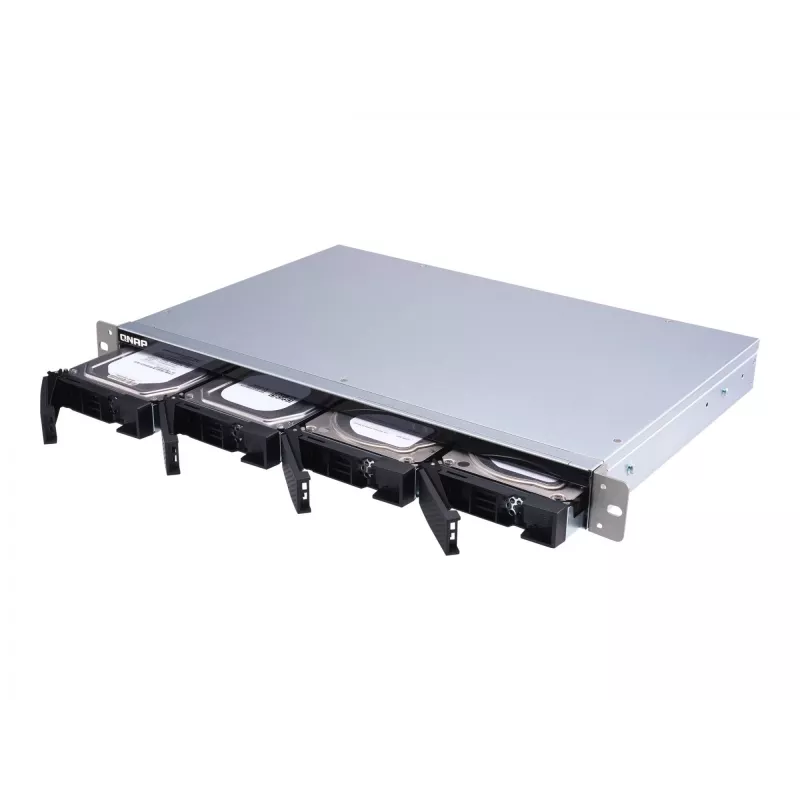
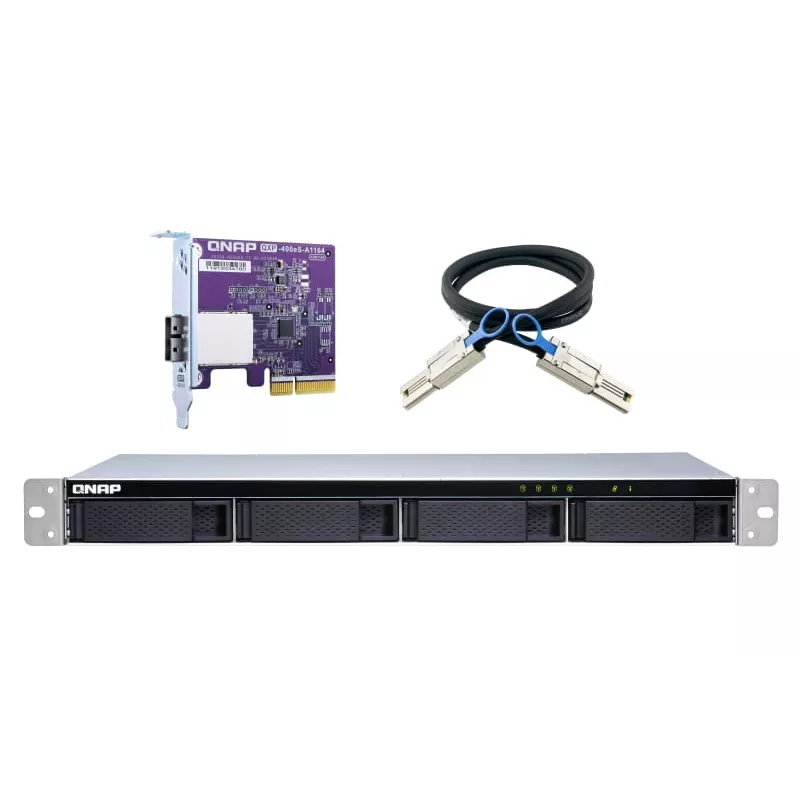
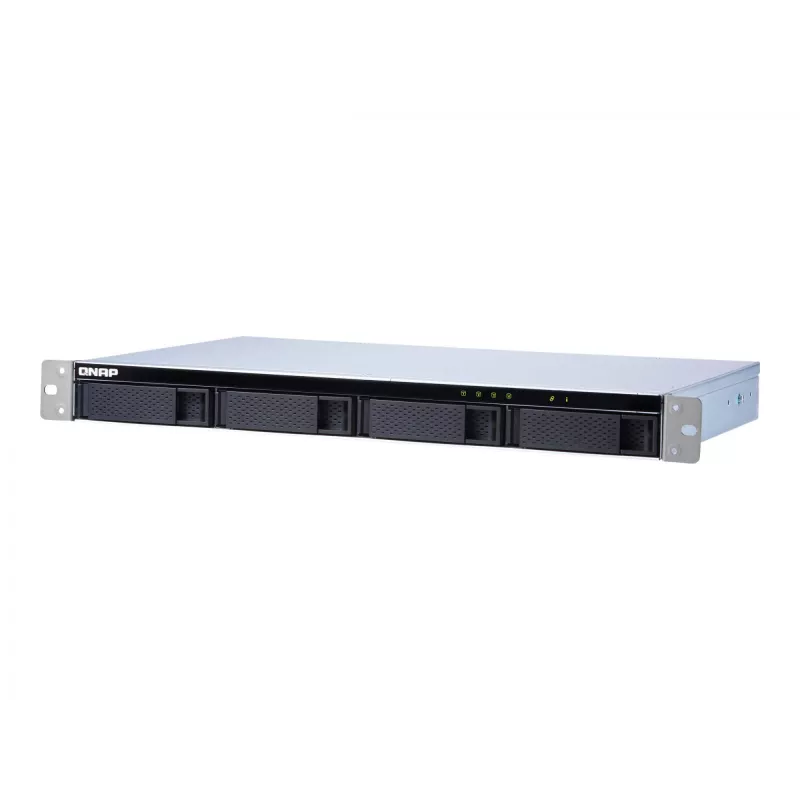
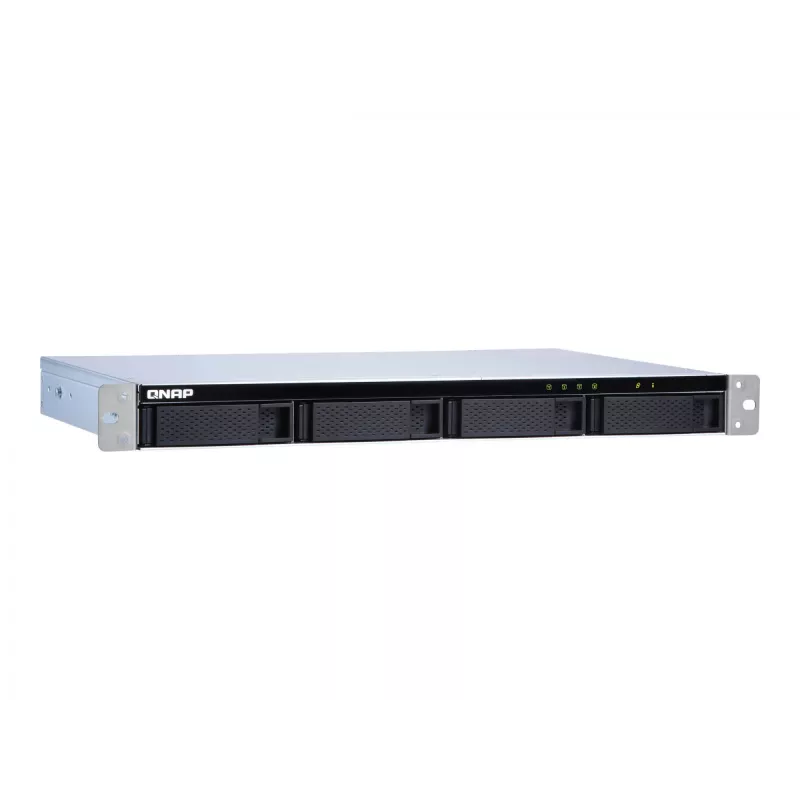
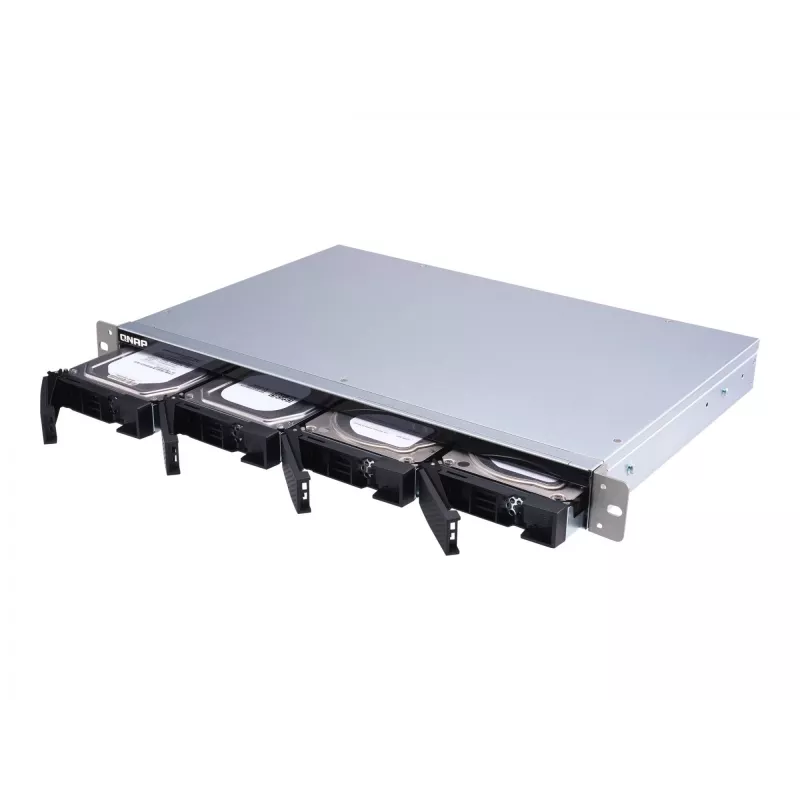
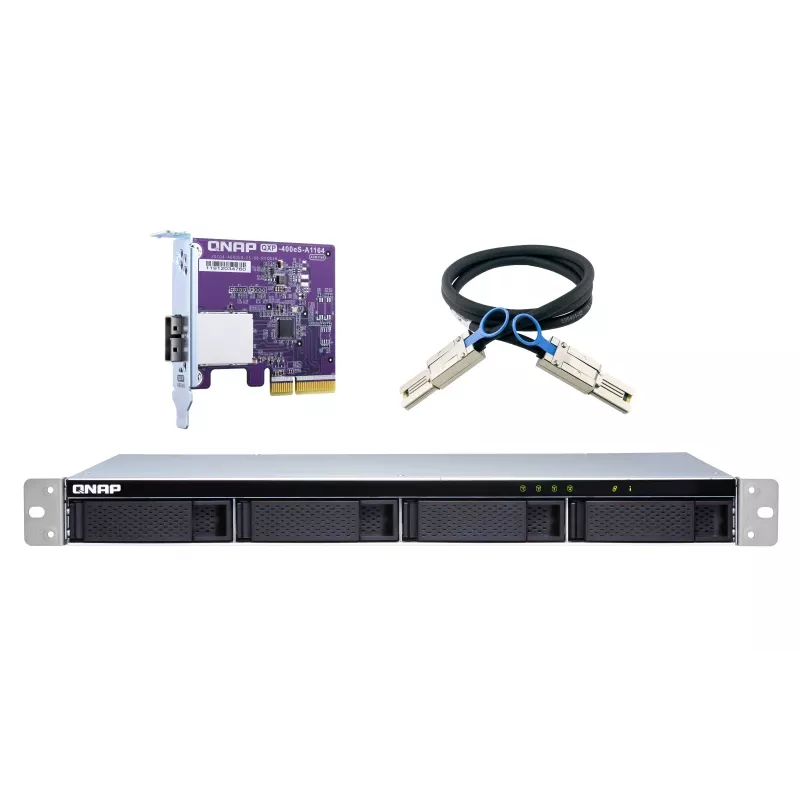
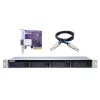
TL-R400S Rackmount JBOD storage enclosure allows you to back up and expand your QNAP NAS, Windows and Ubuntu computers and servers. The TL-R400S features four 3.5-inch SATA 6Gb/s drive bays, the shallow rack design is perfect for installing the TL-R400S in a compact rack, or in areas with a lot of cabling. TL-R400S comes with a QXP PCIe card for connecting the enclosure using a SFF-8088 (or SFF-8644) cable. It provides reliable read/write performance for smooth storage and backup tasks.

High-performance of TL SATA JBOD
The TL SATA JBOD supports multi-lane SATA 6Gb/s transfer, and each SATA lane directly connects to a single SATA drive to help improve performance. With the 1-1 high-speed channel, the TL SATA JBOD delivers excellent transfer performance.

Flexible Storage Configuration and Management
The TL-R400S provides software-controlled storage configuration for greater management flexibility. You can configure RAID and monitor JBOD enclosure and disk health with Storage & Snapshots when connected to a QTS or QuTS hero NAS, or with the QNAP JBOD Manager utility when connected to a computer.

What you need to know
You can connect your TL-R400S to Windows® and Ubuntu® computers and servers through the SFF-8088 (or SFF-8644) high-speed cable and use built-in utility to manage the RAID configuration.

Intelligently Monitor JBOD Enclosure Status on PC and Servers with QNAP JBOD Manager
The QNAP JBOD Manager is a desktop utility for monitoring the TL-R400S on Windows and Ubuntu computers. You can quickly obtain the disk statuses, JBOD information and health, view fan rotation speed, and check for firmware version updates. All device events are recorded, and will send desktop notifications when a system alert occurs.

Flexibly Expand Connectivity with QXP PCIe Cards
Install an exclusive QXP PCIe card onto your QNAP NAS, Windows or Ubuntu PC and servers to connect the JBOD enclosure via SFF-8088 (or SFF-8644) cable, for easy and flexible storage expansion.

Versatile usage scenarios to meet storage expansion needs
The TL-R400S meets many storage expansion requirements for the home and office. Below is a list of potential application scenarios:

Scenario 1: Expand your NAS capacity
The TL-R400S provides an alternative method for users to expand their NAS storage capacity. By connecting the TL-R400S to their NAS and using Storage & Snapshots Manager in QTS or QuTS hero, users can easily configure and manage their storage expansion. The TL-R400S supports a variety of QNAP NAS storage and file management functions, allowing users to build storage pools, finding files with Qsirch, and organizing files with Qfiling.

Scenario 2: External storage for your NAS
You can use the TL-R400S to expand your NAS storage. You can select disks to create storage pools for expanding your NAS capacity, or you can treat each disk as an individual external storage space and use it as a removable drive for greater flexibility. Regardless of the mode you use, you can always use Storage & Snapshots Manager in QTS or QuTS hero to set up and manage your TL-R400S and use hard drive S.M.A.R.T. and Notification Center to check disk status anytime and anywhere.

Scenario 3: Expand the storage space of your Windows and Ubuntu computers and servers
You can use your TL-R400S with Windows and Ubuntu computers and servers to expand more storage space. You can set up the RAID configuration of your TL-R400S to further secure data protection. Moreover, you can also use the single disk mode and format with exFAT file system for more convenient access and sharing of files between Windows and Ubuntu computers.

Scenario 4: Third-party hardware RAID card for advanced protection
You can install third-party hardware RAID cards on your TL-R400S for advanced hardware RAID 1, RAID 5, RAID 6, RAID 10, RAID 50, and RAID 60 protection and use Windows® utility software to manage your TL-R400S.

TL-R400S Offers Better Performance Than Other USB and eSATA JBOD Solutions
The TL-R400S features SFF-8088 (or SFF-8644) connectivity and multiple SATA 6Gb/s bays. This provides better sequential read performance and faster data transfer speeds than existing USB and eSATA expansion enclosures, while also being a more economical option compared to a QNAP REXP SAS enclosure.

How to use

Install compatible SATA drives into the TL-R400S drive bays and mount the enclosure in a 1U rack location or place it where cabling access is suitable. Install the supplied QXP PCIe card into the host NAS, server, or PC and connect the enclosure using an SFF-8088 or SFF-8644 cable. For QNAP NAS systems, use Storage & Snapshots (QTS or QuTS hero) to configure storage pools, RAID or single-disk modes and to monitor disk health. For Windows and Ubuntu systems, install QNAP JBOD Manager to view enclosure status, fan speed, disk health and receive desktop notifications. When using third-party hardware RAID cards, follow the RAID card vendor instructions for configuration and management.

Recommendations

Use the TL-R400S with the QXP PCIe card for best performance and connect to a QNAP NAS to take advantage of Storage & Snapshots management. Regularly monitor disk S.M.A.R.T. data and firmware updates via QNAP JBOD Manager or the NAS management tools. Choose RAID levels or single-disk mode based on required data protection and cross-platform accessibility (exFAT recommended for easy file sharing between Windows and Ubuntu).

Punti salienti
  • Expanding NAS capacity for home and office QNAP systems
  • Providing external removable storage for NAS environments
  • Adding high-capacity external storage to Windows and Ubuntu servers and workstations
  • Use with third-party hardware RAID cards for advanced RAID protection
  • Model: QNAP TL-R400S
  • Drive bays: multiple 3.5-inch SATA (SATA III, 6 Gbit/s per lane)
  • Host interface: SFF-8088 or SFF-8644 (via QXP PCIe card)
  • Form factor: 1U rackmount, shallow-depth design
  • Hot-swap support: yes
  • Product colours: Grey, Black
  • Weight: 4.92 kg
Specifiche
Altezza
44 mm
Altezza confezione
179 mm
Capacità rack
1U
Cavi inclusi
AC, MiniSAS
Codice Sistema Armonizzato (HS)
84733080
Colore del prodotto
Black, Grey
Connettività USB
No
Diametro ventola
4 cm
Formato unità di archiviazione
2.5/3.5"
Frequenza alimentatore CA
50/60 Hz
Hot-swap
Yes
Indicatori LED
Fan fail, HDD, Link
Interfacce delle unità di archiviazione supportate
Serial ATA III
Interruttore on/off
Yes
Larghezza
439 mm
Larghezza confezione
542 mm
Livello di rumorosità
22.1 dB
Manuale
Yes
Montaggio su rack
Yes
Numero di chiavi incluse
2 pc(s)
Numero di unità di archiviazione supportate
8
Numero di ventole
2 fan(s)
Periodo di garanzia
3 year(s)
Peso
4.92 kg
Peso confezione
5.73 kg
Profondità
291 mm
Profondità confezione
415 mm
Temperatura di esercizio (T-T)
0 - 40 °C
Temperatura di stoccaggio (T-T)
-20 - 70 °C
Tensione di ingresso alimentatore CA
100 - 240 V
Tipo di fonte di alimentazione
AC
Tipo di imballaggio
Box
Tipo di prodotto
HDD/SSD enclosure
Umidità relativa di esercizio (H-H)
5 - 95%
Velocità di trasferimento dati
6 Gbit/s
Viti incluse
Yes

Manuale

Apri documento

Manuale

Apri documento

Brochure

Apri documento
Storico prezzi degli ultimi 6 mesi
QNAP TL-R400S - array di dischi - 4 vani (SATA-600) - SATA 6Gb/s (esterno) - rack - installabile - 1U
Attuale
668,58 €
Minimo
616,02 €
Massimo
735,88 €
Variazione 24 h
-0,00 €   0%
Settimana
-9,27 €   -1%
Mese
+29,01 €   +5%

Prodotti più popolari in questa categoria

Ciao, sono l'assistente AI di DistriNode. Posso aiutarti a trovare prodotti, confrontare le opzioni, creare preventivi in PDF o aprire richieste di assistenza.