
Account Contatti
Il tuo carrello
Spedizione DPD & FedEx
Serve aiuto? Chiedi all'AI

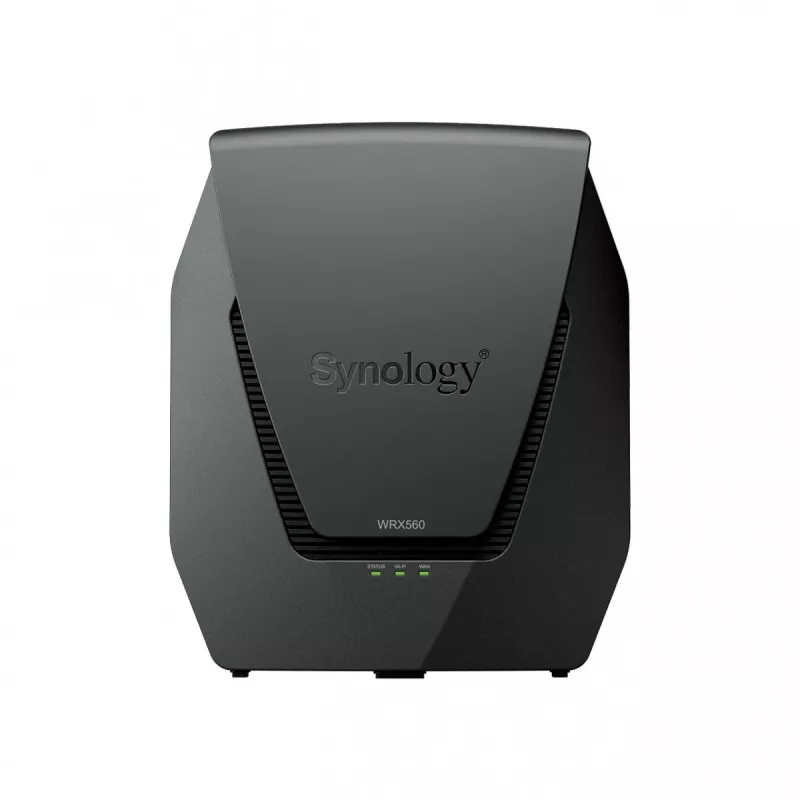
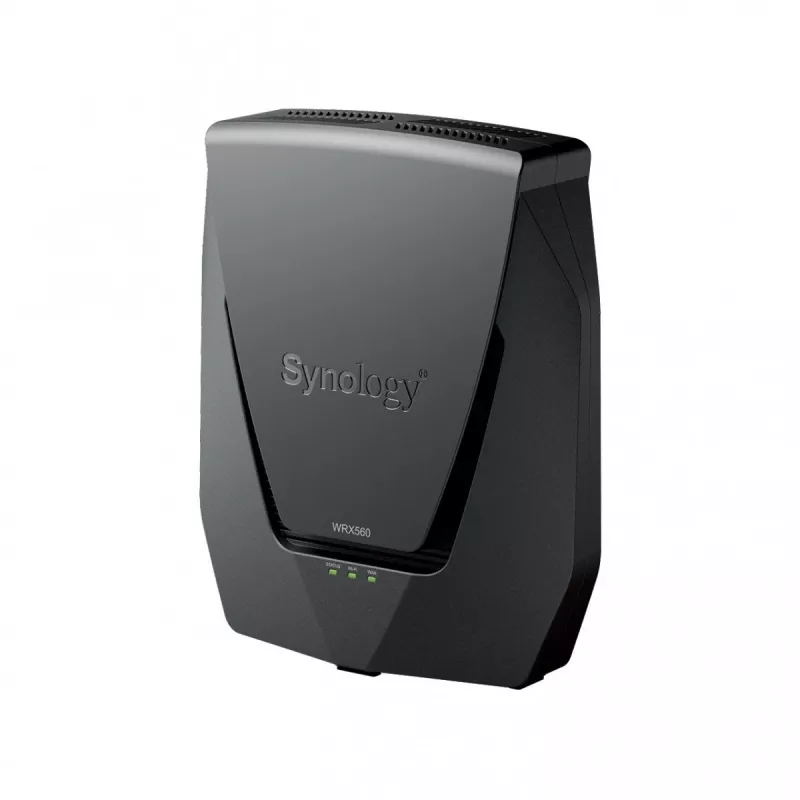
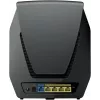
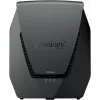
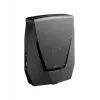
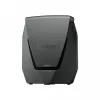
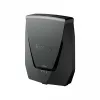
Router Synology WRX560 Dual-Band 2,4 GHz 5 GHz Wi-Fi 6

Router Synology WRX560 Dual-Band 2,4 GHz 5 GHz Wi-Fi 6
247,84 €
The Synology WRX560 Dual-band 2.4 GHz 5 GHz Wi-Fi 6 router provides a modern home or small-office networking solution with support for Wi-Fi 6 (802.11ax) and legacy Wi-Fi standards. Designed in black with LED indicators for power and WPS, the router delivers a maximum WLAN data transfer rate of 2400... Leggi di più
Stock 29 Codice 99193 Marca SYNOLOGY Modello WRX560 Garanzia 2 anni

Spedizioni e resi

Consegna stimata Mercoledì, Ottobre 21
Ti terremo aggiornato tramite il nostro sistema di tracciamento dettagliato
Opzioni di pagamento
Carta di credito/debitoVisaMastercardPayPalApple PayGoogle PayBonifico bancario

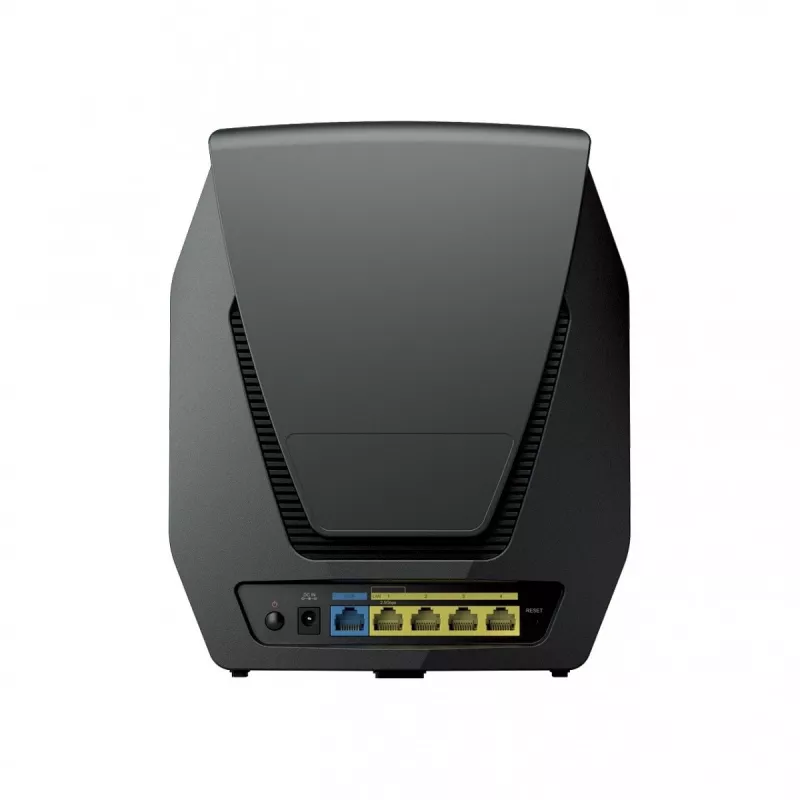
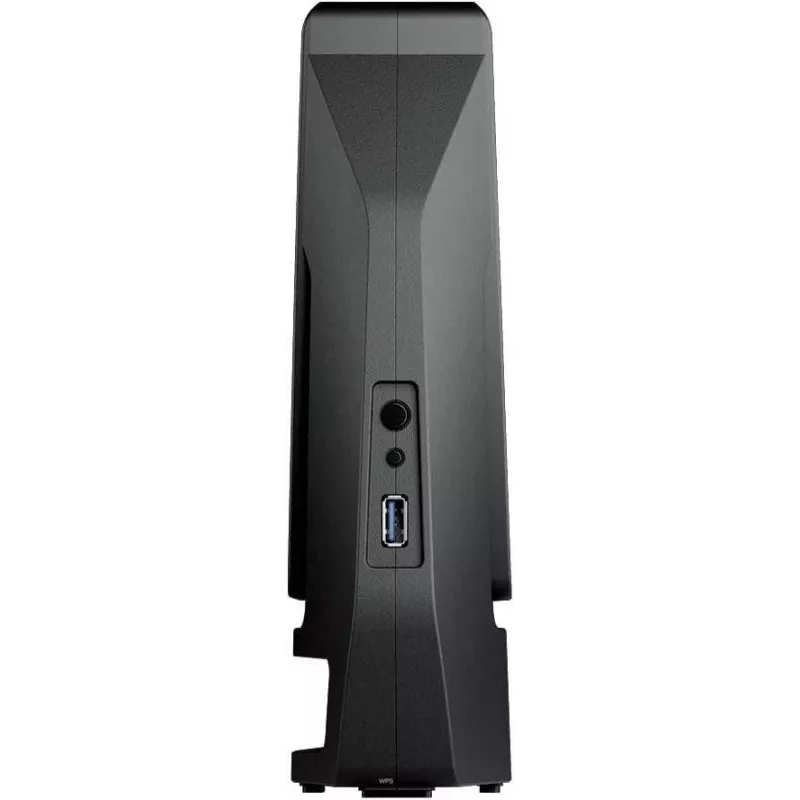
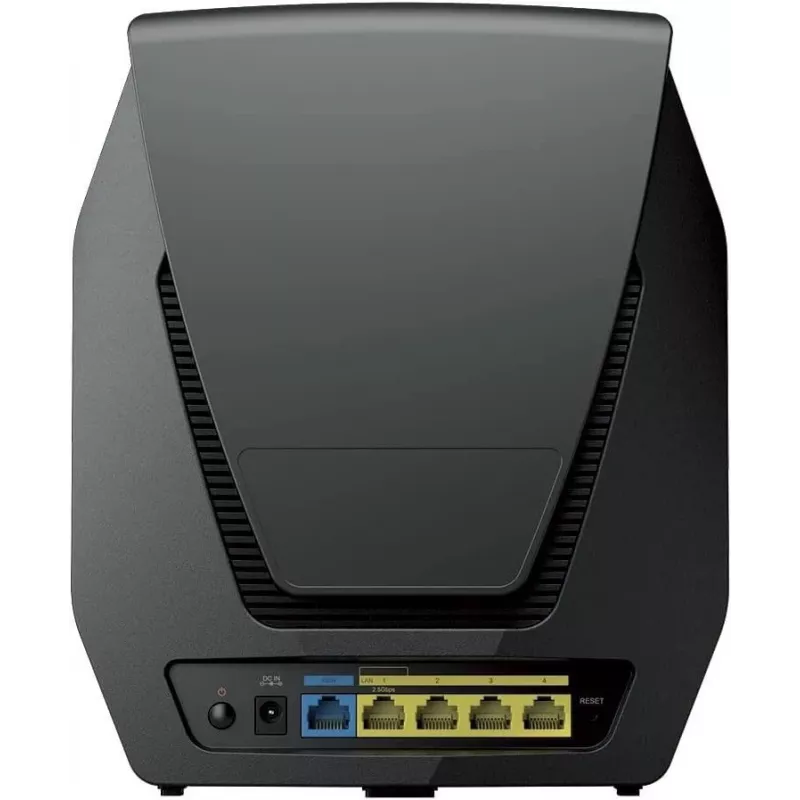
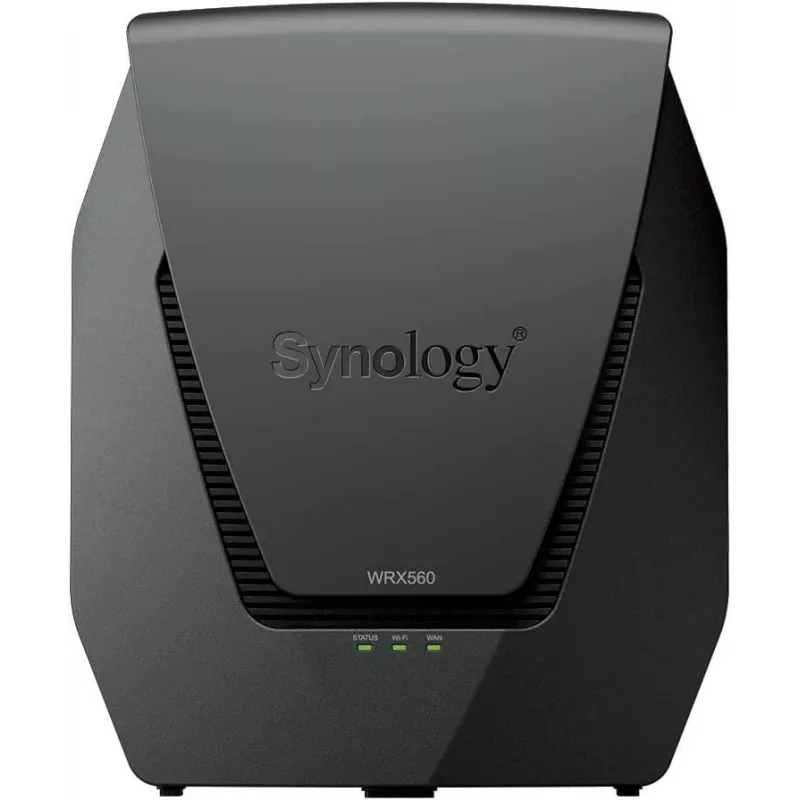
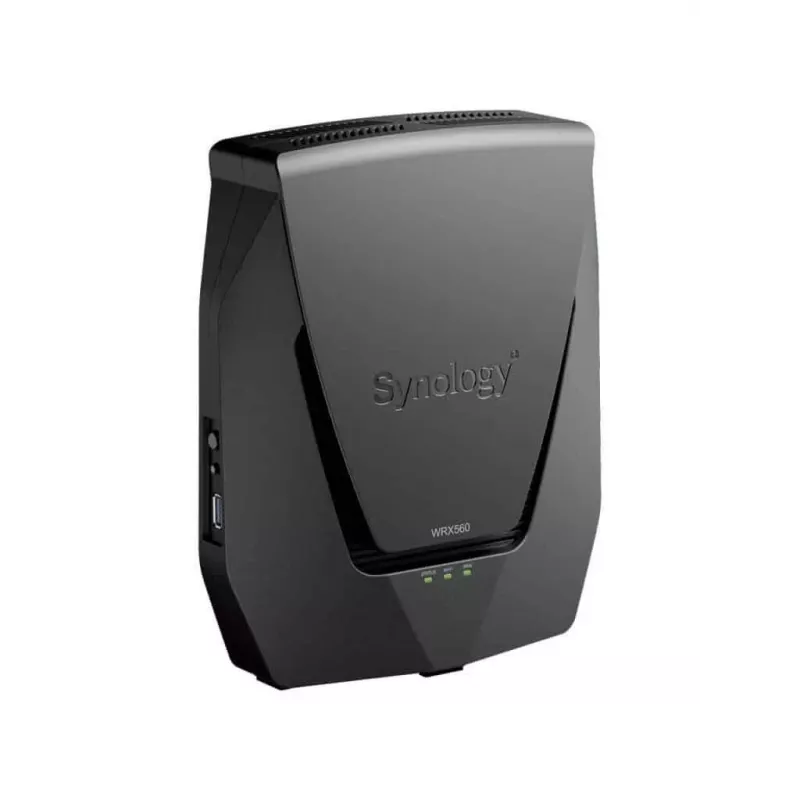
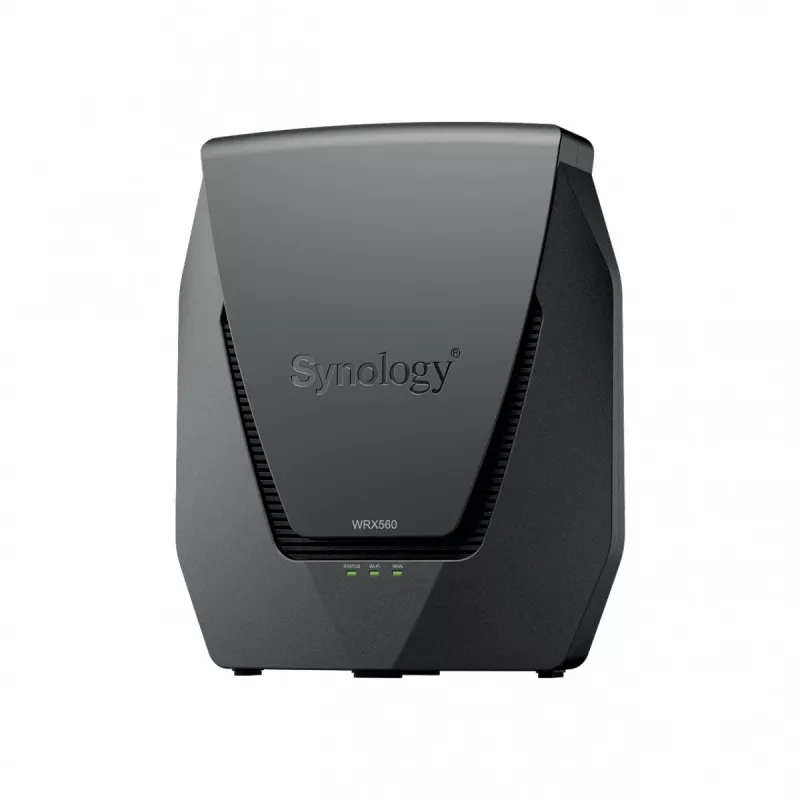
The Synology WRX560 Dual-band 2.4 GHz 5 GHz Wi-Fi 6 router provides a modern home or small-office networking solution with support for Wi-Fi 6 (802.11ax) and legacy Wi-Fi standards. Designed in black with LED indicators for power and WPS, the router delivers a maximum WLAN data transfer rate of 2400 Mbit/s and includes Gigabit Ethernet LAN connectivity and a USB port for peripheral sharing. Security algorithms supported include WPA, WPA2, WPA2-Enterprise, and WPA3-Enterprise to meet current authentication and encryption needs.

Advantages

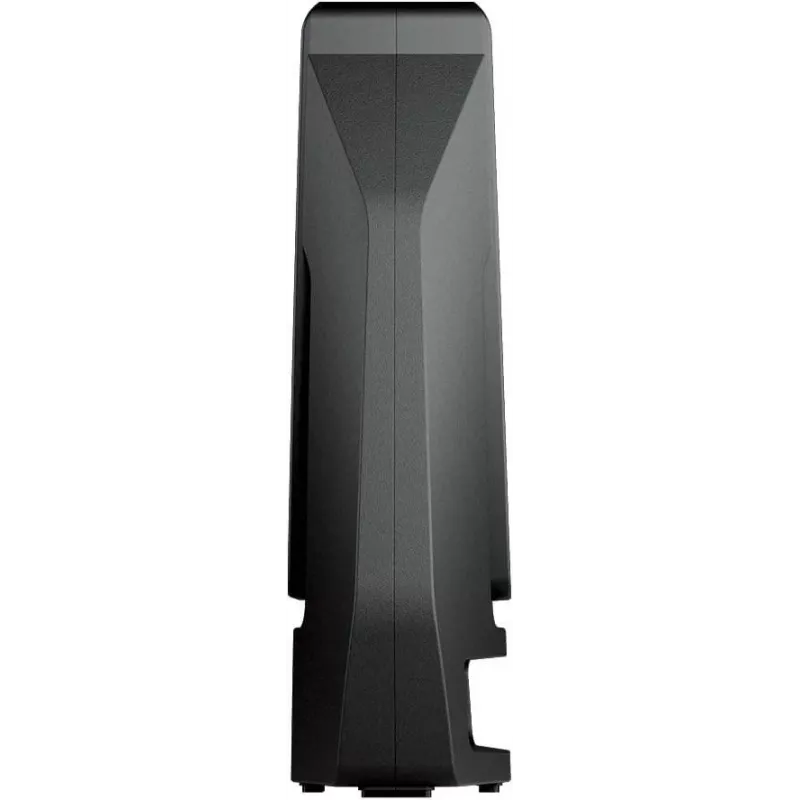
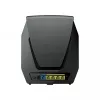
The WRX560 combines dual-band wireless operation (2.4 GHz and 5 GHz) with Wi-Fi 6 throughput improvements to increase concurrent device capacity and overall network efficiency. Gigabit Ethernet LAN ports provide wired connections for devices that require stable bandwidth, while the integrated USB port enables simple external storage or printer sharing. A compact black housing with clear LED indicators supports straightforward placement and status monitoring without additional tools.

Suitable for

  • Home networks requiring improved wireless capacity and coverage
  • Small offices with mixed wired and wireless device setups
  • Streaming media and video calls on multiple devices simultaneously
  • File sharing or peripheral access via the router's USB port

Key specifications

  • Wi‑Fi bands: Dual‑band (2.4 GHz / 5 GHz)
  • Top Wi‑Fi standard: Wi‑Fi 6 (802.11ax)
  • Maximum WLAN data transfer rate: 2400 Mbit/s
  • Supported Wi‑Fi standards: 802.11ax, 802.11ac, 802.11n, 802.11g, 802.11b, 802.11a
  • Ethernet LAN interface: Gigabit Ethernet
  • Number of Ethernet LAN ports: 4
  • USB port: Yes (for external storage or peripherals)
  • Product colour: Black
  • Weight: 1.35 kg

How to use

Place the router in a central location for best wireless coverage, connect the WAN line to your internet source and use the four Gigabit Ethernet ports to attach wired devices if needed. Power on the device and follow the Synology setup procedure using the provided web interface or mobile setup application to configure SSIDs, passwords, and security settings. Enable WPA3‑Enterprise or WPA2‑Enterprise where supported for enhanced network authentication, and attach an external USB drive or printer to the USB port if you require shared storage or peripheral access.

Recommendations

For stable multi‑device performance, connect high‑bandwidth devices to the 5 GHz band or to wired Gigabit Ethernet ports; reserve the 2.4 GHz band for longer‑range or legacy devices. Keep router firmware updated and use the strongest mutually supported security mode to protect the network. Position the router away from large metal objects and other wireless interferers to maintain optimal signal strength.

Punti salienti
  • Home networks requiring improved wireless capacity and coverage
  • Small offices with mixed wired and wireless device setups
  • Streaming media and video calls on multiple devices simultaneously
  • File sharing or peripheral access via the router's USB port
  • Wi‑Fi bands: Dual‑band (2.4 GHz / 5 GHz)
  • Top Wi‑Fi standard: Wi‑Fi 6 (802.11ax)
  • Maximum WLAN data transfer rate: 2400 Mbit/s
  • Supported Wi‑Fi standards: 802.11ax, 802.11ac, 802.11n, 802.11g, 802.11b, 802.11a
  • Ethernet LAN interface: Gigabit Ethernet
  • Number of Ethernet LAN ports: 4
  • USB port: Yes (for external storage or peripherals)
  • Product colour: Black
  • Weight: 1.35 kg
Specifiche
Colore del prodotto
Black

Brochure

Apri documento

Documento

Apri documento

Documento

Apri documento
Storico prezzi degli ultimi 6 mesi
Router Synology WRX560 Dual-Band 2,4 GHz 5 GHz Wi-Fi 6
Attuale
247,84 €
Minimo
226,50 €
Massimo
269,51 €
Variazione 24 h
-0,44 €   0%
Settimana
-3,88 €   -2%
Mese
+11,64 €   +5%

Prodotti più popolari in questa categoria

Venditore: UAB KUR LT · Laisvės pr. 125A, LT-06118 Vilnius, Lituania · Codice società 303192950 · Partita IVA UE LT100008198612 · Spedizione dall'UE (Lituania)
Ciao, sono l'assistente AI di DistriNode. Posso aiutarti a trovare prodotti, confrontare le opzioni, creare preventivi in PDF o aprire richieste di assistenza.