


Account Contatti
Il tuo carrello
Spedizione DPD & FedEx
Serve aiuto? Chiedi all'AI

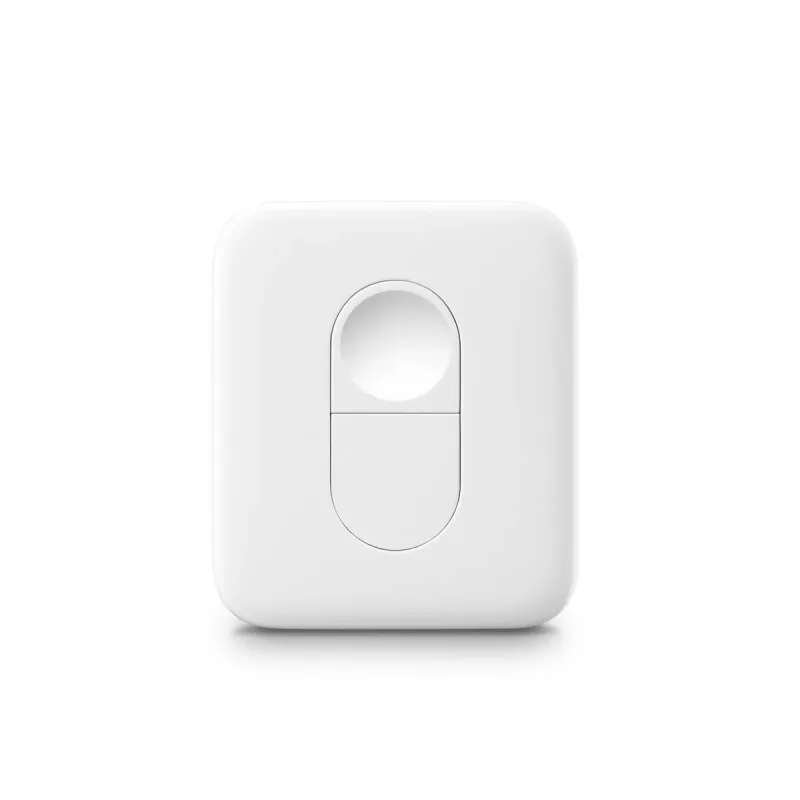
Smart Button SwitchBot Remote

Smart Button SwitchBot Remote
17,29 €
PDF
PDF
Stock 200 Codice 776003 Modello 041450 Garanzia 2 anni

Spedizioni e resi

Consegna stimata giovedì 26 novembre
Ti terremo aggiornato tramite il nostro sistema di tracciamento dettagliato
Opzioni di pagamento
Carta di credito/debitoVisaMastercardPayPalApple PayGoogle PayBonifico bancario

Fai una domanda – l'assistente AI risponde subito.

Descrizione

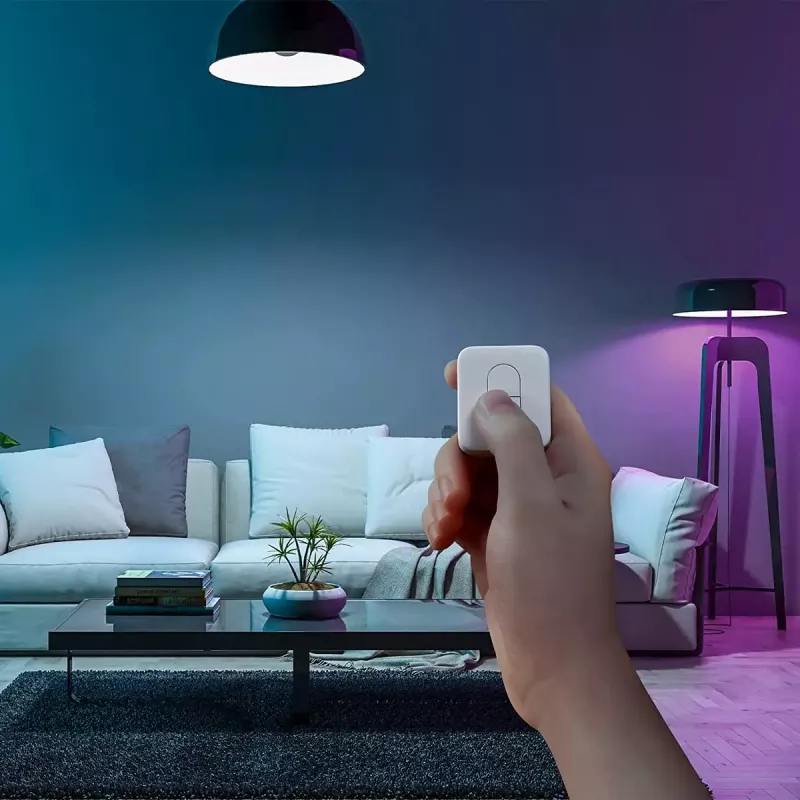
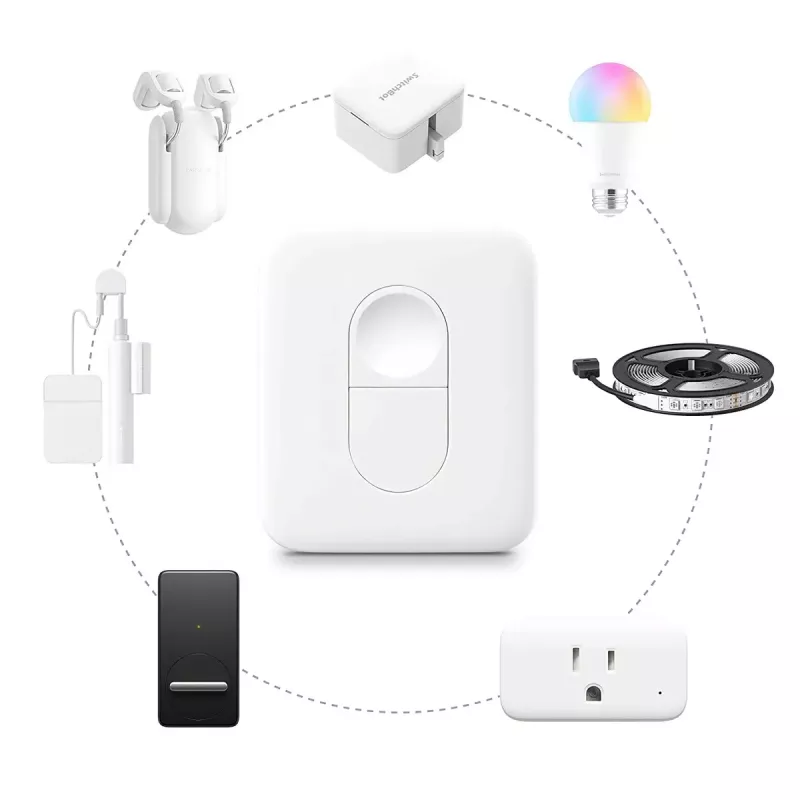
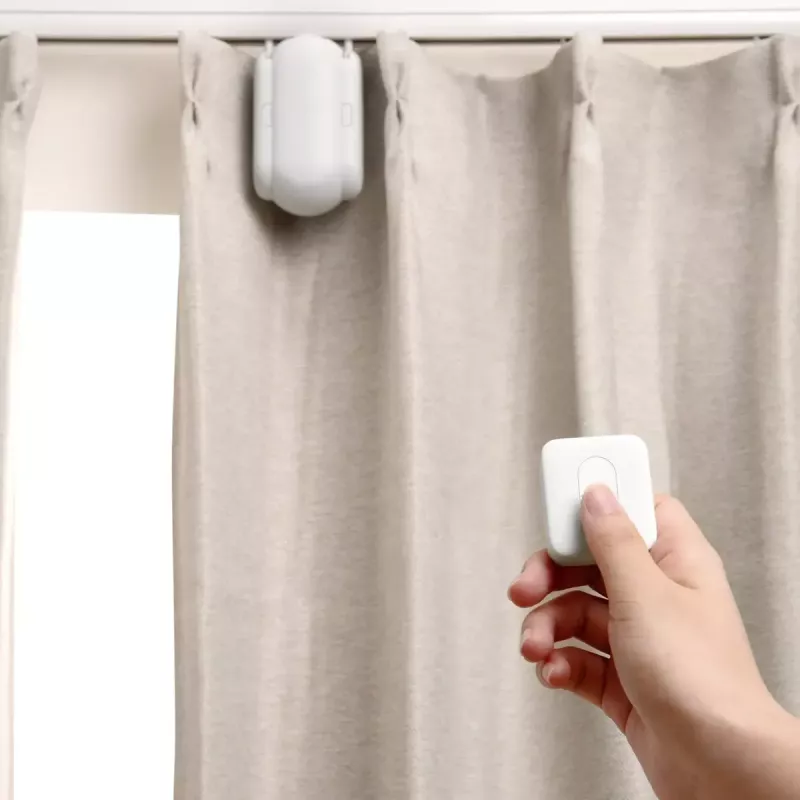
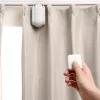
Control with Just 1 Click: the SwitchBot Remote lets you operate compatible SwitchBot devices without using a smartphone. The compact remote works with devices such as SwitchBot Curtain, SwitchBot Bot, Color Bulb, LED Strip Light and Blind Tilt, offering simple local control with extended Bluetooth range.

Advantages

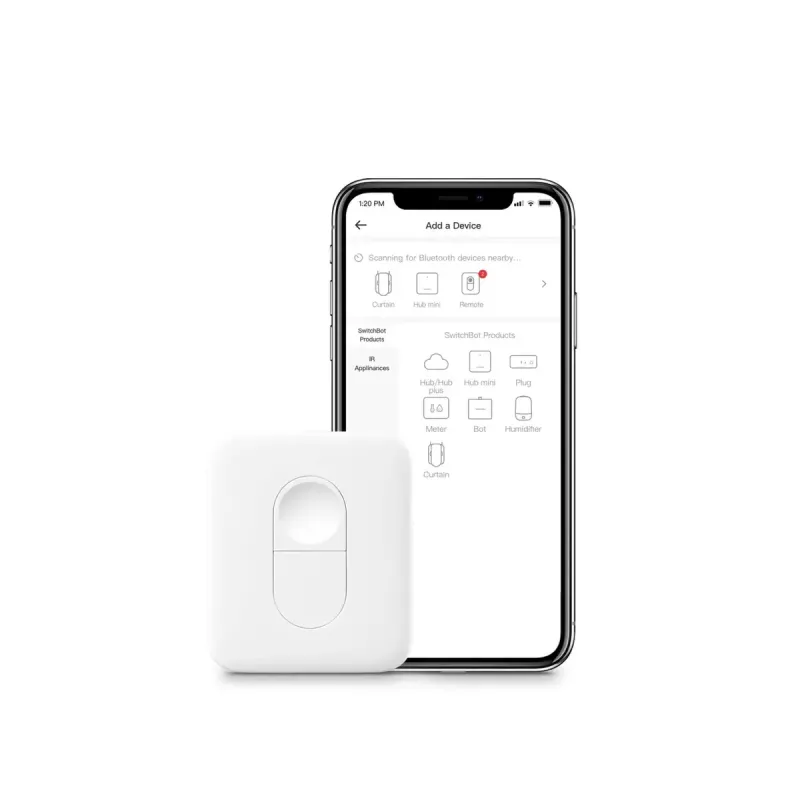
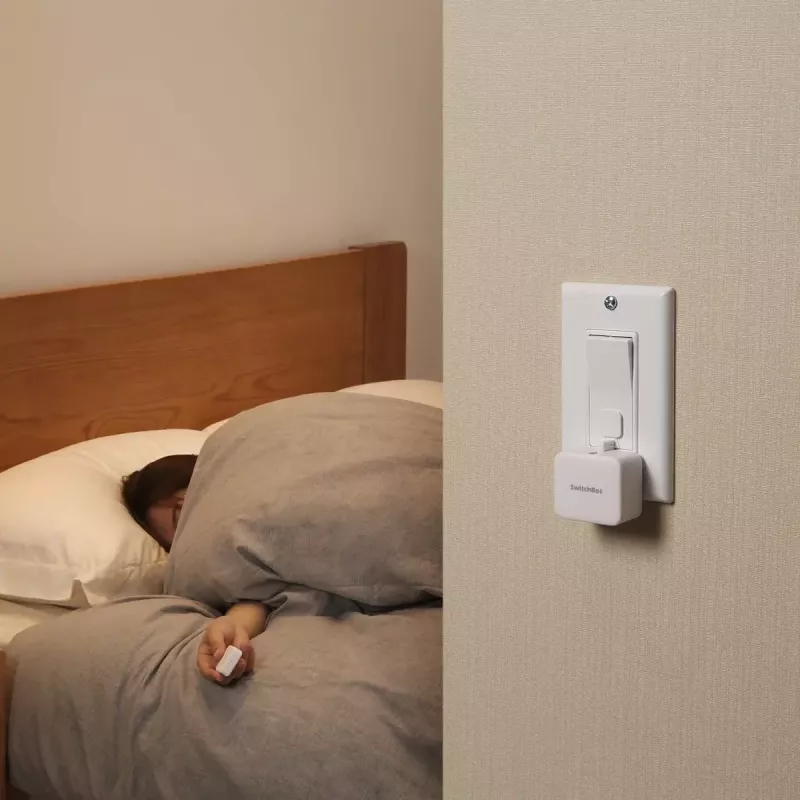
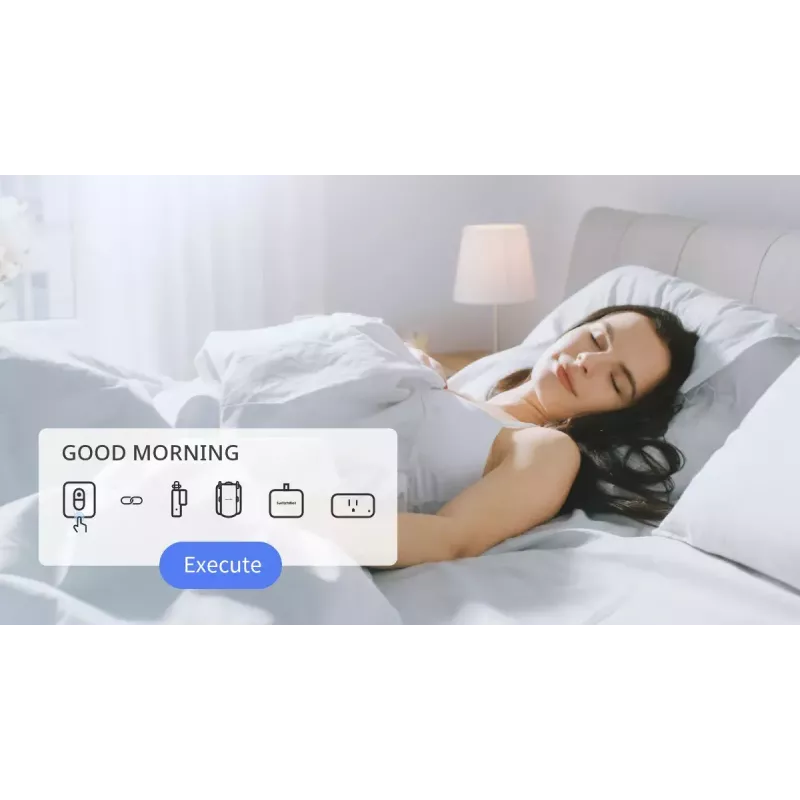
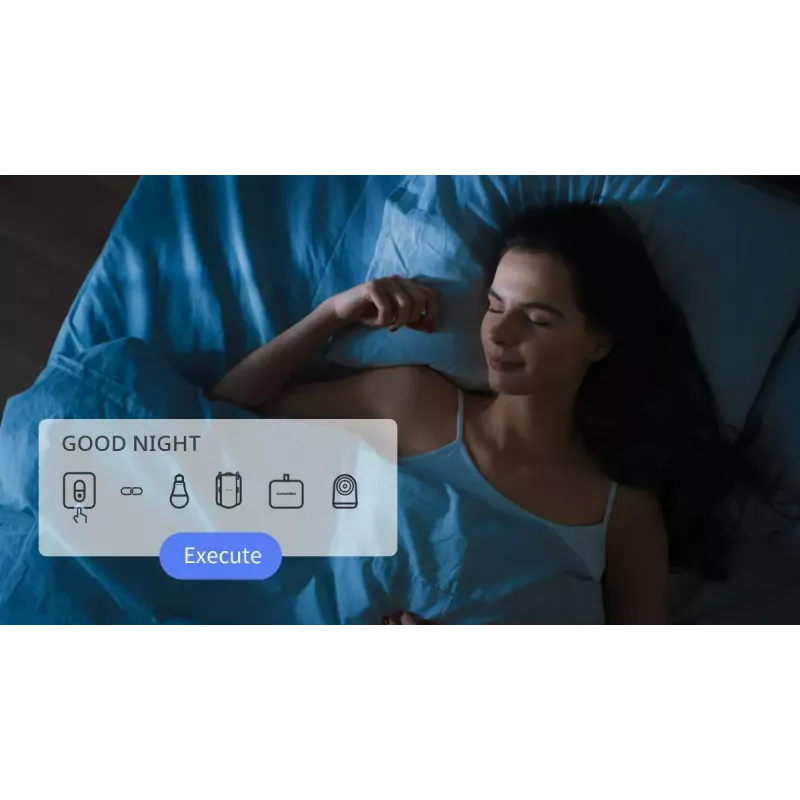
The remote can be programmed with two commands per button, enabling on/off or scene triggers for different devices. Its improved Bluetooth range provides more reliable connectivity around the home. The small form factor allows placement on bedside tables, desks or walls for convenient access.

Key specifications

  • Compatibility: SwitchBot Curtain, SwitchBot Bot, Color Bulb, LED Strip Light, Blind Tilt
  • Programmable: 2 commands per button
  • Connectivity: Bluetooth with extended range (up to 4× standard)
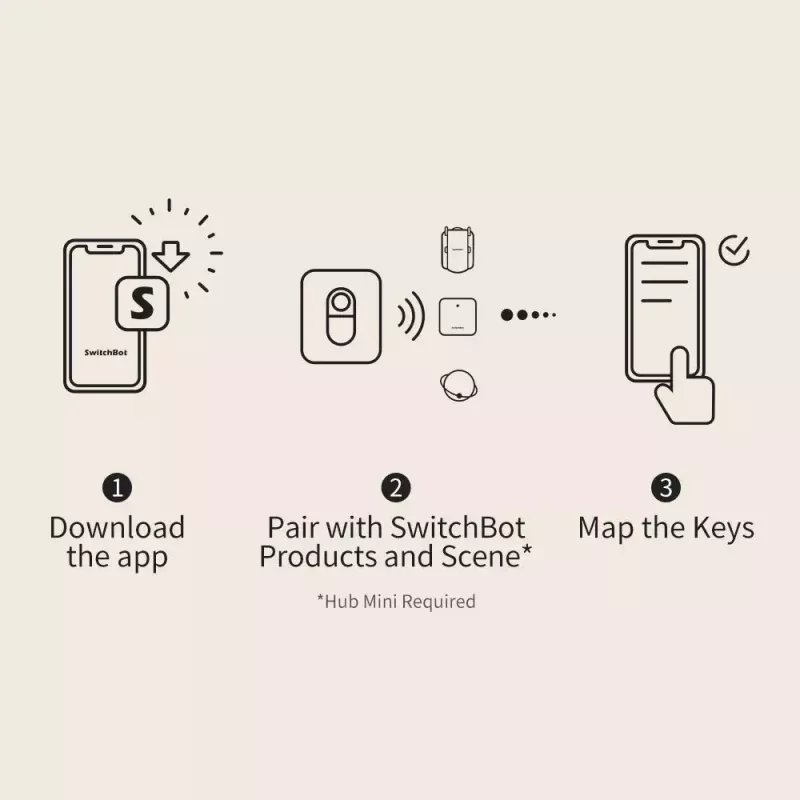
  • Scene support: can trigger SwitchBot Scenes (requires SwitchBot Hub Mini for Scenes)
  • Limitations: SwitchBot Lock cannot be set as an action in Scenes

How to use

Program each button via the SwitchBot app to assign up to two commands per button. Place the remote where it is easily reachable—on a table, nightstand or mounted on a wall—and press a button to activate the linked device or scene. Ensure the SwitchBot Hub Mini is connected to use Scenes and verify Bluetooth range for reliable control.

Recommendations

For scene control of multiple devices, install a SwitchBot Hub Mini and keep the remote within the effective Bluetooth range. Do not include SwitchBot Lock as an action when configuring scenes.
Punti salienti
  • Compatibility: SwitchBot Curtain, SwitchBot Bot, Color Bulb, LED Strip Light, Blind Tilt
  • Programmable: 2 commands per button
  • Connectivity: Bluetooth with extended range (up to 4× standard)
  • Scene support: can trigger SwitchBot Scenes (requires SwitchBot Hub Mini for Scenes)
  • Limitations: SwitchBot Lock cannot be set as an action in Scenes

Specifiche

Specifiche
Colore del prodotto
Bianco
Compatibilità
SwitchBot Devices - SwitchBot Curtain, Bot, Color Bulb, LED Strip Light and Blind Tilt
Guida rapida
Sì
Peso
0.05 kg
Quantità per confezione
1 pc(s)
Tipo di imballaggio
Scatola
Tipo di prodotto
Pulsante smart
Storico prezzi degli ultimi 6 mesi
Smart Button SwitchBot Remote
Attuale
17,29 €
Minimo 7 gg
17,08 €
Massimo 7 gg
17,29 €
Variazione 24 h
0,00 €   0%
Variazione 7 gg
+0,21 €   +1%
Variazione 30 gg
0,00 €   0%

Scrivi una recensione

Valutazione *
Il tuo nome sarà mostrato pubblicamente – puoi usare un nickname. Invitiamo gli acquirenti a scrivere recensioni; le controlliamo prima della pubblicazione e pubblichiamo anche quelle critiche.

Altri prodotti SWITCHBOT in questa categoria

4

Prodotti più popolari in questa categoria

7
Venditore: UAB KUR LT · Gariūnų g. 57-14, LT-02300 Vilnius, Lituania · Codice società 303192950 · Partita IVA UE LT100008198612 · Spedizione dall'UE (Lituania)
WhatsApp
Messenger
Ciao, sono l'assistente AI di DistriNode. Posso aiutarti a trovare prodotti, confrontare le opzioni, creare preventivi in PDF o aprire richieste di assistenza.
Tutte le categorie