
Account Contatti
Il tuo carrello
Spedizione DPD & FedEx
Serve aiuto? Chiedi all'AI

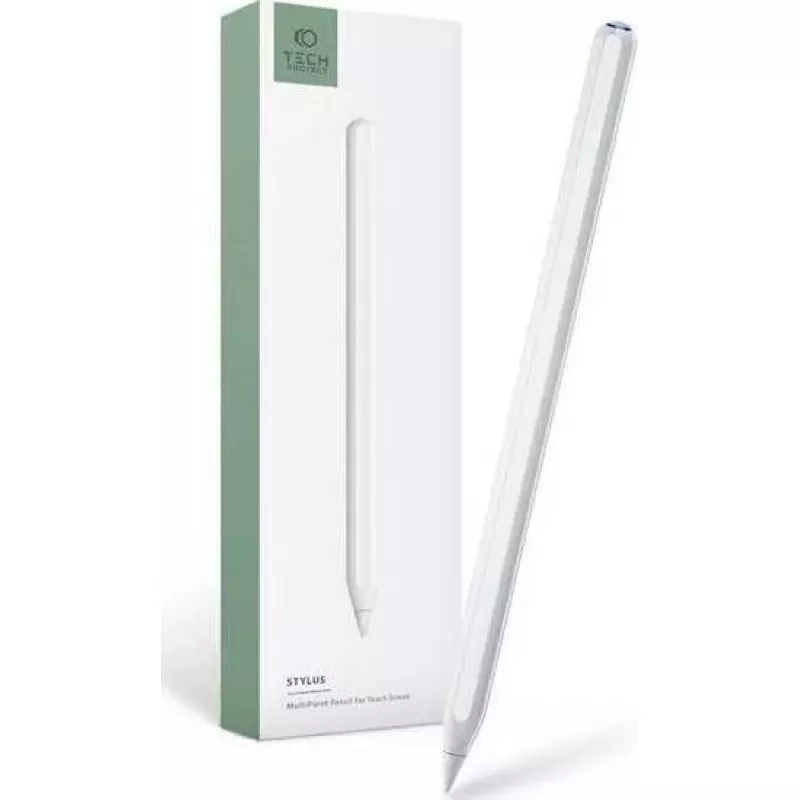
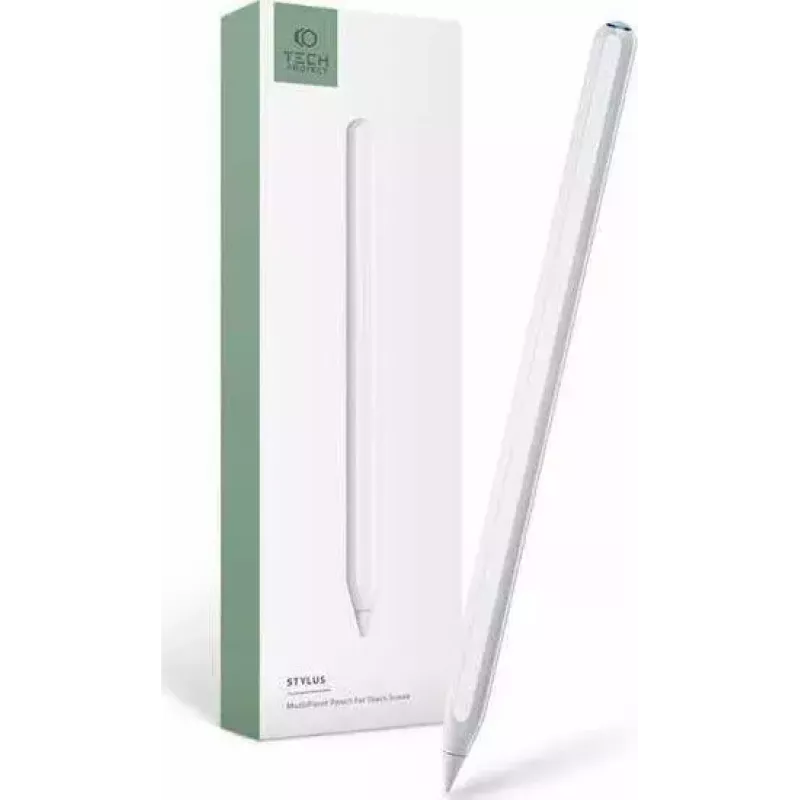
Stylus Pen Tech-Protect Digital Stylus Pen 2 per iPad — bianco

Stylus Pen Tech-Protect Digital Stylus Pen 2 per iPad — bianco
34,43 €
The Tech-Protect Digital Stylus Pen 2 for iPad in white is a precision input tool designed for compatible iPad models. It offers a responsive tip for accurate drawing, handwriting and touch navigation, combined with a slim, lightweight body that supports extended creative sessions, study tasks and e... Leggi di più
Stock 1573 Codice 2578151 Marca TECH-PROTECT Modello 9589046922541 Garanzia 2 anni

Spedizioni e resi

Consegna stimata Venerdì, Ottobre 23
Ti terremo aggiornato tramite il nostro sistema di tracciamento dettagliato
Opzioni di pagamento
Carta di credito/debitoVisaMastercardPayPalApple PayGoogle PayBonifico bancario

The Tech-Protect Digital Stylus Pen 2 for iPad in white is a precision input tool designed for compatible iPad models. It offers a responsive tip for accurate drawing, handwriting and touch navigation, combined with a slim, lightweight body that supports extended creative sessions, study tasks and everyday interactions. The stylus improves control over strokes and taps while maintaining compatibility with standard touchscreen gestures.

Advantages

The Digital Stylus Pen 2 provides low-latency touch response and a finely tuned tip suitable for detailed sketching and neat handwriting. Its lightweight construction reduces hand fatigue during prolonged use, and the balanced shape supports natural grip positions. The pen's surface is finished to resist slipping and to offer a consistent glide across the screen, improving precision for both drawing and navigation.

Suitable for

  • Digital drawing and illustration
  • Handwritten notes and annotations
  • Document markup and editing
  • Navigation and general touchscreen control
  • Study, office and remote learning tasks

Key specifications

  • Compatibility: designed for use with compatible iPad touchscreen displays
  • Color: white finish
  • Tip: responsive fine-tip design for precision input
  • Body: slim, lightweight construction for comfortable handling
  • Surface: low-friction coating to ensure smooth glide on glass screens

How to use

Hold the stylus as you would a conventional pen and touch the tip to the iPad screen to draw, write or tap. The Digital Stylus Pen 2 works with compatible touch input settings; no complex setup is required beyond pairing or enabling in cases where the iPad model requires it. Apply light to moderate pressure for strokes of varying thickness if your app supports pressure sensitivity, and keep the tip clean to maintain consistent responsiveness.

Recommendations

For best results, use the stylus on a clean screen and store it in a protective case when not in use. Replace the tip if signs of wear appear to maintain accuracy. Check the iPad model's compatibility and input settings to enable full functionality with drawing and note-taking applications.

Punti salienti
  • Digital drawing and illustration
  • Handwritten notes and annotations
  • Document markup and editing
  • Navigation and general touchscreen control
  • Study, office and remote learning tasks
  • Compatibility: designed for use with compatible iPad touchscreen displays
  • Color: white finish
  • Tip: responsive fine-tip design for precision input
  • Body: slim, lightweight construction for comfortable handling
  • Surface: low-friction coating to ensure smooth glide on glass screens
Storico prezzi degli ultimi 6 mesi
Stylus Pen Tech-Protect Digital Stylus Pen 2 per iPad — bianco
Attuale
34,43 €
Minimo
33,76 €
Massimo
35,57 €
Variazione 24 h
+0,47 €   +1%
Settimana
+0,54 €   +2%
Mese
+0,60 €   +2%

Prodotti più popolari in questa categoria

Ciao, sono l'assistente AI di DistriNode. Posso aiutarti a trovare prodotti, confrontare le opzioni, creare preventivi in PDF o aprire richieste di assistenza.