
Account Contatti
Il tuo carrello
Spedizione DPD & FedEx
Serve aiuto? Chiedi all'AI

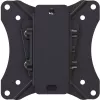
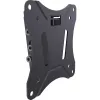
Supporto per monitor Vision VFM-W1X1TV2

Supporto per monitor Vision VFM-W1X1TV2
31,16 €
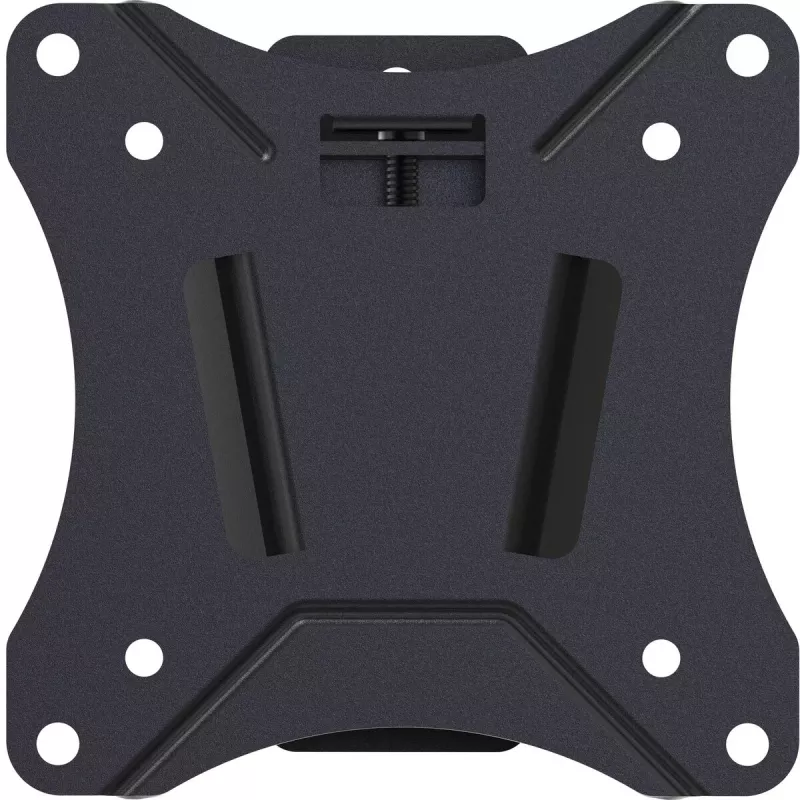
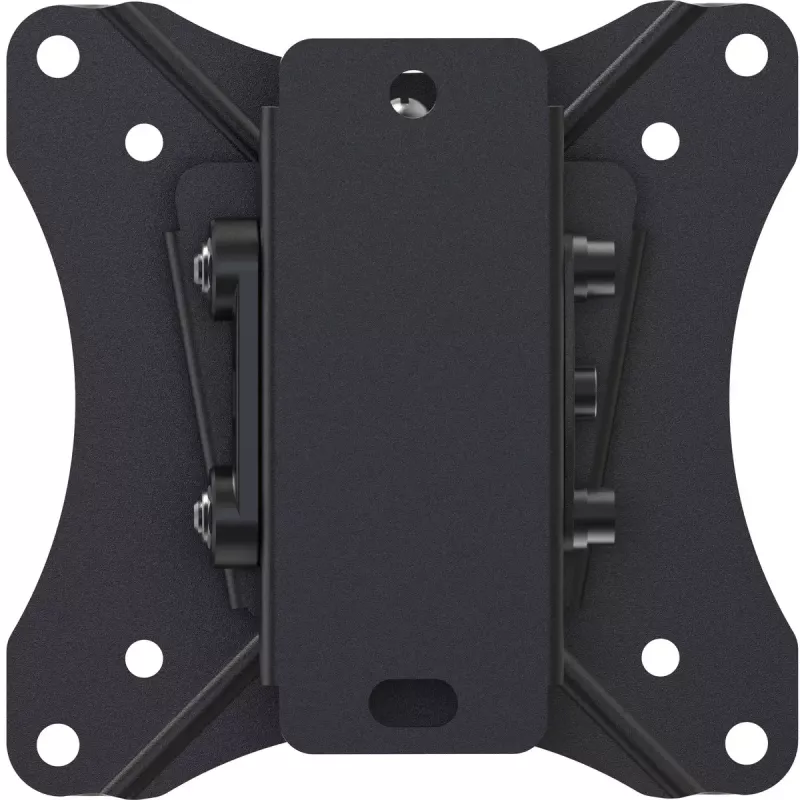
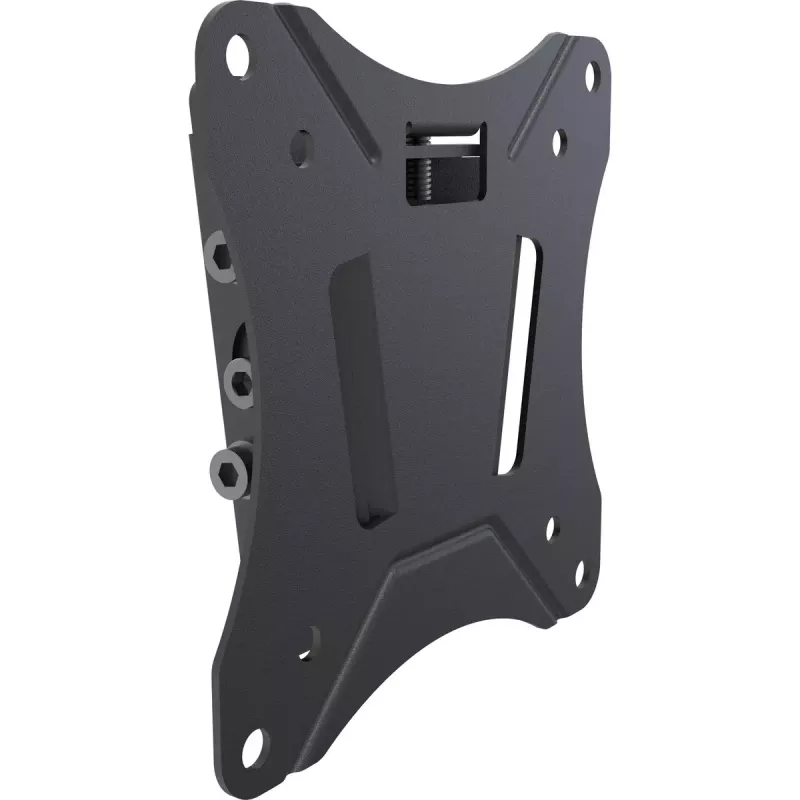
The Vision VFM-W1X1TV2 monitor mount is a compact flat-panel bracket compatible with most desktop monitors. It supports VESA mounting patterns from 75 x 75 mm up to 100 x 100 mm and is suitable for screens between 10" and 34". The mount carries up to 25 kg and provides a tilt adjustment between -12°... Leggi di più
Stock 500 Codice 1500406 Marca VISION Modello VFM-W1X1TV2 Garanzia 2 anni

Spedizioni e resi

Consegna stimata Martedì, Ottobre 20
Ti terremo aggiornato tramite il nostro sistema di tracciamento dettagliato
Opzioni di pagamento
Carta di credito/debitoVisaMastercardPayPalApple PayGoogle PayBonifico bancario

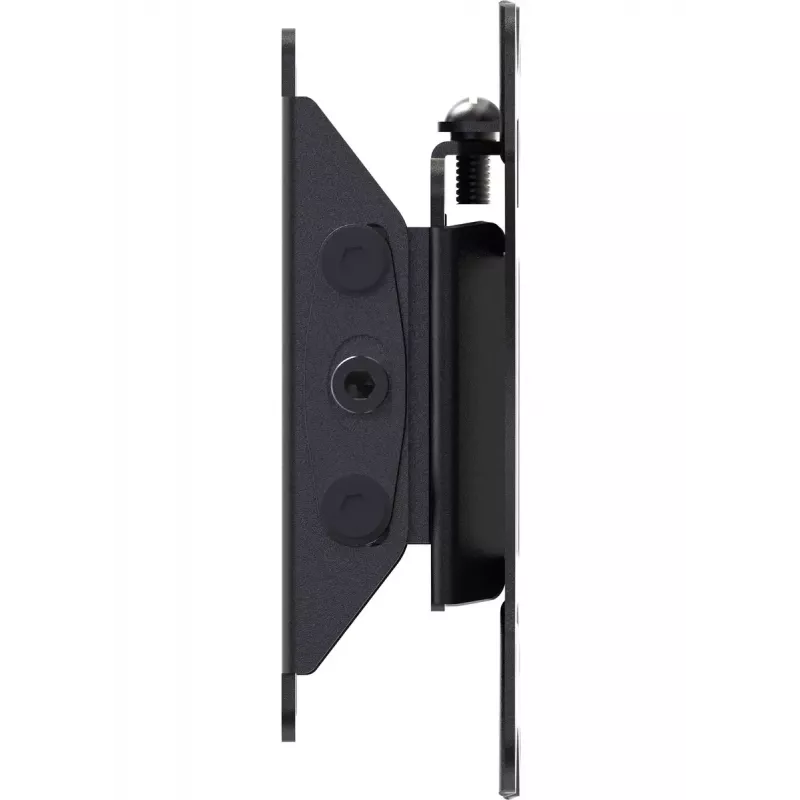
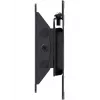
The Vision VFM-W1X1TV2 monitor mount is a compact flat-panel bracket compatible with most desktop monitors. It supports VESA mounting patterns from 75 x 75 mm up to 100 x 100 mm and is suitable for screens between 10" and 34". The mount carries up to 25 kg and provides a tilt adjustment between -12° and 3°, offering basic ergonomic positioning in a slim black design.

Advantages

This Vision mount is quick and simple to install and fits common VESA 100 x 100 mm patterns used by many LCD monitors. Its lightweight construction maintains a low profile on the desk or wall while supporting monitors up to 25 kg. Tilt adjustment allows modest screen angle changes to reduce glare and improve viewing comfort.

Suitable for

  • Office desktop monitors with VESA 75x75 or 100x100
  • Home workstations and study desks
  • Small meeting rooms and point-of-sale displays

Key specifications

  • Model: Vision VFM-W1X1TV2
  • Compatible screen size: 10"–34"
  • Maximum VESA mount: 75 x 75 mm to 100 x 100 mm
  • Maximum weight capacity: 25 kg
  • Tilt range: -12° to 3°
  • Product colour: Black
  • Product weight: 0.31 kg
  • Brand: VISION

How to use

Attach the mount to the monitor using the appropriate VESA holes and mounting screws. Secure the mount to the desk stand or wall anchor per the included hardware and instructions, ensuring the mounting surface and fixings support the combined weight. Adjust the tilt within the -12° to 3° range to achieve the desired viewing angle. Confirm all fasteners are tightened before regular use.

Recommendations

Verify your monitor’s VESA pattern (75x75 or 100x100) and weight before installation. Use suitable anchors for the mounting surface and avoid exceeding the 25 kg capacity.
Punti salienti
  • Office desktop monitors with VESA 75x75 or 100x100
  • Home workstations and study desks
  • Small meeting rooms and point-of-sale displays
  • Model: Vision VFM-W1X1TV2
  • Compatible screen size: 10"–34"
  • Maximum VESA mount: 75 x 75 mm to 100 x 100 mm
  • Maximum weight capacity: 25 kg
  • Tilt range: -12° to 3°
  • Product colour: Black
  • Product weight: 0.31 kg
  • Brand: VISION
Specifiche
Altezza
115 mm
Altezza confezione
120 mm
Attacco VESA massimo
100 x 100
Attacco VESA minimo
75 x 75
Capacità massima di carico
25 kg
Certificazione
REACH
Codice Sistema Armonizzato (HS)
85299097
Colore del prodotto
Black
Dimensione massima dello schermo
34 "
Dimensione minima dello schermo
10 "
Intervallo di inclinazione
-12 - 3
Larghezza
115 mm
Larghezza confezione
120 mm
Materiale della scocca
Steel
Numero di viti
12
Peso
0.31 kg
Peso confezione
420 g
Profondità
34 mm
Profondità confezione
42 mm
Tipo di montaggio
Wall
Viti incluse
Yes
Storico prezzi degli ultimi 6 mesi
Supporto per monitor Vision VFM-W1X1TV2
Attuale
31,16 €
Minimo
21,58 €
Massimo
34,37 €
Variazione 24 h
+0,66 €   +2%
Settimana
+0,91 €   +3%
Mese
+1,88 €   +6%

Prodotti più popolari in questa categoria

Ciao, sono l'assistente AI di DistriNode. Posso aiutarti a trovare prodotti, confrontare le opzioni, creare preventivi in PDF o aprire richieste di assistenza.