
Account Contatti
Il tuo carrello
Spedizione DPD & FedEx
Serve aiuto? Chiedi all'AI

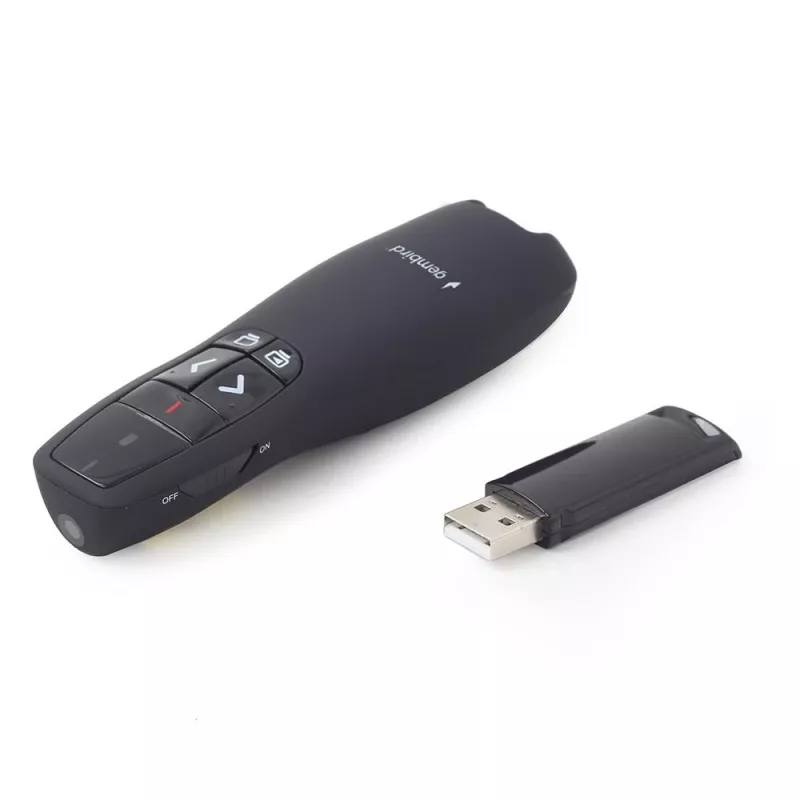
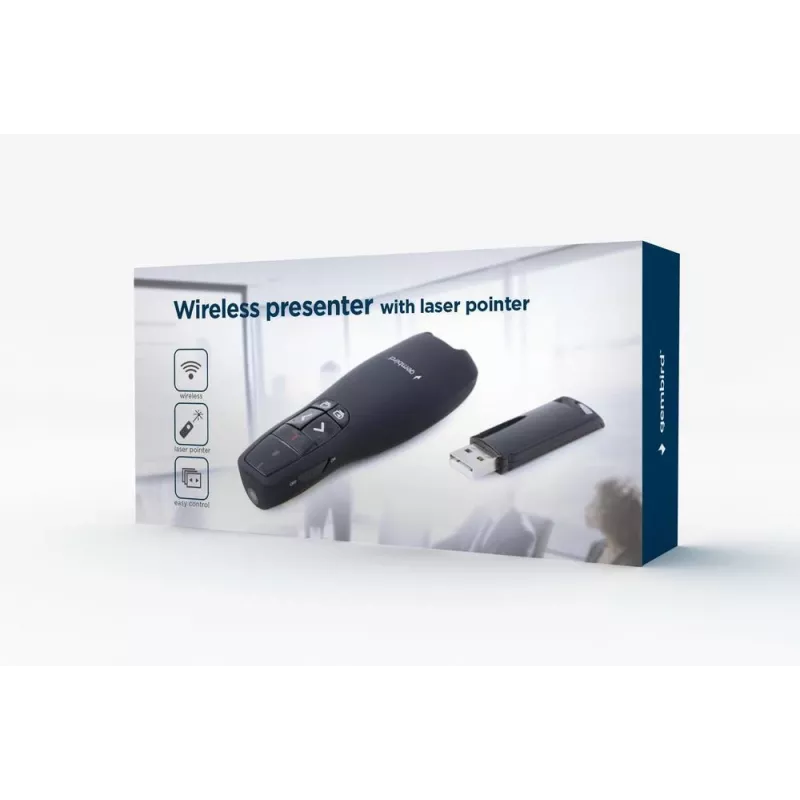
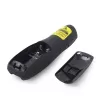
Telecomando Gembird WP-L-12 IR wireless

Telecomando Gembird WP-L-12 IR wireless
16,49 €
The Gembird WP-L-12 IR Wireless remote control is designed for controlling projection screens. It features a compact black housing, press-button input and supports a single paired device with an operational range up to 10 meters. The compact design and simple controls make it suitable for straightfo... Leggi di più
Disponibilità 10 Codice 108425 Marca GEMBIRD Modello WP-L-12 Garanzia 2 anni

Spedizioni e resi

Consegna stimata Giovedì, Ottobre 8
Ti terremo aggiornato tramite il nostro sistema di tracciamento dettagliato
Opzioni di pagamento
Carta di credito/debitoVisaMastercardPayPalApple PayGoogle PayBonifico bancario

The Gembird WP-L-12 IR Wireless remote control is designed for controlling projection screens. It features a compact black housing, press-button input and supports a single paired device with an operational range up to 10 meters. The compact design and simple controls make it suitable for straightforward screen operation in conference rooms, classrooms and home cinemas.

Advantages

This remote uses IR wireless communication for reliable line-of-sight control and operates with standard alkaline batteries. Its press-button layout provides intuitive operation, and the lightweight construction (0.084 kg) makes it easy to handle during extended use.

Suitable for

  • Manual control of projection screens in meeting rooms
  • Classroom screen operation
  • Home cinema screen control

Key specifications

  • Interface: IR Wireless
  • Designed use: Projection screen remote control
  • Colour: Black
  • Input: Press buttons
  • Number of devices supported: 1
  • Maximum range: 10 m
  • Power source: Alkaline batteries
  • Weight: 0.084 kg

How to use

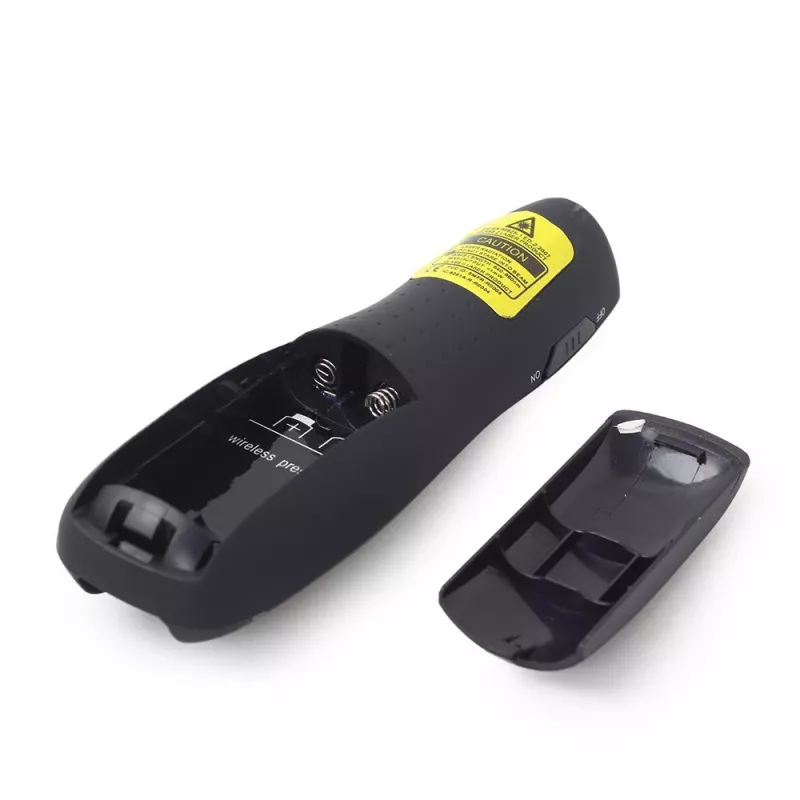
Insert the appropriate alkaline batteries into the battery compartment following the indicated polarity. Point the remote at the projection screen receiver within a clear line of sight and press the corresponding buttons to raise, lower or stop the screen. Keep the distance within the specified 10 m range for reliable operation.

Recommendations

Store the remote in a dry place and remove batteries if the device will not be used for an extended period. Replace batteries with fresh alkaline cells to maintain full range and responsiveness.
Punti salienti
  • Manual control of projection screens in meeting rooms
  • Classroom screen operation
  • Home cinema screen control
  • Interface: IR Wireless
  • Designed use: Projection screen remote control
  • Colour: Black
  • Input: Press buttons
  • Number of devices supported: 1
  • Maximum range: 10 m
  • Power source: Alkaline batteries
  • Weight: 0.084 kg
Specifiche
Altezza
105 mm
Banda di frequenza
2.4
Batteria integrata
No
Batterie incluse
No
Certificati di conformità
CE, RoHS
Colore del prodotto
Black
Display integrato
No
Interfaccia
IR Wireless
Interfaccia del ricevitore wireless
USB
Larghezza
38 mm
Manuale
Yes
Numero di batterie supportate
2
Numero di dispositivi supportati
1
Peso
0.084 kg
Portata massima
10 m
Profondità
25 mm
Quantità per confezione
1 pc(s)
Ricaricabile
No
Ricevitore incluso
Yes
Sistemi operativi Windows supportati
Y
Tasti fisici
No
Tasti retroilluminati
No
Tecnologia della batteria
Alkaline
Tipo di batteria
AAA
Tipo di imballaggio
Box
Tipo di ingresso
Press buttons
Uso corretto del telecomando
Projection screen

Brochure

Apri documento
Storico prezzi degli ultimi 6 mesi
Telecomando Gembird WP-L-12 IR wireless
Attuale
16,49 €
Minimo
15,79 €
Massimo
17,32 €
Variazione 24 h
+0,13 €   +1%
Settimana
+0,38 €   +2%
Mese
+0,58 €   +4%
Ciao, sono l'assistente AI di DistriNode. Posso aiutarti a trovare prodotti, confrontare le opzioni, creare preventivi in PDF o aprire richieste di assistenza.