
Account Contatti
Il tuo carrello
Spedizione DPD & FedEx
Serve aiuto? Chiedi all'AI

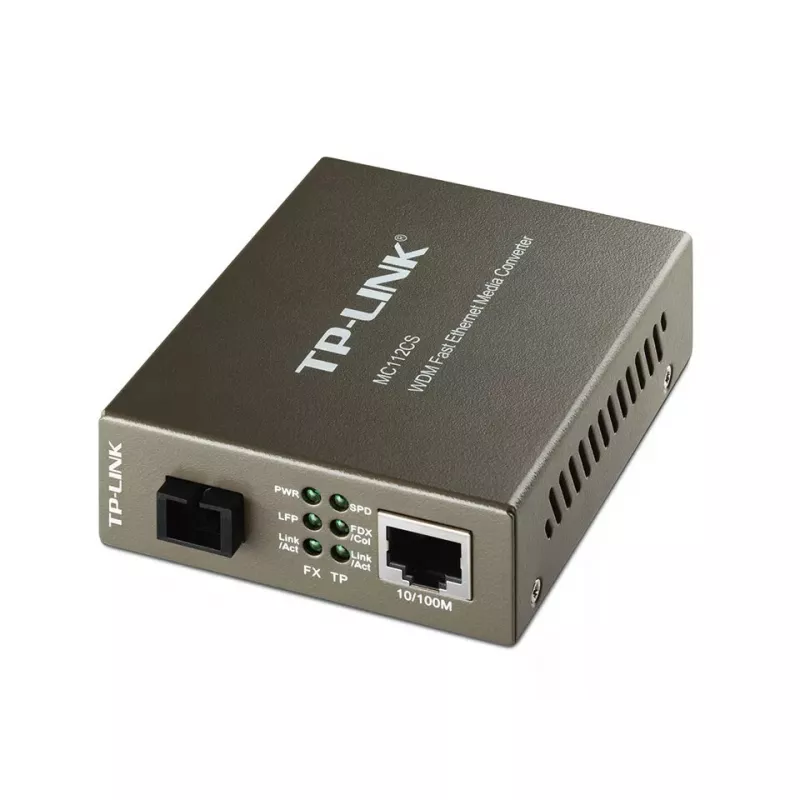
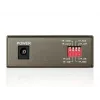
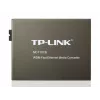
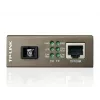
TP-Link MC112CS Convertitore di media di rete 100 Mbit/s Singlemode Nero

TP-Link MC112CS Convertitore di media di rete 100 Mbit/s Singlemode Nero
60 mesi
TP-Link MC112CS Convertitore di media di rete 100 Mbit/s Singlemode Nero
33,13 €
The TP-Link MC112CS is a WDM media converter that converts 100BASE-FX single‑mode fiber to 100BASE‑TX copper Ethernet or vice versa using a single SC connector. Compliant with IEEE 802.3u standards, the unit operates at full wire speed and supports longwave (LX) laser operation: it transmits at 1310... Leggi di più
Stock 9 Codice 2395163 Marca TP-LINK Modello MC112CS Garanzia 5 anni

Spedizioni e resi

Consegna stimata Giovedì, Ottobre 15
Ti terremo aggiornato tramite il nostro sistema di tracciamento dettagliato
Opzioni di pagamento
Carta di credito/debitoVisaMastercardPayPalApple PayGoogle PayBonifico bancario

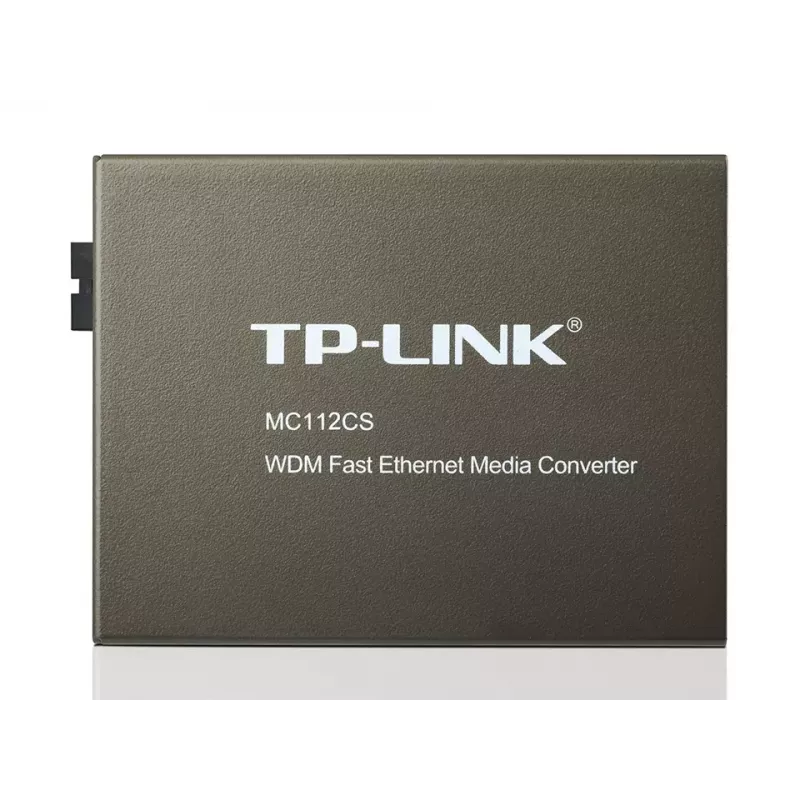
The TP-Link MC112CS is a WDM media converter that converts 100BASE-FX single‑mode fiber to 100BASE‑TX copper Ethernet or vice versa using a single SC connector. Compliant with IEEE 802.3u standards, the unit operates at full wire speed and supports longwave (LX) laser operation: it transmits at 1310 nm and receives at 1550 nm. Using WDM technology, the MC112CS requires only one fiber strand for bidirectional data transfer and supports single‑mode fiber links up to 20 km. The compact standalone device includes status LEDs and requires no chassis.

Advantages

The MC112CS reduces cabling cost by using WDM single‑fiber transmission, provides automatic MDI/MDI‑X and auto‑negotiation on the TX (RJ‑45) port, and delivers IEEE‑compliant 10/100Base‑TX to 100Base‑FX conversion. Its SC fiber connector and support for extended distances (up to 20,000 m) make it suitable for long‑range network links while consuming low power.

Suitable for

  • Extending Ethernet over single‑mode fiber links up to 20 km
  • Connecting copper Ethernet equipment to fiber backbones
  • Point‑to‑point links where single‑fiber WDM cabling is preferred
  • Small installations requiring a standalone media converter

Key specifications

  • Model: TP‑Link MC112CS (MPN: MC112CS)
  • Standards: IEEE 802.3u 10/100Base‑TX, 100Base‑FX
  • Fiber type: Single‑mode (SC connector)
  • Wavelengths: Transmit 1310 nm / Receive 1550 nm (WDM)
  • Max fiber distance: 20,000 m (20 km)
  • Ethernet port: 1 × RJ‑45 (Auto MDI/MDI‑X, auto‑negotiation)
  • Data rate: Supports 10/100 Mbps Ethernet (device datasheet lists up to 1000 Mbit/s capability)
  • Power consumption: max 2.41 W
  • Certifications: FCC, CE
  • Color: Black

How to use

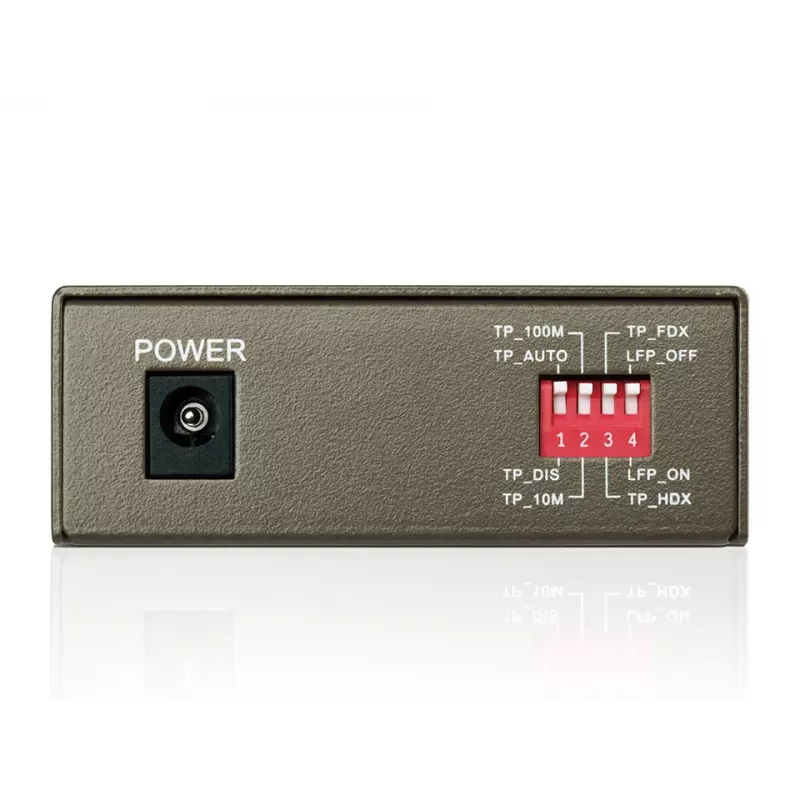
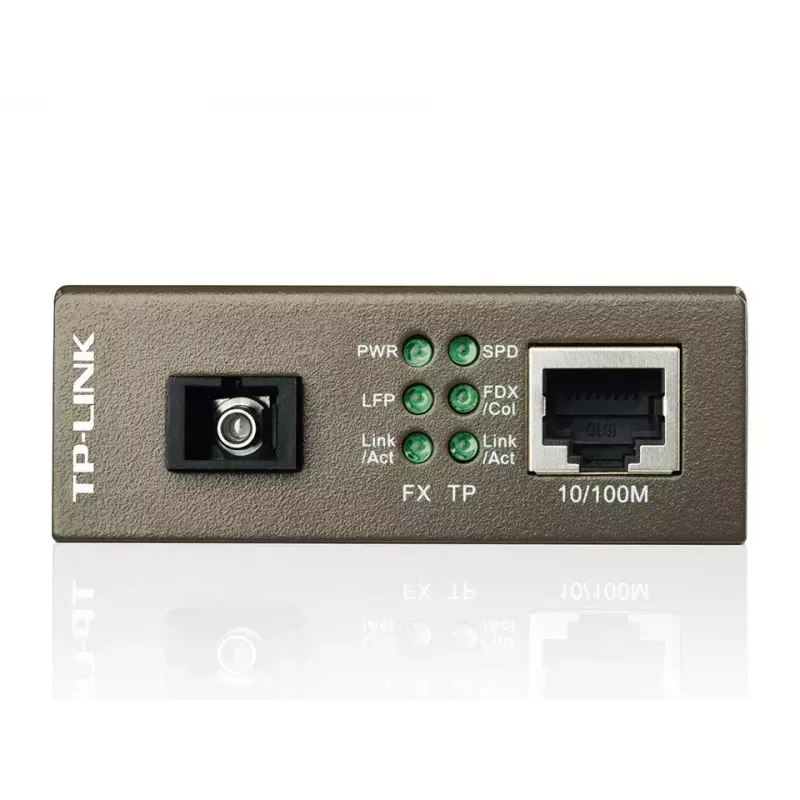
Install the MC112CS near the device to be connected and power it using the supplied adapter. Connect the copper Ethernet device to the RJ‑45 port; the converter will perform auto MDI/MDI‑X and auto‑negotiate speed and duplex on that port. Use a single‑mode fiber cable with SC connectors and ensure the opposite end device is configured for complementary WDM wavelengths (it should transmit at 1550 nm and receive at 1310 nm). Verify link and activity via the front panel LEDs and confirm proper operation on both ends of the fiber link.

Recommendations

Use certified single‑mode SC fiber and verify that the remote media converter or transceiver supports the complementary WDM wavelengths (TX 1550 nm / RX 1310 nm) to ensure correct bidirectional operation. For distances near 20 km, check fiber attenuation and connector quality; consider testing link performance after installation.
Punti salienti
  • Extending Ethernet over single‑mode fiber links up to 20 km
  • Connecting copper Ethernet equipment to fiber backbones
  • Point‑to‑point links where single‑fiber WDM cabling is preferred
  • Small installations requiring a standalone media converter
  • Model: TP‑Link MC112CS (MPN: MC112CS)
  • Standards: IEEE 802.3u 10/100Base‑TX, 100Base‑FX
  • Fiber type: Single‑mode (SC connector)
  • Wavelengths: Transmit 1310 nm / Receive 1550 nm (WDM)
  • Max fiber distance: 20,000 m (20 km)
  • Ethernet port: 1 × RJ‑45 (Auto MDI/MDI‑X, auto‑negotiation)
  • Data rate: Supports 10/100 Mbps Ethernet (device datasheet lists up to 1000 Mbit/s capability)
  • Power consumption: max 2.41 W
  • Certifications: FCC, CE
  • Color: Black
Specifiche
Altezza
27 mm
Altezza confezione
65 mm
Auto MDI/MDI-X
Yes
Certificazione
FCC, CE
Certificazioni di sostenibilità
RoHS
Colore del prodotto
Black
Connettore in fibra ottica
SC
Consumo energetico (max.)
2.41 W
Distanza massima di trasferimento
20000 m
Indicatori LED
Activity, Power
Interno
No
Larghezza
94.5 mm
Larghezza confezione
165 mm
Lunghezza d'onda
1550 nm
Numero di porte in fibra
1
Peso confezione
360 g
Porte Ethernet LAN (RJ-45)
1
Profondità
73 mm
Profondità confezione
204 mm
Standard di rete
IEEE 802.3x, IEEE 802.3u, IEEE 802.3
Tecnologia di cablaggio Ethernet in fibra
100BASE-FX
Tecnologia di connettività
Wired
Temperatura di esercizio (T-T)
0 - 40
Temperatura di stoccaggio (T-T)
-40 - 70
Tipi di cavi supportati
Cat5e, Cat5, Cat4, Cat3
Tipo di interfaccia Ethernet
Gigabit Ethernet
Umidità relativa di esercizio (H-H)
10 - 90
Umidità relativa di stoccaggio (H-H)
5 - 90
Velocità di trasferimento Ethernet LAN
1000
Velocità massima di trasferimento dati
1000 Mbit/s

Brochure

Apri documento

Documento

Apri documento
Storico prezzi degli ultimi 6 mesi
TP-Link MC112CS Convertitore di media di rete 100 Mbit/s Singlemode Nero
Attuale
33,13 €
Minimo
32,54 €
Massimo
35,55 €
Variazione 24 h
+0,32 €   +1%
Settimana
-0,54 €   -2%
Mese
-1,61 €   -5%

Prodotti più popolari in questa categoria

Ciao, sono l'assistente AI di DistriNode. Posso aiutarti a trovare prodotti, confrontare le opzioni, creare preventivi in PDF o aprire richieste di assistenza.