
Account Contatti
Il tuo carrello
Spedizione DPD & FedEx
Serve aiuto? Chiedi all'AI

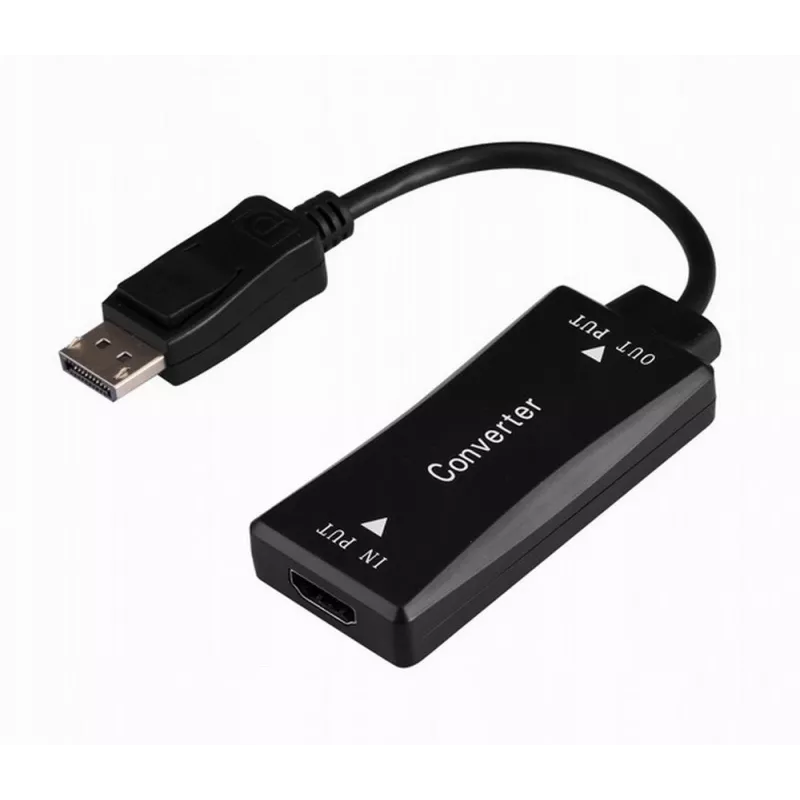
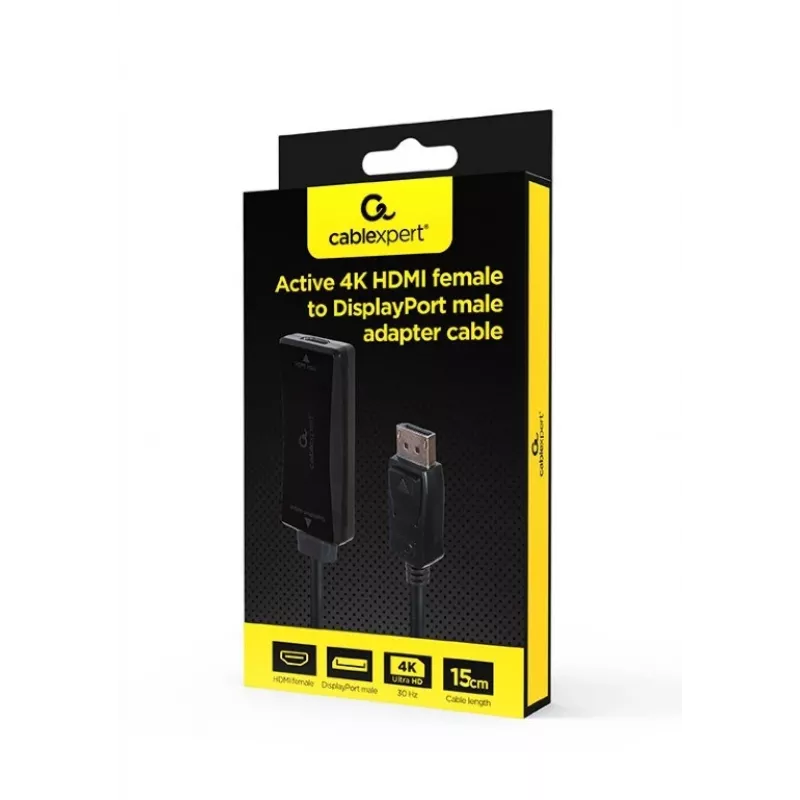
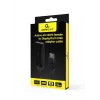
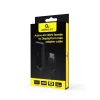
Adattatore cavo video GEMBIRD A-HDMIF30-DPM-01 HDMI tipo A a DisplayPort 0,15 m nero

Adattatore cavo video GEMBIRD A-HDMIF30-DPM-01 HDMI tipo A a DisplayPort 0,15 m nero
21,56 €
The Gembird A-HDMIF30-DPM-01 is a 0.15 m video cable adapter with an HDMI Type A (standard) connector on one end and a DisplayPort connector on the other. It provides a compact solution for connecting devices with differing video ports and supports transmission of high-quality video between compatib... Leggi di più
Stock 21 Codice 1713569 Marca GEMBIRD Modello A-HDMIF30-DPM-01 Garanzia 2 anni

Spedizioni e resi

Consegna stimata Venerdì, Ottobre 16
Ti terremo aggiornato tramite il nostro sistema di tracciamento dettagliato
Opzioni di pagamento
Carta di credito/debitoVisaMastercardPayPalApple PayGoogle PayBonifico bancario

The Gembird A-HDMIF30-DPM-01 is a 0.15 m video cable adapter with an HDMI Type A (standard) connector on one end and a DisplayPort connector on the other. It provides a compact solution for connecting devices with differing video ports and supports transmission of high-quality video between compatible sources and displays. The adapter is finished in black and designed for short-distance connections where a direct port conversion is required.

Advantages

This adapter offers a simple, passive connection between HDMI Type A and DisplayPort interfaces without the need for additional drivers or power. Its short 0.15 m length reduces cable clutter and is suited for close-proximity setups. The compact, black housing is unobtrusive and easy to position behind devices.

Suitable for

Key specifications

How to use

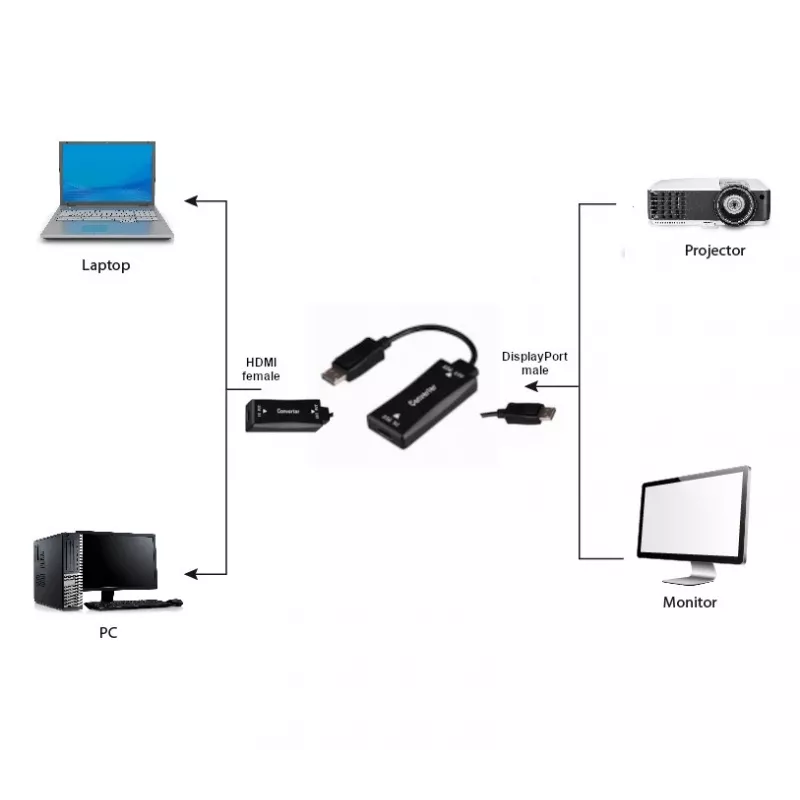
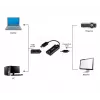
Connect the HDMI Type A end to the source device (for example a laptop or desktop) and insert the DisplayPort end into the target display. Ensure both devices are powered on and set to the correct input/output settings on their respective video menus. No additional drivers or external power are normally required for basic video transmission.

Recommendations

Use this adapter for short runs only; for longer distances or for use with advanced features such as multi-channel audio or high refresh rates, consider a certified active converter or a longer, shielded cable designed for the required bandwidth.
Punti salienti
  • Connecting a laptop or desktop with an HDMI output to a monitor with a DisplayPort input
  • Short, tidy connections behind workstations or entertainment units
  • Temporary or mobile setups where a brief port conversion is needed
  • Cable length: 0.15 m
  • Connector 1: HDMI Type A (standard)
  • Connector 2: DisplayPort
  • Colour: Black
Specifiche
Colore del prodotto
Black
Connettore 1
HDMI Type A (Standard)
Connettore 1 maschio/femmina
Female
Connettore 2
DisplayPort
Connettore 2 maschio/femmina
Male
Formato connettore 1
Straight
Formato connettore 2
Straight
Frequenza di aggiornamento alla risoluzione massima
30 Hz
Frequenza di aggiornamento massima
30 Hz
Lunghezza del cavo
0.15 m
Plug and Play
Yes
Risoluzione massima
3840 x 2160
Tensione nominale
5 V

Brochure

Apri documento
Storico prezzi degli ultimi 6 mesi
Adattatore cavo video GEMBIRD A-HDMIF30-DPM-01 HDMI tipo A a DisplayPort 0,15 m nero
Attuale
21,56 €
Minimo
20,26 €
Massimo
21,82 €
Variazione 24 h
+0,57 €   +3%
Settimana
+0,47 €   +2%
Mese
+1,11 €   +5%

Prodotti più popolari in questa categoria

Ciao, sono l'assistente AI di DistriNode. Posso aiutarti a trovare prodotti, confrontare le opzioni, creare preventivi in PDF o aprire richieste di assistenza.