

Account Contatti
Il tuo carrello
Black Weekfino al −30 %ancora 8 g 04:10:01
Spedizione DPD & FedEx
Serve aiuto? Chiedi all'AI

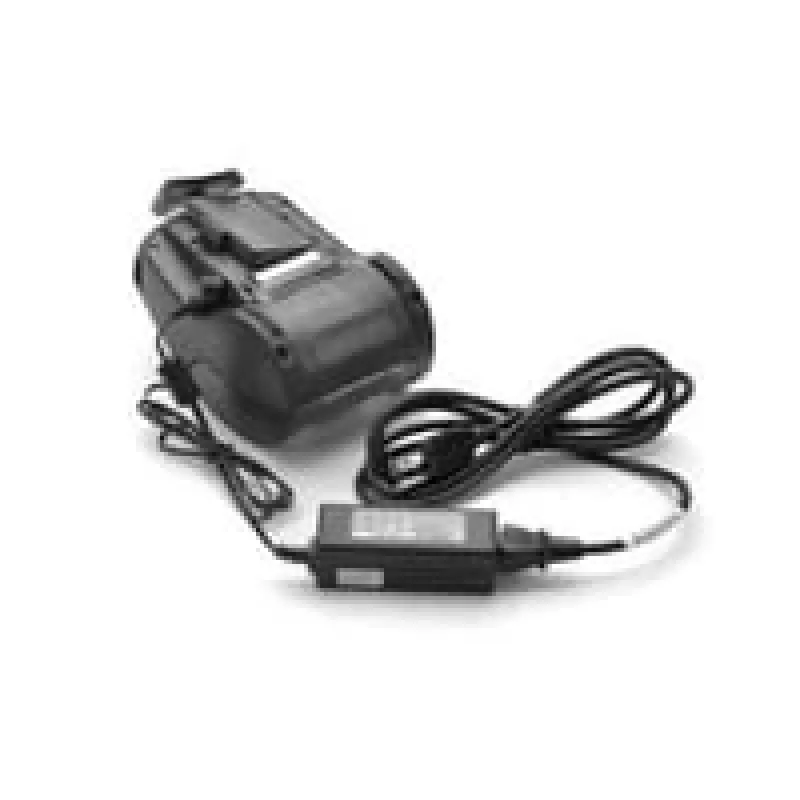
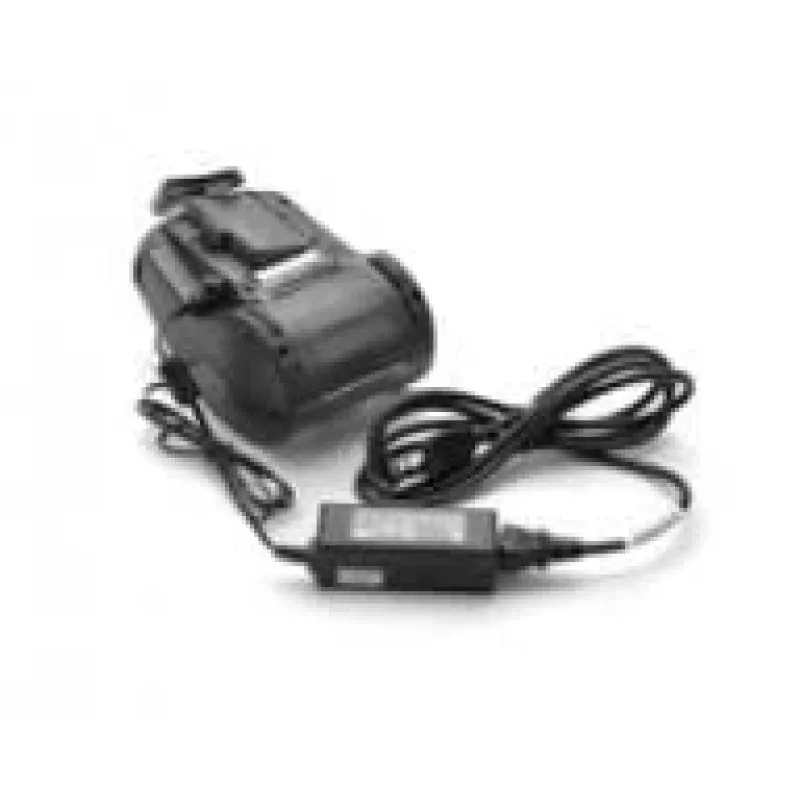
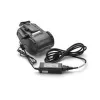
Alimentatore Zebra P1031365-041

Alimentatore Zebra P1031365-041
-13%
Black Week
Alimentatore Zebra P1031365-041
80,41 €
92,14 €−13 %
PDF
PDF
Stock 326 Codice 1431125 Modello P1031365-041 Garanzia 2 anni

Spedizioni e resi

Consegna stimata martedì 1 dicembre
Ti terremo aggiornato tramite il nostro sistema di tracciamento dettagliato
Opzioni di pagamento
Carta di credito/debitoVisaMastercardApple PayGoogle PayBonifico bancario

Fai una domanda – l'assistente AI risponde subito.

Descrizione

Connect the printer or charging cradle to AC power using the Zebra P1031365-041 power adapter to charge the printer’s internal battery. The adapter converts AC mains voltage to the DC power required by compatible POS printers and is supplied as a single black unit for indoor use.

Advantages

The Zebra P1031365-041 offers reliable AC-to-DC conversion designed specifically for POS and portable Zebra printers, ensuring stable charging and operation. Its compact black housing is suitable for retail and office environments, and the UK plug configuration matches local sockets without additional accessories.

Suitable for

  • Charging compatible Zebra POS printers
  • Powering desktop or portable POS devices in retail environments
  • Replacing a lost or worn power adapter for supported models

Key specifications

  • Brand: Zebra
  • Manufacturer part number (MPN): P1031365-041
  • EAN: 5052181231532
  • Product colour: Black
  • Intended use: Indoor power adapter for POS printers
  • Sold as: Single unit

How to use

Plug the adapter into a compatible UK AC mains outlet, then connect the adapter output to the printer or its charging cradle. Ensure connectors are fully seated and the printer is switched off or in the charging state per the printer’s instructions. Charging begins once the adapter is connected and the printer accepts charge.

Recommendations

Use the adapter only with compatible Zebra printers and approved charging cradles. Avoid exposing the adapter to moisture, extreme temperatures, or physical damage. Disconnect from mains before cleaning or when not in use for extended periods.
Punti salienti
  • Charging compatible Zebra POS printers
  • Powering desktop or portable POS devices in retail environments
  • Replacing a lost or worn power adapter for supported models
  • Brand: Zebra
  • Manufacturer part number (MPN): P1031365-041
  • EAN: 5052181231532
  • Product colour: Black
  • Intended use: Indoor power adapter for POS printers
  • Sold as: Single unit

Specifiche

Specifiche
Codice Sistema Armonizzato (HS)
85044095
Colore del prodotto
Nero
Compatibilità
ZQ510, ZQ520, QLn220, QLn320, QLn420
Marche compatibili
Zebra
Quantità per confezione
1 pc(s)
Tipi di spina di alimentazione inclusi
UK
Tipo di alimentatore
Interno
Tipo di corrente di alimentazione
AC-to-DC
Utilizzo
Stampante POS

Brochure

Apri documento
Storico prezzi degli ultimi 6 mesi
Alimentatore Zebra P1031365-041
Attuale
80,41 €
Minimo 7 gg
80,41 €
Massimo 7 gg
87,15 €
Variazione 24 h
-6,73 €   -8%
Variazione 7 gg
-5,90 €   -7%
Variazione 30 gg
-11,72 €   -13%

Scrivi una recensione

Valutazione *
Il tuo nome sarà mostrato pubblicamente – puoi usare un nickname. Invitiamo gli acquirenti a scrivere recensioni; le controlliamo prima della pubblicazione e pubblichiamo anche quelle critiche.

Stessa serie e alternative

7

Prodotti più popolari in questa categoria

8
Venditore: UAB KUR LT · Gariūnų g. 57-14, LT-02300 Vilnius, Lituania · Codice società 303192950 · Partita IVA UE LT100008198612 · Spedizione dall'UE (Lituania)
WhatsApp
Messenger
Ciao, sono l'assistente AI di DistriNode. Posso aiutarti a trovare prodotti, confrontare le opzioni, creare preventivi in PDF o aprire richieste di assistenza.
Tutte le categorie