
Account Contatti
Il tuo carrello
Spedizione DPD & FedEx
Serve aiuto? Chiedi all'AI

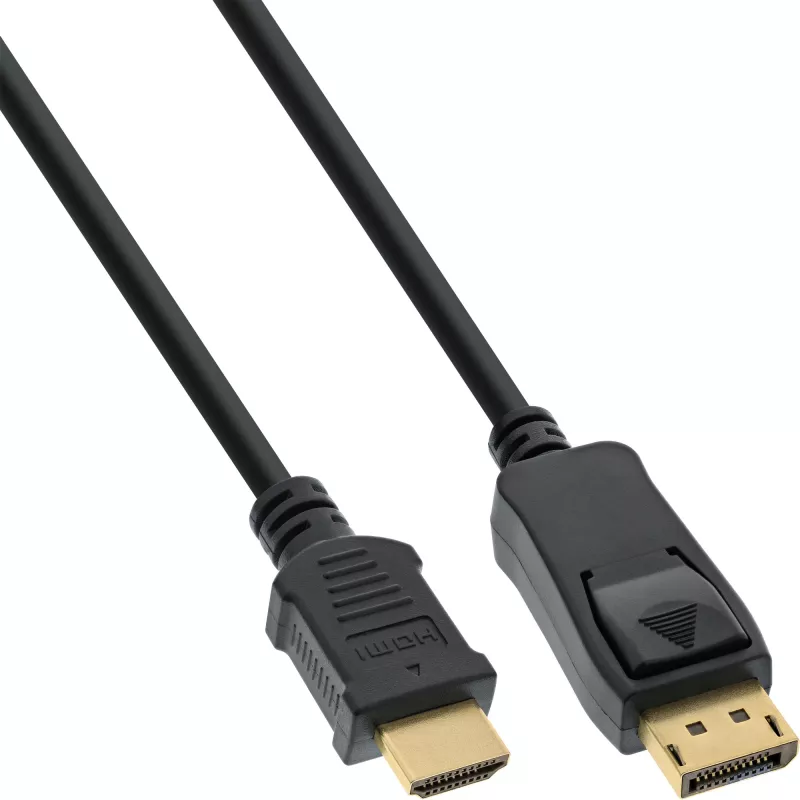
Cavo convertitore DisplayPort a HDMI InLine 17182 2 m nero

Cavo convertitore DisplayPort a HDMI InLine 17182 2 m nero
20,62 €
The InLine DisplayPort to HDMI converter cable (2 m) provides a direct connection from a computer or notebook DisplayPort output to an HDMI input on a monitor or TV. The cable carries video and audio signals and is designed for straightforward compatibility between DisplayPort-equipped graphics card... Leggi di più
Stock 10 Codice 1449380 Marca INLINE Modello 17182 Garanzia 2 anni

Spedizioni e resi

Consegna stimata Giovedì, Ottobre 15
Ti terremo aggiornato tramite il nostro sistema di tracciamento dettagliato
Opzioni di pagamento
Carta di credito/debitoVisaMastercardPayPalApple PayGoogle PayBonifico bancario

The InLine DisplayPort to HDMI converter cable (2 m) provides a direct connection from a computer or notebook DisplayPort output to an HDMI input on a monitor or TV. The cable carries video and audio signals and is designed for straightforward compatibility between DisplayPort-equipped graphics cards and HDMI displays. Its 2 metre length and black jacket make it suitable for typical desktop and home setups.

Advantages

This DisplayPort to HDMI converter cable supports a single-cable connection without the need for additional adapters or external power. With a DisplayPort connector on one end and an HDMI connector on the other, the cable offers reliable signal transfer for both video and audio while maintaining a simple plug-and-play experience. The 2 m length provides flexible placement of devices.

Suitable for

  • Connecting a PC or laptop DisplayPort output to an HDMI monitor
  • Connecting a computer to an HDTV with HDMI input
  • Extending or duplicating desktop displays for work or presentations

Key specifications

  • Brand: InLine
  • Model / MPN: 17182
  • EAN: 4043718154036
  • Cable length: 2 m
  • Connector 1: DisplayPort
  • Connector 2: HDMI
  • Colour: Black

How to use

Connect the DisplayPort end of the cable to the DisplayPort output on your graphics card or laptop, then connect the HDMI end to the HDMI input on your monitor or TV. Select the appropriate input source on the display and, if necessary, configure the display settings in your operating system to extend or duplicate the screen. No external power is typically required—ensure the source device supports video output over DisplayPort.

Recommendations

For best results, verify that your graphics card supports DisplayPort to HDMI output and that your display’s HDMI input is functional. Use high-quality HDMI ports on the display and avoid running the cable near strong electromagnetic sources to reduce interference.
Punti salienti
  • DisplayPort male plug to HDMI male plug
  • With audio support
  • Compatible to the DisplayPort 1.1 specifications
  • Compatible with HDMI supports PC resolutions VGA, SVGA, XGA, SXGA and UXGA and HDTV resolutions 480i, 576i, 480p, 576p, 1080i, 1080p, 4K@30Hz(UHD)
  • Black cable with gold plated contacts
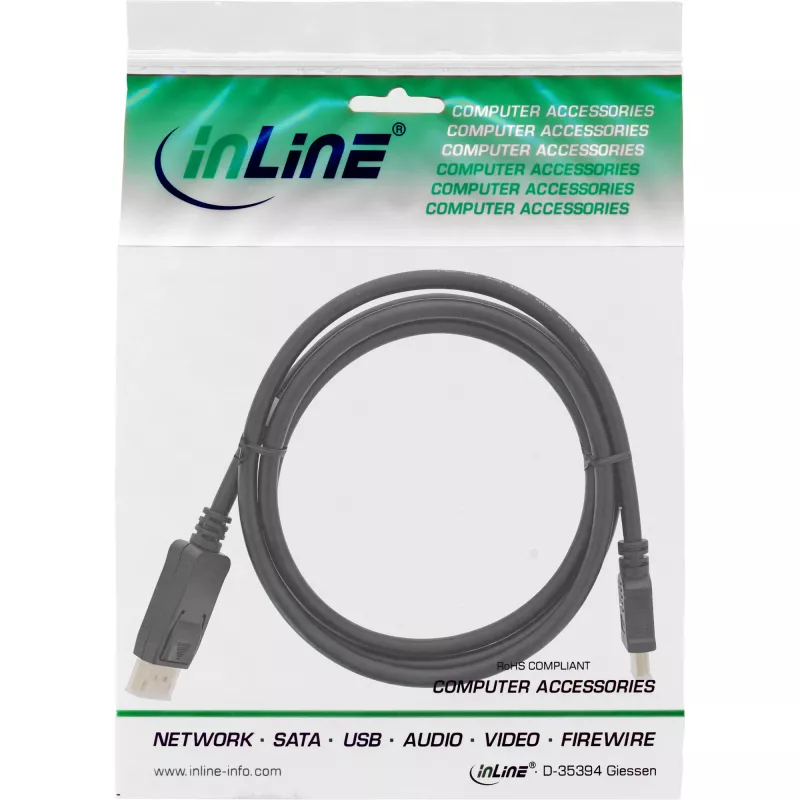
  • In resealable PE bag with barcode
  • 2 m
  • DisplayPort
  • HDMI
  • Black
Specifiche
Altezza confezione
23 mm
Colore del prodotto
Black
Connettore 1
DisplayPort
Connettore 2
HDMI
Connettore maschio/femmina
Male/Male
Larghezza confezione
175 mm
Lunghezza del cavo
2 m
Peso
95 g
Peso confezione
130 g
Placcatura dei contatti del connettore
Gold
Profondità confezione
225 mm
Sezione del conduttore (AWG)
28
Volume della confezione
900 cm³

Brochure

Apri documento
Storico prezzi degli ultimi 6 mesi
Cavo convertitore DisplayPort a HDMI InLine 17182 2 m nero
Attuale
20,62 €
Minimo
19,95 €
Massimo
22,95 €
Variazione 24 h
+0,38 €   +2%
Settimana
+0,52 €   +3%
Mese
+0,62 €   +3%

Prodotti più popolari in questa categoria

Ciao, sono l'assistente AI di DistriNode. Posso aiutarti a trovare prodotti, confrontare le opzioni, creare preventivi in PDF o aprire richieste di assistenza.