
Account Contatti
Il tuo carrello
Spedizione DPD & FedEx
Serve aiuto? Chiedi all'AI

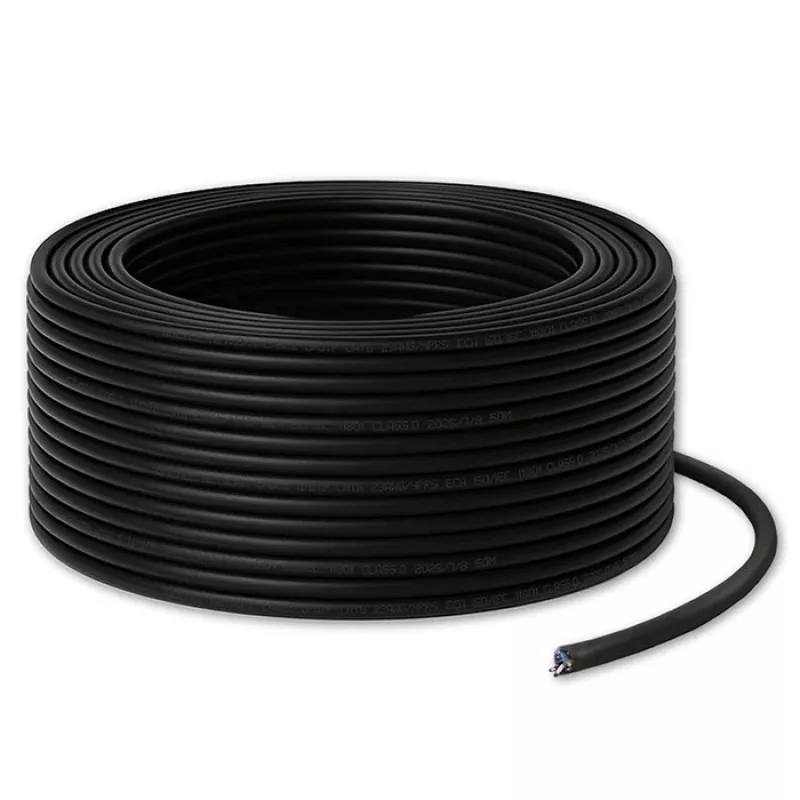
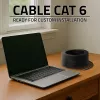
Cavo patch Ethernet QOLTEC CAT6 UTP, 50 m, nero

Cavo patch Ethernet QOLTEC CAT6 UTP, 50 m, nero
17,78 €
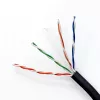
QOLTEC CAT6 UTP Ethernet patch cord cable, 50 m in black, is an unshielded twisted pair cable designed for LAN installations and horizontal network runs. The cable supports Gigabit Ethernet speeds typical for Category 6 specifications and is supplied as a single 50-meter reel with a flexible outer j... Leggi di più
Stock 9 Codice 1519984 Marca QOLTEC Modello 54561 Garanzia 2 anni

Spedizioni e resi

Consegna stimata Martedì, Ottobre 13
Ti terremo aggiornato tramite il nostro sistema di tracciamento dettagliato
Opzioni di pagamento
Carta di credito/debitoVisaMastercardPayPalApple PayGoogle PayBonifico bancario

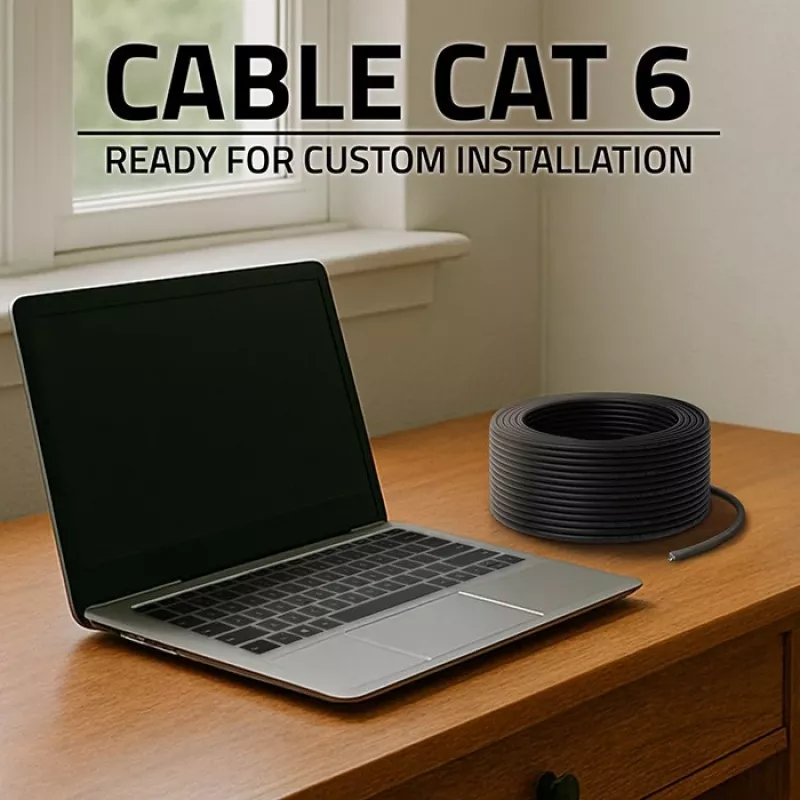
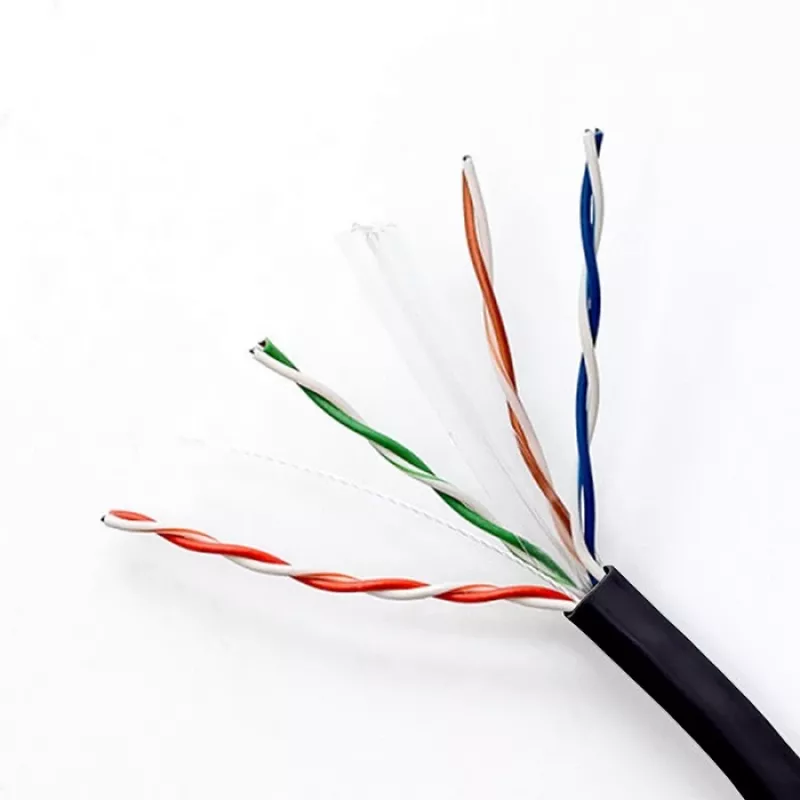
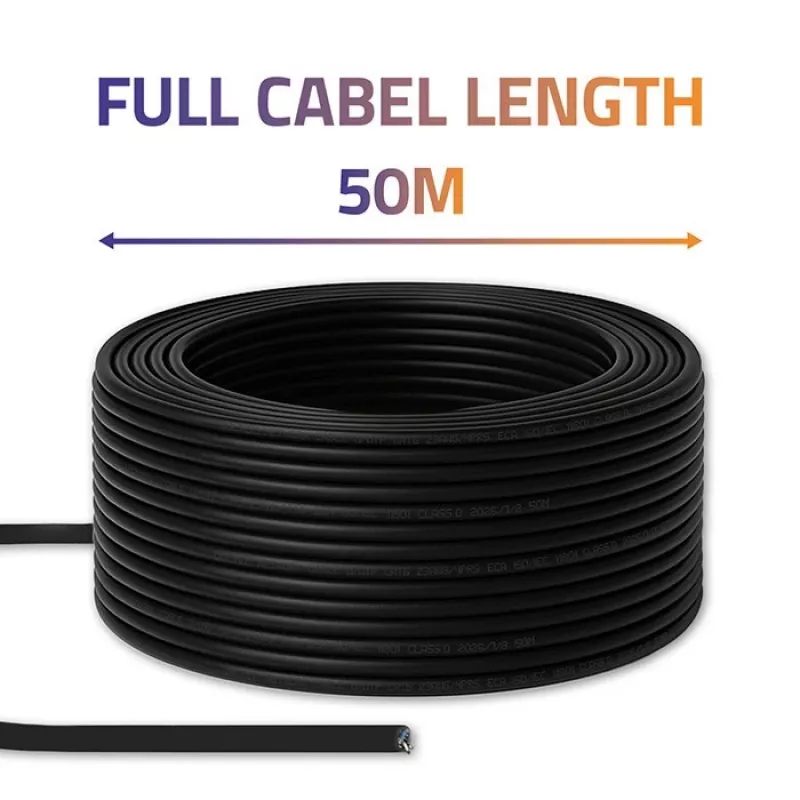
QOLTEC CAT6 UTP Ethernet patch cord cable, 50 m in black, is an unshielded twisted pair cable designed for LAN installations and horizontal network runs. The cable supports Gigabit Ethernet speeds typical for Category 6 specifications and is supplied as a single 50-meter reel with a flexible outer jacket for easier routing and cable management in offices, server rooms and home networks.

Advantages

The cable offers Category 6 performance for stable Gigabit connections over standard LAN distances while remaining unshielded for cost-effective installations. Its flexible jacket simplifies installation in conduits, cable trays and around corners. The single 50 m length reduces the need for multiple patch cords and minimizes signal loss caused by additional connectors. The black outer sheath provides discreet appearance in professional and residential environments.

Suitable for

Key specifications

How to use

Measure and route the 50 m cable from the network device to the patch panel, switch or wall outlet following building codes and cable management practices. Terminate each end with compatible RJ45 connectors or use pre-terminated patch panels or keystone jacks. Avoid tight bends and excessive pulling force during installation to maintain performance. If cutting the reel, strip and punch down or crimp connectors according to standard wiring schemes (T568A or T568B) and test the link with a network tester to verify continuity and performance.

Recommendations

For best results, keep the cable away from sources of electromagnetic interference such as power lines and fluorescent lighting. Use appropriate cable management, strain relief and avoid kinking the cable. For runs requiring higher shielding or 10 Gbps speeds over longer distances, consider shielded Cat6A or higher-category cabling.

Punti salienti
  • Connecting switches, routers and network routers to wall outlets or patch panels
  • Horizontal cabling runs in offices and small server rooms
  • Home network wiring for computers, smart TVs and NAS devices
  • Temporary or permanent installations where a single 50 m run is needed
  • Cable category: Cat6 (unshielded twisted pair)
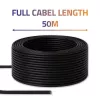
  • Length: 50 m
  • Conductor type: copper (solid or stranded depending on manufacturer batch)
  • Impedance: 100 Ω (nominal for Cat6)
  • Bandwidth: up to 250 MHz (Cat6 class performance)
  • Typical supported speeds: up to 1 Gbps over suitable links
  • Jacket color: black
  • Outer jacket: flexible for routing and management
Specifiche
Colore del prodotto
Black
Lunghezza del cavo
50 m
Schermatura del cavo
U/UTP (UTP)
Standard del cavo
Cat6
Storico prezzi degli ultimi 6 mesi
Cavo patch Ethernet QOLTEC CAT6 UTP, 50 m, nero
Attuale
17,78 €
Minimo
16,27 €
Massimo
27,36 €
Variazione 24 h
+1,36 €   +8%
Settimana
+1,44 €   +9%
Mese
+1,29 €   +8%

Prodotti più popolari in questa categoria

Ciao, sono l'assistente AI di DistriNode. Posso aiutarti a trovare prodotti, confrontare le opzioni, creare preventivi in PDF o aprire richieste di assistenza.