
Account Contatti
Il tuo carrello
Spedizione DPD & FedEx
Serve aiuto? Chiedi all'AI

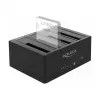
Docking station Delock USB 3.0 per 4 x SATA HDD / SSD con funzione di clonazione (64063)

Docking station Delock USB 3.0 per 4 x SATA HDD / SSD con funzione di clonazione (64063)
177,38 €
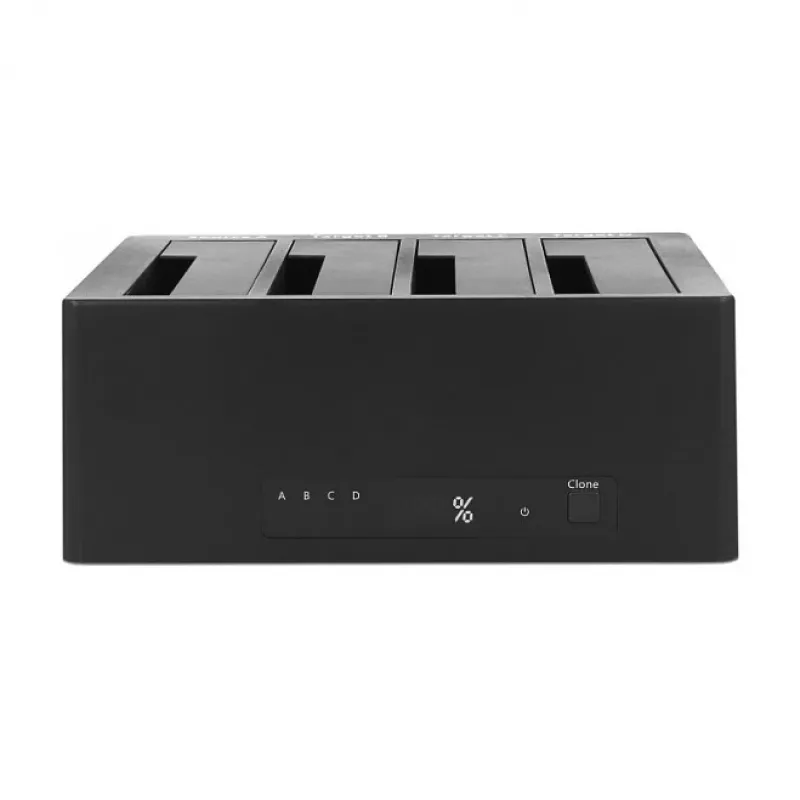
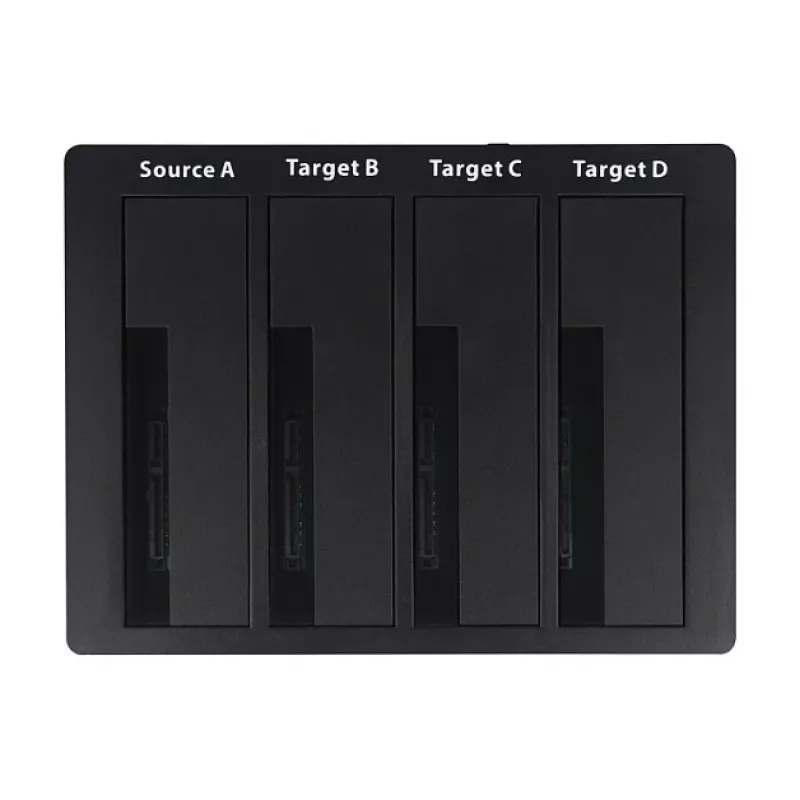
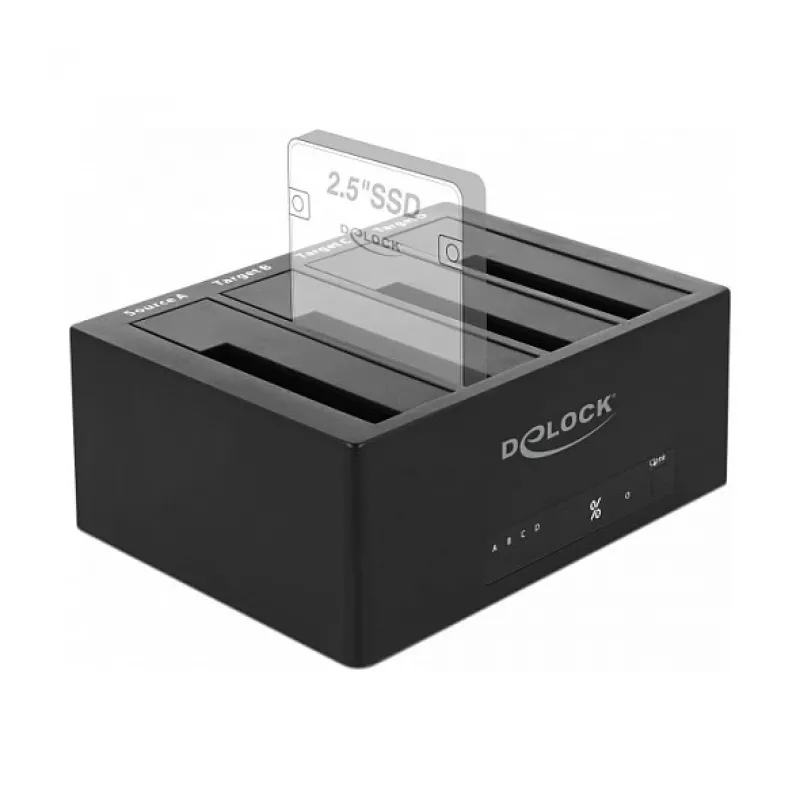
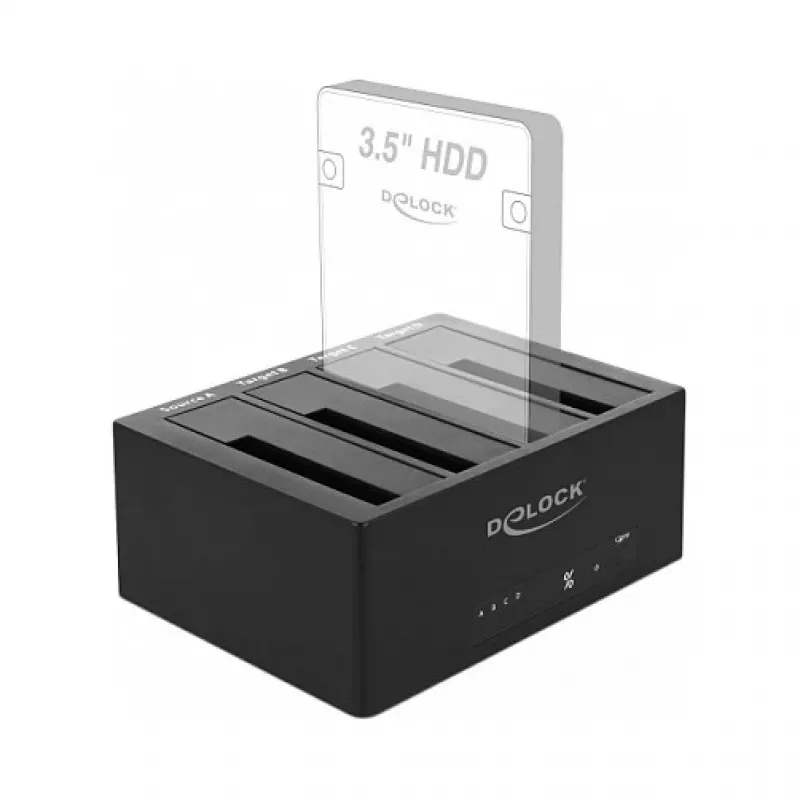
The DeLOCK 64063 Storage Drive Docking Station allows external connection of up to four 2.5" or 3.5" SATA HDDs or SSDs via USB, with hot-swap support for easy drive exchange. A single drive can also be connected through the eSATA port. The compact black unit includes LED indicators for power and sta... Leggi di più
Stock 100 Codice 1741377 Marca DELOCK Modello 64063 Garanzia 2 anni

Spedizioni e resi

Consegna stimata Venerdì, Ottobre 23
Ti terremo aggiornato tramite il nostro sistema di tracciamento dettagliato
Opzioni di pagamento
Carta di credito/debitoVisaMastercardPayPalApple PayGoogle PayBonifico bancario

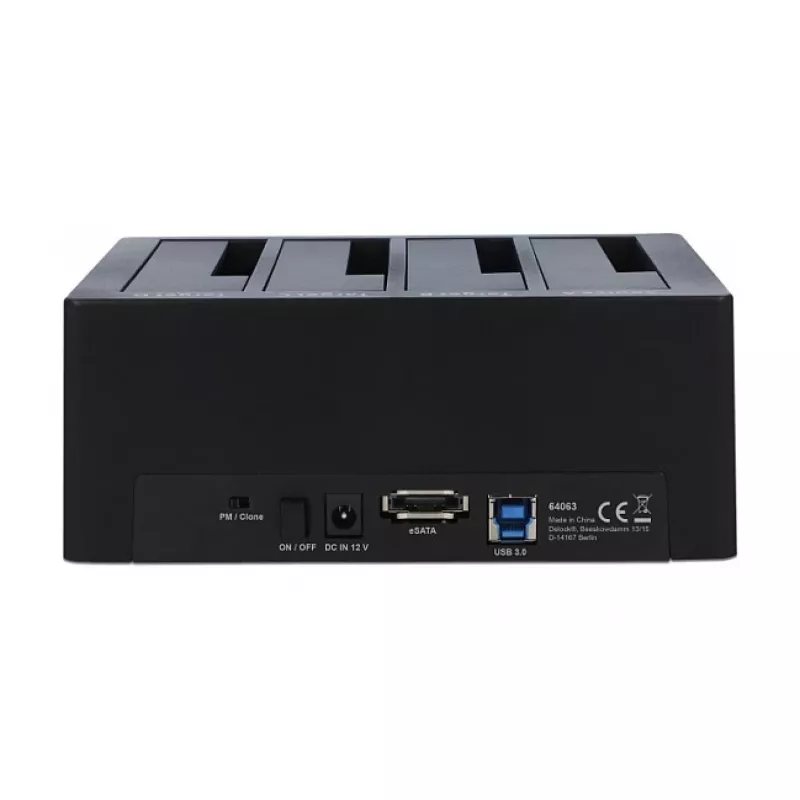
The DeLOCK 64063 Storage Drive Docking Station allows external connection of up to four 2.5" or 3.5" SATA HDDs or SSDs via USB, with hot-swap support for easy drive exchange. A single drive can also be connected through the eSATA port. The compact black unit includes LED indicators for power and status and is powered by the supplied external power adapter.

Advantages

The docking station supports simultaneous use of up to four SATA HDDs/SSDs and provides a hardware clone function to copy the contents of one drive to one or more others without a PC. Connection to a host is available via USB Type-C (USB 3.2 Gen 1) for high-speed data transfer, while the separate power supply ensures stable operation of multiple drives.

Suitable for

  • Data migration between multiple HDDs/SSDs
  • Backup and archival tasks that require multiple drives
  • Quick access to several drives for data recovery or diagnostics
  • Expanding external storage for desktop or workstation environments

Key specifications

  • Compatible drive sizes: 2.5" and 3.5" SATA HDD/SSD
  • Number of bays: 4
  • Host interface: USB 3.2 Gen 1 (USB Type-B / Type-C cable included)
  • eSATA port for single-drive connection
  • Maximum interface speed: 6 Gbit/s
  • Product colour: Black
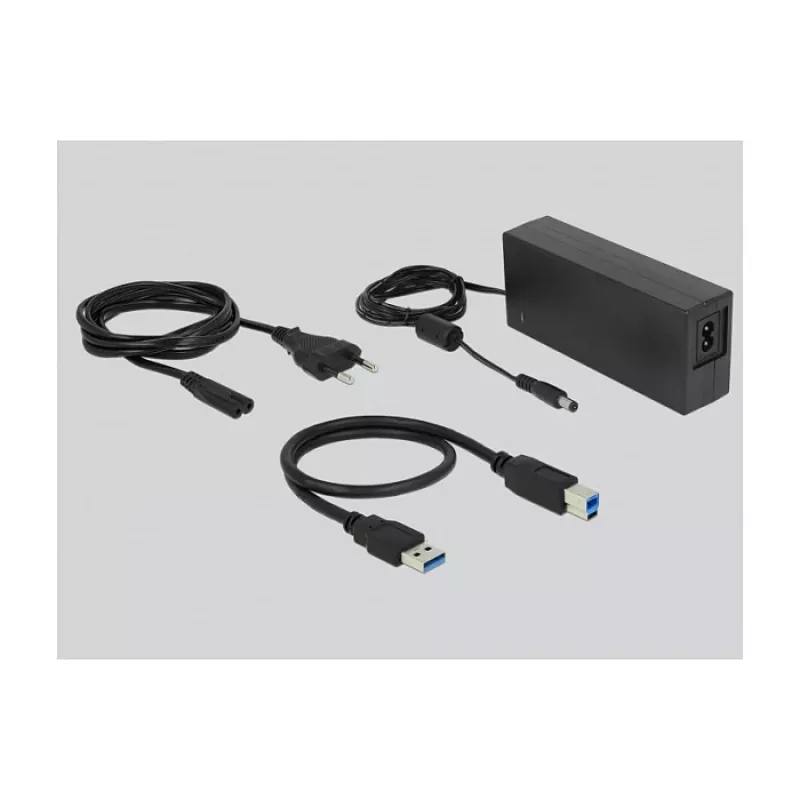
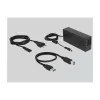
  • Power: external power adapter (included), AC input 100–240 V
  • LED indicators for power and status

How to use

Insert up to four 2.5" or 3.5" SATA drives into the empty bays and ensure they are seated firmly. Connect the docking station to a computer using the supplied USB cable and plug the external power adapter into a mains outlet. For cloning without a PC, follow the device's clone-button procedure to select source and target bays and start the cloning process. Use the eSATA port if you prefer to connect a single drive via eSATA instead of USB.

Recommendations

Use the docking station on a stable, flat surface with adequate ventilation. Do not remove or insert drives while data is being written unless your operating system and the device explicitly indicate it is safe (hot-swap). For best performance, connect via the USB 3.2 Gen 1 interface and ensure the power adapter is connected when operating multiple 3.5" drives.
Punti salienti
  • Data migration between multiple HDDs/SSDs
  • Backup and archival tasks that require multiple drives
  • Quick access to several drives for data recovery or diagnostics
  • Expanding external storage for desktop or workstation environments
  • Compatible drive sizes: 2.5" and 3.5" SATA HDD/SSD
  • Number of bays: 4
  • Host interface: USB 3.2 Gen 1 (USB Type-B / Type-C cable included)
  • eSATA port for single-drive connection
  • Maximum interface speed: 6 Gbit/s
  • Product colour: Black
  • Power: external power adapter (included), AC input 100–240 V
  • LED indicators for power and status
Specifiche
Alimentatore incluso
Yes
Altezza
65 mm
Cavi inclusi
USB, AC
Codice Sistema Armonizzato (HS)
84733080
Collegamento al PC
Yes
Colore del prodotto
Black
Compatibilità Mac
Yes
Corrente di uscita
6.5 A
Corrente in ingresso
2
Dimensioni delle unità di archiviazione supportate
3.5, 2.5
Frequenza di ingresso CA
50 - 60
Indicatori LED
Status, Power
Interfaccia delle unità di archiviazione
Serial ATA
Interfaccia host
USB 3.2 Gen 1 (3.1 Gen 1) Type-B
Interruttore on/off
Yes
Jack DC-in
Yes
Larghezza
127 mm
Manuale
Yes
Numero di unità di archiviazione supportate
4
Plug and Play
Yes
Profondità
166 mm
Sistemi operativi Linux supportati
Y
Sistemi operativi Mac supportati
Y
Sistemi operativi Windows supportati
Y
Tensione di ingresso CA
100 - 240
Tensione di uscita
12
Tipo di supporto di memorizzazione
SSD, HDD
Velocità massima di trasferimento dati
6 Gbit/s

Brochure

Apri documento
Storico prezzi degli ultimi 6 mesi
Docking station Delock USB 3.0 per 4 x SATA HDD / SSD con funzione di clonazione (64063)
Attuale
177,38 €
Minimo
177,20 €
Massimo
186,33 €
Variazione 24 h
-0,19 €   0%
Settimana
-1,04 €   -1%
Mese
-4,96 €   -3%

Prodotti più popolari in questa categoria

Venditore: UAB KUR LT · Laisvės pr. 125A, LT-06118 Vilnius, Lituania · Codice società 303192950 · Partita IVA UE LT100008198612 · Spedizione dall'UE (Lituania)
Ciao, sono l'assistente AI di DistriNode. Posso aiutarti a trovare prodotti, confrontare le opzioni, creare preventivi in PDF o aprire richieste di assistenza.