



Account Contatti
Il tuo carrello
Black Weekfino al −30 %ancora 6 g 16:47:54
Spedizione DPD & FedEx
Serve aiuto? Chiedi all'AI

Hub USB UNITEK uHUB H6

Hub USB UNITEK uHUB H6
-11%
Black Week
Hub USB UNITEK uHUB H6
138,62 €
155,62 €−11 %
PDF
PDF
Stock 35 Codice 1191309 Modello D1046A Garanzia 2 anni

Spedizioni e resi

Consegna stimata mercoledì 16 dicembre
Ti terremo aggiornato tramite il nostro sistema di tracciamento dettagliato
Opzioni di pagamento
Carta di credito/debitoVisaMastercardApple PayGoogle PayBonifico bancario

Fai una domanda – l'assistente AI risponde subito.

Descrizione

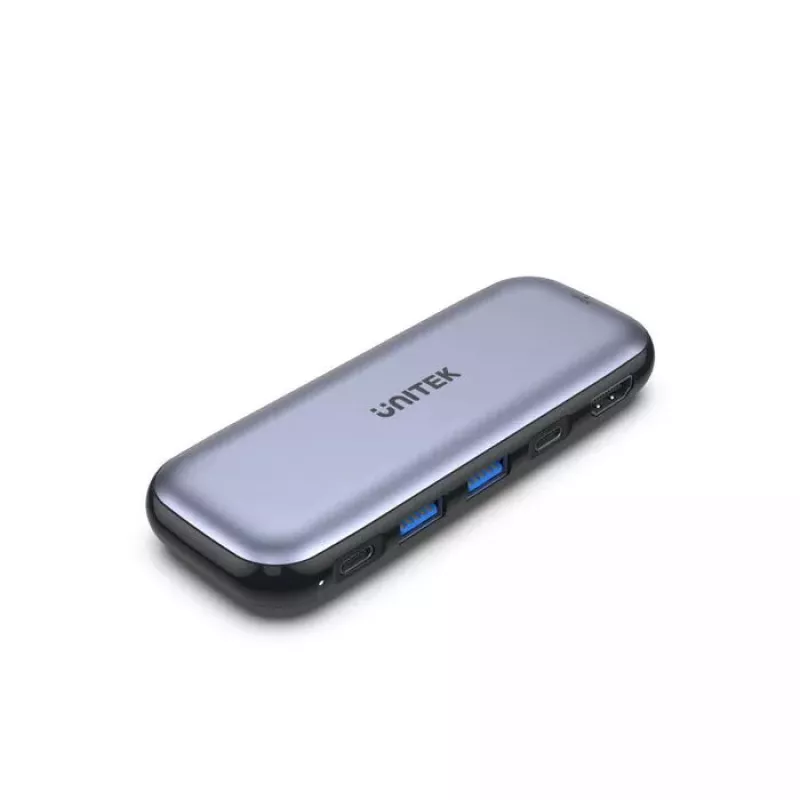
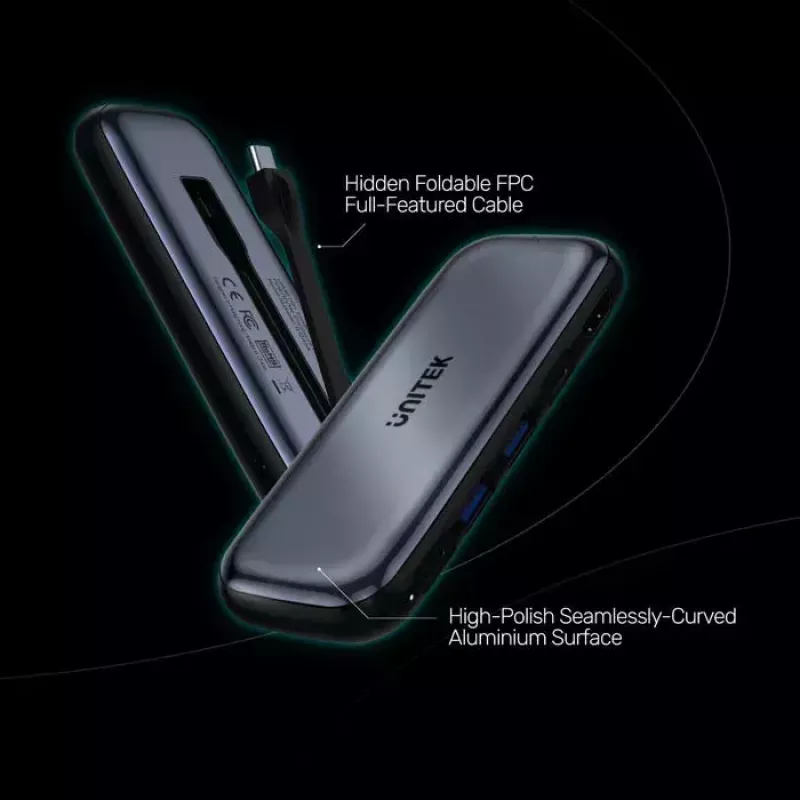
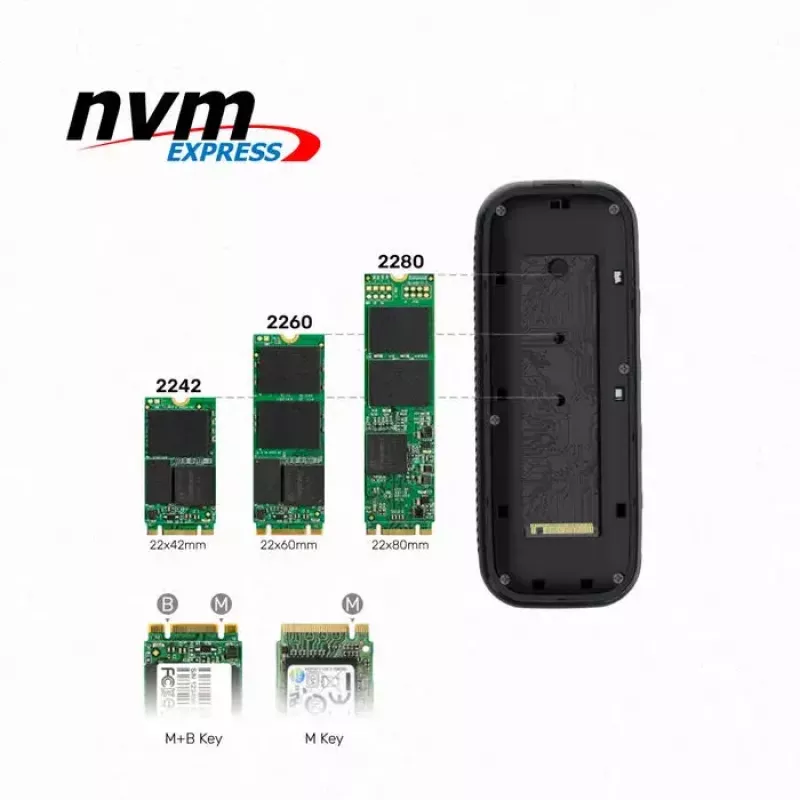
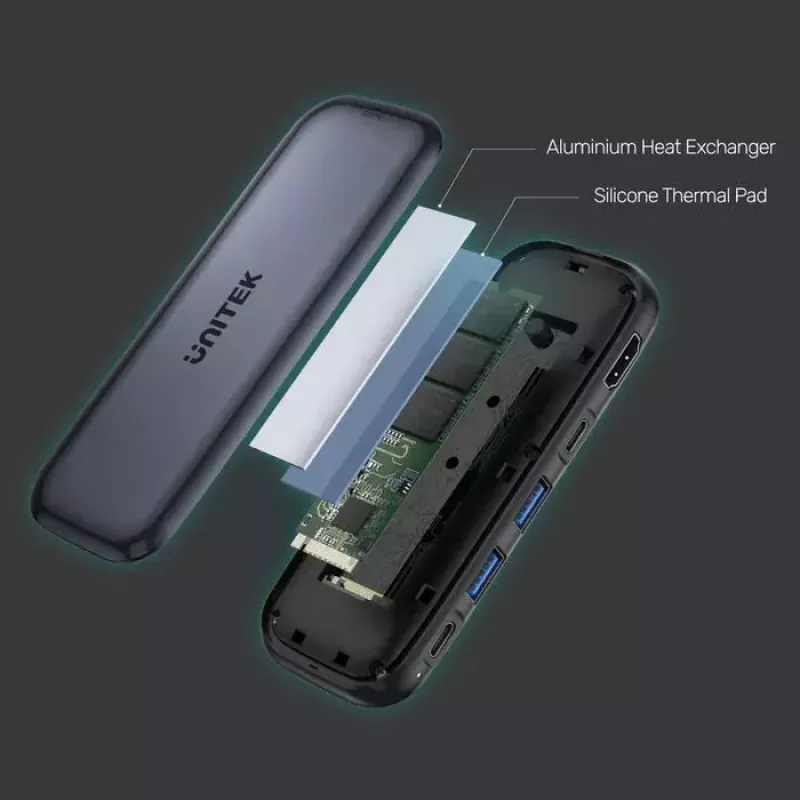
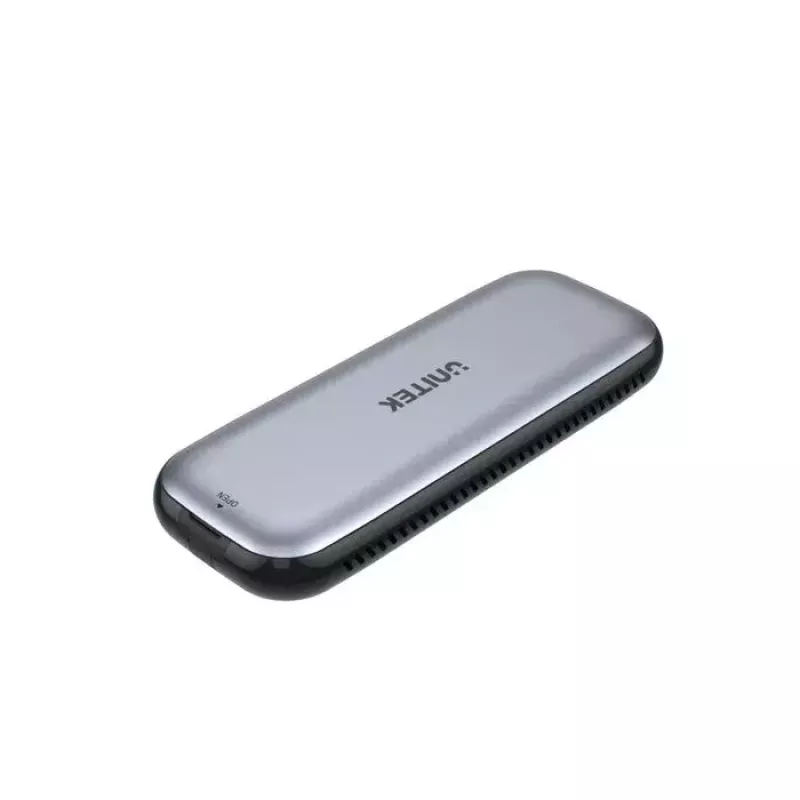
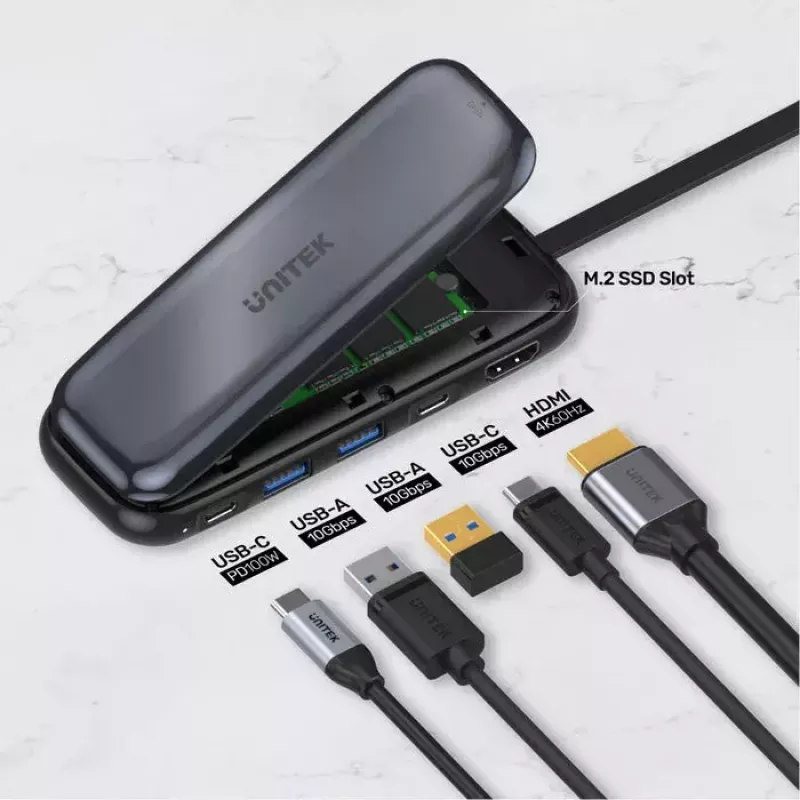
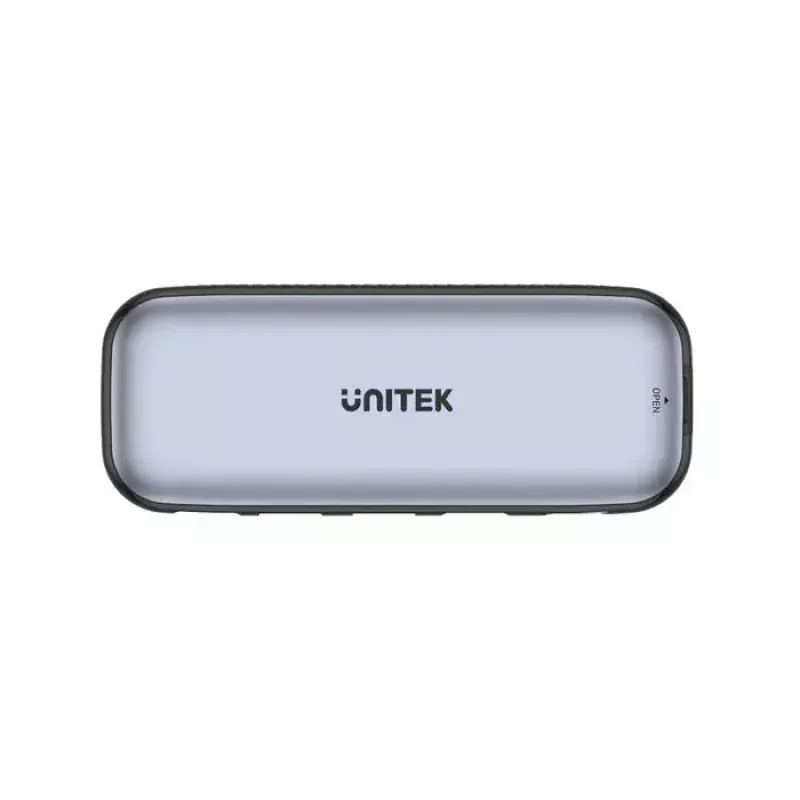
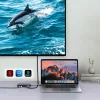
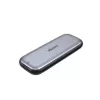
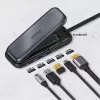
The UNITEK uHUB H6 is a compact hybrid USB-C hub that combines an M.2 NVMe SSD slot with multiple I/O ports: HDMI 2.0 4K@60Hz video output, USB-C with Power Delivery up to 100W, and USB 3.2 Gen2 SuperSpeed data on one USB-C and two USB-A ports. The aluminium-alloy body with a high-polish curved finish includes a hidden foldable flat cable and an integrated aluminium heat exchanger with a silicone thermal pad for heat dissipation. The hub supports M.2 PCIe/NVMe M-Key SSDs in sizes 2242, 2260 and 2280 and offers plug-and-play operation with an LED indicator.

Advantages

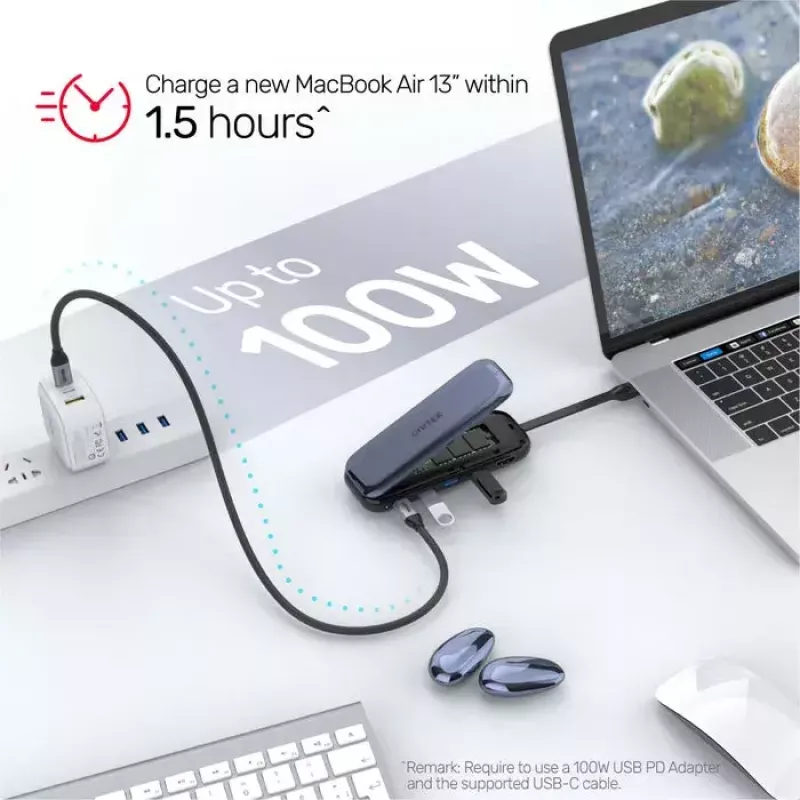
The device unites storage, charging, display output and high-speed data transfer in a single portable accessory, allowing use as an external NVMe enclosure and a multiport hub simultaneously. It provides up to 10Gbps USB SuperSpeed on USB-C and USB-A ports, 4K@60Hz HDMI output for external displays, and USB Power Delivery up to 100W to charge a connected host. Built-in thermal conduction features help protect installed M.2 SSDs from overheating.

Suitable for

  • Expanding laptop connectivity with HDMI, USB-A and USB-C ports
  • Using an M.2 NVMe SSD as external high-speed storage (2242/2260/2280)
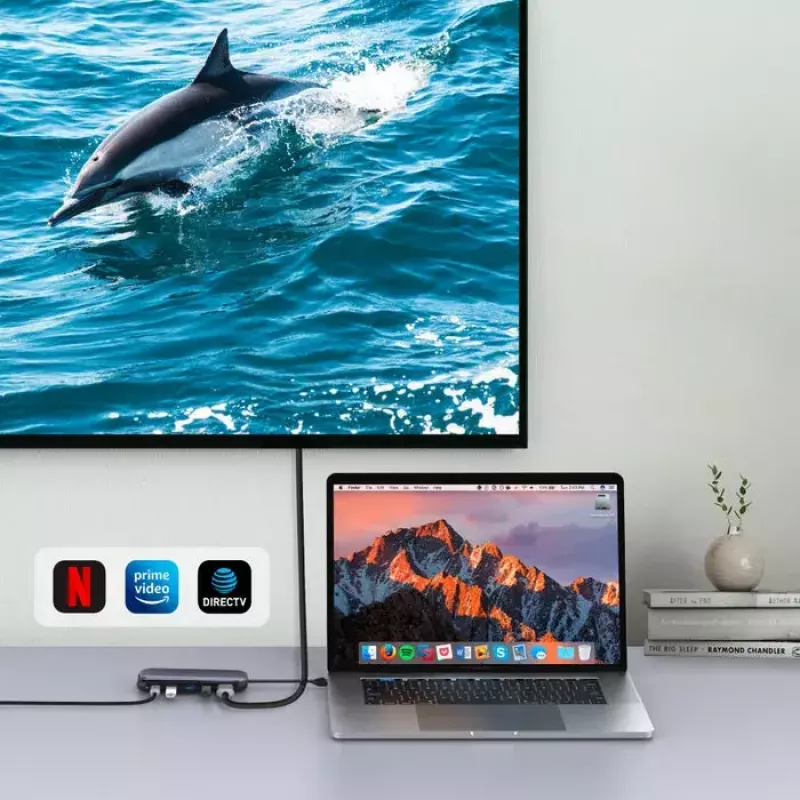
  • Connecting external 4K displays for work or presentations
  • Charging a USB-C laptop or device while transferring data

Key specifications

  • Host interface: USB Type-C
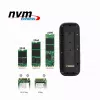
  • M.2 interface: M-Key PCIe/NVMe (supports 2242/2260/2280)
  • Data: USB 3.2 Gen2 SuperSpeed up to 10Gbps
  • Video output: HDMI 2.0 up to 4K@60Hz (HDR, HDCP 2.3/1.4)
  • Power delivery: USB-C PD up to 100W (20V/5A)
  • Ports: 1× USB-C upstream (with PD), 1× USB-C downstream, 2× USB-A (USB3.2 Gen2), HDMI
  • Dimensions: 128 × 50 × 17 mm
  • Material: Aluminium alloy, glossy finish; hidden foldable flat cable; LED indicator

How to use

Install an M.2 PCIe/NVMe M-Key SSD (2242/2260/2280) into the M.2 slot following the manufacturer’s orientation and secure it according to the hub’s retention method. Connect the hub to a USB-C host port using the integrated cable. For multi-device use or when installing an M.2 SSD, connect an external power adapter to the hub’s USB-C PD input to ensure sufficient power and stable performance. Use the HDMI port to connect an external monitor and configure display settings on the host system as needed. Data devices can be hot-swapped; observe safe eject procedures from the host before removing storage media.

Recommendations

To ensure reliable performance and adequate charging, use a USB-C power adapter that can supply up to 100W when the hub powers a laptop and multiple peripherals simultaneously. The product does not include an M.2 SSD; purchase a compatible M-Key NVMe drive separately. Avoid prolonged heavy workloads without ensuring proper airflow around the hub to help the heat exchanger manage temperature.
Punti salienti
  • Expanding laptop connectivity with HDMI, USB-A and USB-C ports
  • Using an M.2 NVMe SSD as external high-speed storage (2242/2260/2280)
  • Connecting external 4K displays for work or presentations
  • Charging a USB-C laptop or device while transferring data
  • Host interface: USB Type-C
  • M.2 interface: M-Key PCIe/NVMe (supports 2242/2260/2280)
  • Data: USB 3.2 Gen2 SuperSpeed up to 10Gbps
  • Video output: HDMI 2.0 up to 4K@60Hz (HDR, HDCP 2.3/1.4)
  • Power delivery: USB-C PD up to 100W (20V/5A)
  • Ports: 1× USB-C upstream (with PD), 1× USB-C downstream, 2× USB-A (USB3.2 Gen2), HDMI
  • Dimensions: 128 × 50 × 17 mm
  • Material: Aluminium alloy, glossy finish; hidden foldable flat cable; LED indicator

Specifiche

Specifiche
3D
Sì
Altezza
17 mm
Colore del prodotto
Grigio
Frequenza di aggiornamento massima
60 Hz
HDCP
Sì
Interfacce hub
USB Type-C, USB 3.2 Gen 1 (3.1 Gen 1) Type-A, USB 2.0, HDMI
Interfaccia host
USB Type-C
Larghezza
128 mm
Lunghezza del cavo
0.097 m
Manuale
Sì
Materiale della scocca
Alluminio, acrilonitrile butadiene stirene (ABS)
Numero di porte
6
Numero di porte HDMI
1
Numero di porte USB 3.2 Gen 1 (3.1 Gen 1) Type-A
2
Numero di porte USB 3.2 Gen 1 (3.1 Gen 1) Type-C
2
Profondità
50 mm
Risoluzione massima (HDMI)
3860 x 2160
Risoluzioni grafiche supportate
3860 x 2160
Tipo di HD
4K Ultra HD
USB Power Delivery (USB PD)
Sì
USB Power Delivery fino a
100 W
Velocità di trasferimento dati
10000 Mbit/s
Versione HDCP
2.3

Brochure

Apri documento
Storico prezzi degli ultimi 6 mesi
Hub USB UNITEK uHUB H6
Attuale
138,62 €
Minimo 7 gg
138,62 €
Massimo 7 gg
155,62 €
Variazione 24 h
-16,99 €   -11%
Variazione 7 gg
-6,53 €   -4%
Variazione 30 gg
-16,99 €   -11%

Scrivi una recensione

Valutazione *
Il tuo nome sarà mostrato pubblicamente – puoi usare un nickname. Invitiamo gli acquirenti a scrivere recensioni; le controlliamo prima della pubblicazione e pubblichiamo anche quelle critiche.

Altri prodotti UNITEK in questa categoria

12

Prodotti più popolari in questa categoria

8
Venditore: UAB KUR LT · Gariūnų g. 57-14, LT-02300 Vilnius, Lituania · Codice società 303192950 · Partita IVA UE LT100008198612 · Spedizione dall'UE (Lituania)
WhatsApp
Messenger
Ciao, sono l'assistente AI di DistriNode. Posso aiutarti a trovare prodotti, confrontare le opzioni, creare preventivi in PDF o aprire richieste di assistenza.
Tutte le categorie