


Account Contatti
Il tuo carrello
Spedizione DPD & FedEx
Serve aiuto? Chiedi all'AI

i-tec USB-C Triple Display Docking Station Gen 2 Power Delivery 100W con filo 3.2

i-tec USB-C Triple Display Docking Station Gen 2 Power Delivery 100W con filo 3.2
146,98 €
A high-performance USB-C docking station of the new generation that supports output to up to three external monitors with resolutions up to 4K. Compatible with notebooks that have USB-C, USB4 or Thunderbolt 3/4 ports and works with current versions of major operating systems. The dock includes multi... Leggi di più
Stock 8 Codice 101730 Marca I-TEC Modello C31TRIPLE4KDOCKPD Garanzia 2 anni

Spedizioni e resi

Consegna stimata Martedì, Ottobre 20
Ti terremo aggiornato tramite il nostro sistema di tracciamento dettagliato
Opzioni di pagamento
Carta di credito/debitoVisaMastercardPayPalApple PayGoogle PayBonifico bancario

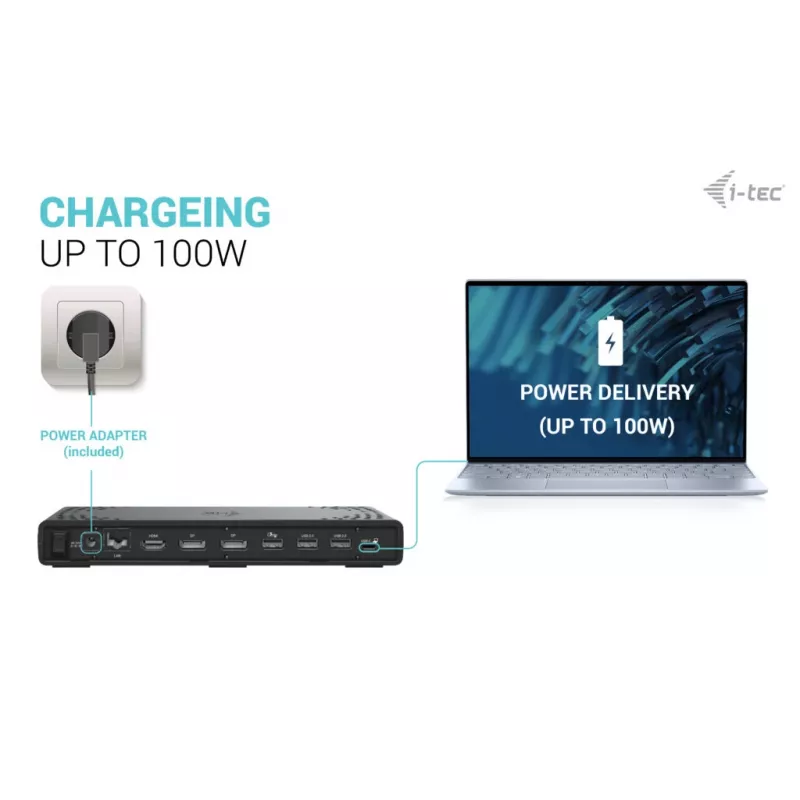
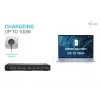
A high-performance USB-C docking station of the new generation that supports output to up to three external monitors with resolutions up to 4K. Compatible with notebooks that have USB-C, USB4 or Thunderbolt 3/4 ports and works with current versions of major operating systems. The dock includes multiple USB ports (some supporting Gen 2 speeds up to 10 Gb/s), an integrated Gigabit Ethernet port for stable wired network connection, and the option to mount the dock behind a VESA-compatible monitor. It also provides power delivery to charge a laptop or tablet with up to 100 W.

Advantages

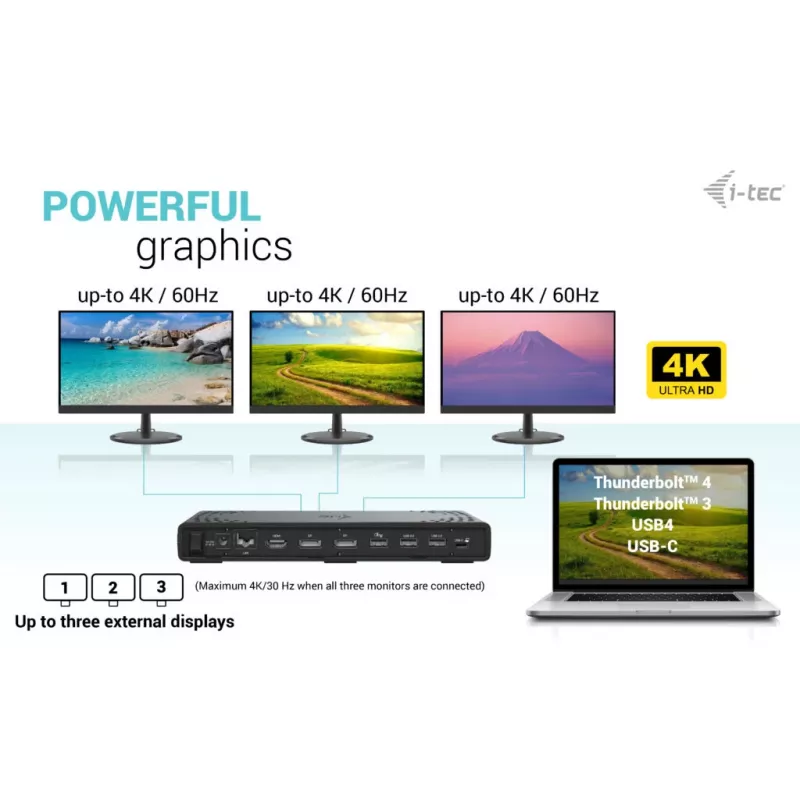
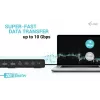
Supports connection of up to three external displays in high resolution, offers fast wired LAN through an RJ-45 Gigabit Ethernet port, and supplies power delivery up to 100 W. Multiple USB ports include USB-C and USB-A options with Gen 2 (10 Gb/s) and Gen 1 (5 Gb/s) speeds and BC 1.2 fast-charging support. The dock features a combo audio/microphone jack, Kensington lock for physical security, a power switch to save energy, and VESA mounting compatibility for installation behind a monitor.

Key specifications

  • External displays: up to 3 monitors, up to 4K resolution
  • Power delivery: up to 100 W
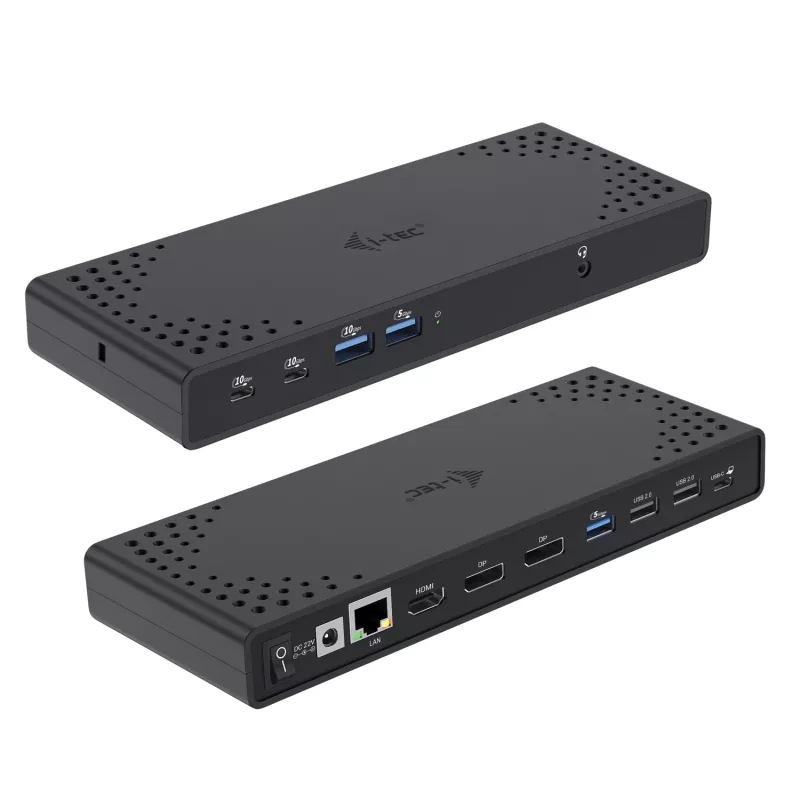
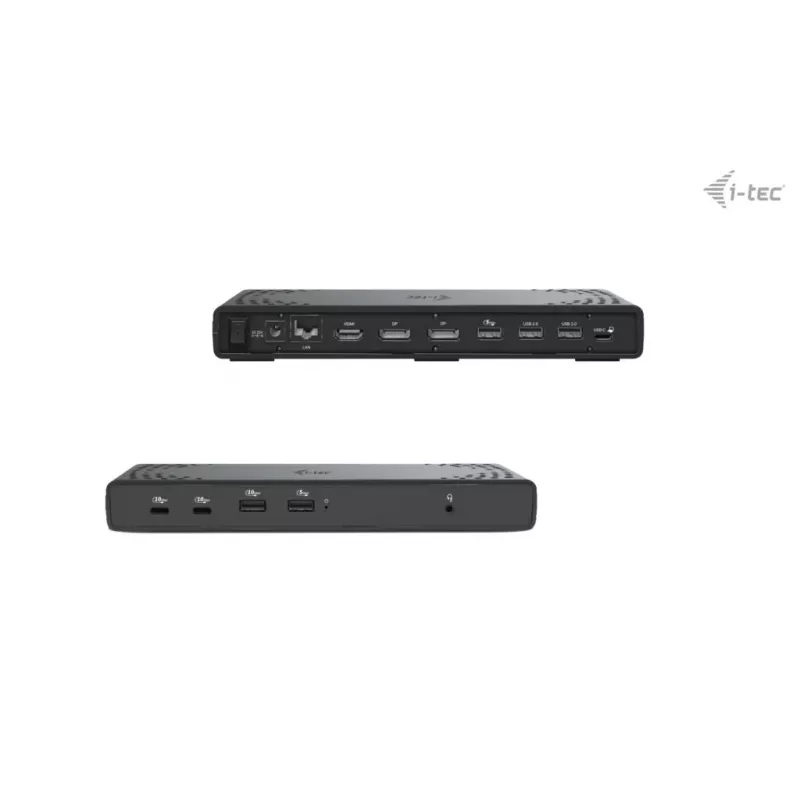
  • Video outputs: 2 × DisplayPort, 1 × HDMI
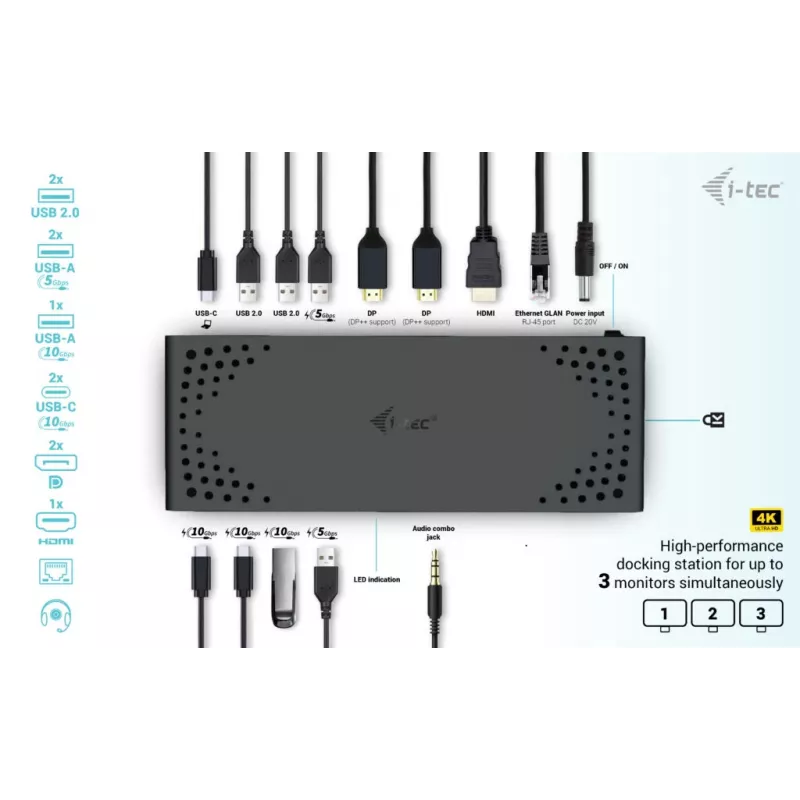
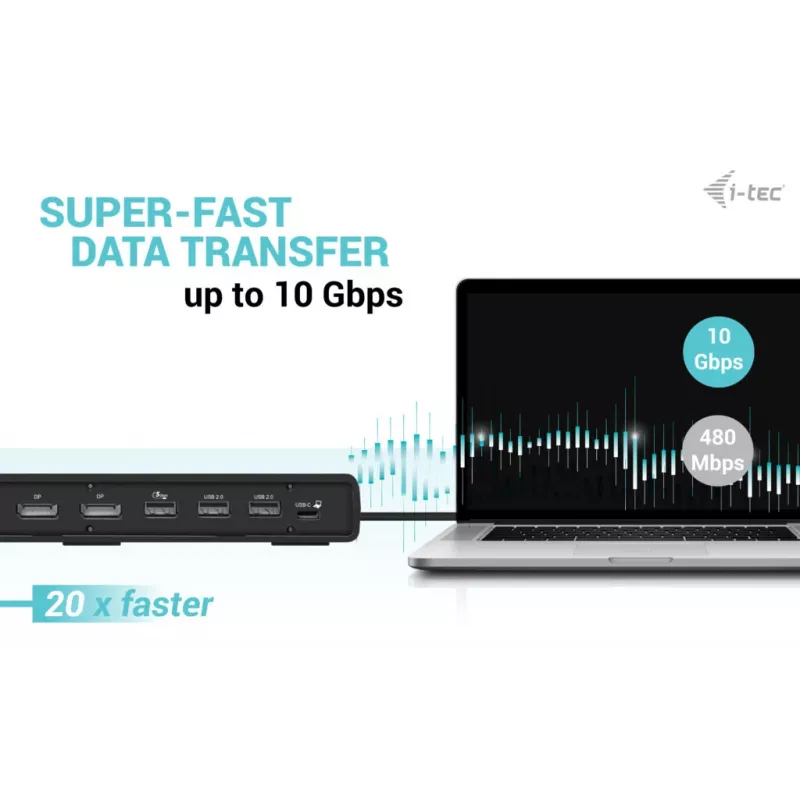
  • USB ports: 7 total — 2 × USB-C (10 Gb/s) with BC 1.2, 1 × USB-A Gen 2 (10 Gb/s) with BC 1.2, 2 × USB-A Gen 1 (5 Gb/s) with BC 1.2, 2 × USB 2.0
  • Ethernet: Gigabit RJ-45 (10/100/1000 Mbps)
  • Audio: combo jack for headset/microphone
  • Security: Kensington lock slot
  • Extras: docking station power switch, VESA mount support for behind-monitor installation
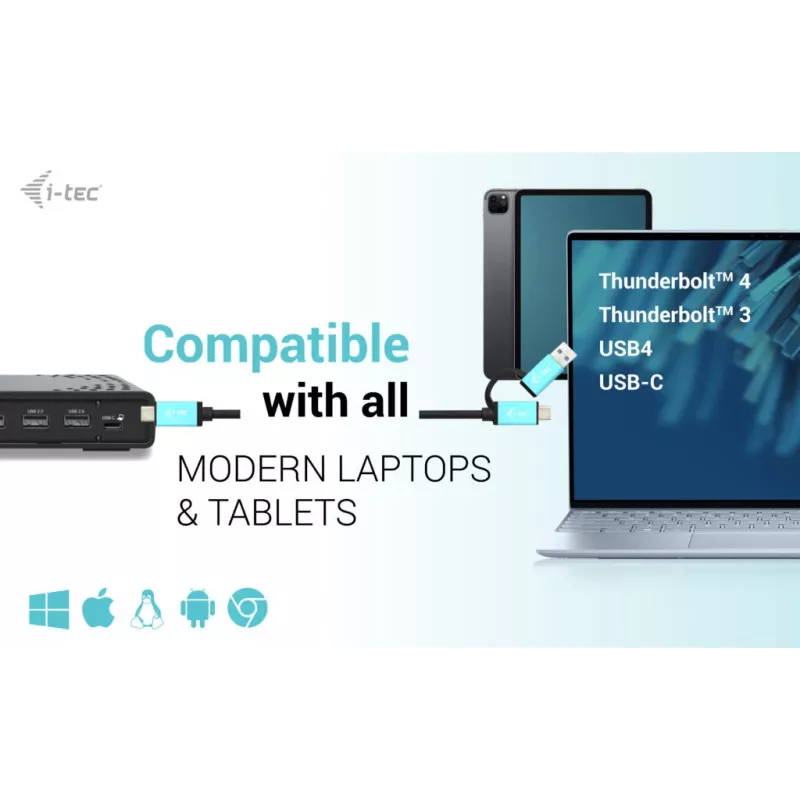
  • Compatible OS: Windows 10/11, macOS, iPadOS, Android, Chrome OS, Linux (with latest updates)
  • Note: macOS does not support MST; connecting two or more monitors on macOS will mirror the same image

How to use

Connect the docking station to your notebook using the USB-C/Thunderbolt cable. Attach external monitors to the DisplayPort and HDMI outputs, connect peripherals to the USB ports, plug in an Ethernet cable if wired network access is required, and connect power to enable laptop charging up to 100 W. If mounting behind a VESA-compatible monitor, use the VESA bracket and secure the dock according to the monitor manufacturer's instructions. Use the docking station power switch to turn the dock on or off as needed and secure the device with a Kensington lock when required.

Recommendations

For multi-monitor setups on macOS, note the operating system limitation: macOS does not support Multi Stream Transport (MST), so multiple connected monitors will show identical content. For best results with three independent displays, use a notebook and graphics configuration that supports multiple outputs over USB-C/Thunderbolt or consult your device manufacturer.
Punti salienti
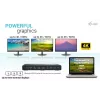
  • High-performance docking station for up to three monitors simultaneously
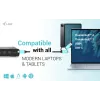
  • Dock is compatible with all modern notebooks equipped with USB-C, USB4 or Thunderbolt™ 3/4 ports
  • Supports high 4K resolution with refresh rates up to 60 Hz
  • The docking station supports up to 100W of power to a connected notebook or tablet
  • 7x USB ports allow you to easily connect your USB devices and peripherals (2x USB-C and 5x USB-A)
  • GLAN Ethernet supports network speeds of 10/100/1000 Mbps, providing a robust and high-speed internet connection
  • The combined 3.5mm audio/mic port can connect, for example, integrated headphones with microphone
  • The dock is compatible for vertical mounting behind a monitor with VESA mounting support
  • Optional MAC address cloning and automatic data backup of the connected computer (when using i-tec Docker Pro software)
  • NOTE: macOS does not support Multi Stream Transport (MST). Connecting two or more monitors to a macOS station will cause all monitors to display the same image
  • Wired
  • Host interface: USB 3.2 Gen 1 (3.1 Gen 1) Type-C
  • USB Power Delivery (USB PD)
  • Ethernet LAN 10,100,1000 Mbit/s
  • Cable lock slot
Specifiche
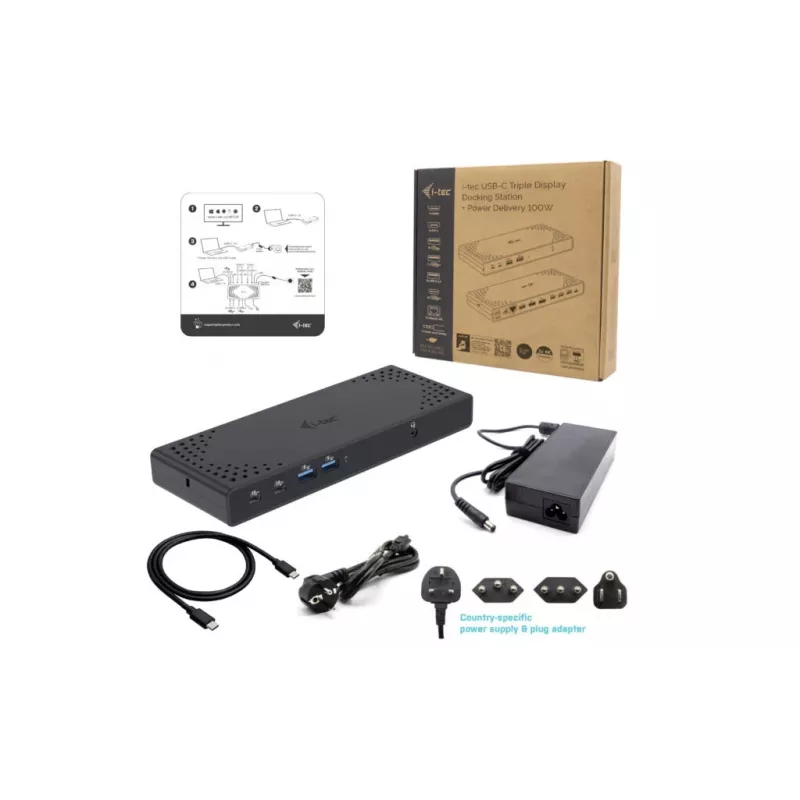
Alimentatore incluso
Yes
Altezza
27 mm
Altezza confezione
50 mm
Altri sistemi operativi supportati
Android, ChromeOS
Attacco VESA
Yes
Cavi inclusi
USB Type-C
Colore del prodotto
Black
Connettività cuffie
3.5 mm
Corrente di uscita
5.9 A
Ethernet LAN
Yes
Frequenza di aggiornamento massima
60 Hz
Ingresso microfono
Yes
Interfaccia host
USB 3.2 Gen 1 (3.1 Gen 1) Type-C
Jack DC-in
Yes
Larghezza
224 mm
Larghezza confezione
250 mm
Lettore di schede integrato
No
Lunghezza cavo USB
1 m
Manuale
Yes
Numero di display supportati
3
Numero di porte DisplayPort
2
Numero di porte HDMI
1
Numero di porte USB 2.0
2
Numero di porte USB 3.2 Gen 1 (3.1 Gen 1) Type-A
2
Numero di porte USB 3.2 Gen 2 (3.1 Gen 2) Type-A
1
Numero di porte USB 3.2 Gen 2 (3.1 Gen 2) Type-C
2
Peso
330 g
Peso confezione
503 g
Porte Ethernet LAN (RJ-45)
1
Profondità
88 mm
Profondità confezione
250 mm
Sistemi operativi Linux supportati
Yes
Sistemi operativi Mac supportati
Yes
Sistemi operativi Windows supportati
Yes
Slot per cavo di sicurezza
Yes
Tecnologia di connettività
Wired
Tensione di uscita
22 V
Tipi di spina compatibili
EU
Tipo di slot per cavo di sicurezza
Kensington
USB Power Delivery (USB PD)
Yes
USB Power Delivery fino a
100 W
Uscite cuffie
1
Velocità di trasferimento dati
10 Gbit/s
Velocità di trasferimento Ethernet LAN
10,100,1000 Mbit/s

Brochure

Apri documento

Documento

Apri documento
Storico prezzi degli ultimi 6 mesi
i-tec USB-C Triple Display Docking Station Gen 2 Power Delivery 100W con filo 3.2
Attuale
146,98 €
Minimo
143,45 €
Massimo
157,60 €
Variazione 24 h
-0,23 €   0%
Settimana
-0,88 €   -1%
Mese
+3,30 €   +2%

Prodotti più popolari in questa categoria

Ciao, sono l'assistente AI di DistriNode. Posso aiutarti a trovare prodotti, confrontare le opzioni, creare preventivi in PDF o aprire richieste di assistenza.