
Account Contatti
Il tuo carrello
Spedizione DPD & FedEx
Serve aiuto? Chiedi all'AI

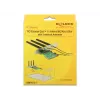
Scheda interfaccia DeLOCK 89568 interna M.2

Scheda interfaccia DeLOCK 89568 interna M.2
34,13 €
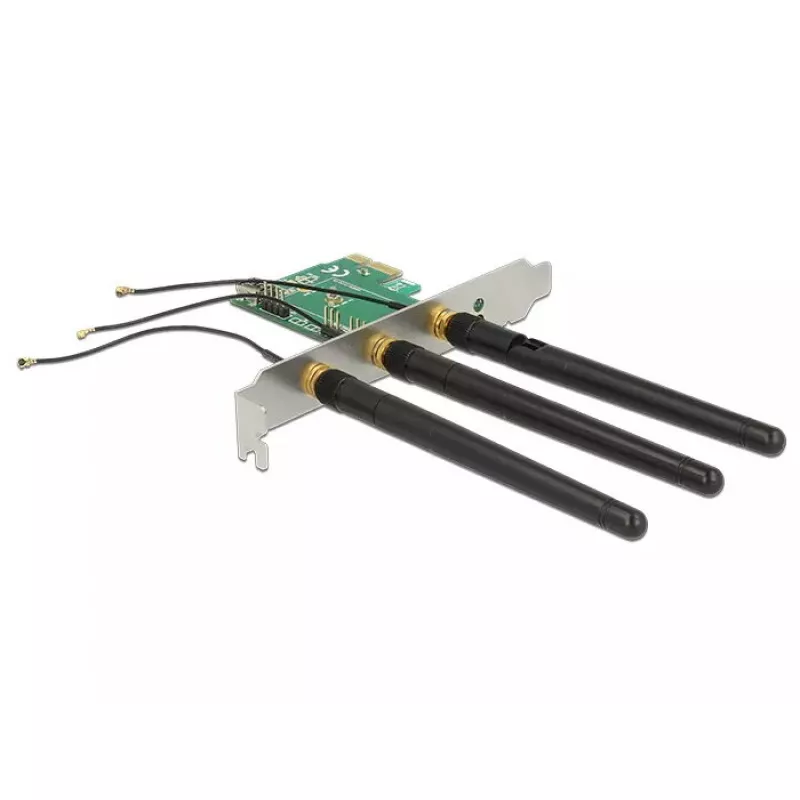
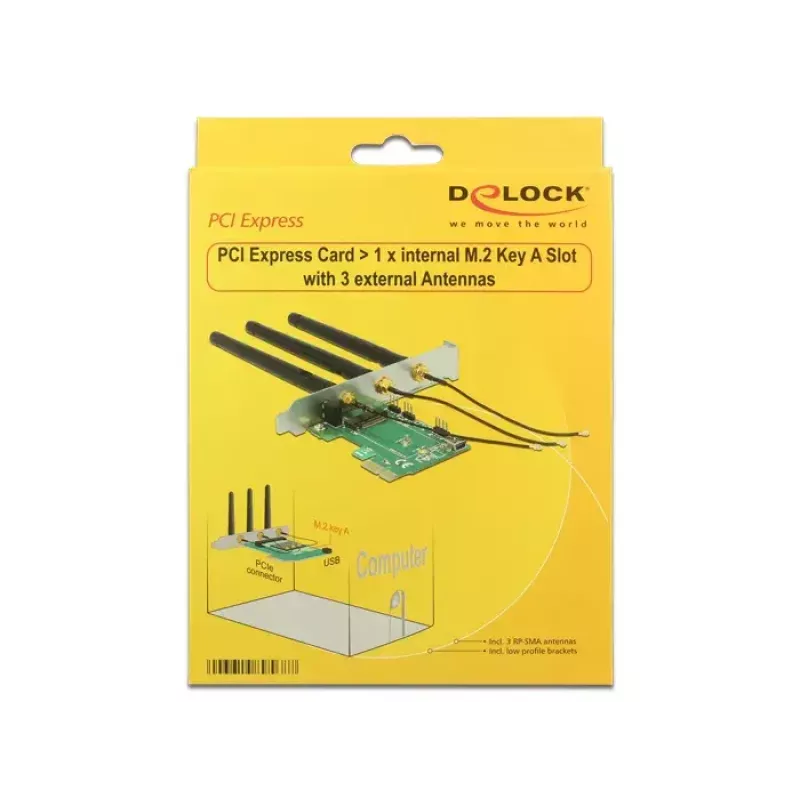
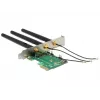
The DeLOCK 89568 is an internal PCI Express interface card that provides one M.2 Key A slot for installing M.2 wireless modules. It accepts modules with USB and PCIe signal types and supports module functions such as WLAN, Bluetooth, GNSS, 3G, HSPA and NFC. The card includes internal USB cabling to ... Leggi di più
Stock 72 Codice 1720941 Marca DELOCK Modello 89568 Garanzia 2 anni

Spedizioni e resi

Consegna stimata Martedì, Ottobre 13
Ti terremo aggiornato tramite il nostro sistema di tracciamento dettagliato
Opzioni di pagamento
Carta di credito/debitoVisaMastercardPayPalApple PayGoogle PayBonifico bancario

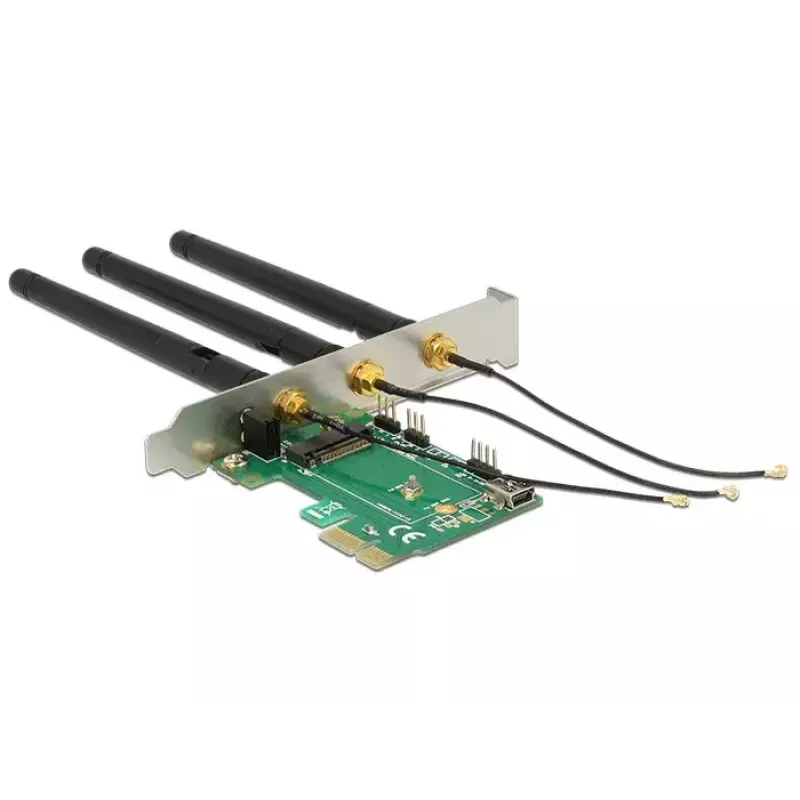
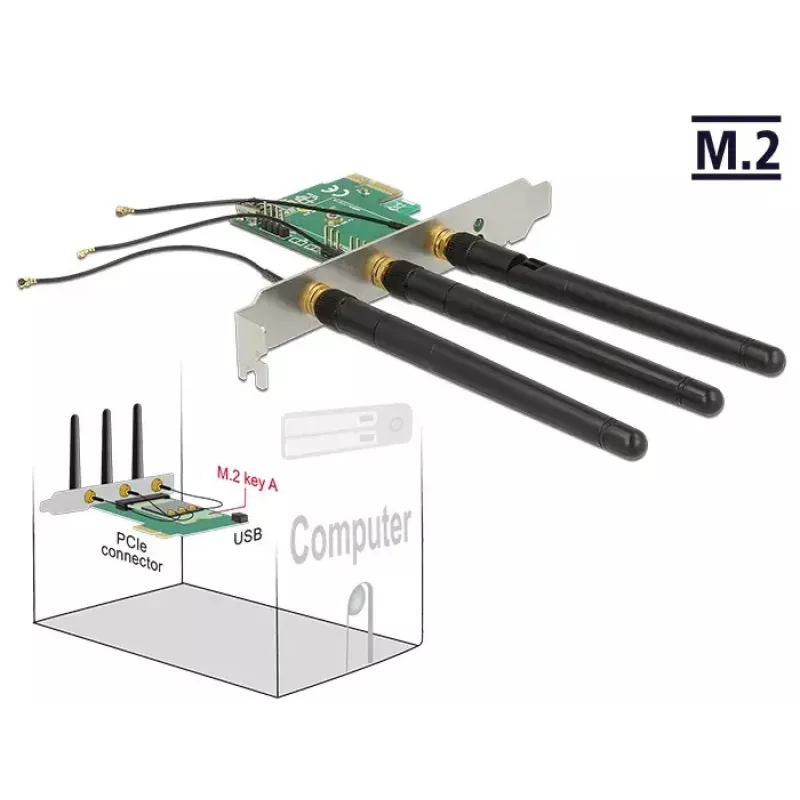
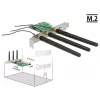
The DeLOCK 89568 is an internal PCI Express interface card that provides one M.2 Key A slot for installing M.2 wireless modules. It accepts modules with USB and PCIe signal types and supports module functions such as WLAN, Bluetooth, GNSS, 3G, HSPA and NFC. The card includes internal USB cabling to connect USB-type modules to the host system, and antenna connectors and cables can be replaced to match the RF connectors of the installed module.

Advantages

This interface card expands a desktop PC by a single M.2 Key A slot over PCI-E, enabling easy integration of wireless modules with USB or PCIe signalling. It supports dual-function modules (for example WLAN + Bluetooth) and provides internal USB wiring so USB-based modules are recognised by the host. Replaceable antenna connectors and cables allow compatibility with modules that use different RF connectors.

Suitable for

Key specifications

How to use

Install the card into an available PCI Express slot on the motherboard. Insert a compatible M.2 Key A or Key E module into the card socket and secure it according to the module mounting position. Connect the supplied internal USB cable from the card to an internal USB header on the motherboard when using USB-based modules. Attach antenna cables and external antennas as required, replacing connectors if the module uses a different RF connector standard. After installation, install any required drivers for the chosen module so the operating system recognises the new device.

Recommendations

Use only compatible M.2 Key A or Key E modules with the appropriate signal type (USB or PCIe). Ensure the internal USB cable is connected for USB modules and confirm antenna connector type before fitting antenna cables. Follow ESD protection and power-off procedures when installing the card.

Punti salienti
  • Adding WLAN or Bluetooth capability to a desktop PC
  • Installing GNSS, 3G or HSPA modules for positioning or mobile connectivity
  • Fitting NFC modules for short-range communication
  • Integrating dual-function M.2 modules (e.g. WLAN + Bluetooth)
  • Brand: DELOCK
  • Model: 89568
  • Host interface: PCI-E
  • M.2 slot: Key A (supports Key A / Key E modules with appropriate signals)
  • Supported module types: WLAN, Bluetooth, GNSS, 3G, HSPA, NFC (modules with USB or PCIe signals)
  • Packaging: box
  • EAN: 4043619895687
Specifiche
Cavi inclusi
USB
Codice Sistema Armonizzato (HS)
84733020
Interfaccia di uscita
M.2
Interfaccia host
PCI-E
Interno
Yes
Manuale
Yes
Staffe di montaggio incluse
Yes
Tecnologia di connettività
Wireless
Tipo di imballaggio
Box

Brochure

Apri documento
Storico prezzi degli ultimi 6 mesi
Scheda interfaccia DeLOCK 89568 interna M.2
Attuale
34,13 €
Minimo
32,88 €
Massimo
34,67 €
Variazione 24 h
+0,78 €   +2%
Settimana
+1,14 €   +3%
Mese
+1,06 €   +3%

Prodotti più popolari in questa categoria

Ciao, sono l'assistente AI di DistriNode. Posso aiutarti a trovare prodotti, confrontare le opzioni, creare preventivi in PDF o aprire richieste di assistenza.