
Account Contatti
Il tuo carrello
Spedizione DPD & FedEx
Serve aiuto? Chiedi all'AI

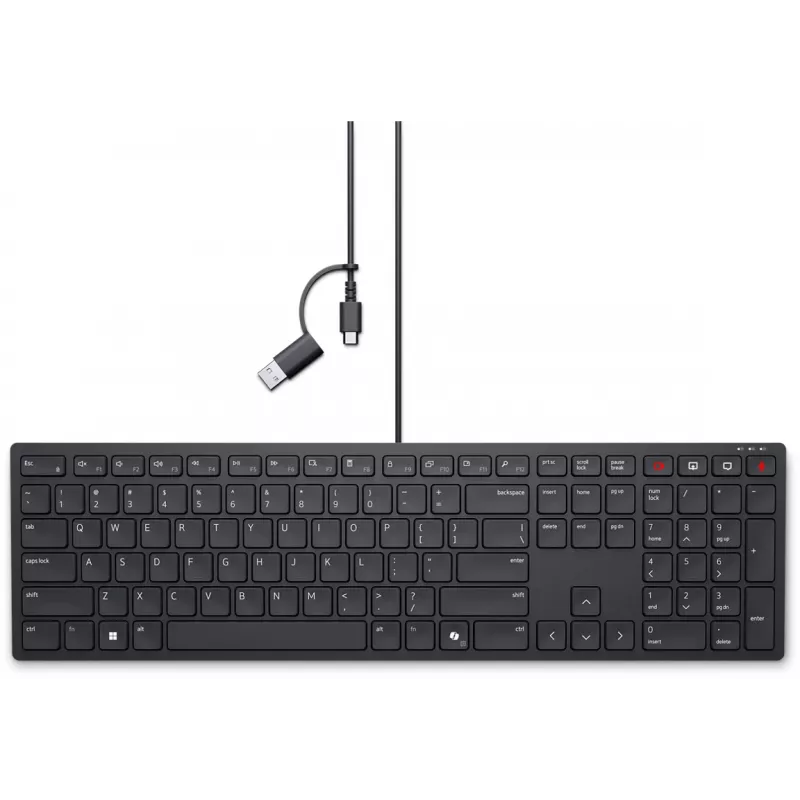
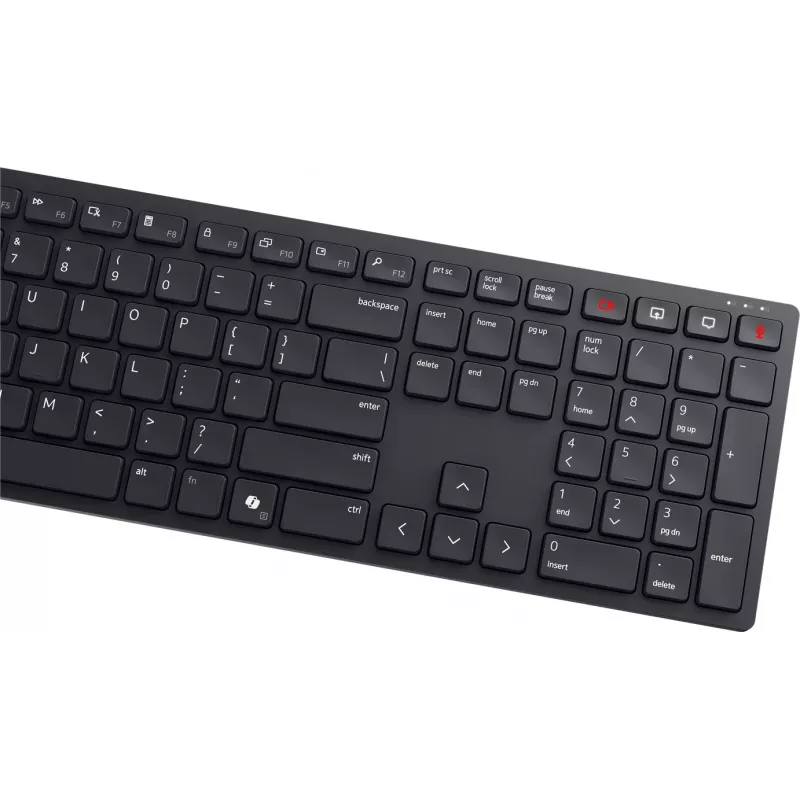
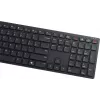
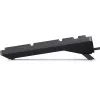
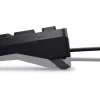
Tastiera Dell KB525C con filo lituano QWERTY USB-C nero

Tastiera Dell KB525C con filo lituano QWERTY USB-C nero
36 mesi
Tastiera Dell KB525C con filo lituano QWERTY USB-C nero
49,29 €
USB-C to USB adapter in black color provides a simple way to connect USB-A devices to computers and mobile devices with USB-C ports. It supports common operating systems including Windows 11, Windows 10, Windows 8, Windows 7, Linux, macOS and Android, and is suitable for file transfer, charging and ... Leggi di più
Stock 5 Codice 302339 Marca DELL Modello 580-BBSV Garanzia 3 anni

Spedizioni e resi

Consegna stimata Mercoledì, Ottobre 14
Ti terremo aggiornato tramite il nostro sistema di tracciamento dettagliato
Opzioni di pagamento
Carta di credito/debitoVisaMastercardPayPalApple PayGoogle PayBonifico bancario

USB-C to USB adapter in black color provides a simple way to connect USB-A devices to computers and mobile devices with USB-C ports. It supports common operating systems including Windows 11, Windows 10, Windows 8, Windows 7, Linux, macOS and Android, and is suitable for file transfer, charging and connecting peripherals.

Advantages

This compact adapter offers plug-and-play compatibility without additional drivers on supported systems. Its small form factor makes it convenient for travel and everyday use, while the black finish matches many devices and accessories. The adapter supports reversed-direction connectivity between USB-C hosts and USB-A peripherals, enabling straightforward connection of legacy USB devices.

Key specifications

  • Connector types: USB-C (male) to USB-A (female)
  • Colour: Black
  • Compatible operating systems: Windows 11, Windows 10, Windows 8, Windows 7, Linux, macOS, Android
  • Functions: Data transfer and charging

How to use

Insert the USB-C end into the USB-C port of your computer, smartphone or tablet. Plug the USB-A device into the adapter's USB-A receptacle. The connected device should be recognised automatically by the operating system; for charging, ensure the host port provides sufficient power. Remove the adapter by pulling straight from the port when finished.

Recommendations

For optimal performance, use with cables and devices in good condition and avoid forcing connectors. If a device is not recognised, try a different port or restart the host device. This adapter is designed for standard USB-A peripherals; it does not change protocol-specific features such as USB Power Delivery profiles beyond basic charging.

Punti salienti
  • Connector types: USB-C (male) to USB-A (female)
  • Colour: Black
  • Compatible operating systems: Windows 11, Windows 10, Windows 8, Windows 7, Linux, macOS, Android
  • Functions: Data transfer and charging
Specifiche
Tastierino numerico
Yes
Storico prezzi degli ultimi 6 mesi
Tastiera Dell KB525C con filo lituano QWERTY USB-C nero
Attuale
49,29 €
Minimo
35,00 €
Massimo
53,04 €
Variazione 24 h
+0,73 €   +2%
Settimana
+0,31 €   +1%
Mese
+13,92 €   +39%

Prodotti più popolari in questa categoria

Ciao, sono l'assistente AI di DistriNode. Posso aiutarti a trovare prodotti, confrontare le opzioni, creare preventivi in PDF o aprire richieste di assistenza.