
Account Contatti
Il tuo carrello
Spedizione DPD & FedEx
Serve aiuto? Chiedi all'AI

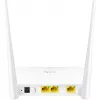
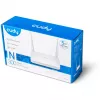
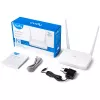
Router da tavolo Cudy WR300

Router da tavolo Cudy WR300
16,93 €
The Cudy WR300 is a tabletop single-band router operating on the 2.4 GHz band with a maximum WLAN throughput of 300 Mbps. Designed for home use, it offers two Fast Ethernet LAN ports (10/100 Mbps), LED indicators for power and activity, and support for common wireless security protocols to help prot... Leggi di più
Stock 20 Codice 1161668 Marca CUDY Modello WR300 Garanzia 2 anni

Spedizioni e resi

Consegna stimata Martedì, Ottobre 13
Ti terremo aggiornato tramite il nostro sistema di tracciamento dettagliato
Opzioni di pagamento
Carta di credito/debitoVisaMastercardPayPalApple PayGoogle PayBonifico bancario

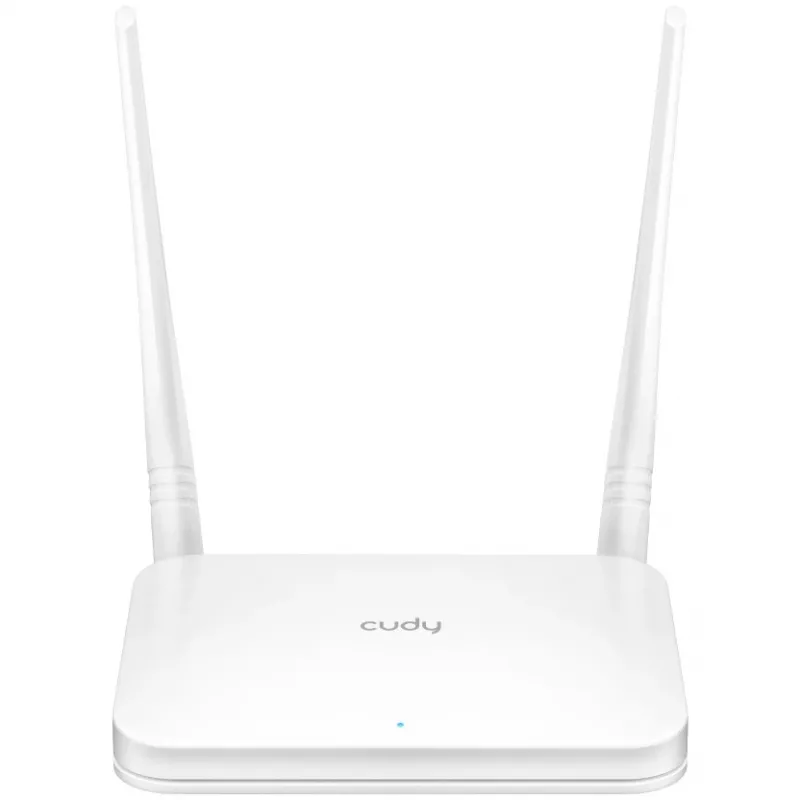
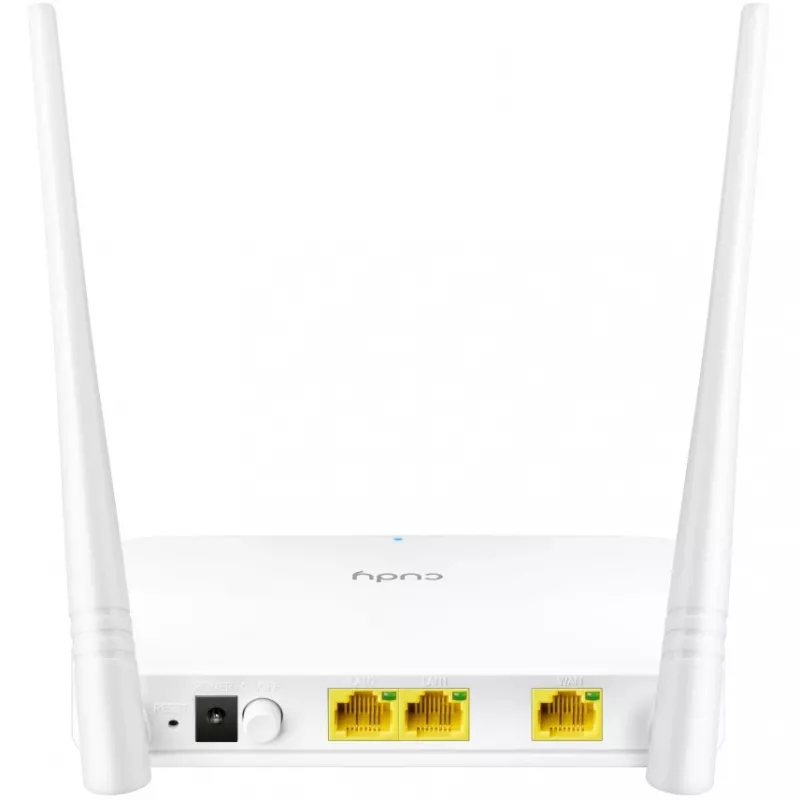
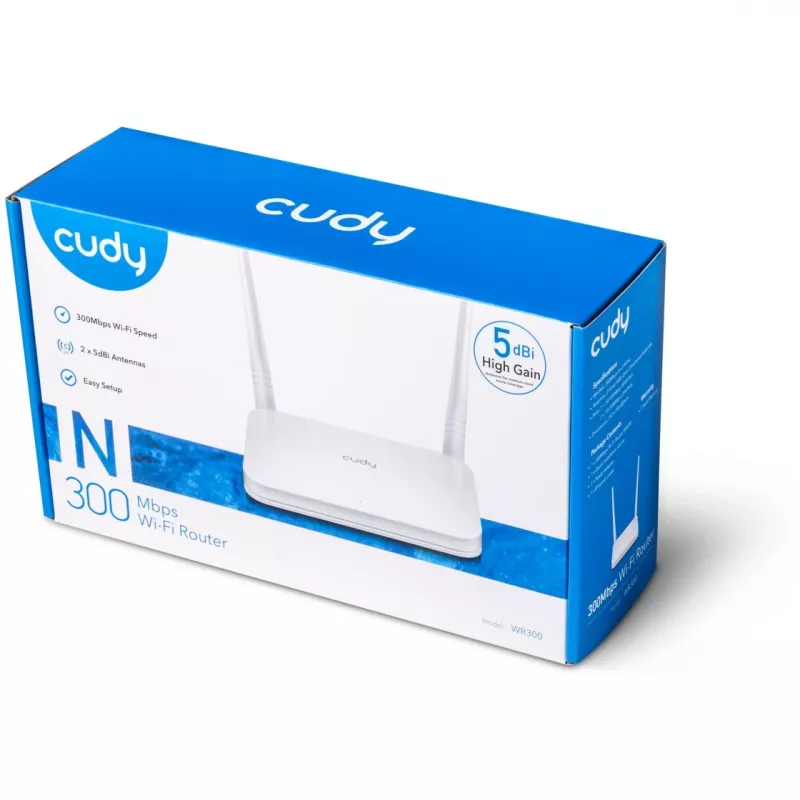
The Cudy WR300 is a tabletop single-band router operating on the 2.4 GHz band with a maximum WLAN throughput of 300 Mbps. Designed for home use, it offers two Fast Ethernet LAN ports (10/100 Mbps), LED indicators for power and activity, and support for common wireless security protocols to help protect your network.

Advantages

High-gain external antennas improve reception and sensitivity to extend wireless coverage and penetration through walls and floors, effectively increasing range. The router supports guest network isolation, firewall protection, and MAC/IP filtering to separate guests and block unauthorized devices. Simple three-step setup (connect, power, configure) enables quick installation and basic management.

Suitable for

  • Small apartments and homes requiring basic wireless internet access
  • Streaming and web browsing on multiple devices at 2.4 GHz
  • Providing a separate guest Wi‑Fi network for visitors

Key specifications

  • Wireless band: 2.4 GHz (single-band)
  • Maximum wireless data rate: 300 Mbps
  • Ethernet LAN ports: 2 × Fast Ethernet (10/100 Mbps)
  • Antennas: high-gain external antennas for extended coverage
  • Security protocols: WEP, WPA, WPA2
  • LED indicators: power and activity status
  • Colour: white

How to use

Place the Cudy WR300 on a stable, elevated surface for best coverage and connect the Internet source to the WAN/Internet port and your wired devices to the LAN ports. Power on the router, open a web browser on a connected device and follow the on-screen setup wizard to configure the wireless network name (SSID), password and security settings. Adjust antenna orientation for optimal signal and, if needed, enable guest network or apply MAC/IP filters and firewall rules via the router interface.

Recommendations

For improved wireless performance, position the router centrally in the home away from large metal objects and other sources of interference. Use WPA2 security with a strong password and keep firmware updated to maintain network security and stability.
Punti salienti
  • Small apartments and homes requiring basic wireless internet access
  • Streaming and web browsing on multiple devices at 2.4 GHz
  • Providing a separate guest Wi‑Fi network for visitors
  • Wireless band: 2.4 GHz (single-band)
  • Maximum wireless data rate: 300 Mbps
  • Ethernet LAN ports: 2 × Fast Ethernet (10/100 Mbps)
  • Antennas: high-gain external antennas for extended coverage
  • Security protocols: WEP, WPA, WPA2
  • LED indicators: power and activity status
  • Colour: white
Specifiche
3G
No
4G
No
5G
No
Accesso guest
Yes
Accesso programmato
Yes
Algoritmi di sicurezza
WEP, WPA2, WPA, WPA-PSK, WPA2-PSK
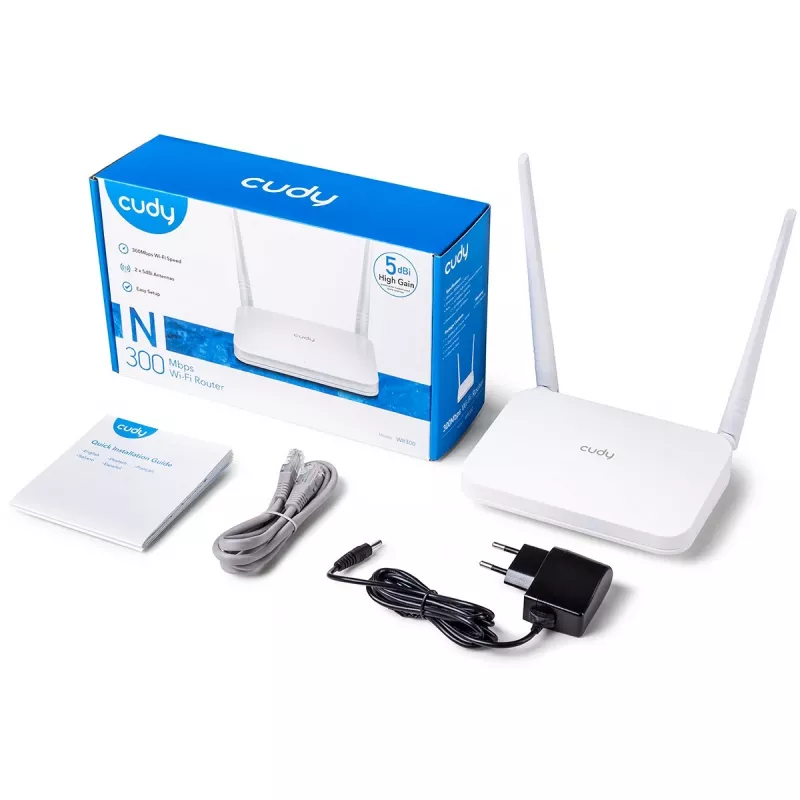
Alimentatore incluso
Yes
Altezza
64 mm
Banda Wi-Fi
Single-band (2.4 GHz)
Cavi inclusi
LAN (RJ-45)
Client DHCP
Yes
Colore del prodotto
White
Compatibilità con modem USB 3G/4G
No
Controllo della larghezza di banda
Yes
Controllo parentale
Yes
Corrente di uscita
1 A
Design dell'antenna
External
Ethernet LAN
Yes
Filtraggio indirizzi MAC
Yes
Filtro indirizzi IP
Yes
Firewall
Yes
Gestione remota
Yes
Gestione via web
Yes
Guadagno dell'antenna (max.)
5 dBi
Guida di installazione rapida
Yes
Indicatori LED
Activity, Power
Interruttore on/off
Yes
Jack DC-in
Yes
Larghezza
259 mm
Montabile a parete
Yes
Numero di antenne
2
Numero di prodotti inclusi
1 pc(s)
Numero di reti guest (2,4 GHz)
1
Numero di reti guest (5 GHz)
1
Port forwarding
Yes
Port triggering
Yes
Porta USB
No
Porte Ethernet LAN (RJ-45)
2
Prevenzione degli attacchi DoS
Yes
Profondità
169 mm
Protocolli supportati
IPv4, IPv6
Pulsante di reset
Yes
Sensibilità del ricevitore
5GHz 11a 6Mbps : -96dBm, 11a 54Mbps: -79dBm 11ac HT20: -71dBm, 11ac HT40: -66dBm, 11ac HT80: -63dBm, 11n HT20: -72dBm, 11n HT40: -71dBm;2.4GHz 11g 54M: -77dBm 11n HT20: -74dBm, 11n HT40: -72dBm
Server DHCP
Yes
Sicurezza firewall
DoS, SPI Firewall;IP Address Filter/MAC Address Filter/Domain Filter;IP and MAC Address Binding
Slot per scheda SIM
No
Standard Wi-Fi
802.11g, Wi-Fi 4 (802.11n), 802.11b
Standard Wi-Fi massimo supportato
Wi-Fi 4 (802.11n)
Stateful Packet Inspection (SPI)
Yes
Supporto DMZ
Yes
Supporto Quality of Service (QoS)
Yes
Temperatura di esercizio (T-T)
0 - 40
Temperatura di stoccaggio (T-T)
-40 - 70
Tensione di uscita
5
Tipo di connessione WAN
RJ-45
Tipo di fonte di alimentazione
DC
Tipo di imballaggio
Box
Tipo di interfaccia LAN Ethernet
Fast Ethernet
Tipo di prodotto
Tabletop router
Tipo di WAN supportato
Dynamic IP/Static IP/PPPoE
Umidità relativa di esercizio (H-H)
10 - 90
Umidità relativa di stoccaggio (H-H)
5 - 95
Universal Plug and Play (UPnP)
Yes
Velocità di trasferimento dati WLAN (max.)
300 Mbit/s
Velocità di trasferimento Ethernet LAN
100, 10
VPN Passthrough
Yes
WAN DSL
No
WAN Ethernet
Yes
Wi-Fi Multimedia (WMM)/(WME)
Yes

Brochure

Apri documento

Documento

Apri documento
Storico prezzi degli ultimi 6 mesi
Router da tavolo Cudy WR300
Attuale
16,93 €
Minimo
15,98 €
Massimo
20,49 €
Variazione 24 h
+0,55 €   +3%
Settimana
+0,95 €   +6%
Mese
+0,59 €   +4%

Prodotti più popolari in questa categoria

Ciao, sono l'assistente AI di DistriNode. Posso aiutarti a trovare prodotti, confrontare le opzioni, creare preventivi in PDF o aprire richieste di assistenza.